How to Build a Competitive Ad Monitoring Workflow for Your Team
17 min read
Loading...

A good competitive ad monitoring workflow comes down to three things: a short, deliberate list of competitors, a named owner for each one, and a fixed 30-minute weekly review that ends in a short summary the whole team actually reads. That's the core loop. The rest of this guide covers the details that keep it running: how to log, share, measure and cover for holidays.
Automation is the other half. Collecting ads is the slowest, dullest part of the job, so hand it to a tool where you can. I'll use Rival Ads as the worked example because it's built for this. It aims to collect competitors' active ads each week and show what's new and what's stopped. Your team's time then goes into interpreting and acting rather than trawling ad libraries. (Features and pricing change, so check the current details on the vendor's site before you commit.) Below is the role-based playbook I'd use to set this up for a small UK team this week.
You probably know the story. Someone bookmarks the Meta Ad Library, checks it with great enthusiasm for a fortnight, shares a couple of screenshots in Slack, and then a busy campaign week arrives and the whole thing quietly dies. Nobody decided to stop. It just never became part of how the team works.
When I look at why this happens, it's nearly always the same four problems:
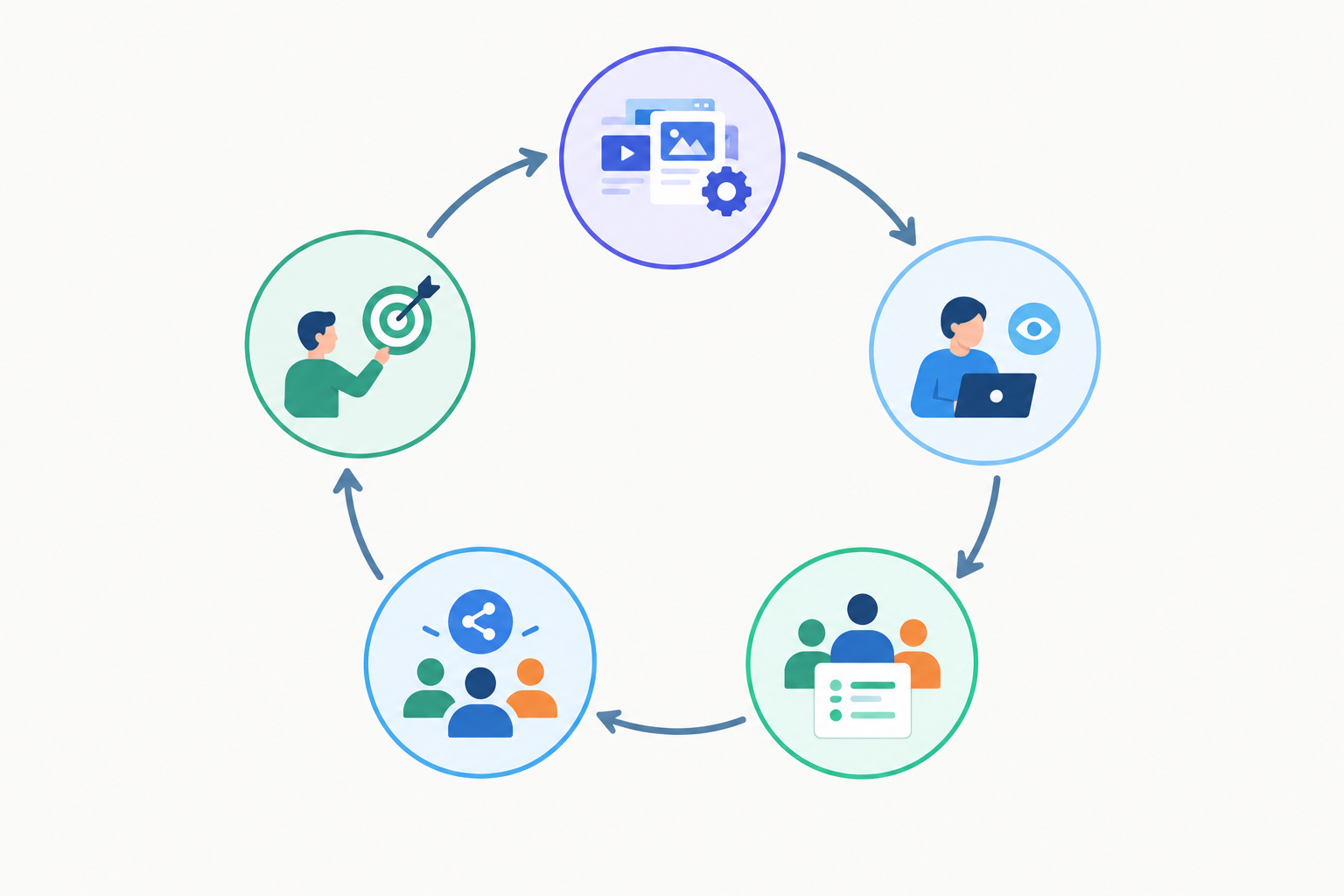
A workflow fixes this by turning a good intention into a repeatable loop: collect, review, log, share, act. Each stage has an owner and a slot in the calendar.
Collecting is the easiest stage to automate. Ad intelligence platforms such as Rival Ads let you enter a competitor's website, then work out where they advertise and pull their active ads on a weekly schedule. Whichever tool you choose, check which platforms it covers and how it handles each one. The team then does the thinking, which is the part humans are actually good at.
The most common mistake is trying to watch everyone. A deliberate shortlist beats a sprawling one every time. Here's how I'd build it:
I'd cap it at roughly five to eight per person. Beyond that, people start skimming, and skimmed reviews produce shallow insights. If you need wider coverage, spread competitors across several owners.
This is where automation earns its keep. With a tool like Rival Ads you don't need access to anyone's ad accounts, because competitor ads are public. You enter a competitor's website URL and the platform works out where they're advertising. Adding a new competitor then takes minutes rather than an afternoon of hunting through ad libraries. Do a quick check after adding each one, though, to make sure the right brand and pages were picked up.
This is the question teams ask me most, and my answer is a single accountable lead, not a committee. It's often a paid media manager or a marketing strategist, someone who already cares about what the market is doing and can turn observations into test ideas. A review that belongs to everyone tends to belong to no one.
Then give each competitor one named owner. That person notices changes in that competitor's ads and brings the interesting ones to the weekly session. It's a small thing, but it creates accountability: if a rival launches a new offer, someone was specifically meant to spot it.
The 30-minute review is the shared meeting. The lead does a little extra work around it, which is why their time is higher in the table below.
| Role | Responsibilities | Weekly time |
|---|---|---|
| Review Lead | Runs the session, owns the summary, keeps the competitor list tidy | 45-60 mins (the 30-minute meeting plus 15-30 mins of prep and write-up) |
| Competitor Owners | Know their 5-8 competitors well, flag meaningful changes, suggest responses | 30 mins (the meeting itself, plus a few minutes of pre-reading if they like) |
| Creative Stakeholder | Reads the summary, picks out hooks, formats and visual trends worth exploring | 10 mins |
| Paid Media Stakeholder | Reads the summary, considers offer, channel and budget implications, and sanity-checks test ideas | 10 mins |
| Leadership Sponsor | Backs the process, skims the summary, signs off on pilots and quarterly changes | 5 mins |
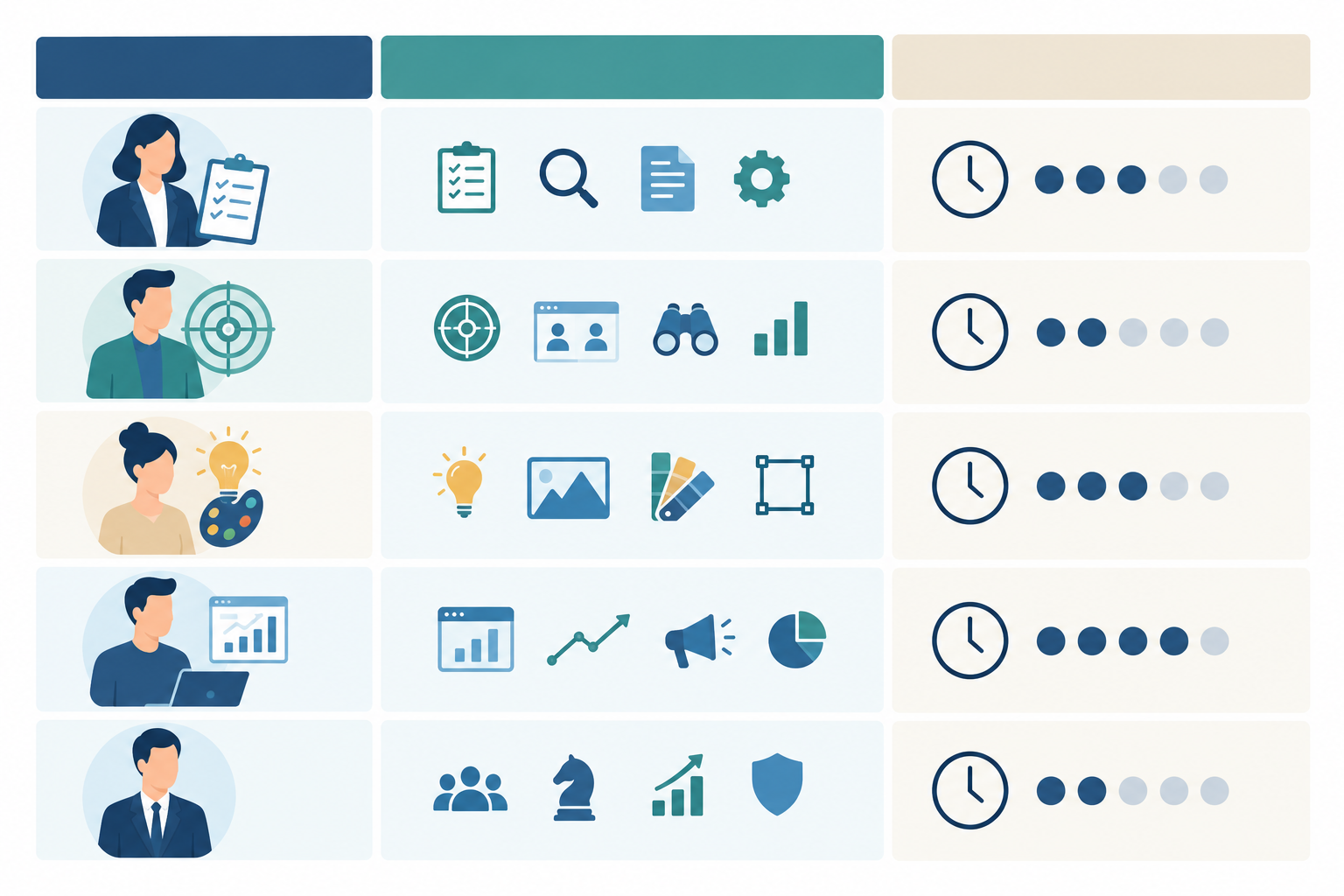
In a small team, one person will often wear several hats, and that's fine. What matters is that each hat has a name on it. If your tool supports team roles and competitor assignment, mirror the structure there so the setup on paper matches the one in the dashboard.
If you're running this across several clients, split ownership by client account first and competitor second. Each client gets a lead and a tight competitor set. Some platforms, Rival Ads among them, advertise whitelabel options for presenting reports under your own brand. If that matters to you, confirm exactly what's included on your plan. Done well, competitive monitoring becomes a visible service rather than invisible background research.
This is a very UK team reality: annual leave, bank holidays, school holidays and the odd long weekend. A Monday bank holiday, for instance, knocks out a Monday review slot. Name a backup for the Review Lead and for each competitor owner. If the lead is off, the backup runs a shortened 15-minute version. One skipped week is fine. Three skipped weeks is how workflows die.
Pick a fixed slot and protect it. Monday morning works well if your digest lands over the weekend, because you're reviewing fresh data and feeding the week's planning. Put it in everyone's calendar as a recurring event, not a 'when we can' intention.
Here's how I'd split the half hour:
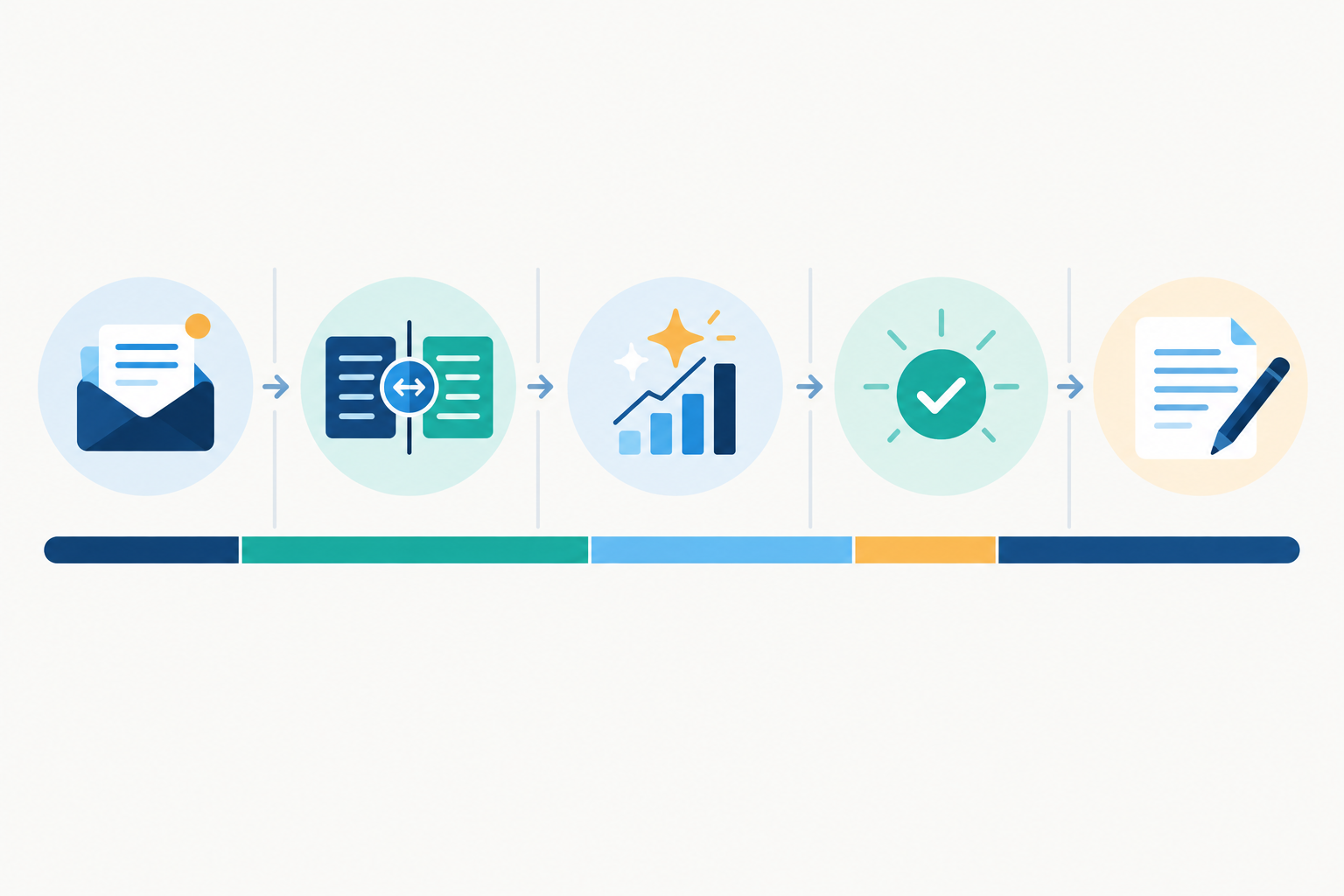
Here's an illustrative example of how a single observation travels through the loop. The details are invented, but the pattern is real.
Notice that the competitor's ad only supplied the hypothesis. Your own test supplied the evidence.
When a competitor's ad stays live week after week, it's worth a closer look. Longevity can hint that the creative is earning its place, especially if similar variations start to multiply. But it isn't proof. Ads can run for a long time because nobody has switched them off, because they're cheap to leave running, or because they support a brand goal rather than direct response. Ad library data has limits too, since what's visible depends on each platform's transparency tools and how they archive ads.
The bigger caution is that ad libraries show you what's running, not how well it performs. For most commercial ads they don't reveal spend, targeting, conversions or return on ad spend. So when I say an ad is 'persisting' or 'multiplying', I mean we can see it staying live or spawning variations. I'm not claiming anyone is putting more budget behind it. Treat every observation as a hypothesis to test.
New ads get the attention, but stopped ads tell you what a competitor tried and moved on from. A launch that disappears after two weeks may point to a test that didn't work out, though it could just as easily be a planned promotion that ended. Either way, it's useful context you got for free. A tool that shows what's been stopped alongside what's new means you don't have to remember what was live last Tuesday.
If you log everything, nobody will read the log. Be picky.
Worth logging:
Safe to skip:
One UK-specific habit: note the calendar context. Black Friday, January sales and bank holiday promotions can make a rival's offer look like a strategy shift when it's really just the season.
Keep each entry to five fields: competitor, platform, what changed, why it might matter, and suggested response. Add the date as well, so later reviews are comparable. Then tag every entry by theme (offer, creative style, audience or channel). After a couple of months, those tags let patterns emerge that no single week would show, like a rival that steadily moves from discount messaging to proof-led creative.
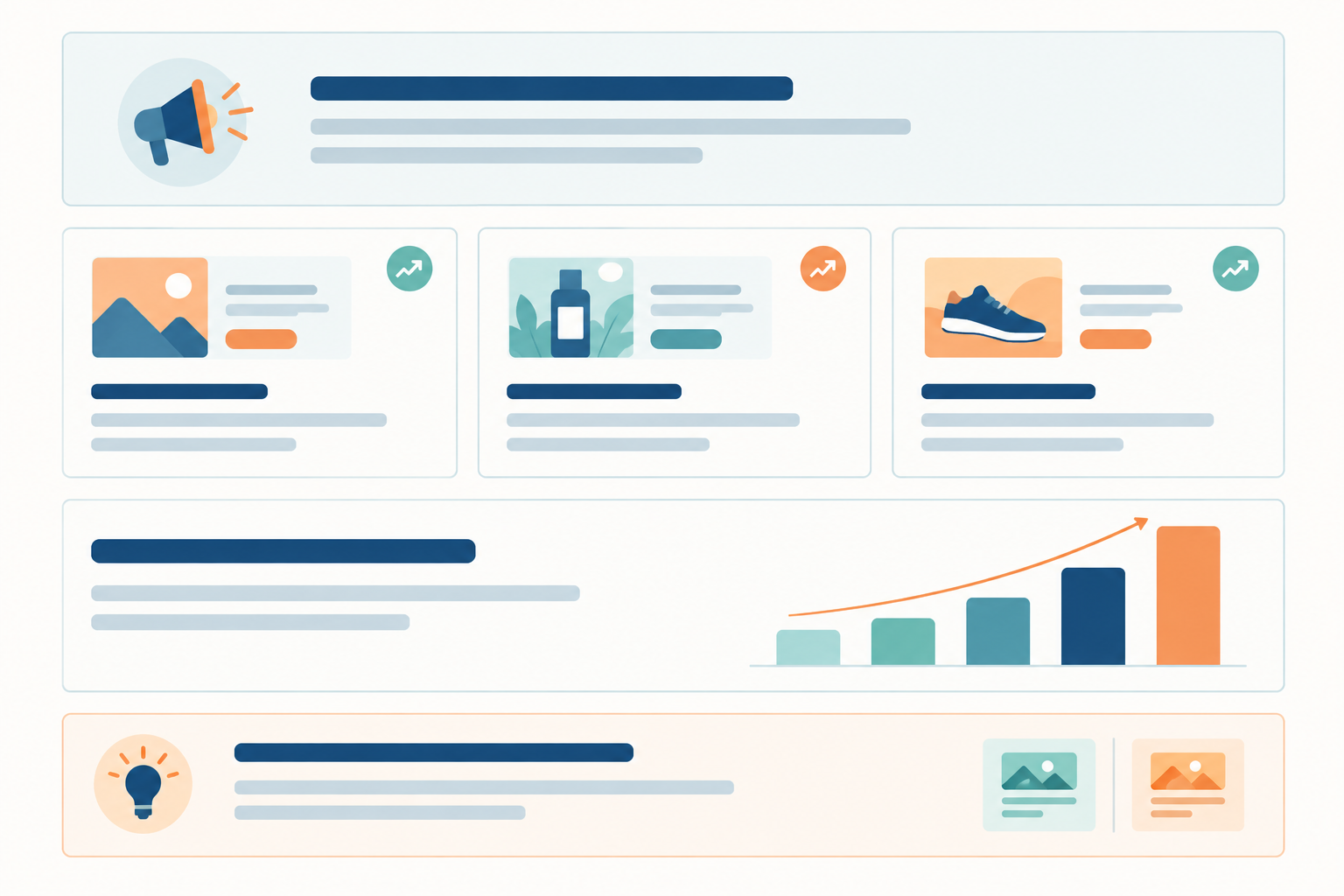
Keep it to one screen. I use a five-part structure:
The same findings need different packaging for different readers. Creative teams want visuals, hooks and formats. Paid teams care about offers, signs of channel moves and what to test. You don't need two documents, just a summary that clearly flags which points are relevant to whom.
Whenever you can, show rather than describe. A screenshot of a competitor's carousel says more in two seconds than a paragraph on its structure. If your tool archives the actual creatives, copy and links, pulling visuals into your summary becomes a copy-and-paste job.
A few habits make sharing stick:
One warning: don't use competitor ads to copy. If you imitate, you'll always be a step behind and you'll blur your own brand. There's a compliance angle too. A rival's ad being live doesn't mean it meets the CAP Code, which the ASA enforces in the UK, so check any claim you're inspired by before reusing the idea. Use ad intelligence to find the gaps instead, like the angle nobody is taking or the audience nobody is addressing.
If you want to keep the workflow going, you'll eventually need to show it's worth the time. Build the case around the decisions it improves, not the volume of ads you collected.
Leading indicators (are we doing the thing?):
Outcome indicators (is it helping?):
Be honest about attribution. A competitor's ad is a hypothesis, not proof, and a before-and-after comparison can easily mislead. Where you can, record which observation prompted a change and compare the resulting test with a proper control or holdout. That keeps you from presenting correlation as incremental impact, and leadership will trust the numbers more for it.
Keep the ask small and bounded. You don't need an industry statistic to make the case. Your own pilot will generate better evidence than any survey, because it's about your market and your decisions.
Here's the pitch I'd make:
Finally, review the workflow quarterly. Prune competitors that have gone quiet, refine your templates and adjust owners as the team changes.
You don't need a grand launch. You need a first review on the calendar. Here's the order I'd work in:
The first review sets your baseline. It won't feel dramatic, and that's fine. The real value tends to show up after a few weeks, when week-over-week patterns start to emerge and you can see which angles are sticking, which have been dropped and where your rivals might be heading next.
No. Competitor ads are publicly visible through platform ad libraries. Tools like Rival Ads work from a competitor's website rather than any account access, though you should confirm which platforms and ad types your chosen tool covers.
The Meta Ad Library shows current ads on Meta's platforms, but it doesn't give you a ready-made view of what changed since last week, and it doesn't cover Google, TikTok or LinkedIn. A workflow adds week-over-week comparison, a record of what's been stopped and one place to review everything.
Yes. Put all the hats on one person, keep the list to five or so competitors, and run the review in 30 minutes with a summary shared to whoever makes the decisions. The ownership and cover steps matter less here, but the fixed slot matters just as much.
Expect a useful baseline after the first review and clearer patterns after about a month. Whether it pays off in performance depends on the tests you run, so judge it on the pilot's agreed success criteria rather than on ad volume.
If you do one thing today, book the first 30-minute review and agree what the summary should contain.
