From Idea to Published: Streamlining Your Content Workflow (Without Hiring a Team)

From Idea to Published: How to Streamline Your Content Workflow Without Hiring a Team
If you're running your business solo, you already know the content treadmill never stops. You need blog posts to rank in search results, build trust and keep your website from looking abandoned. But you also need to do the work you get paid for. Something has to give, and usually it's content, pushed to the bottom of the list week after week.
From Idea to Published: Streamlining Your Content Workflow is about finding a realistic way out of that trap: identify where you're actually losing time, then hand off the mechanical steps (drafting, formatting and publishing) to AI-assisted tools built for the job, while you keep the judgement calls. For a straightforward, low-research post, once you already know your topic and have your evidence ready, that typically means 30 to 45 minutes of your own hands-on time.
That figure excludes deep research, sourcing, approving anything beyond auto-generated images, legal review and promotion. Those tasks still take as long as they take. Research-heavy, technical or highly specialist posts will take longer regardless of what tools you use, because verifying facts and adding real expertise isn't something you should rush.
I want to walk you through exactly how that 30-to-45-minute estimate holds up in practice, because "just use AI" isn't an efficient blog workflow. It's a starting point. Let's build the whole process properly, including the parts that still need your judgement, and I'll flag where the numbers are estimates rather than guarantees.
How to map your current content workflow and find bottlenecks
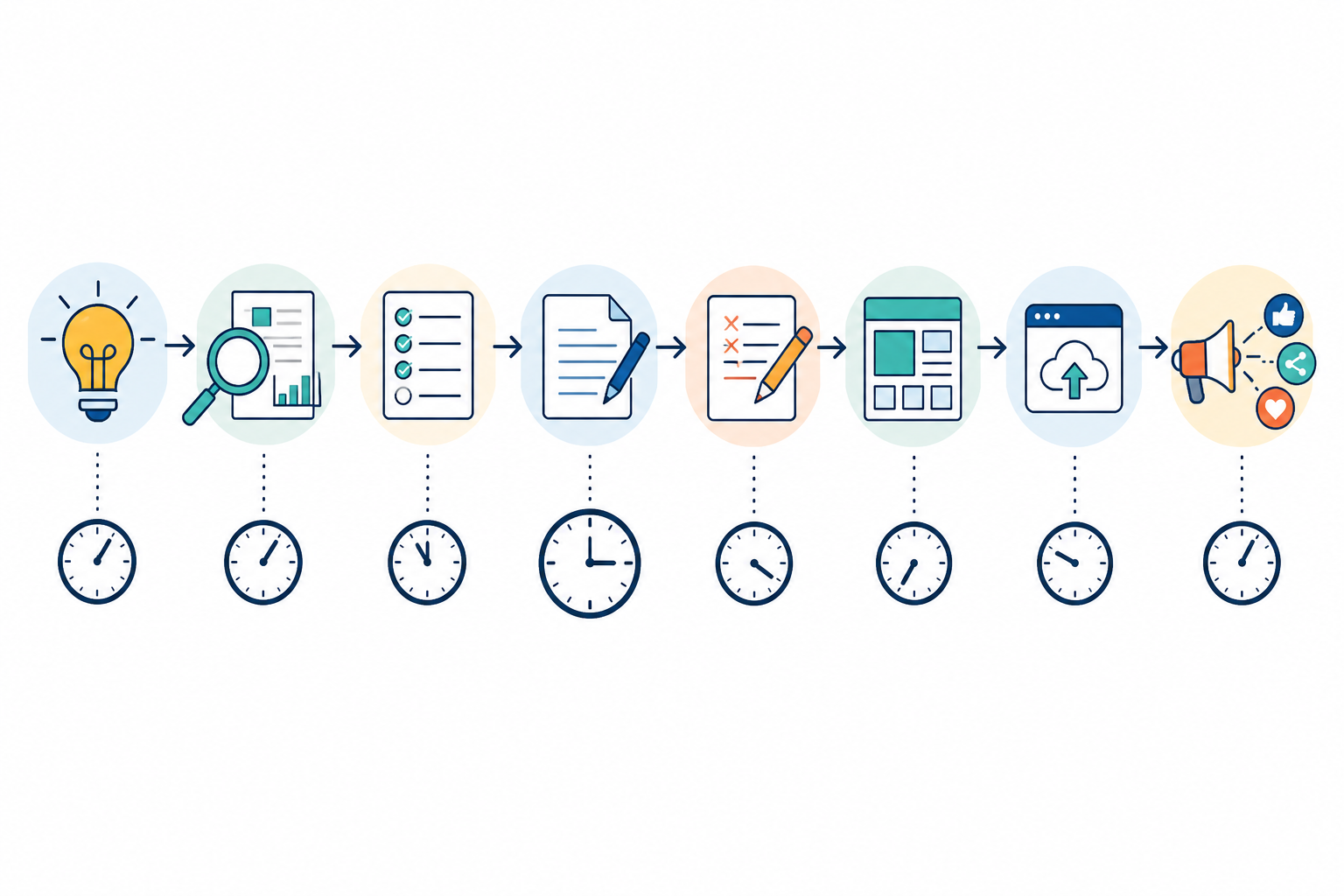
Before you fix anything, it helps to see where the time actually goes. Most solo content creators follow roughly the same content creation process, whether they've written it down or not:
- Idea: what am I writing about?
- Research: what does the reader need to know, and can I verify it?
- Outline: how do I structure this?
- Draft: the actual writing
- Edit: making it readable and accurate
- Format: headers, images, links and metadata
- Publish: uploading and setting it live
- Promote: sharing it somewhere
Here's a hypothesis worth testing rather than a rule: the idea stage usually isn't the problem. Most solopreneurs have a running list of things they could write about. The time sink tends to sit somewhere between drafting and publishing, based on common self-reported timings, though this genuinely varies by person and by niche. Don't assume it applies to you until you've checked.
Try this for one week: track how long each stage takes, even roughly, using a table like the one below.
| Stage | Minutes spent | How often this week |
|---|---|---|
| Idea | ||
| Research | ||
| Outline | ||
| Draft | ||
| Edit | ||
| Format | ||
| Publish | ||
| Promote |
Most people are surprised by what they find. Sometimes it's formatting and publishing; sometimes it's the endless second-guessing during editing. Whatever the audit shows you, that's the bottleneck worth solving first, not the one you assumed going in.
Where automation fits in an efficient blog workflow
Not every part of content creation deserves your personal attention. Some of it is genuinely mechanical: structuring a post so it flows logically, applying basic on-page SEO such as headers and keyword placement, generating a first draft and producing images to break up the text. AI content generation tools are built to handle this kind of scaffolding quickly, though how well they do it varies considerably between products. Test tools on your own content before trusting the output.
What to automate and what to keep human
Here's a simple way to split the work:
| Task | Automate | Keep human | Why |
|---|---|---|---|
| Structuring a post and headers | Yes | Mechanical, low risk | |
| First-draft generation | Yes | Speeds up the blank-page problem | |
| Basic on-page SEO placement | Yes | Pattern-based, low judgement needed | |
| Image generation | Yes | Time-consuming to do manually | |
| Fact-checking statistics and claims | Yes | AI can sound confident and still be wrong | |
| First-hand expertise and client stories | Yes | Only you have this | |
| SEO and search-intent strategy | Yes | Needs real knowledge of your audience | |
| Brand voice and tone | Yes | Needs a human ear | |
| Regulated advice—financial, medical or legal | Yes | Compliance and liability risk | |
| Final review before publishing | Yes | Non-negotiable |
A quick UK-specific note: if you're uploading client details, case studies or anything identifiable into an AI tool, check what the tool does with that data under UK GDPR before you paste anything in. If your post makes promotional or health-related claims, remember the ASA/CAP rules still apply to blog content, not just adverts. A human compliance check matters more than a spell-check.
Some tools describe themselves as "self-improving," meaning they claim to adjust future outputs based on quality scores or performance data from what you've published before. That's a reasonable idea in principle, but it's a claim I'd want to see proven before trusting it. Watch it work on your own content for a few weeks first. Ask any vendor exactly how the scoring works, what data it's trained on and which current plan includes it. Feature lists on pricing pages don't always match what ships, and "the system learns" isn't a substitute for checking the output yourself.
What this means practically: your strategy (which topics serve your business goals), your lived expertise and a genuine final review before publishing stay with you. The scaffolding around that can be automated. The judgement calls can't, at least not safely.
From Idea to Published: Streamlining Your Content Workflow
Let's get concrete with a worked example rather than just a description. Say you're a freelance designer and your rough idea is: "how to price retainer clients."
Step 1: turn the idea into a short content brief
Don't just type a topic into a tool and hope. Use a template like this one; it takes about two minutes to fill in:
- Audience: who exactly is reading this, such as UK-based freelance designers and sole traders
- Search intent: what they want to walk away with, a pricing framework, not a lecture
- Unique evidence: your own pricing tiers and a real client story you'll add yourself
- Claims to verify: anything with a number or a statistic that you'll need to source
- Internal links: two or three related posts or pages to link to
- Call to action: what you want the reader to do next, such as download a rate card or book a call
Step 2: generate a draft with a specific prompt
Don't use a vague prompt. Try something like:
Write a structured outline and first draft, around 1,200 to 1,500 words, on how freelance designers should price retainer clients. Audience: UK-based freelance designers and sole traders. Include an introduction and four or five H2 sections covering common pricing models, red flags in retainer agreements and how to raise rates over time. Leave a placeholder marked [ADD EXAMPLE] where I'll insert my own client story. Don't invent statistics or cite data you can't source.
This step replaces most of the blank-page slog, but the output still needs real work, not just a quick skim.
Step 3: review the draft with a checklist
Use a review checklist rather than relying on a general vibe check:
- Is every factual claim or statistic something you can verify or source?
- Does it include something only you could say, such as an opinion, client story or specific number from your own business?
- Does it match how you'd actually talk to a client?
- Are headers, internal links and a meta description in place?
- Is there at least one point that shows first-hand experience, not just general advice?
Step 4: add your expertise and make the edits
This is where the real difference shows up. A generic AI draft might say: "Retainer pricing gives freelancers predictable income and helps clients budget effectively." True, but forgettable.
Edited with your own experience, it might become: "When I moved my design retainers to a fixed monthly fee, one client actually thanked me. It meant they could budget the whole quarter without emailing to ask 'what's this going to cost me this time?' That's the real sell: predictability, not just for you, but for them too."
The underlying point is the same, but now it sounds like a person who's actually done it. For a post like this, that kind of editing pass usually takes 15 to 25 minutes, not five.
Step 5: publish through your CMS
Publish ideally through a direct CMS integration (WordPress, Shopify, Wix or Webflow, where the tool actually supports it) so you're not manually re-uploading images or fixing formatting afterwards. Check that this works before you rely on it; integrations don't always cover every plan or CMS version.
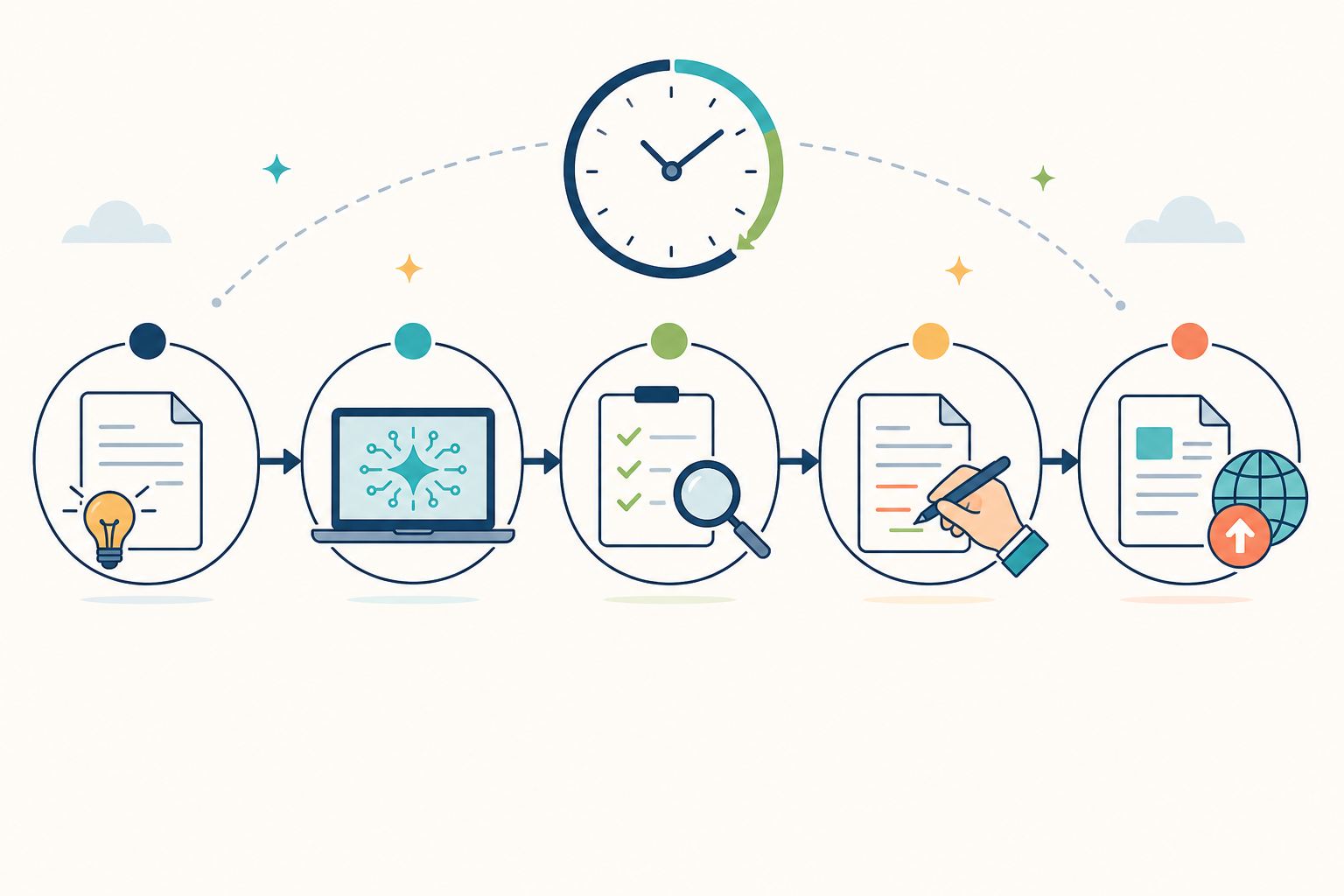
Add it up and the realistic total for a straightforward post like this is around 30 to 45 minutes of your own time, including a proper review. That's still a fraction of the four to six hours a fully manual process commonly takes, a rough estimate based on typical solo workflows, not a universal number.
This estimate assumes the topic and evidence were already decided before you started the clock. It's not a promise for every type of blog post.
Content creation tools that actually save you time
Here's a trap a lot of solopreneurs fall into: they hear "use AI to speed up content" and end up bolting together five separate tools, a writing assistant for drafts, a separate SEO plugin, a different app for images, then manual copy-and-pasting into their CMS to publish.
Each piece might be faster on its own, but juggling five logins and five sets of quirks often costs more time than it saves, especially when something breaks or doesn't sync.
An all-in-one platform, where drafting, basic SEO, images and publishing sit in one place, can reduce that friction, at least in theory. Scribe is one example of this kind of tool, and there are others worth comparing. I haven't independently verified every capability claim these platforms make, so treat vendor marketing pages as a starting point, not a guarantee.
Here's roughly how the two approaches compare, with the trade-offs included rather than hidden:
| Multiple Separate Tools | All-in-One Platform | |
|---|---|---|
| Drafting | Separate writing tool or manual writing | Built-in AI content generation |
| SEO | Separate plugin or checklist | Basic SEO structure included |
| Images | Separate image generator | Often generated alongside the draft |
| Publishing | Manual copy-and-paste into CMS | Direct integration, where supported |
| Quality control | Your own judgement, no data | Quality scoring plus your own review |
| Flexibility | Swap any tool at any time | Some vendor lock-in; check export options |
| Cost | Pay per tool; costs can add up | Usually one subscription, but check what's behind a paywall |
| Illustrative time per post | 4–6 hours | 30–45 minutes for straightforward posts |
The all-in-one route isn't automatically the right call. It trades one set of problems (juggling tools) for another (depending on one vendor). Before choosing any tool, whether that's Scribe or an alternative, check a few things that marketing pages don't always spell out:
- What happens to your data and drafts? Does the tool retain them, and does it train on your content?
- What's the real pricing once you're past a free tier, and does it scale with how much you publish? If you're a UK sole trader, factor in VAT on subscription costs when comparing a bundle with cheaper individual tools.
- Can you export your content freely, or are you locked into the platform if you switch later?
- Are image and diagram outputs properly licensed for commercial use? This matters if you're publishing for client work, not just your own site.
- Does it integrate with the CMS you already use, or will you still be copy-and-pasting?
The goal isn't to collect tools, and it isn't to hand over full control either. It's to reduce friction while keeping enough oversight that you're comfortable putting your name on what gets published.
A sample weekly content workflow for solopreneurs
Theory is fine, but let's put this into an actual week. How well this schedule fits depends on your topics: highly templated, low-research posts move faster than anything requiring interviews, data pulls or specialist review.
Tier 1: one post a week
This schedule suits most solo businesses, including those producing moderately research-heavy content:
- Monday (20 minutes): Review analytics from last week's posts. What got clicks, what got read to the end and what got shared? Note three to five topic ideas based on what's resonating.
- Tuesday (30–45 minutes): Write the brief, generate the draft and do a first-pass read-through.
- Wednesday (45–60 minutes): Fact-check claims, add your own story or evidence and run the review checklist.
- Thursday (20 minutes): Add metadata, internal links and alt text, then schedule the post.
- Friday (20–30 minutes): Share it on the one or two channels where your audience actually is, then check performance on anything already live.
That's roughly two to three hours a week for one properly reviewed and promoted post, compared with six to nine hours for the same post done fully by hand.
Tier 2: two to three posts a week
This option only works for low-research, highly templated content, such as recurring FAQ-style or list posts.
Double up Tuesday and Wednesday for the extra posts, and expect three to four hours total for two to three posts, compared with ten to eighteen hours manually. This tier isn't realistic if your content needs original research, interviews or specialist review each time, so don't force it.
Both tiers are illustrative estimates based on the workflow above, not guarantees. Your actual numbers will depend on your niche, writing speed and how thorough your review needs to be.

Frequently asked questions about content workflows
Can I use AI content tools with confidential client information?
Be careful here. If you're uploading client names, financial details or anything identifiable into an AI writing tool, check the tool's data policy under UK GDPR first, specifically whether it stores or trains on what you submit. When in doubt, anonymise the details or leave a placeholder and add the real specifics yourself after the draft comes back.
How can I speed up content creation without losing quality?
Automate repetitive tasks such as outlining, first-draft generation, basic formatting and image creation. Keep research, fact-checking, search-intent strategy, brand voice and final approval under human control. This speeds up content creation without treating AI output as ready to publish.
How do I fact-check an AI draft efficiently?
Focus your fact-checking on anything with a number, date, named source or specific claim about a law, regulation or statistic. General advice and structural content need less scrutiny than a claim like "73% of freelancers do X," which you should be able to trace to an actual source before it goes live. If you can't verify it, cut it or rewrite it as your own opinion instead.
What should I do if the CMS integration fails?
Keep a copy of every brief and draft outside the tool, even a plain text file, until you trust the integration. Test the publishing flow on a low-stakes post first, and check whether the tool auto-saves drafts before you rely on it for anything time-sensitive.
Is AI-generated content good enough to publish without heavy editing?
Not reliably, no. AI drafts have improved, and tools with quality scoring can help flag weak output before it goes live, though how accurate that scoring is varies by tool. Test it rather than assuming it's reliable.
AI-generated text can still contain factual errors, generic claims that don't reflect real experience and gaps around originality. A proper edit isn't optional; it's the step that turns a generic draft into something worth putting your name on.
Where to start with your content workflow
Streamlining your content workflow isn't about doing less work that matters. It's about cutting the mechanical steps that never needed your personal attention in the first place, while being honest about the steps that still do.
If you want a practical next step rather than another tool to research, spend one week tracking your current process using the audit table above. Pick the single biggest bottleneck you find, and automate just that one step for your next post.
Then measure it properly: record your baseline time before, your edited time after, how many factual corrections you had to make and whether the post published cleanly. Give it 30 days and check how the post actually performed before deciding whether the tool earned its place in your workflow.
That's a smaller, more honest starting point than chasing a five-minute promise, and it's one you can actually build on.
Create content like this automatically
Scribe uses AI to generate high-quality blog posts that engage your audience and drive traffic.