From Sign-Up to Live Chat: Your First 24 Hours With Sonny
Support Software Onboarding in 24 Hours: A Practical Setup Checklist for Startups
Meta description: Get through support software onboarding in 24 hours with Sonny: set up your inbox, live chat widget, email, team access and first replies.
You can go from sign-up to answering real customer conversations in a single day with Sonny, no onboarding call required. This hour-by-hour support software onboarding guide walks you through account creation, embedding your live chat widget, setting up email forwarding, inviting your team and reviewing your first conversations, all within 24 hours.
If you've ever put off buying customer support software because you dreaded the setup, I get it. I've sat through those "onboarding journeys" that turn into six-week projects with a dedicated implementation manager, three training sessions and a spreadsheet of "next steps." That's exhausting when you're a five-person startup trying to ship product and answer customers at the same time.
This guide is different. It's a realistic walkthrough of what actually happens when you sign up for Sonny, not a rushed sales pitch, and not an idealised "it'll take five minutes!" claim that ignores the real work of customising things for your team. Some steps genuinely take five minutes. Others deserve a little more thought. By the end of the day, though, you'll have a working shared inbox handling live chat and email, with your team already inside it.
Why Sonny support software onboarding takes one day
Founders don't have time for week-long onboarding schedules. When you're juggling product decisions, hiring and actual customers, blocking out a "kick-off call" just to start using a help desk feels backwards. Support software onboarding shouldn't require a project manager on either side of the relationship. It should just work.
That's the thinking behind how Sonny is built. Our flat-rate pricing ($19.99/month for unlimited agents and unlimited conversations) and our 7-day free trial with no credit card required both come from the same idea: get started now, decide later. You shouldn't need to talk to a salesperson to try software, and you definitely shouldn't need a calendar invite to start using it.
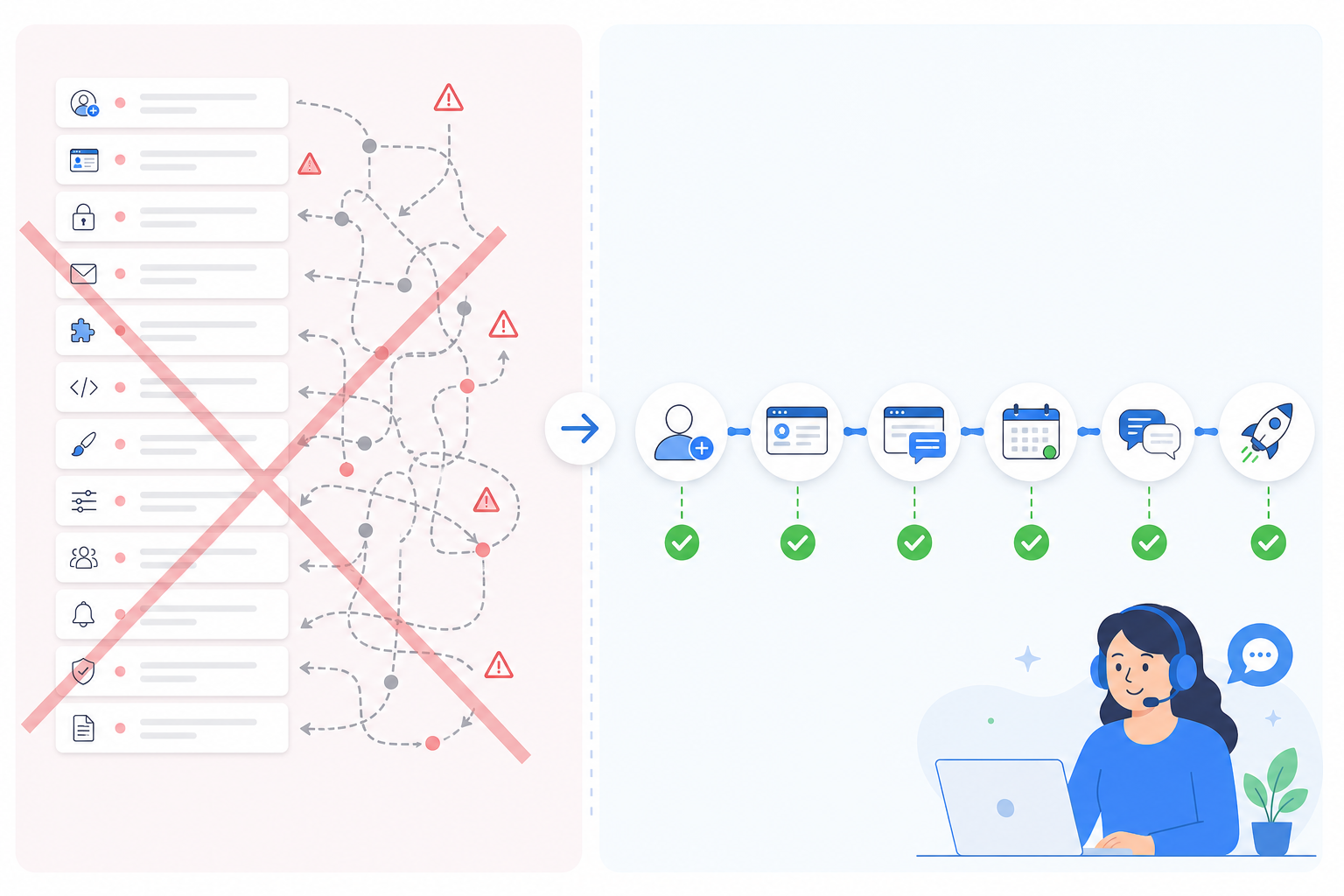
So here's the plan. We're going to walk through a realistic day, hour by hour, from the moment you create your account to the moment you're reviewing your first batch of real customer conversations. No fluff, just the actual steps.
Hour 1: Creating your account and shared inbox
The first hour is about getting your foundation in place, and it's genuinely the fastest part of the whole process.
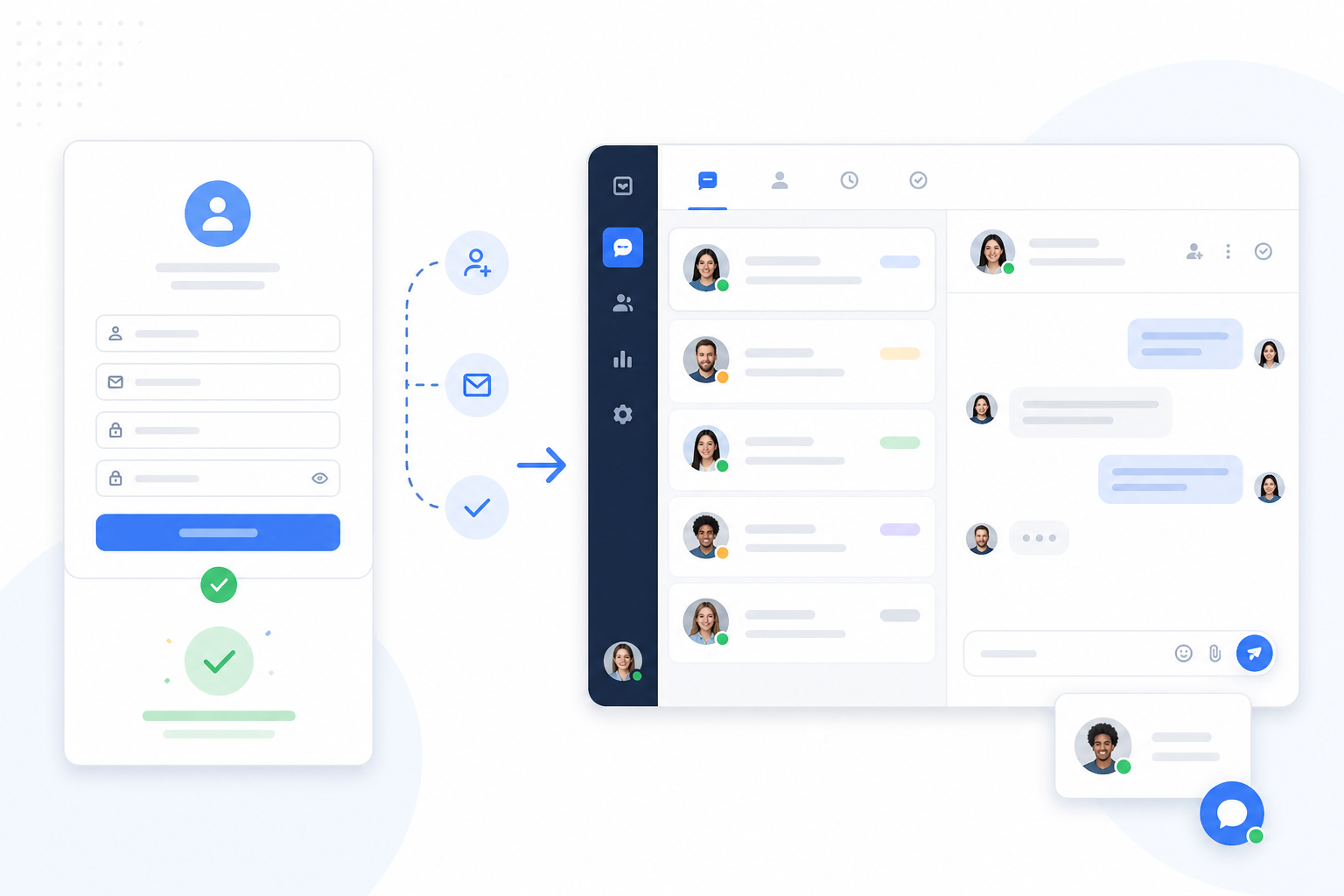
- Sign up with just an email address. No credit card required, no sales call to book first. You'll have access to the full trial within seconds of confirming your email.
- Your shared inbox is created automatically. This becomes your central hub. Every live chat conversation and every forwarded email lands here, in one view, instead of scattered across separate tools.
- Take the quick dashboard tour. You'll see your conversations feed, tags panel, filters and a reporting tab. It's intentionally uncluttered. There's no maze of settings menus to get lost in.
- Set your workspace name and basic preferences. Add your business name, time zone and a few notification settings. This is the "make it yours" step.
Realistically, this whole process takes under 5 minutes. I've watched people do it during a coffee break. There's nothing complicated here to slow you down.
Hour 2: Embedding the live chat widget on your website
Now for the part that actually puts a "talk to us" button on your website. This is where a lot of support tools start to feel like a developer project. Sonny is built so it doesn't have to be.
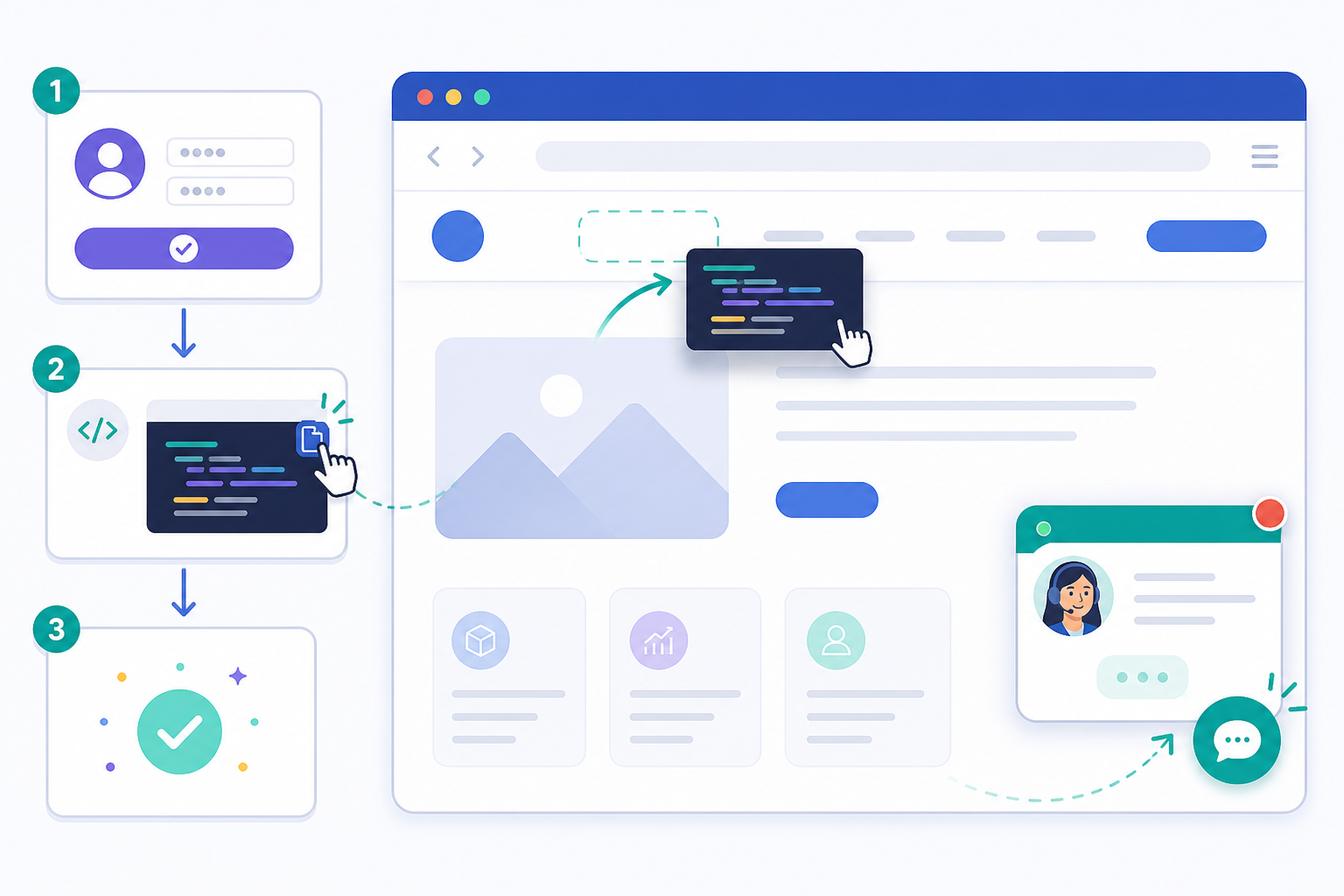
- Copy the live chat widget snippet from your dashboard. It's a small, lightweight piece of code, not a bloated script that'll slow your site down.
- Paste it into your site's header, or use one of the available plugins if you're on a platform such as WordPress or Shopify. If you've ever installed a Google Analytics tag, this will feel familiar.
- Customise the widget — colours, greeting message and placement — so it matches your brand instead of looking like a bolted-on afterthought.
- Test it live on your own site. Open your homepage in a new tab, click the widget and send yourself a message. Seeing that first conversation land in your inbox is a pretty satisfying moment.
Worth noting for e-commerce and SaaS teams specifically: you don't need a developer for the basic install. If your team does have engineering resources, they can go deeper with custom styling, but plenty of Sonny customers get this done entirely through their marketing or operations person.
Hour 3: Setting up email forwarding
With live chat running, it's time to make sure emails don't slip through the cracks either. This is where a shared inbox really proves its worth. Instead of chat living in one tool and email living in another, everything funnels into the same place.
- Connect your existing support@ or hello@ address. You don't need to abandon the email address your customers already know.
- Set up email-to-ticket forwarding, which automatically turns every inbound email into a trackable conversation with its own status, assignee and history.
- Watch for common pitfalls — double-check forwarding rules in your existing email provider, complete any verification steps Sonny prompts you to complete and, if you manage your own domain, confirm your DNS settings are correct so mail routes properly.
- Notice what unifying email and chat actually does for you. No more "wait, did someone reply to that email already?" moments. No more a customer emailing and messaging separately and getting two different answers from two different teammates.
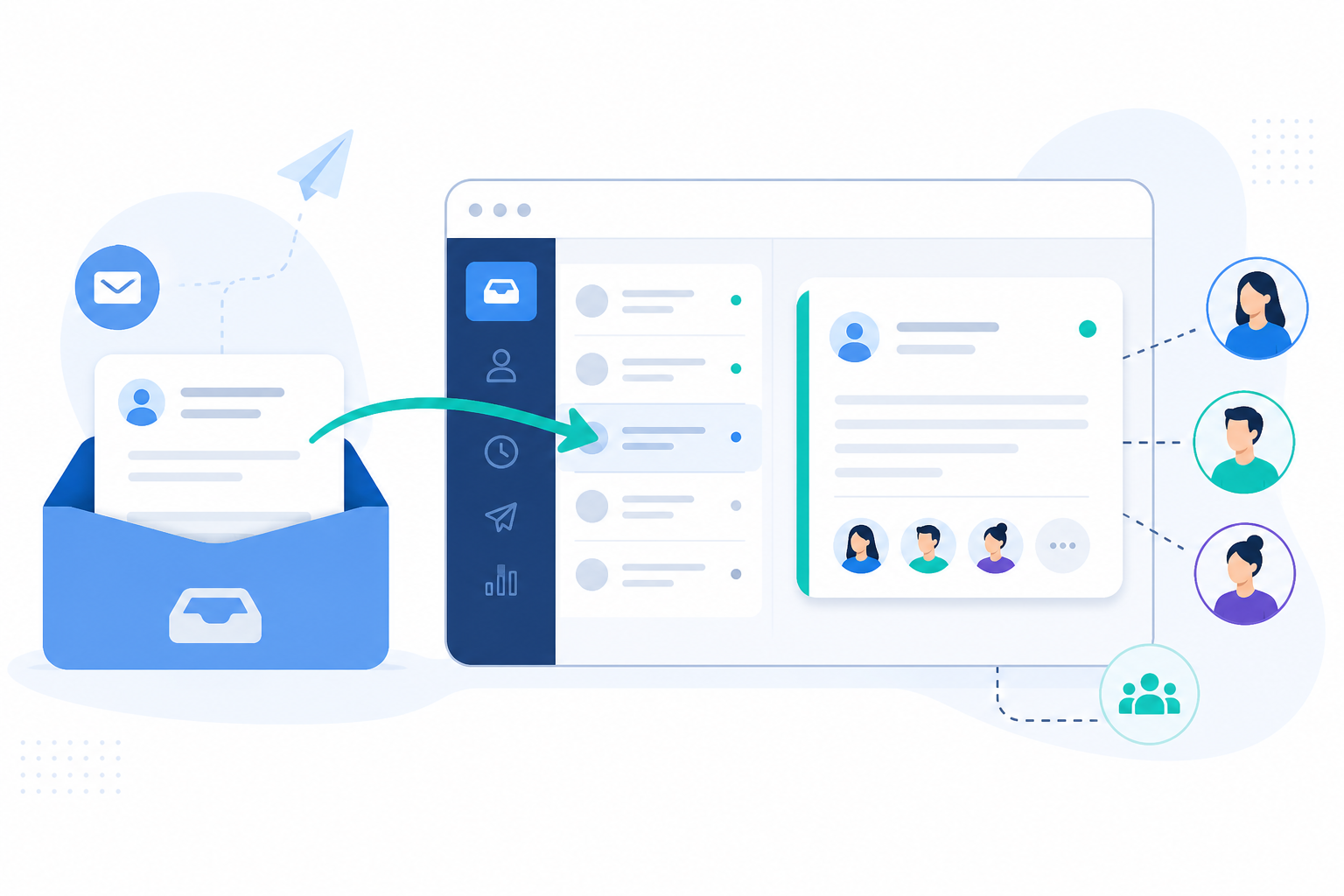
This step sometimes takes a bit longer than the widget install, mostly because email providers vary in how forwarding works. Give yourself the full hour, and don't panic if DNS propagation takes a little extra time in the background. You can keep moving on other tasks while it settles.
Hour 6: Inviting your team to the shared inbox
By hour six, you've probably stepped away for lunch, a meeting or two. Now it's time to bring your teammates in, and this is where flat-rate pricing really starts to shine.
- Add teammates in seconds. Because Sonny charges one flat rate rather than per seat, there's no moment of hesitation before hitting "invite." Add two people or ten and the bill doesn't change.
- Assign roles and permissions. Give full agent access to people answering conversations, admin access to whoever manages settings and read-only access to anyone who just needs visibility, such as a founder checking in occasionally.
- Use internal notes to loop teammates in on a tricky conversation without CC'ing the customer or switching to Slack. It keeps context in one place instead of scattered across tools.
- Think about what unlimited agents actually means for a lean startup. As you hire — a part-time support person, a contractor covering weekends or a founder pitching in during a launch — you're not recalculating your software costs every time. That's a genuinely different mental model from per-seat pricing, where growing your team means growing your bill.
I've talked to teams who avoided inviting a founder or a contractor into their old help desk simply because it would've bumped them into a new pricing tier. That's a strange thing to build into support software. More hands helping customers should be a good thing, not a cost problem.
Hour 12: Configuring tags and filters
Around the halfway point of your first day, it's worth pausing to set up some light structure. This step is easy to skip, but it pays off fast.
- Set up tags for common issue types — billing, bugs, onboarding questions, whatever categories matter for your business. You don't need dozens; five or six solid categories usually cover most of what comes in.
- Build filtered views so each team member sees what's relevant to them. Your billing-savvy teammate doesn't need to wade through bug reports, and vice versa.
- Tag early, because it pays off later. Once you've got a few weeks of data, your reporting on response times and team performance becomes genuinely useful. You can see which issue types take longest to resolve, or which team member is handling the most volume.
- Optional: connect the AI copilot to your docs. If you've got help centre articles or internal documentation, feeding it to the AI copilot means it can start suggesting answers to repetitive questions from day one, instead of waiting months to "learn."
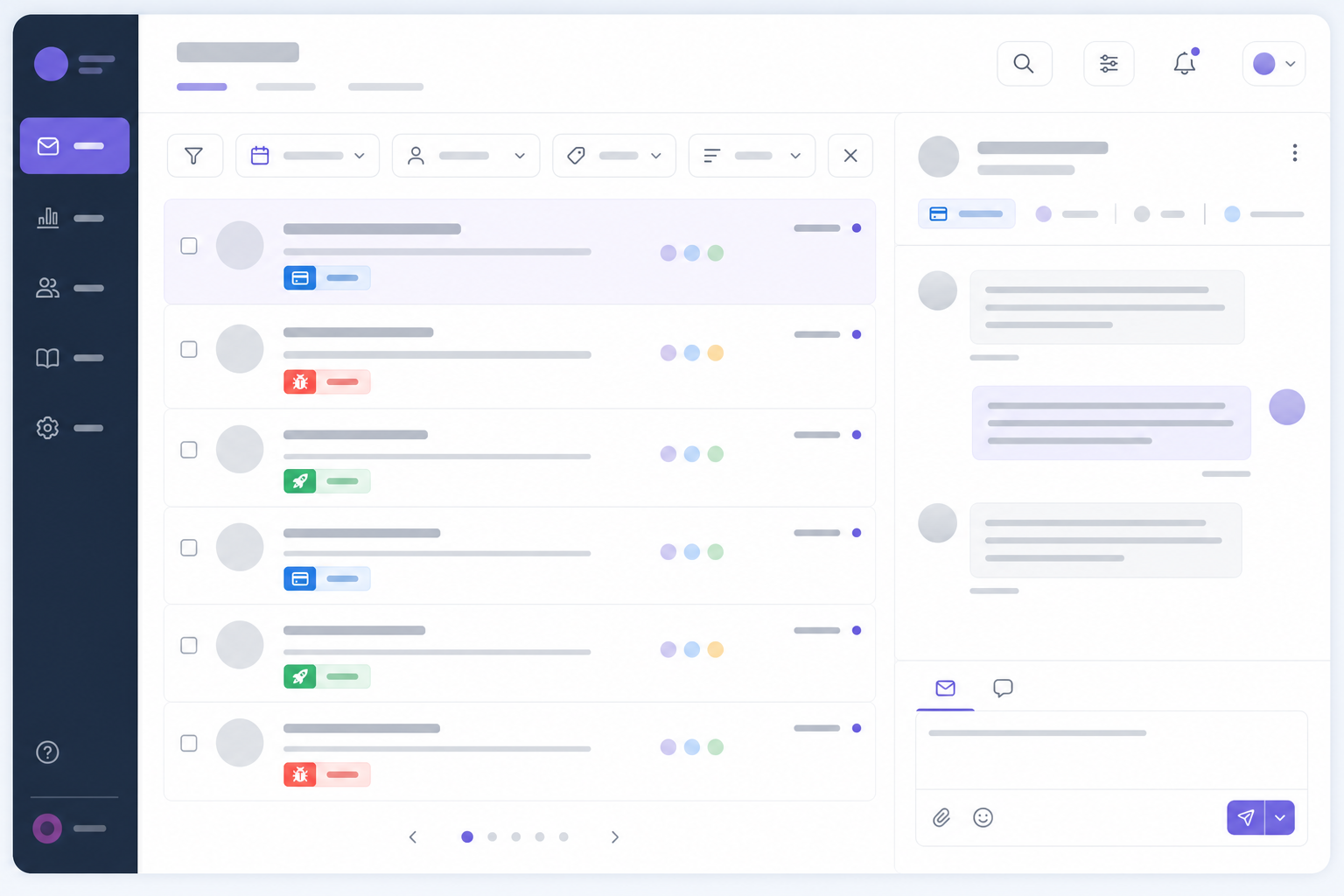
This is the one part of the day where I'd genuinely encourage you not to rush. Ten extra minutes thinking through your tag structure now saves you a messy reorganisation three months from now.
Hour 24: Reviewing your first customer conversations
You've made it to the end of your first day. Time to look back at what's actually happened.
- Check your reporting dashboard for a snapshot of response times and conversation volume. Even a small amount of data starts to tell a story. Did most conversations come through chat or email? Were response times where you'd like them?
- Review your tagged conversations to spot early patterns. If "billing" is already piling up, that's useful information. Maybe your pricing page needs clarifying, or maybe it's just a coincidence worth watching.
- Adjust your widget messaging or filters based on real usage, not guesswork. Maybe your chat greeting needs tweaking because half your visitors are asking the same opening question. Real data beats assumptions every time.
- Take a second to notice what you've built. You've got a working help desk live, your team onboarded and real conversations flowing through a single shared inbox, all in one day, with zero onboarding calls.

What startups like yours have experienced with Sonny
This isn't a hypothetical timeline. It's roughly what teams like Shopstar, CleanMyList and BabaBloom have gone through when getting set up on Sonny. None of them scheduled an onboarding call. None of them needed one.
The feedback we hear from teams like these tends to circle back to the same few things: it's simple, the pricing holds up once the whole team is using it, and there's real relief in not needing to open a support ticket of their own just to get unstuck. When your help desk software is itself easy enough to use without help, that says something.
Beyond 24 hours: what to explore next
Once your first day is behind you, there's a bit more worth exploring when you have the bandwidth:
- Native apps for iPhone, Mac and Android so you or your team can respond to customers without being tied to a browser tab all day.
- Deeper reporting for tracking team performance over weeks and months, not just your first 24 hours.
- The AI-powered copilot, which gets more useful over time as it learns from your documentation and past conversations, helping deflect repetitive questions before they even reach a human.
- The 99.9% uptime SLA, which is less something you "explore" and more something you can stop worrying about. Reliability shouldn't be a variable you have to manage yourself.
None of this needs to happen on day one. But it's good to know it's there once you're ready.
Frequently asked questions about support software onboarding
How quickly can I start using a new support tool like Sonny?
Most teams are live within minutes, not days. Signing up takes no credit card, account creation takes under 5 minutes and the live chat widget can be embedded on your site within the first hour or two. The 24-hour guide here is really about pacing yourself to configure things thoughtfully, not because the software requires that much time.
What should I set up first when starting a help desk?
Start with your shared inbox and live chat widget, since that's where most real-time customer conversations happen. From there, connect your existing support email address so nothing falls through the cracks, then invite your team once the basics are running smoothly.
Do I need a call with support to get started?
No. Sonny is built so you don't need an onboarding call or a sales demo just to get running. The interface is designed to be self-explanatory, and most setup steps take only a few minutes each. If you do get stuck, help documentation and the optional AI copilot are there, but a scheduled call was never part of the plan.
Will switching to flat-rate pricing actually save my team money?
For most growing teams, yes, especially once you add more than two or three agents. Many help desk tools charge per seat, which quietly increases costs as your team grows. Sonny's $19.99/month flat rate covers unlimited agents and unlimited conversations, so adding teammates during your first 24 hours doesn't change your bill at all.
Related Articles

E-commerce Live Chat: How to Turn Browsers Into Buyers (With Real Scripts)
Learn how e-commerce live chat lifts conversions, where to place your live chat widget for maximum impact, and the exact scripts that turn hesitant sh

Native Apps vs. Browser-Only Support Tools: Why Mobile Access Matters for Growing Teams
Compare native and browser-based live chat widget tools for answering customers from your iPhone, Android, or Mac while you’re on the go.
Create content like this automatically
Scribe uses AI to generate high-quality blog posts that engage your audience and drive traffic.