How Fast Should Downtime Alerts Reach Your Team? A Practical Guide for Small Teams
18 min read
Loading...

For most startups and small businesses, a sensible target is for a critical outage to trigger a notification within about one to three minutes of starting. That's a target for notification. It doesn't promise that someone has seen the alert, and it certainly doesn't mean the problem is fixed. Whether you hit it depends on three things you control: how often you check (the check interval), how you confirm a failure is real (verification), and how the alert is delivered (the channel).
Here's the short version. Check critical things every minute, verify failures from more than one location, and send alerts to a channel a human will actually notice. Then test the whole chain on the real phones and accounts your team uses, because the timings in this guide are illustrative and vary by tool and setup. The rest of this post explains why, and how to do it without an enterprise budget or a dedicated DevOps person. ☕
Before we go further, let me pin down some terms. I've seen teams talk past each other because 'response time' can mean four different things:
The one-to-three-minute figure above covers the first two. Acknowledgement and resolution need their own targets, and we'll set those later in the guide.
Picture a small online shop owner, let's call her Priya. She sells handmade candles, and a Friday afternoon deploy quietly breaks the checkout button. Nothing crashes. The homepage loads fine, so a basic uptime check would stay green. Priya finds out at 6pm when a customer emails: 'Is your site broken? I've tried three times.' By then the checkout has been dead for about three hours, and she has no idea how many people gave up without writing to anyone.
That's what slow detection costs, and it's rarely just one thing:
Priya's story also shows a limit worth knowing about. A simple HTTP check tells you a page responds. It doesn't tell you a customer can complete a purchase. For revenue-critical journeys like checkout or login, you want a functional check (sometimes called a synthetic transaction), which walks through the steps the way a customer would. A keyword check that confirms the right content appears is a lighter alternative. Support for this varies between tools, so see what yours offers.
But I want to be honest with you: not everything needs a 30-second alert. A hobby blog that's down for ten minutes on a Sunday is an annoyance. A payment API that's down for ten minutes is a very different story. Google's SRE guidance makes a similar point: there's no universal ideal alert time. It depends on how much users are affected and how long you have before that impact becomes serious. It also suggests paging people for symptoms users actually feel, like errors or slowness, rather than every suspected cause.
A bit of perspective on the numbers: a service that's available 99.9% of the time still has an allowance of about 8 hours 46 minutes of downtime a year. At 99.99%, that drops to roughly 52 minutes. Those aren't alerting targets, but they show why the urgency of your alerts should match what your business can afford to lose.
So here's the idea I want you to hold onto. The time between 'something breaks' and 'someone is working on it' is:
detection time + verification time + delivery time + human acknowledgement time
You can tune each piece, and none of them needs anything fancy.
Let's walk through what actually happens between 'something breaks' and 'someone fixes it'.
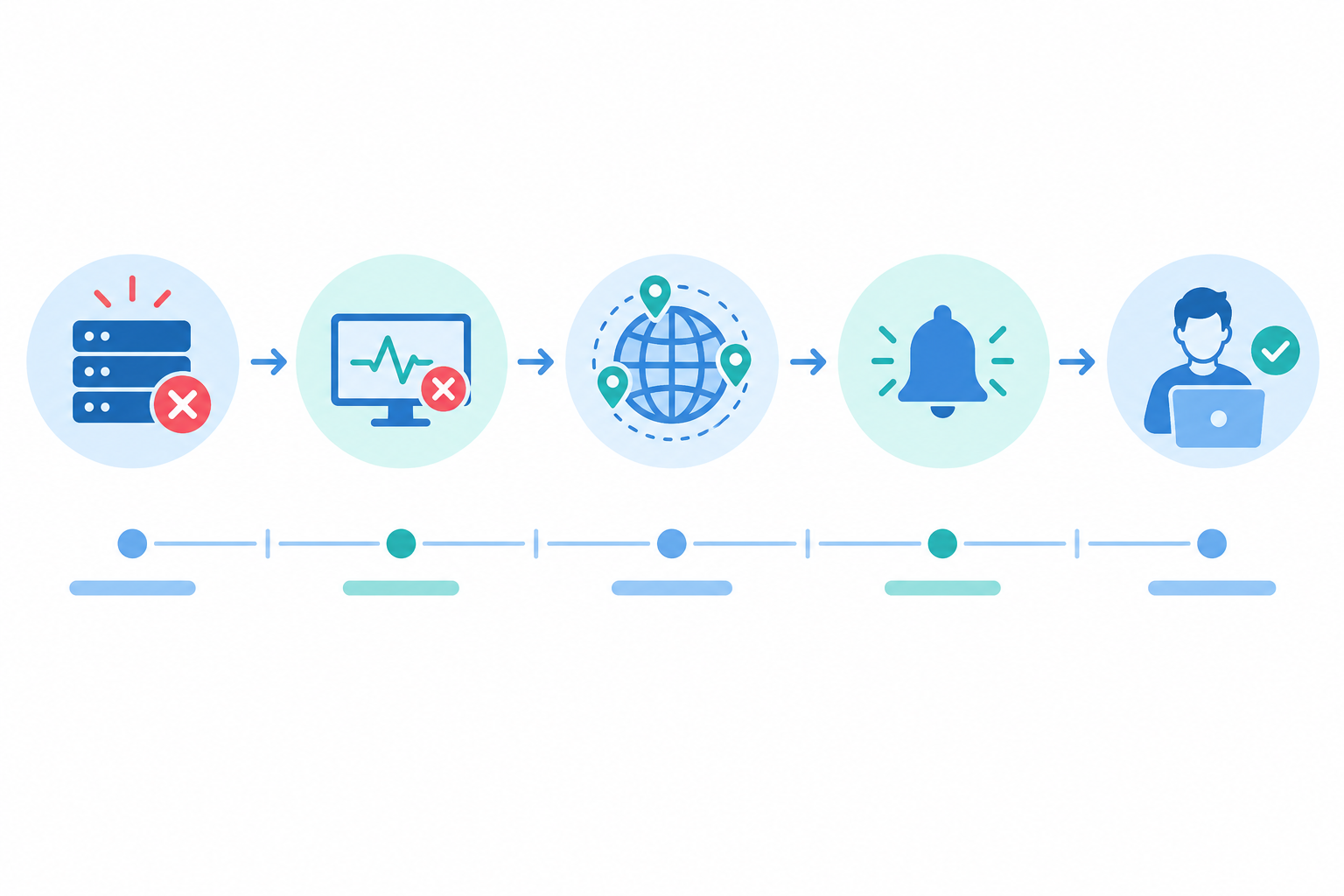
Let's use a hypothetical setup. You check your checkout flow every minute. When a check fails, two other regions re-check in parallel, and an alert is raised if at least two of the three locations agree.
On average, an outage is spotted about 30 seconds after it starts, and in the worst case just under a minute. Under those assumptions, verification might add anywhere from a few seconds to around 30 seconds. Delivery to your phone might add a few seconds to a minute or so, depending on the channel and your phone's settings. That puts notification at roughly one to two minutes from breakage. Treat that as an illustration, not a guarantee. If your tool retries sequentially, waits for every location, or requires several consecutive failures, the number will be longer.
Then comes the human step. Maybe your phone is on the kitchen counter. Maybe it's 2am. In my experience this is often the slowest link in the chain, and the cheapest one to improve, which is why the goal-setting section below gives it its own target.
The check interval sets your worst-case detection delay. If you check every 5 minutes, an outage that starts just after a check can go unnoticed for almost 5 minutes. On average the delay is about half the interval: roughly 30 seconds for 1-minute checks, and around 2.5 minutes for 5-minute checks.
Those averages assume outages start at random points between checks and that checks run on schedule. In real life, retries, scheduling jitter and the odd probe failure can shift things, and the figures leave out verification and delivery time.
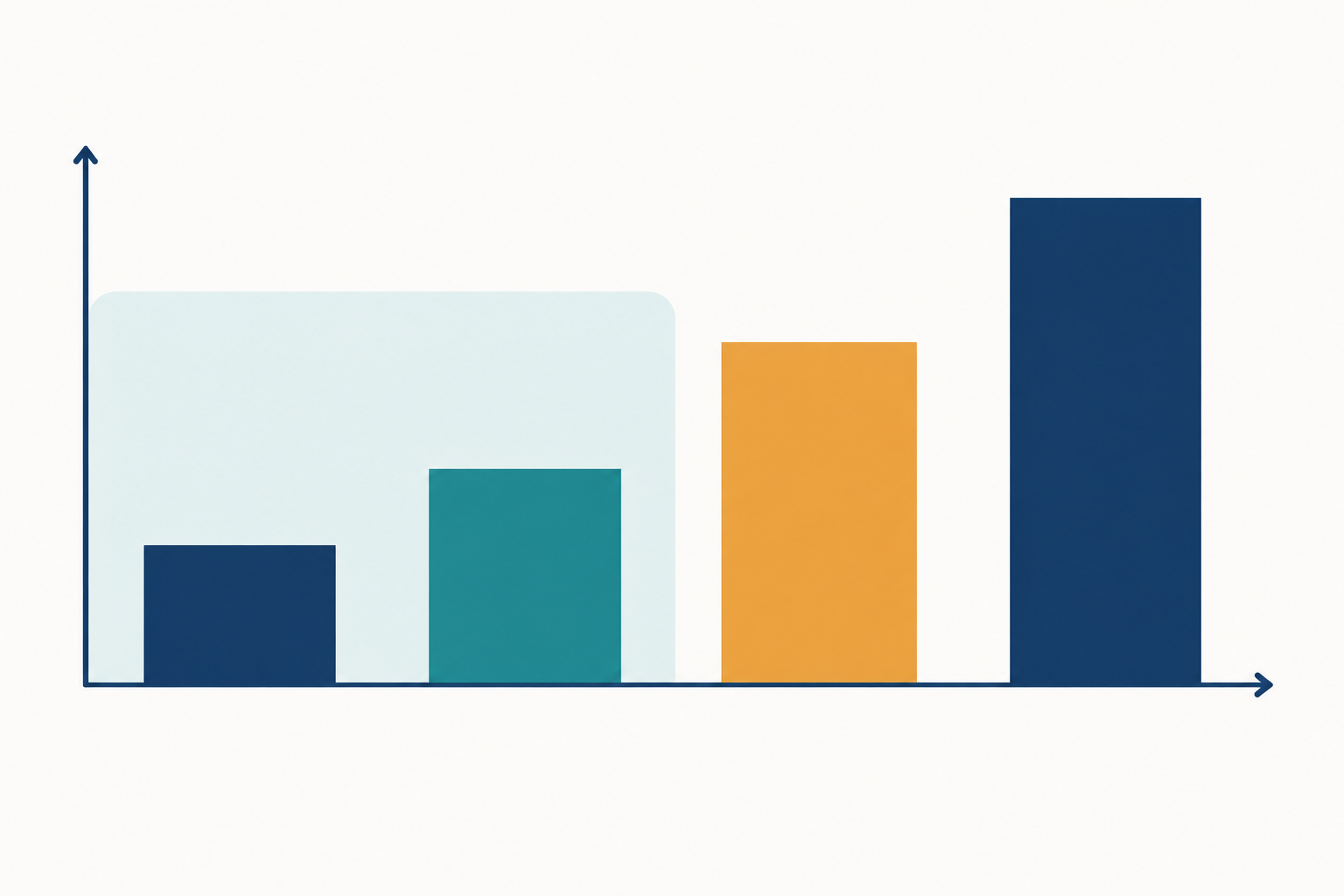
For detection, yes. For the whole chain, only if verification and delivery are also quick. Cutting your interval from 5 minutes to 1 minute is brilliant, but if the alert then goes to an email inbox nobody checks overnight, you've saved four minutes and lost four hours.
Very short intervals come with trade-offs too:
You don't need to agonise over this. Here's a simple rule of thumb:
Not everything is a 'ping it every minute' job. Heartbeat monitoring and cron job monitoring work the other way around. Your job pings Moonitor when it finishes, and you're alerted if the ping doesn't arrive within the expected window plus a grace period. That grace period, not an interval, decides how quickly you find out.
SSL certificate monitoring and DNS monitoring, meanwhile, are early-warning types. A certificate that expires in three weeks doesn't need a check every 60 seconds, and a daily or periodic check is plenty. Mixing intervals across monitor types lets you match urgency to importance instead of paying for speed you don't need.
Here's a practical cheat sheet. Please treat these as starting points, not rules. The right interval depends on how critical the service is, what your monitoring method and plan allow, and how costly a false alarm would be for your team.
| Monitor type | What it protects | Suggested interval / timing | Why |
|---|---|---|---|
| Website monitoring (HTTP/S) | Your main site and key pages | 1 minute for revenue pages; 5 minutes for others | Confirms a page responds, so customers' outages are noticed quickly |
| Functional / transaction check | Checkout, login and other multi-step journeys | 1-5 minutes, if your tool supports it | A page can return a successful response while the journey behind it is broken |
| API monitoring | Apps, integrations, mobile backends | 1 minute | One failing endpoint can break many things at once |
| Keyword monitoring | Pages that load but show the wrong content | 1-5 minutes | Checks that expected text appears, catching errors that return a 200 status but display a broken page |
| Server monitoring (port and ping) | Servers, databases, mail and other services | 1 minute for production; 5 minutes for internal tools | Infrastructure failures cascade quickly |
| Cron job and heartbeat monitoring | Backups, billing runs, scheduled reports | Match the job's schedule plus a sensible grace period | Alerts depend on missing pings, not on polling |
| SSL and domain expiry | Certificates and domain registrations | Daily or periodic checks, with early warnings | Hours or days are fine, as long as you get plenty of notice |
| DNS record change detection | Unexpected edits to your DNS records | Every few minutes to hourly | Changes can signal mistakes or tampering, but rarely need a 3am wake-up |
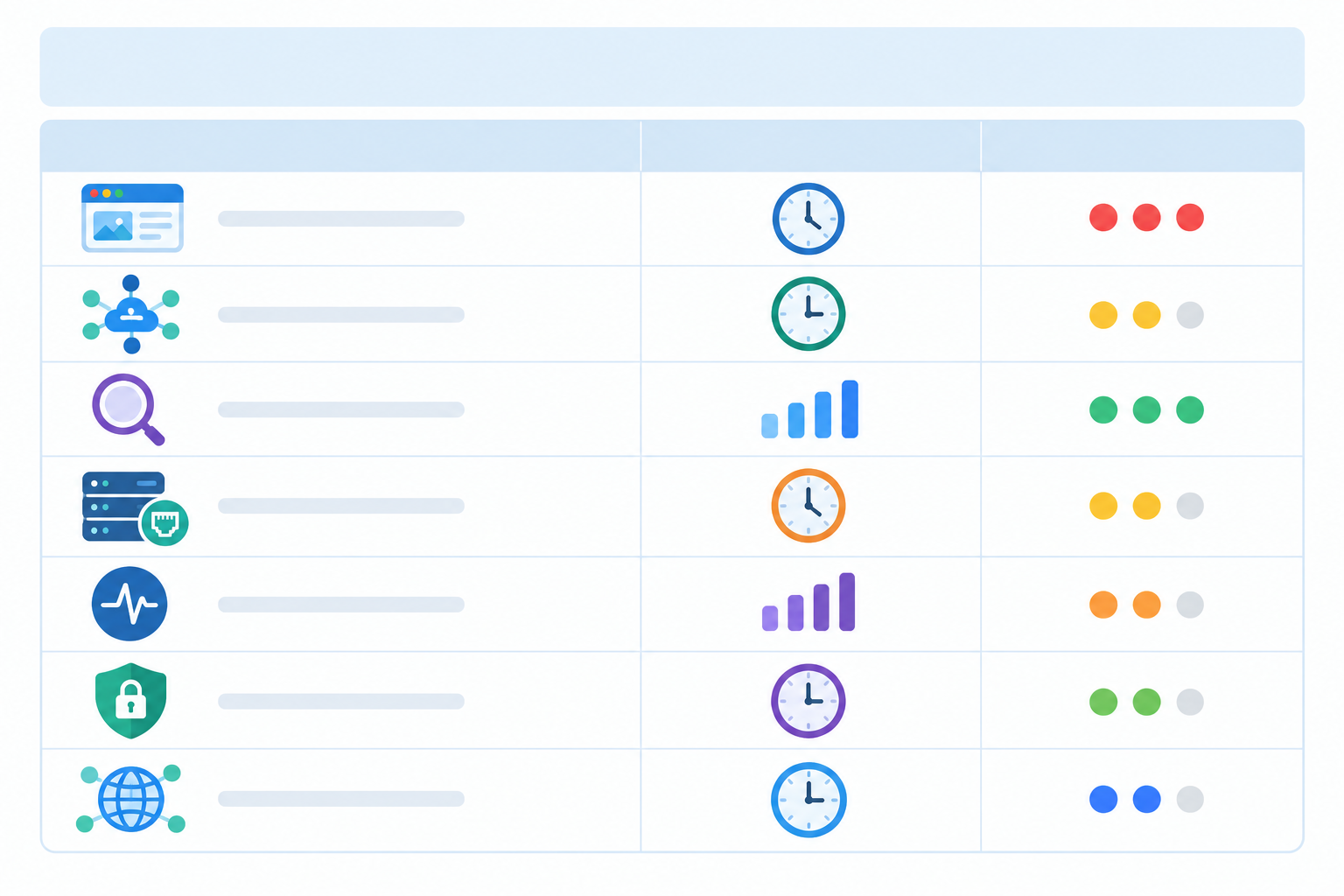
The split to remember is between time-critical monitors (website, API, server, and often cron jobs that feed customer-facing work) and early-warning monitors (SSL, domain expiry and most DNS changes), where acting within hours or days is perfectly fine.
A single failed check isn't always a real outage. Networks have hiccups and routes get congested. A one-off timeout from one location might mean your site is fine and the path between that probe and your server was briefly unhappy.
Multi-region failure verification handles this by re-checking from other locations before raising the alarm. It's a bit like making sure the front door is actually unlocked before you call the police. One quick look from a different angle saves a lot of embarrassment.
A little, yes, but how much depends on how your provider runs it. Rechecking several regions in parallel and alerting once enough of them agree (a quorum rule) usually adds seconds. Retrying one location after another, or waiting for every location to report, can add much more. Before you trust any headline number, check these in your tool's settings:
In return for that small delay, you lose the false alarms that teach teams to ignore their phones.
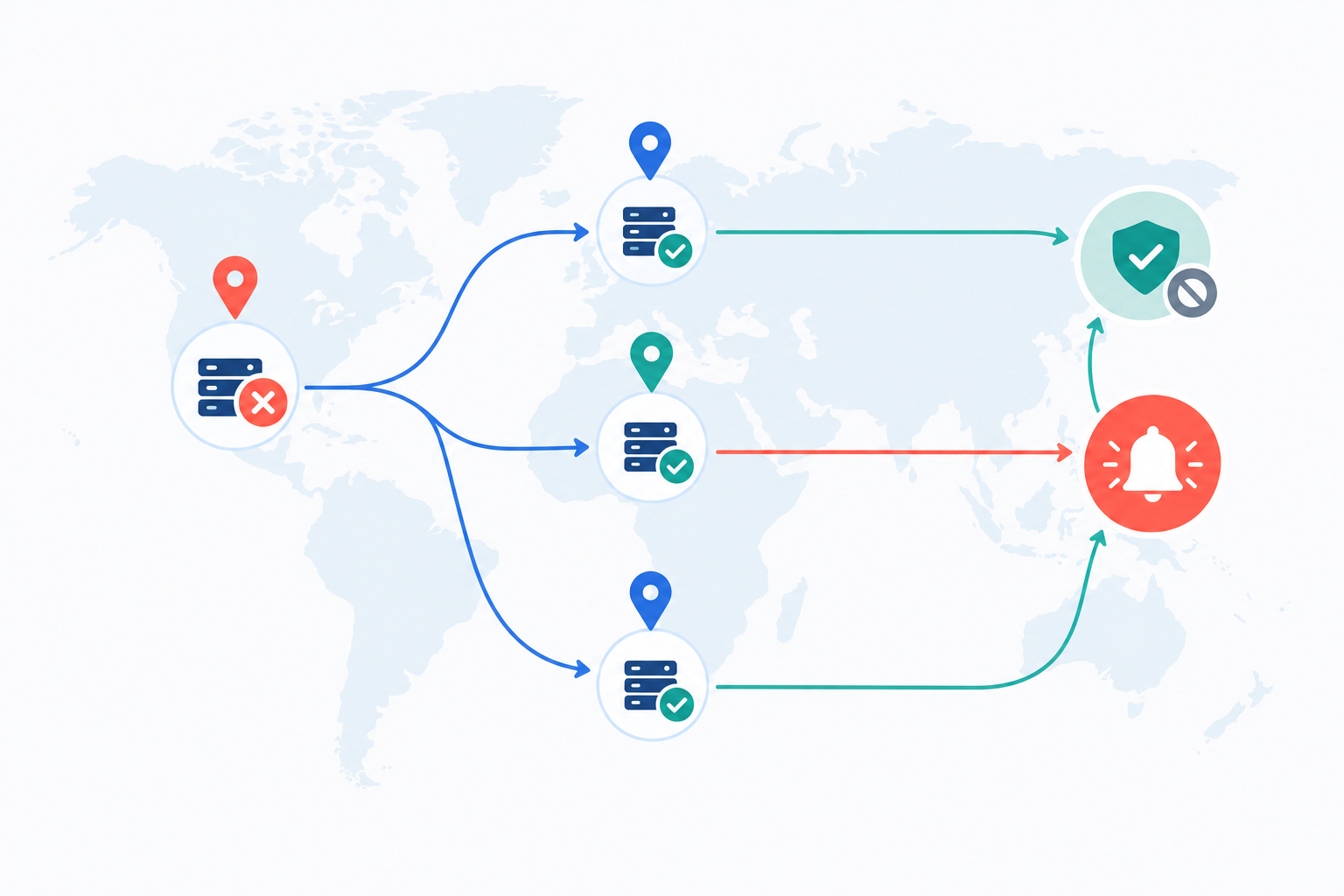
There's a useful side effect, too. If one region fails and the others succeed, that suggests a local routing issue. If several independent regions fail, you have much stronger evidence that your service is genuinely down.
Alert fatigue is real. A team that gets three false alarms a week will, understandably, be slower to react to the fourth one, which might be real. Trust in your alerts is part of how fast you respond.
It's also what makes shorter intervals practical. When failures are verified, you can check every minute without drowning in noise. I keep coming back to this combination: frequent checks plus verification beats either one on its own.
Here's something that surprises people: the alert itself usually leaves the system within seconds on every channel. But 'sent' isn't 'seen'. Email filtering, phone settings like Do Not Disturb or battery saving, patchy mobile signal and a misconfigured integration can all slow delivery. So the real question isn't 'which is fastest?' but 'which one will a human notice fastest?'
Here's how I'd think about each option:
Rather than picking just one, I'd suggest layering them:
Then send a test alert to the actual devices and accounts your on-call person uses, at an awkward time of day. You'll learn quickly whether the phone is on silent.
If you're a UK-based team with no overnight staff, think honestly about out-of-hours cover. Who sees an alert at 11pm on a Saturday, on a bank holiday Monday, or during a Black Friday sales weekend? If the answer is 'nobody', better to find that out now than at the first big outage. Agree what's worth waking someone for, and keep everything else for the morning.
You don't need a formal incident process to get this right. Here's a simple six-step approach that works even for a team of two. The trick is setting two separate targets for each tier: how fast the alert should be delivered, and how fast a person should acknowledge it.
These numbers are starting points. A two-person team can't realistically promise a 5-minute acknowledgement at 3am, and it's better to set a target you'll meet than one you'll quietly ignore.
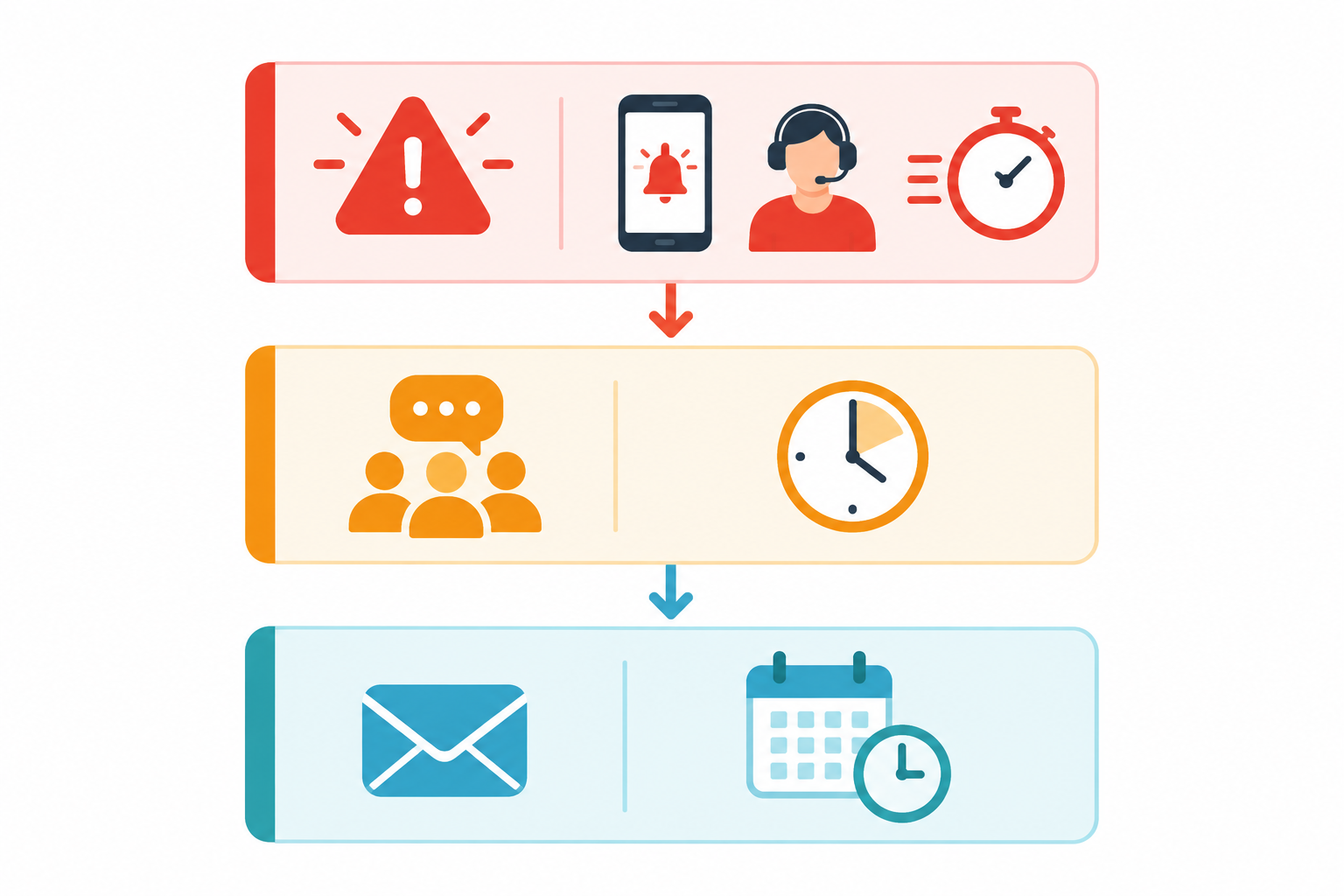
One more tip: a public status page takes a lot of pressure off during an incident. When customers can see 'we know about it and we're on it', they're far less likely to flood your support inbox, which frees you up to actually fix things.
Everything above applies whichever tool you use. As one example, here's what we built Moonitor to do. It verifies failures from multiple regions and sends alerts to Slack, Discord, Telegram, email and webhooks. One dashboard covers website, API, server, cron job, SSL certificate and DNS monitoring, along with status pages and incident history.
At the time of writing, the Solo plan starts at $14/mo for 20 monitors, the Max plan is $49/mo for unlimited monitors, and there's a 7-day free trial with no credit card needed. Prices are in US dollars, so UK teams should expect exchange rates and possibly VAT to apply. Please check our pricing page for current details before you decide.
Whichever tool you pick, my gentle suggestion is to use the trial to test your alert chain properly. Set up a monitor, trigger a failure, and time how long it takes for the right person to notice. That one test will tell you more about your real timings than any setting ever could.
With a 1-minute interval and multi-region verification, a notification within roughly one to three minutes is a reasonable target, though your provider's verification settings and your channel affect the real figure. With a 5-minute interval, the worst case for detection alone is nearly five minutes. How soon someone acts is a separate question, and it depends on who's on call.
It means faster detection, not necessarily a faster response. If verification is slow, the channel is easy to miss or nobody is on call, the extra speed is wasted. See the timings section above for how the pieces add up.
There isn't a single winner, because the question is which channel gets noticed quickest. For many small teams that's a mobile push, such as Telegram, backed by a webhook that triggers a call or SMS for critical systems. Email works best as a backup. Test on your real devices.
It adds some delay, from seconds to longer, depending on whether checks run in parallel, how many locations must agree, and your provider's retry policy. The payoff is far fewer false alarms, so the alerts you do get are ones you can trust.
No. Save the shortest intervals for revenue-critical or customer-facing systems like checkout, login and core APIs. Less urgent pages can use 5-minute checks, and SSL or domain expiry monitors only need periodic checks.
Heartbeat monitoring works the other way around from a normal check. Your job pings Moonitor when it finishes, and if the ping doesn't arrive within the expected window plus a grace period, you get an alert. Detection speed depends on that grace period rather than a check interval.