
Loading...
The most reliable way to automate SSL renewal alerts is to use an SSL certificate monitor that checks each hostname's live certificate on a schedule and warns you at several stages before expiry. My default is 30, 14, 7 and 1 days out. Send those alerts to the channels your team already watches, like email, Slack or webhooks, then test the whole pipeline so you know it works before you need it.
That's the short version. The rest of this guide walks through how to set up automated SSL monitoring step by step, whether you're looking after five sites or five hundred. Grab a tea. 🍵
One bit of transparency before we start: I'm on the Moonitor team, so the hands-on examples use Moonitor. I've kept the principles and a tool-neutral checklist separate, so you can apply everything here to whichever monitoring tool you use.
Picture this. It's a quiet Tuesday morning and someone pings the helpdesk: the customer portal is showing a big red browser warning. You open the renewal spreadsheet. It was last updated eighteen months ago. The colleague who set up the calendar reminder left in the spring, and the reminder went with their account. Nobody was careless. The process just quietly rotted.
I've seen this happen to really good teams, and I want to say that up front, because it's easy to feel embarrassed about it. It's very fixable.
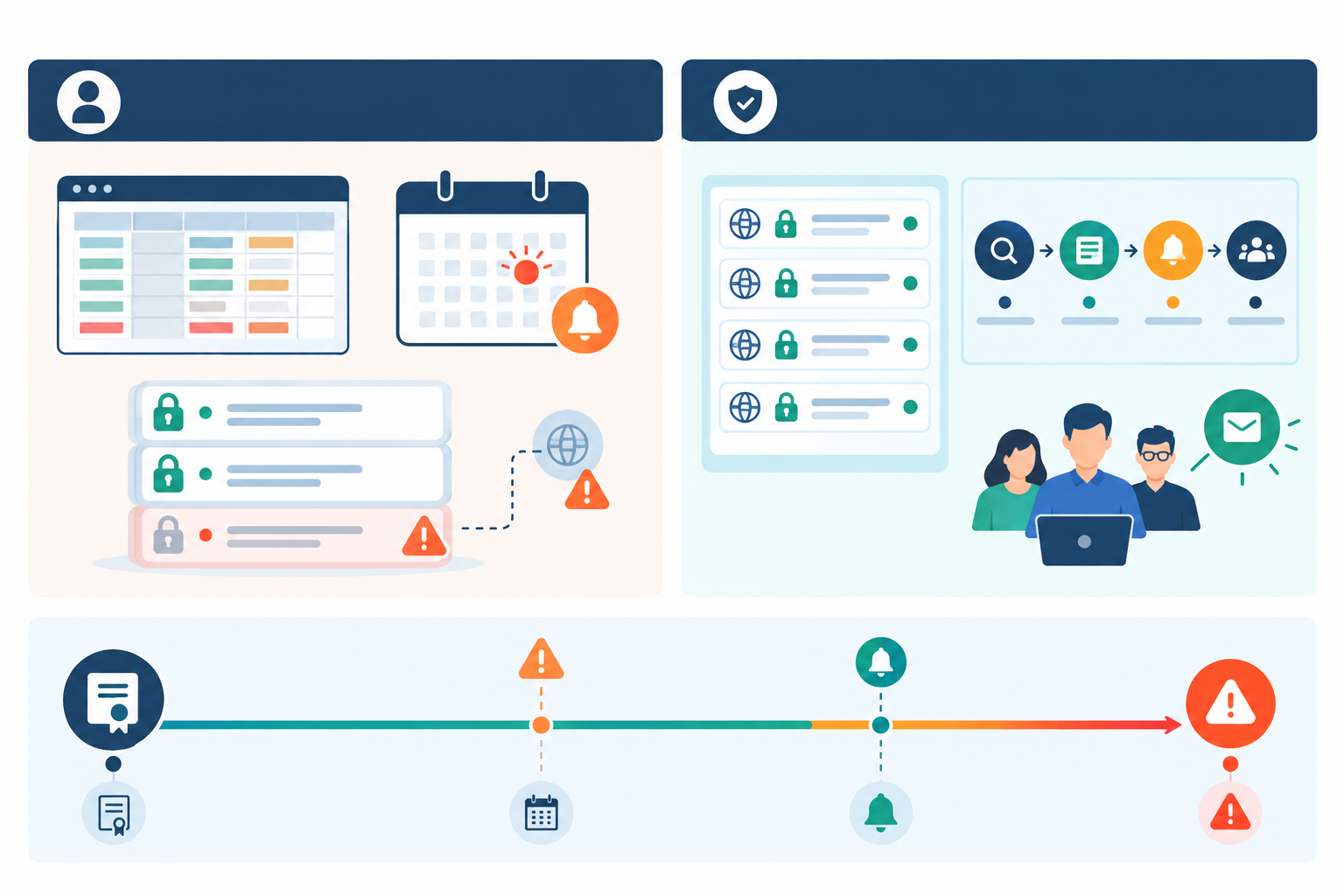
Certificates, domains and ownership change constantly. A spreadsheet is a snapshot of what someone believed on the day they typed it in. Calendar reminders depend on one person's account, one person's inbox and one person's memory. The moment a certificate is reissued, moved to a new load balancer or handed to a different team, the record starts drifting from reality.
Then there are the certificates nobody remembers. Staging sites that quietly became semi-production. Forgotten subdomains. Client domains you look after but don't fully control. Third-party endpoints your integrations depend on. If it isn't in your inventory, it isn't in your reminders, and it will expire on its own schedule.
You might be thinking, 'But we use Let's Encrypt, so it's automatic.' Lovely, and you should. Let's Encrypt certificates last 90 days, and the project explains why it encourages automated renewal. It has also ended its expiry reminder emails, so you can't lean on those as a backstop any more. And automated is not the same as guaranteed. Renewals fail because of:
That last one is the classic. The renewal job reports success, the new certificate sits happily on disk, and one node behind the load balancer carries on serving the old one until it expires. Dashboards say green. Some users see errors.
Managed services have conditions too. AWS Certificate Manager can renew eligible certificates automatically, but its managed renewal documentation lists requirements, such as the certificate being in use and its domain validation remaining possible. Change something underneath it and a renewal can fail without much fanfare.
And the clock is speeding up. The CA/Browser Forum has adopted a schedule (ballot SC-081v3) that cuts the maximum validity of publicly trusted TLS certificates from 398 days to 200 days from 15 March 2026, 100 days from 15 March 2027 and 47 days from 15 March 2029. More renewals means more chances for something to slip, and a spreadsheet simply won't keep up.
When a certificate lapses, the damage depends on what the hostname does. On a public website, visitors get browser warnings and many will turn back. On an API or webhook endpoint, clients usually refuse the connection outright, so integrations fail until someone fixes it. Internal tools, mail gateways and VPN portals each fail in their own way, depending on how strictly the client checks certificates. Then comes the out-of-hours firefighting.
Even giants get caught. Microsoft Teams suffered widely reported outages linked to expired certificates in 2020 and 2021. If it can happen there, it can happen to us.
Before we click anything, let's agree on what 'good' means. Here's the checklist I measure setups against, and it works with any tool:
That's the whole idea behind automated SSL monitoring: an outside-in check that doesn't rely on anyone's memory. It doesn't replace renewal-job logs and deployment checks. Think of it as the independent second opinion on whether those worked.
The steps below use Moonitor's SSL and domain expiration monitor type, but steps 1, 3, 5 and 6 apply to any tool. At the time of writing Moonitor offers a 7-day free trial with no credit card, so you can follow along with your own domains. Do check the current terms on the Moonitor site.
List every hostname that serves HTTPS. Don't stop at the marketing site. Include:
Pull from DNS zone files, load balancer configs, your cloud console and your certificate authority's issued-certificate list. Certificate transparency logs are also handy for spotting hostnames you'd forgotten. Ten minutes of digging usually turns up at least one surprise.
For each hostname, note every distinct endpoint that serves it: separate load balancers, regions, CDN edges and any direct-to-origin addresses people actually use. That's how you confirm coverage later.
In Moonitor, add a new monitor and choose the SSL and domain expiration type. Enter the hostname, give it a clear name, and save. The check connects to the live endpoint, so you're watching what clients actually see.
Two things are worth confirming here. First, the monitor should connect using the real hostname so that SNI selects the right certificate. Second, if the same hostname is served by several independent endpoints, one hostname-level monitor may only ever see one of them. In that case, add a monitor for each endpoint where your tool supports it, or at least cover the ones deployed separately. One monitor per hostname is fine when a single endpoint serves it. It stops being enough when each endpoint needs its own certificate deployment.
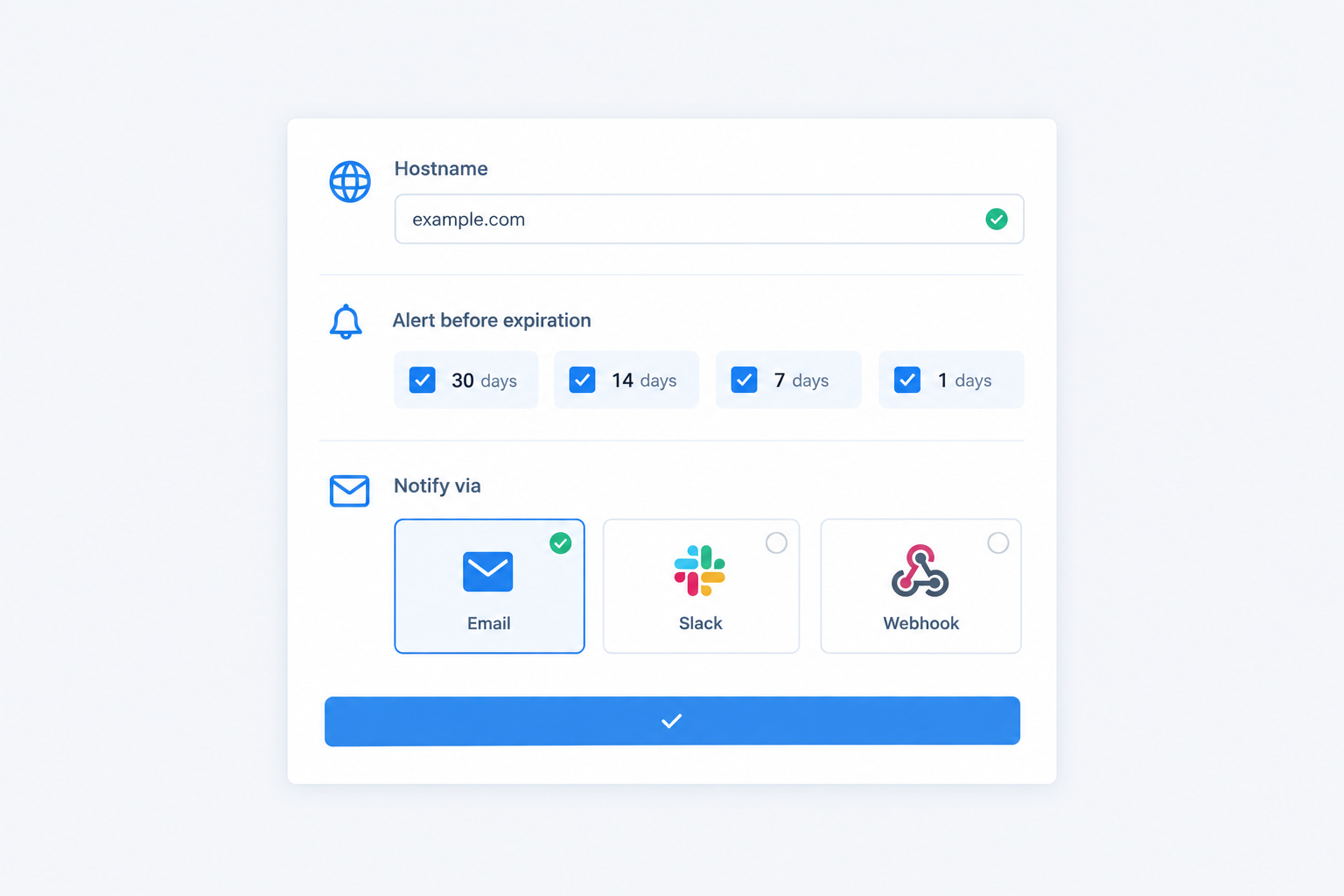
My standard schedule is 30, 14, 7 and 1 days. Tailor it to your renewal process. If renewal is a quick automated job, you can be leaner. If it needs a purchase order and a sign-off, start earlier. Some teams add an extra late-stage warning at 3 days, which gives 30, 14, 7, 3 and 1. That's a variation on the same idea. We'll compare the options in the next section.
Certificates get the glory, but registrations expire too, and the two checks catch different failures. An SSL check tells you what certificate is being served. A domain check tells you whether you'll still own the name. Track the domain with matching alert stages so you hear about both in the same place. You only need one domain monitor per registered domain, not one per subdomain. This step is easy to skip and painful to regret.
Early warnings can go to a shared team channel, where they're visible and low-pressure. Late-stage warnings should escalate to whoever is on call. Moonitor supports email, Slack, Discord, Telegram and webhooks, so you can mix them to suit your team.
A name like acme-prod-api.acme.co.uk tells you far more at 7am than Monitor 14. Use a consistent pattern, and note who owns the renewal and where the certificate was issued (Let's Encrypt, a commercial CA, a cloud provider). That makes the alert actionable the moment it lands.
There's no universal standard here. What follows is operational advice, not an industry rule, but it's grounded in how renewals actually behave.
The logic is simple: early warnings are for planning, mid-stage warnings are for action, and late-stage warnings are for urgency.
| Schedule | Stages (days before expiry) | Best for | Watch out for |
|---|---|---|---|
| Simple | 14 / 3 | 90-day automated certificates with solid renewal automation | Little slack if something breaks over a weekend |
| Standard (my default) | 30 / 14 / 7 / 1 | Most teams, including 1-year commercial certificates | Add a 3-day stage if you want a second late warning, or a 60-day stage if approvals are slow |
| Extended | 60 / 30 / 14 / 7 / 3 / 1 | Certificates needing procurement, approval or client sign-off | Can feel noisy if you don't route stages sensibly |
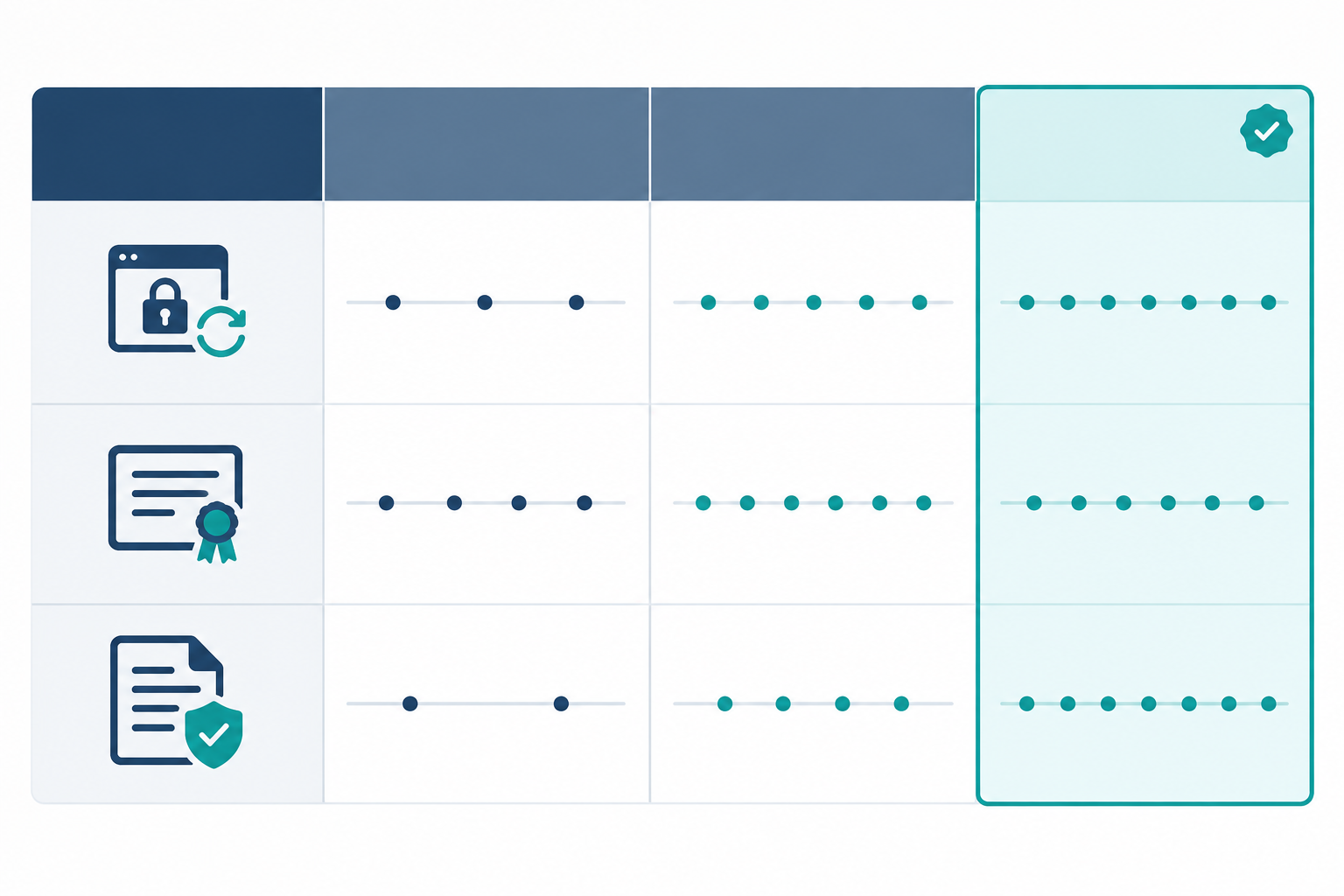
More stages isn't always better. Six emails for one certificate teaches people to filter them out. Pick a schedule, give each stage a different response (a ticket, a ping to the owner, a page), and stop there.
With the CA/Browser Forum's reductions on the way, fixed warnings at 30, 14 and 7 days may land close together, or too late, for shorter-lived certificates. A 47-day certificate with a 30-day warning is practically always in alert territory. Base your thresholds on the certificate's actual validity period, and test your renewal workflow before you tighten anything.
My recommended default stays the same: 30, 14, 7 and 1 days, with a 60-day stage added for anything that needs a human to approve it, and an optional 3-day stage if you want one more late warning.
Yes, you can monitor SSL for dozens, even hundreds, of domains at once. The trick is keeping it manageable, and most of that comes down to habits rather than tools.
Name things consistently. Use a pattern such as client-environment-hostname. When an alert fires, you should know whose problem it is from the title alone.
Create monitors in bulk. Start from your inventory rather than adding hosts as you remember them. If your tool has an API (Moonitor does), script monitor creation and plug it into whatever provisions your domains. New site goes live, monitor appears automatically. No gaps.
Handle wildcard and shared certificates sensibly. Say one wildcard certificate covers a dozen hostnames that all sit behind the same load balancer. You don't want a dozen alerts for one renewal, so monitor the primary hostname and a couple of representative ones. But suppose api.example.co.uk is served from a separate gateway and mail.example.co.uk from a mail server. Each of those needs the new certificate deployed separately, so each deserves its own check, even though they share one certificate. The rule of thumb: monitor once per distinct serving endpoint, not once per name.
Pick a plan that fits. At the time of writing, Moonitor's Solo plan is $14/mo for 20 monitors, which is plenty for a small estate (remember that each SSL and domain pair counts separately). The Max plan is $49/mo with unlimited monitors, which suits agencies and larger environments. Prices change, so check the pricing page before you decide.
Get the data out. Where your tool offers an API or data export, feed certificate expiry information into your own reporting or CMDB, so your asset records stay honest.
Watch the neighbours. DNS changes often precede certificate validation failures. A DNS monitoring check that flags record changes can warn you before a DNS-validated renewal quietly breaks. If you manage a lot of sites, pairing SSL certificate monitoring with website monitoring and uptime monitoring gives you a fuller picture from a single dashboard.
An alert only helps if the right person sees it at the right time. Here's how I'd wire things up.
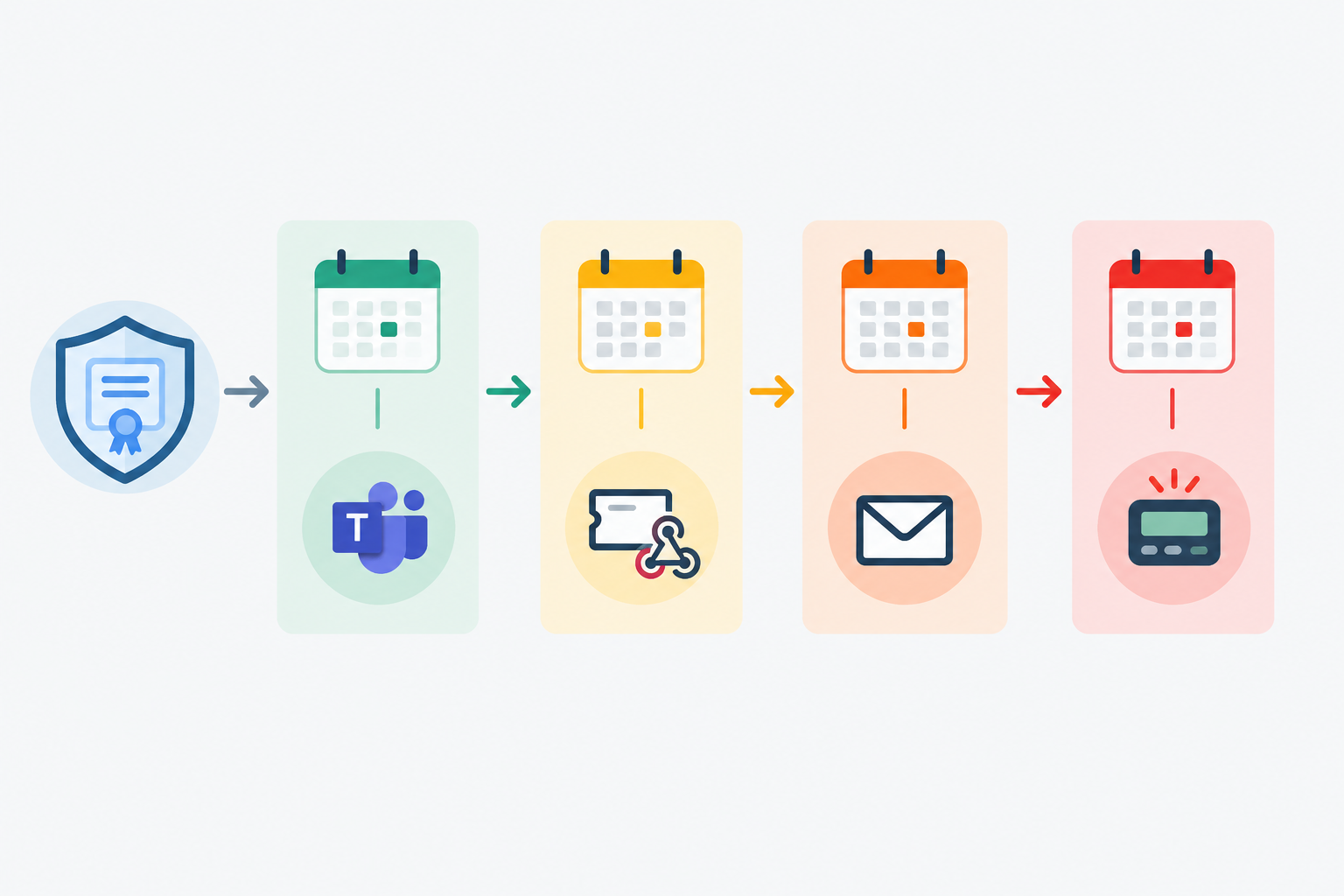
An alert that's everyone's problem is no one's problem. Put a named owner (or a named team) in the monitor's name or notes. When the 14-day warning appears, there should be no debate about whose it is.
If clients or colleagues keep asking 'is everything okay?', a branded public status page and incident history can answer that without you writing a single email. It's a small thing that builds a lot of trust.
If your certificate expires on 2 January, a 7-day warning lands in the middle of the Christmas shutdown. Bank holidays, Easter weekends and summer leave all eat into your lead time, and they differ across the UK. 2 January is a bank holiday in Scotland, St Andrew's Day matters for Scottish teams, and 12 July is observed in Northern Ireland. If your estate or clients span nations, check the right calendar. Where a renewal falls near a shutdown, move the first warning earlier so the work happens while everyone's still at their desks.
Two more small habits help. Check whether your alert timestamps are in UTC or local time, because 'expires at midnight' can mean a different evening during British Summer Time. And for .uk and .co.uk domains, find out who actually handles renewal, whether that's you, your registrar or a client. Registrations often sit with an agency or a former supplier, and that's exactly where expiry surprises come from.
I'll be blunt: an alert setup you've never tested is a hope, not a control. Here's a short routine that takes under an hour.
That last one is my favourite trick. A heartbeat that goes quiet is an early warning of a very different kind.
First, breathe. It's a process problem, not a personal failure, and you're far from the first.
On public sites, browsers display security warnings and many visitors will simply leave. API calls and webhook deliveries to the affected hostname typically fail, because most clients refuse expired certificates. Mail is more variable: some servers deliver regardless of an expired certificate, while others enforce TLS and will defer or bounce messages. Longer term, the real risks are lost customer trust and awkward conversations with clients or compliance teams. Any search ranking effect depends on how long the problem lasts and which pages are affected, so I wouldn't promise one either way.
This is where multi-region verification earns its keep. If one load balancer is still serving the old certificate, a check from a single location might look fine while some users still see errors. Confirming from multiple regions means a partial rollout can't fool you.
Hold a short, blame-free review. Which stage fired, and who saw it? Was the owner clear? Did the channel work? Adjust your thresholds, owners and channels, then move on a bit wiser.
Create an SSL monitor for each hostname in a monitoring tool, set several warning thresholds (for example 30, 14, 7 and 1 days before expiry), and send the alerts to channels your team already uses, such as email, Slack or webhooks. The tool checks the live certificate automatically, so you don't need to maintain a spreadsheet or calendar.
For most teams, four stages at 30, 14, 7 and 1 days is a solid starting point. If your renewal needs approvals or procurement, add an earlier 60-day warning. If you want a second late-stage nudge, add a 3-day stage. If you rely on auto-renewing 90-day certificates, a 14-day alert is a useful safety net that tells you automation has failed.
Yes. Build an inventory, create a monitor for each distinct serving endpoint, and use consistent naming so alerts are easy to triage. Bulk creation through an API and plans with higher monitor limits make larger estates easier to manage, though the details vary by tool.
Visitors to affected public sites will see browser security warnings, and API clients may refuse to connect. The exact impact depends on the service. Renew and deploy the certificate as quickly as possible, verify it externally, then review your alert stages and ownership so it doesn't happen again.
I'd still set up alerts. Auto-renewal can fail silently because of expired credentials, changed DNS records, rate limits, a broken cron job or a missed reload. Monitoring the live certificate is an independent check that the renewal reached production. Use it alongside renewal-job logs, heartbeat monitoring and deployment verification.
Yes. A lapsed domain registration will take your site offline no matter how healthy your certificate is, so it makes sense to track both with matching alert stages in the same place.
Nobody enjoys finding out about an expired certificate from an angry customer. The fix isn't heroics. It's a small amount of setup done once: inventory your hostnames and endpoints, monitor the live certificates, warn at several stages, send alerts to real owners, and test the lot.
If you'd like to try it with Moonitor, there's a 7-day free trial (check the site for current terms). Start with your five most important domains, and build out from there. 💙