How to Build a Support Escalation Process for a Small Team
19 min read
Loading...

A good support escalation process for a small team comes down to three things: clear triggers for when a ticket needs to move up, one named owner for every escalated ticket, and a handoff that keeps the full context in one place. Keep it to two tiers at most, run it inside a shared inbox using tags, assignments and internal notes, and review escalations weekly so the same problems stop coming back. The rest of this guide shows how to set that up without turning your team into a bureaucracy. ☕
Picture this. It's 9pm, and your founder's phone buzzes with a Slack message: 'Can you look at this customer thing?' There's no link, no history and no idea how urgent it is. So the founder scrolls through three channels, tries to reach the agent who's already logged off, and ends up emailing the customer to ask what's going on. The customer sighs and explains it all again. Who could blame them?
This happens on small teams all the time, and it isn't anyone's fault. It's what you get when escalation lives in people's heads.
Customer support escalation just means moving a conversation to someone with more knowledge, authority or time when the first responder can't resolve it. That's all it is.
You may have read guides full of L1, L2 and L3 tiers, dedicated escalation managers and routing matrices. Those models assume a big team where 'tier 2' is a full-time job. On a team of 2 to 15, your tier 2 is probably a developer who also ships features, an ops lead juggling invoices, or a founder doing six things at once. They can help, but only if you protect their time and give them what they need quickly.
Without a lightweight process, the same things tend to go wrong:
The good news is that your process can fit on one page. We're building a short set of rules, not a 40-slide playbook.
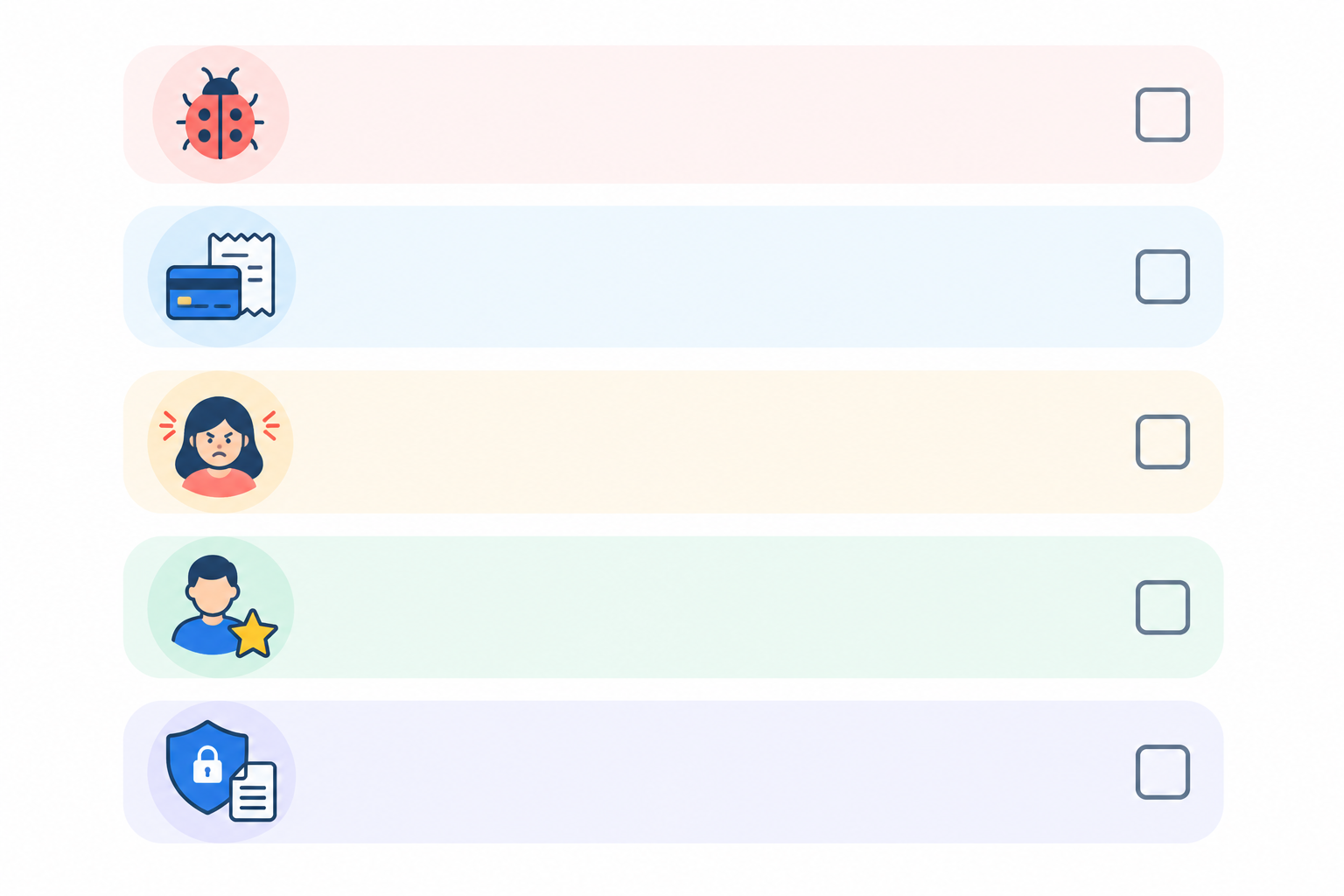
The first question people ask is a simple one: when should a support ticket be escalated? Escalate when the frontline can't resolve the issue with the knowledge or authority they already have. In practice, that usually means one of these triggers.
Some of these should move up immediately, whatever the reply count or the clock says. That means a suspected security or data breach, a legal threat, money taken in error, or an outage hitting several customers. Risk beats routine every time.
For everything else, add a simple backstop. Escalate if the customer has had three replies from your team and the problem still hasn't moved forward, or if a ticket has made no progress after one working day. Count agent replies, and judge progress by whether the customer is any closer to a fix, not by how many messages have gone back and forth. Treat the numbers as a starting point and tune them to your staffed hours. The backstop catches the quiet, slow-burning problems that don't trip any other trigger.
Now the practical bit. Write these triggers as a short checklist your agents can glance at mid-conversation. If they have to open a document and read three paragraphs while a customer is waiting in live chat, they won't. Pin the checklist where they work, or save it as an internal note template.
One more thing. Give your agents explicit permission to escalate. Many people, especially newer ones, worry that escalating looks like failure. It doesn't. Escalating at the right moment is a skill, and a team that does it well resolves things faster.
For most small teams, I'd recommend two tiers and no more:
The trick is that tier 2 isn't a team. It's a short list of names matched to problems. Here's what that might look like on a single page, with one shared standard for every row: acknowledge within 1 working hour, then give the customer an update by the end of the next working day, unless the row says otherwise.
| Issue type | Owner | Backup | Response target |
|---|---|---|---|
| Bug or technical fault | Developer on rotation | Second developer | Acknowledge within 1 working hour; update within 1 working day |
| Billing or refund over limit | Ops lead | Founder | Acknowledge within 1 working hour; update within 1 working day |
| Angry or at-risk VIP | Founder or support lead | Ops lead | Acknowledge within 1 working hour; update within 1 working day |
| Security, privacy or legal | Named security or data protection contact (or founder, with an external adviser) | Ops lead | Pick up immediately; acknowledge within 1 working hour; follow your written incident steps |
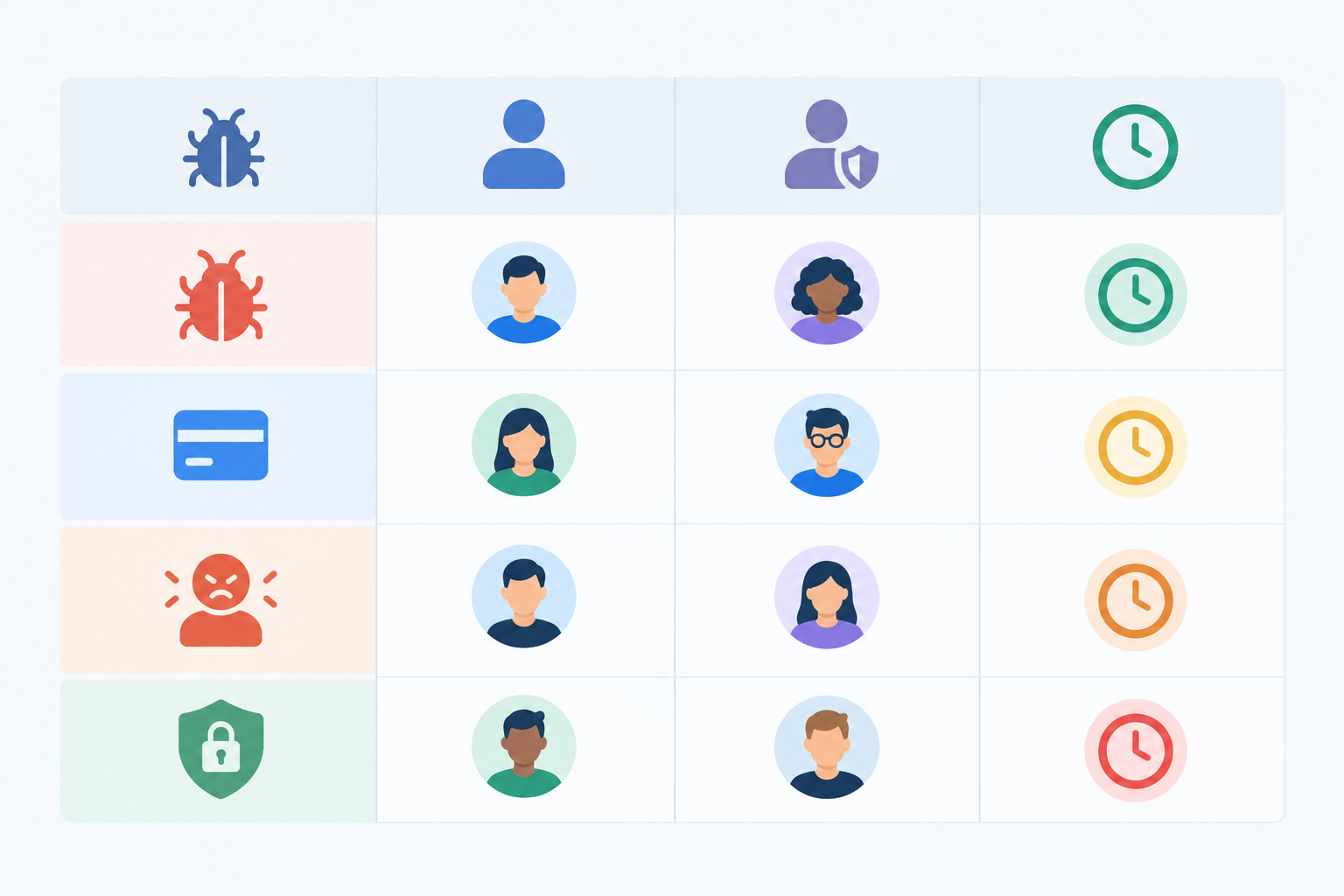
The security row deserves extra care. A founder or ops lead shouldn't be handling a suspected breach unaided. Agree in advance who makes the call, who you'd phone for specialist help, and what the first steps are. In the UK, a reportable personal data breach generally has to go to the ICO within 72 hours of you becoming aware of it, so a ticket that sits unnoticed overnight can matter. This isn't legal advice, so check the current ICO guidance and write your own short incident procedure.
And if a target is about to be missed, someone should know. Decide who gets nudged (usually the backup, then the support lead) when an acknowledgement is overdue.
This is the question I hear most from small teams, and the answer is a named rotation. A popular approach is a weekly 'support buddy' from the product or engineering team. For one week, that person is the first stop for technical escalations. When the week ends, someone else takes over.
It works because the load is shared and predictable. Your developer knows exactly when they're on and, just as importantly, when they're off. No more being ambushed.
Tier 1 shouldn't need permission for everything. Agree the limits in advance, for example:
Anything beyond those limits goes to tier 2. Clear limits mean your frontline can be generous and quick on the small stuff, and your specialists only see what really needs them.
Finally, every owner needs a backup. Holidays, sick days and the occasional 'I'm in a dentist chair' moment happen, and a ticket shouldn't stall because one person is away. That's why the backup sits right there in the table.
This is where the process stops being a document and starts being a habit. Shared inbox escalation works best when the whole thing happens in one place, so nothing leaks into side conversations. Here's the setup I'd use.
Start with the basics:
escalated, escalated-bug, escalated-billing and vip. Resist the urge to invent twenty more. If people have to think about which tag to use, they'll skip it.Live chat and email come next:
And keep it light:
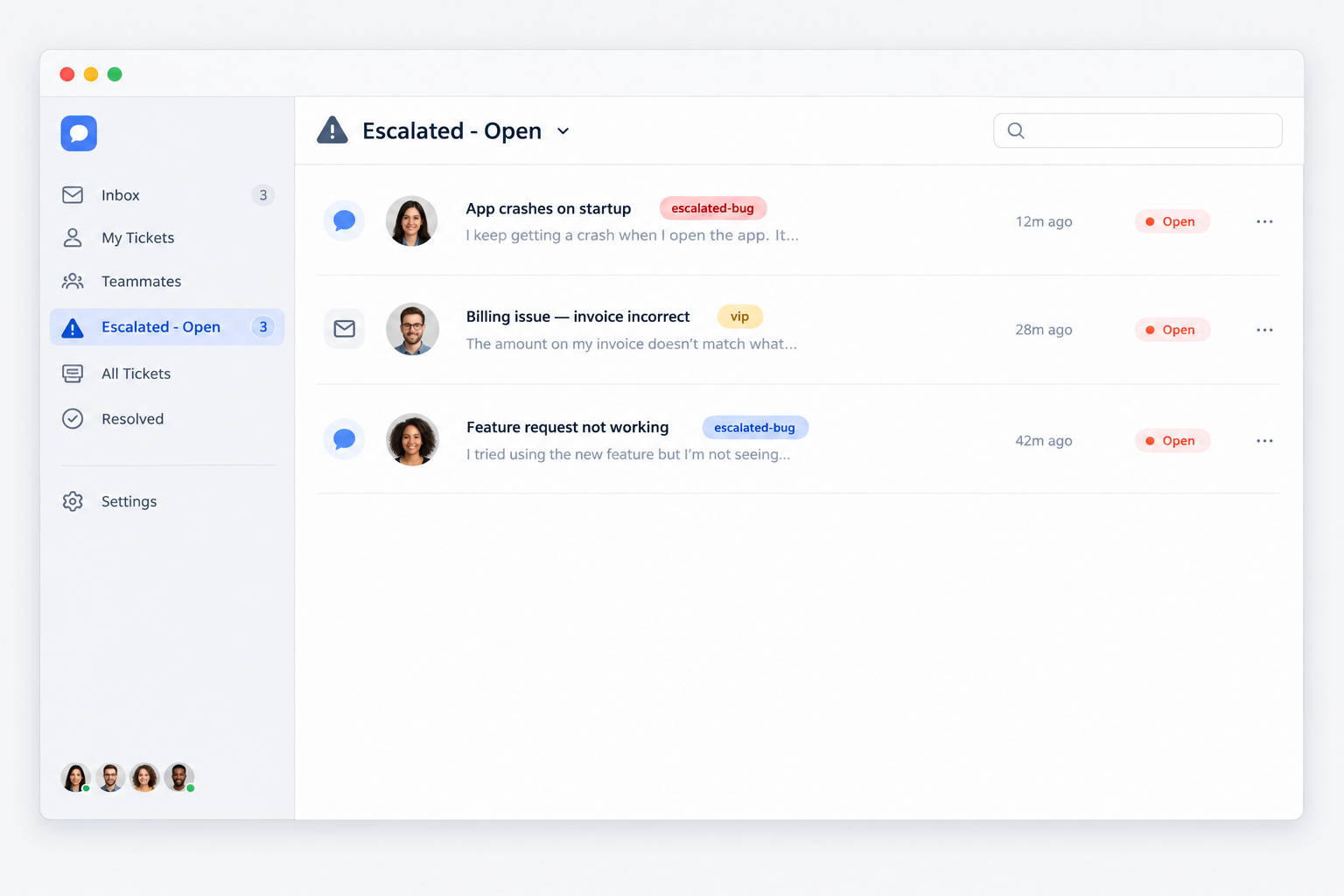
Most shared-inbox help desks support tags, filters and assignments. In Sonny, for example, they're built in, so you can create your tags and a saved filter in a few minutes, and live chat and email feed the same place.
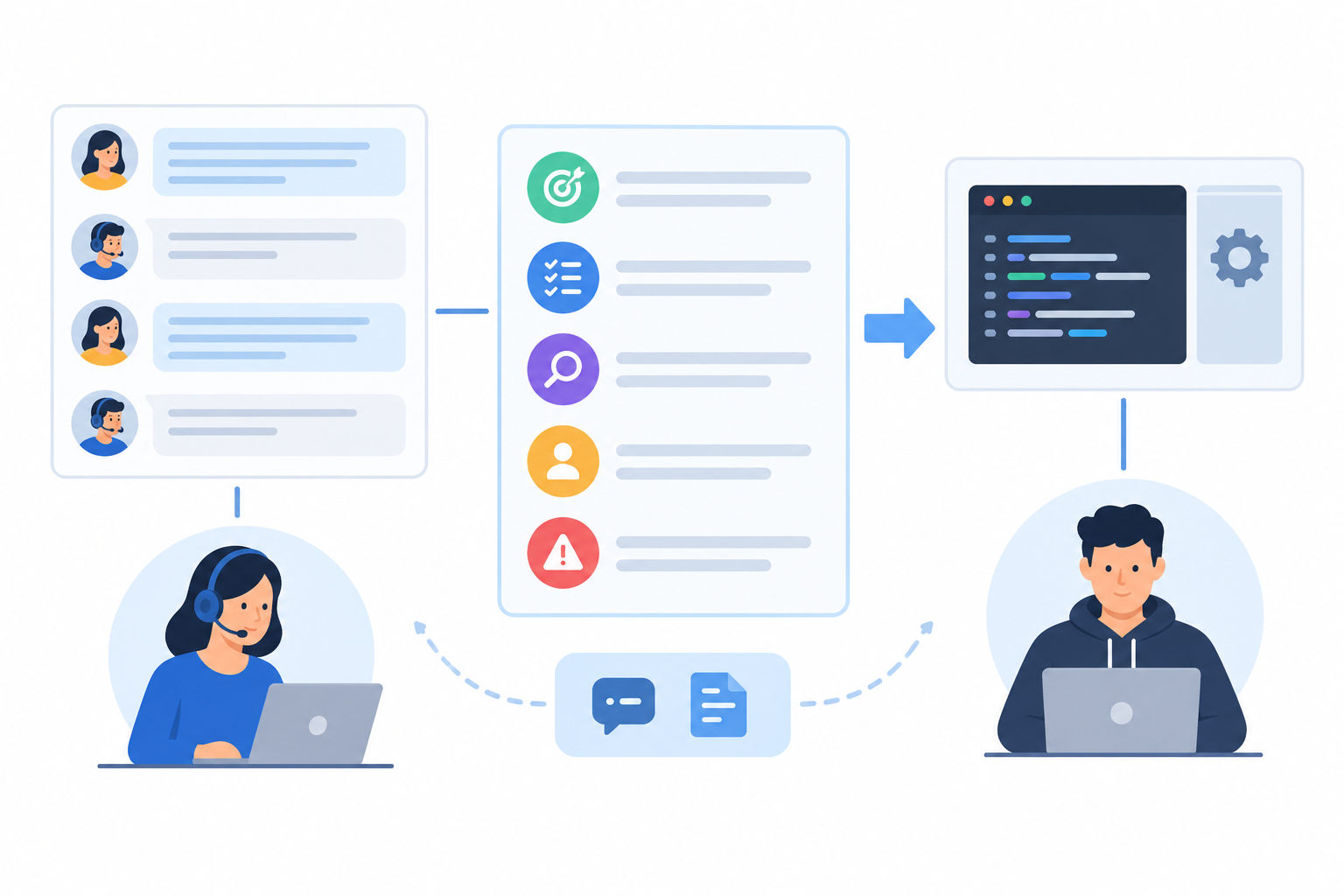
If there's one place escalations go wrong, it's the handoff. The customer explains their problem to the first agent, the ticket moves up, and then the specialist asks, 'Can you tell me what happened?' It's a small thing that feels enormous to the person on the other end. Most of us expect the second person we speak to to already know our story, and your handoff is how you meet that expectation.
So how do you escalate a ticket without making the customer repeat themselves? You write a good internal note, and you keep it in the conversation thread. Here's how.
Let's see the difference.
A poor handoff note:
'Customer can't export. Please check.'
A good handoff note:
Wants: Export their November report as CSV for a board meeting on Thursday.
Tried: Cleared cache, tried Chrome and Safari, shared our export guide. Same error each time ('Export failed').
Suspect: Possibly related to the large date range (about 40k rows).
Account: Pro plan, account ID 4821, signed up in March.
Urgency: High. Needed by Wednesday evening.
The second one takes a minute or two longer to write and can save everyone a good chunk of back-and-forth. Your developer can start investigating immediately, and the customer never has to repeat a word.
Here's a trap small teams fall into. Many help desks charge per seat, so teams naturally leave out the occasional helpers: the developer who only needs to look at a few bugs a week, the founder who handles the odd VIP, the ops lead who deals with refunds. Seats cost money, and those people only dip in now and then.
So what happens? Escalations drift out of the inbox and into Slack messages, forwarded emails and pasted screenshots. You end up with an invisible second support channel, the context fragments, and the customer record is incomplete.
There are a few ways round it:
Say you have 10 support agents and 4 occasional helpers, so 14 people in total. If a typical per-seat tool charged, hypothetically, $25 per person per month, that's $350 a month. A flat-rate plan at $19.99 would be a fraction of that. Treat the per-seat figure as illustrative only. Real prices vary by plan and change often, so compare current pricing before you decide.

So how can you give engineers access to support conversations without buying extra seats? Either use a tool with a limited collaborator role, or choose customer support software with unlimited agents so the question never comes up. If you're weighing options, a free trial is a low-risk way to test whether your escalation flow feels smoother with everyone in one place.
Escalated tickets need their own targets, separate from your normal first-response time. They're the trickiest conversations, and they often involve someone who has other work on. Without a target, 'we'll look into it' can quietly become 'we forgot'.
So, how fast should escalated tickets be answered? There's no universal benchmark, and I'd be wary of anyone who claims there is. Here's a flexible starting point, and it's the same standard used in the table above:
These are illustrative numbers. Calibrate them to your real staffed hours and the commitments you've made to customers. It's better to promise a target you'll hit than one that looks impressive on paper.
Response time and resolution time are different things. You can't always control how long a fix takes, especially if it needs a code change. You can control when the customer hears from you. So promise updates rather than fixes: 'I'll write back by 3pm tomorrow with where we've got to.' Customers are far more forgiving of a slow fix than of silence.
Spell out your business hours, your time zone and when the clock starts. Say your team works 9am to 5:30pm UK time, Monday to Friday. A customer who emails at 4:45pm on a Friday should be told that 'within one working hour' means a reply early on Monday morning, not 5:45pm that evening. If you have customers in Sydney or New York, that clarity matters even more. Be honest about what you can offer, and say so on your contact page and in your auto-acknowledgement.
If you're going to miss a deadline, tell the customer before it passes. A short note, 'Still working on this, and I'll have an update by tomorrow morning', takes thirty seconds and keeps trust intact.
Then use your reporting. Check response times on tickets tagged as escalated to see whether you're hitting your targets. If you keep missing them, the target or the owner's workload probably needs adjusting, not the customer's patience.
Everything above helps you handle escalations well. This last step helps you have fewer of them, and a weekly review is where that actually happens.
One optional extra: if your tool offers an AI assistant trained on your help docs, it may help agents find answers and resolve more issues before they need escalating. Sonny has an optional one, for instance. Treat it as a helper, not a replacement for a good process.
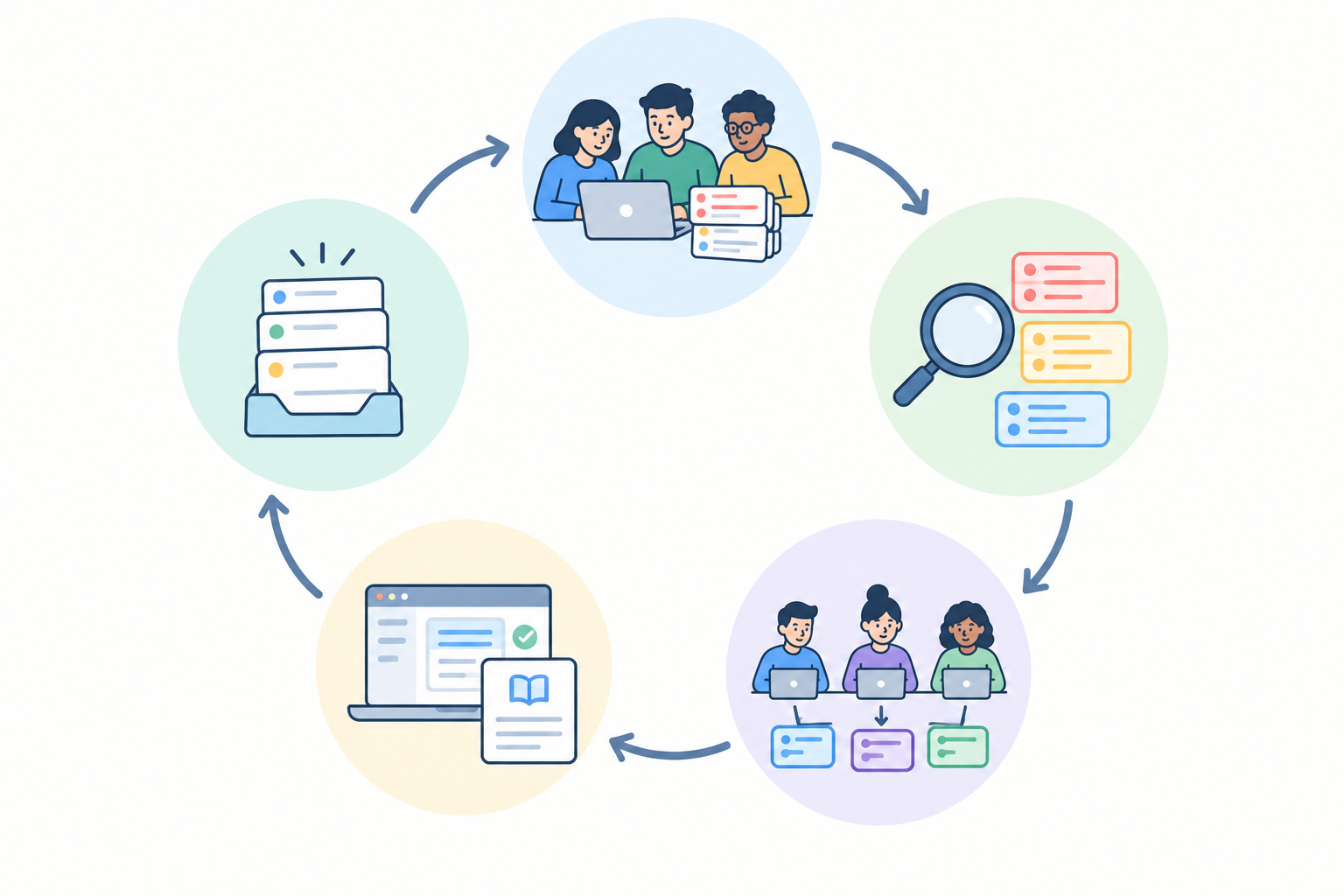
If this all feels like a lot, take a breath. Start small. Pick your triggers, name your owners, create three tags and a saved view. Try it for a fortnight, see what rubs, and tweak it. The best support escalation process is the one your team actually uses, and it'll grow with you. 💛
Escalate when the frontline can't resolve the issue with existing knowledge or authority, and escalate immediately for security, privacy, financial-harm or outage issues. For everything else, use a backstop such as three agent replies with no progress, or no progress after one working day.
Pick named owners by issue type and rotate a weekly 'support buddy' for technical issues. Always name a backup, and give security and legal matters a documented route.
Use one consistent escalation tag, assign every escalated ticket to a named owner, and save a filter for escalated tickets that are still open. Check it daily.
The internal steps are identical. Only the customer message differs: in chat, say you're bringing in a specialist and offer an email follow-up if the fix will take time. In email, give a clear next step and a timeframe.
Use a help desk with a limited collaborator role, or one with flat-rate pricing and unlimited agents. Failing that, share ticket links and summaries while keeping the resolution in the help desk.