How to Train AI Writing Tools to Sound Like You (Without Sounding Fake)

You can train AI writing tools to sound like you by feeding them real writing samples, setting explicit tone and style preferences, and reviewing early drafts closely enough to catch drift before it becomes a habit. That's the core of it. The tricky part isn't finding a clever setting, it's treating this as an ongoing workflow rather than a one-off setup you do once and forget. Different tools handle this differently, too: some use your samples as context within a session, some save a persistent style profile, and a smaller number genuinely fine-tune outputs based on your feedback. Knowing which one you're dealing with matters, and I'll get into that below.
If you're a solopreneur or freelancer in the UK who's been burned by AI content that reads like it came from the same corporate template as everyone else's, I get the frustration. You didn't build a personal brand just to hand it over to a tool that writes like every other tool out there. The good news is that with the right approach to AI writing personalization, you can get AI writing assistants to sound like a genuine version of you, not a flattened, generic approximation. Here's how.
Why AI writing personalization matters
Here's something I've noticed watching AI-generated content flood timelines and inboxes: the real worry isn't AI content itself. It's AI content that sounds exactly like everyone else's AI content. Safe, forgettable, interchangeable. You've probably scrolled past a dozen posts this week with the same rhythm, the same forced enthusiasm, and the same three-point structure. Nobody remembers those posts, and nobody trusts the person behind them either.
That's a real problem if you're a solopreneur, because your voice is often your whole differentiator. Clients don't hire "a content writer," they hire you, because of how you explain things, the analogies you reach for, and the way you're blunt when everyone else hedges. If your blog posts, newsletters, and social captions start sounding like someone else wrote them, you lose the exact thing that made people want to work with you in the first place.
There's an SEO angle worth mentioning too, though it needs some nuance. Search engines don't rank content simply because it "sounds distinctive." They weigh relevance, usefulness, originality, and signals of genuine first-hand experience, among other factors. But generic, template-shaped writing tends to struggle on several of those fronts at once: it rarely demonstrates real expertise, it often repeats what's already ranking, and it gives readers no reason to stick around or link back to it. So while voice alone isn't a ranking factor, writing that sounds like a real person with real experience tends to satisfy the broader quality signals search engines are actually looking for.
This is roughly where tools with some form of adaptive or performance-based learning can help. Platforms that let you flag which published pieces performed well and which fell flat are, in effect, giving you a faster feedback loop. You're not relying purely on your own judgement about what's working. I'd treat this as a genuinely useful feature to look for, but I'd be cautious about any product claim implying the AI is quietly learning your voice on its own in the background. In most tools, that improvement only happens because you're actively feeding it signal (ratings, edits, explicit notes), not because the system is independently studying your published work.
How to train AI writing tools with your writing samples
What you feed the tool at the start matters more than almost anything else you'll do. Here's how I'd approach it.
- Gather 5-10 pieces of your best existing content. Blog posts, client emails, social captions, anything that sounds authentically like you when you read it back out loud.
- Choose samples that show range, and label them. Include something formal, something casual, and something persuasive. Name each file by context, "casual newsletter," "formal proposal email," "sales page," so you (and the tool, if it supports tagging) can tell which register you're pulling from. One tone alone will make the AI assume that's your only mode.
- Upload or paste these into your tool's style-reference or custom-instructions feature. Most modern platforms have a dedicated spot for this. It's an extra ten minutes of setup that saves hours of correction later.
- Flag the specific quirks you want preserved, in plain language. Rather than hoping the AI notices your habits, spell them out: "I usually open with a rhetorical question," or "I sign off with 'right, that's your lot for this week.'" Weak instruction: sound friendly. Better instruction: short paragraphs, dry humour, one practical analogy per section, contractions throughout, no exclamation marks. Specificity is what actually changes the output.
- Leave out heavily agency-polished or ghostwritten pieces. If a piece went through three rounds of external editing and doesn't sound like you anymore, don't use it as a sample.
- Check your data settings before uploading anything sensitive. If your samples include client names, unpublished pricing, or anything confidential, review the tool's data-retention and training-use policy first. This matters under UK GDPR, and it's worth two minutes of reading rather than an unpleasant surprise later.
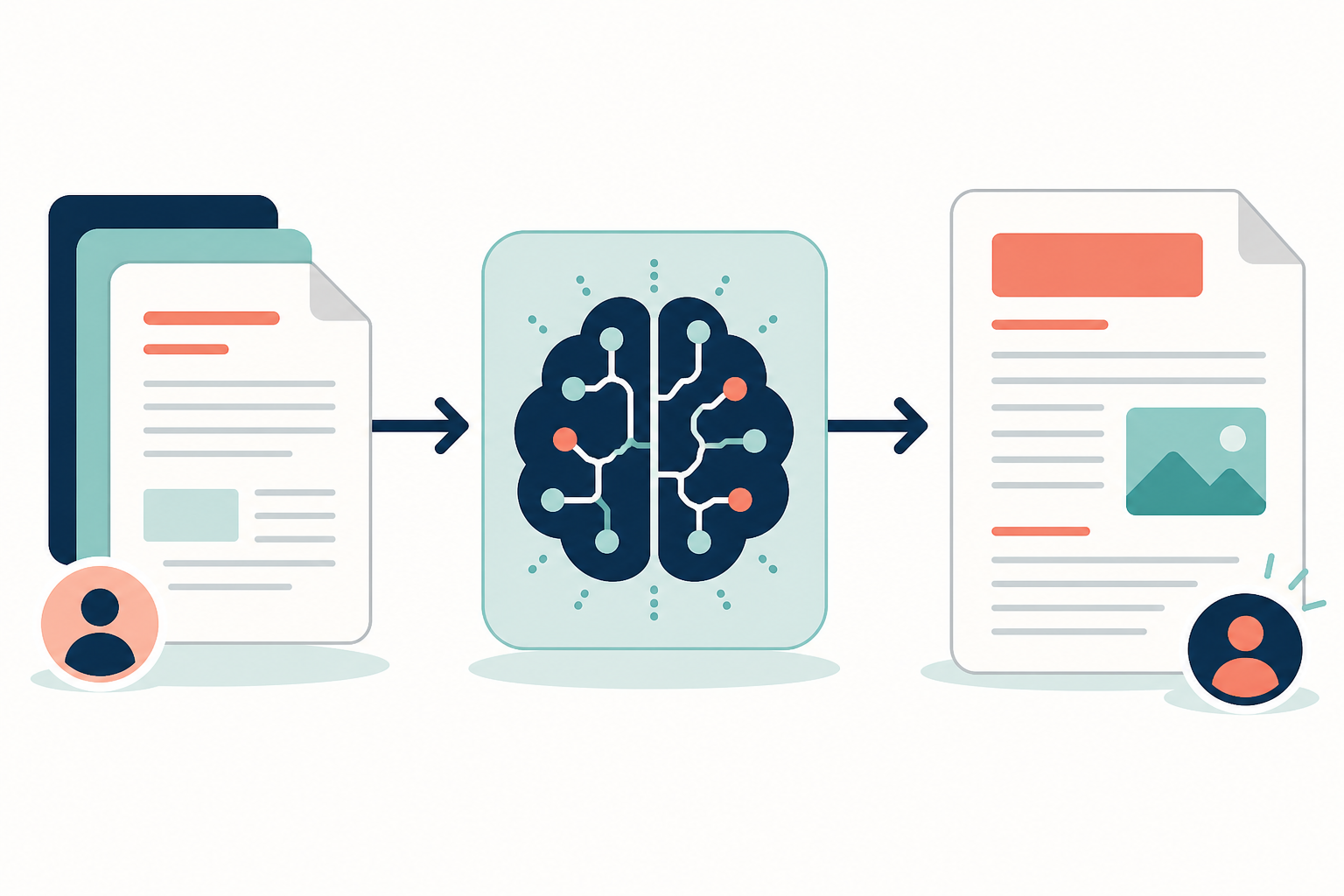
One thing worth stressing: this step alone won't get you a perfect match. It's the foundation, not the finished product. Skipping it is like asking someone to imitate your handwriting without ever showing them a sample of it.
Set AI tone and style preferences
Once you've fed the AI real samples, make your preferences explicit rather than hoping the tool infers them correctly. Depending on the platform, these might live as saved custom instructions, a style profile, or settings you re-paste at the start of each session. Here's a template you can copy and fill in:
- Audience: Who am I actually writing for, and what do they already know?
- Formality level: Conversational and relaxed, strictly professional, or somewhere in between?
- Sentence length and rhythm: Mostly short and punchy, or longer sentences that build an idea step by step?
- Point of view: First-person "I/we," or a more distant third-person brand voice?
- Humour and personality: How much dry wit, sarcasm, or personal anecdote is on-brand, and how much would feel forced?
- Vocabulary: Industry terms that signal expertise to a specialist reader, or plain language for a general audience?
- Banned phrases: Words or clichés you never want to see (mine include "in today's fast-paced world" and "unlock your potential").
- A sample sentence or two that nails the tone you're after, pasted in directly as a reference point.
Writing samples alone can be ambiguous. An AI might notice short sentences in one post and assume that's a hard rule, when really you just matched the mood of that particular piece. Explicit settings remove the guesswork. When a tool lets these preferences persist across sessions, you stop re-explaining your voice every time you sit down to write, which is exactly the kind of friction that makes scaling content sustainable for a one-person operation.
Review and refine AI-generated content
This is the step most people rush, and it's the one that makes the biggest difference to how close the final result gets to sounding like you.
- Read the first few AI-generated drafts out loud. If a sentence feels awkward or overly formal when spoken, it'll feel off when read silently too.
- Compare specific paragraphs against your original samples. Look for exactly where the tone drifts, maybe the intro nails your rhythm but the third section slips into generic phrasing.
- Make small, targeted edits rather than full rewrites, and feed the correction back explicitly. Here's the honest caveat: editing a finished document doesn't automatically retrain most AI models. What it does is give you a clearer, more specific instruction to add to your style preferences next time, something like "stop using 'unlock,' use shorter sentences here, swap the semicolon for a full stop." That's the mechanism that actually improves your next draft, not the edit itself.
- Use quality scoring or feedback features if your platform offers them. These typically work by letting you rate or flag output so the tool weights similar patterns differently in future generations. Check your specific tool's documentation to understand exactly what the feedback does, some update a saved profile, others adjust suggestions only within that session.
- Run every draft through a short rubric before publishing: Does this sound like me? Is it factually accurate? Is it actually useful to my reader? Is it free of clichés and hedge-everything phrasing?
- Track which edits you keep repeating. If you're removing the same phrase or restructuring the same sentence type every single time, that's your signal to go back and tighten your style preferences or add a sharper example sentence.
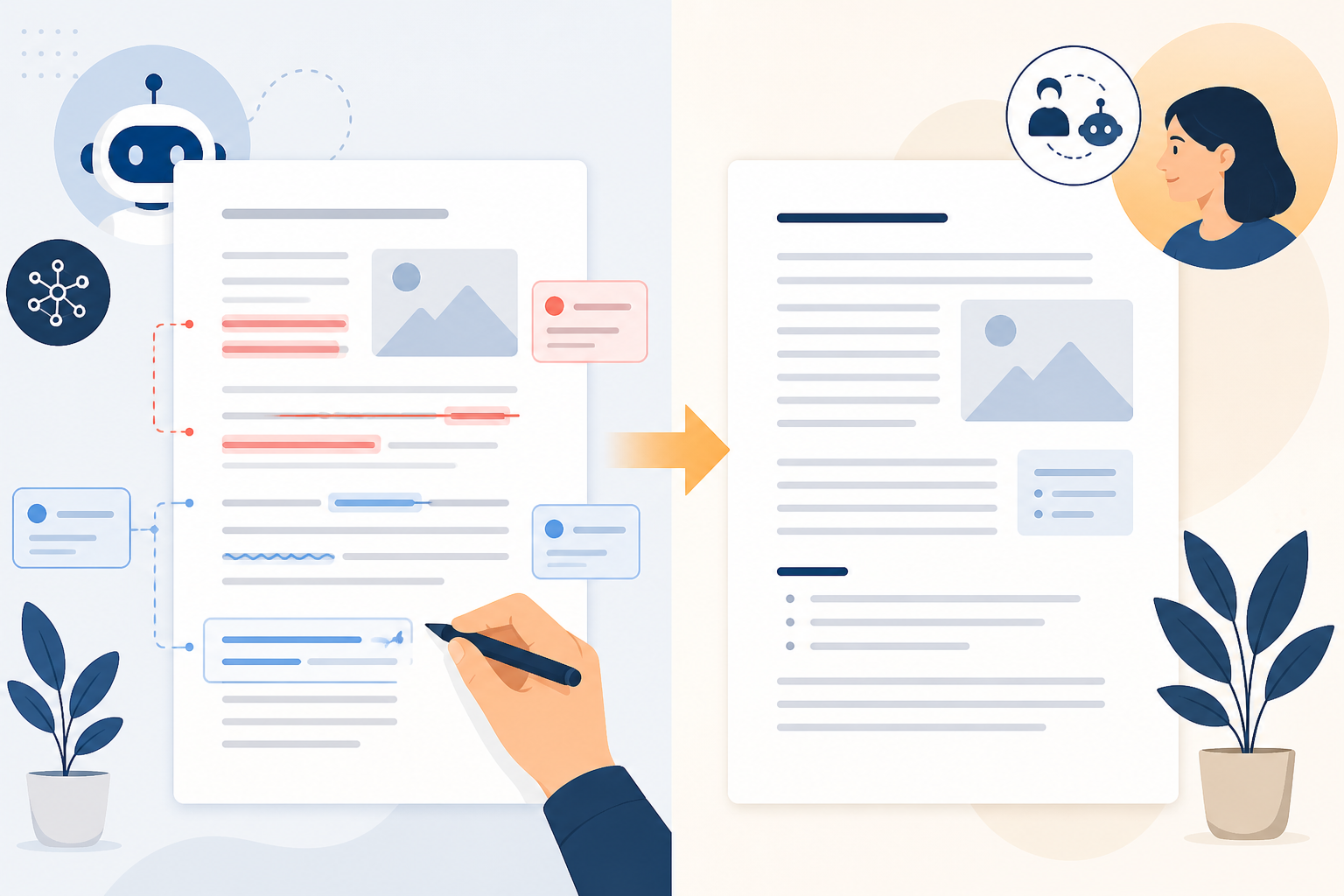
I won't pretend this stage is glamorous, it's closer to proofreading than creative work. But a few focused minutes per draft, done consistently, gets you a genuinely accurate voice match far faster than most people expect.
Keep your AI-written content authentic over time
Your voice isn't fixed. It shifts as your business grows, as your audience changes, and as you get more confident in your niche. Which means the samples and preferences you set up months ago might already be slightly out of date.
A few habits worth building in:
- Refresh your writing samples every few months. Swap in newer pieces that reflect how you're writing now, not how you wrote when you first set things up.
- Set a quarterly check-in. Pull up your most recent published posts and honestly ask: does this still sound like me, or has it quietly drifted toward something flatter?
- Version your style profile like a document, not a one-time form. Keep a dated copy of your voice template so you can see what's changed and why.
- If your tool offers performance-based feedback, use it, but treat it as one input, not the whole system. Flagging what worked and what didn't is genuinely useful; just don't assume the AI is independently inferring your voice from analytics alone.
- Don't skip the human check before publishing, even with an automated workflow connected to your CMS. A quick two-minute read-through catches the drift that automated checks miss.
The people who get the best results from AI writing tools aren't the ones who found a magic setting. They're the ones who treat this the way you'd train a new team member: give clear feedback early, keep giving it, and expect steady improvement rather than an overnight fix.
Frequently asked questions about AI writing personalization
Can AI actually learn my writing style?
To a meaningful degree, yes, but it depends heavily on the tool. Some AI writing assistants only use your samples as context for that session, meaning you need to re-supply them each time. Others save a persistent style profile that carries across sessions. A smaller number use your feedback to fine-tune outputs over a longer period. None of these will replicate you perfectly on the first attempt, and none produce a perfect copy of your voice, they produce a reasonable approximation that gets closer with consistent input. Check your specific tool's documentation to know which category it falls into.
How do I personalize AI-generated content?
Start by uploading writing samples that genuinely sound like you, labelled by context (casual, formal, persuasive). Set explicit preferences for tone, formality, sentence rhythm, and point of view, ideally using a written template you can reuse. Then review early drafts closely, make small corrective edits, and feed specific instructions back into your settings rather than assuming the tool has absorbed the correction automatically.
What settings control AI tone and voice?
Most AI writing assistants offer controls for formality, sentence length, point of view, use of humour or anecdote, and vocabulary complexity. Some let you save these as a persistent profile so future output follows the same rules without resetting each time, others require you to paste your preferences in at the start of every session. It's worth checking which applies to your tool before you rely on it.
Quick-start checklist for training AI writing tools
Before your next AI-assisted draft, run through this:
- Have I uploaded 5-10 labelled samples that show real range?
- Have I written out an explicit style profile, including banned phrases and a reference sentence?
- Have I checked what my tool actually retains between sessions?
- Have I reviewed my data and privacy settings if any samples contain client information?
- Am I reading the first draft aloud and comparing it against my rubric, sounds like me, accurate, useful, cliché-free, before I publish?
Get that process running consistently, and training AI writing tools to sound like you stops being a one-time trick and starts being a habit that compounds. That's really where the authenticity comes from, not a setting, but the steady feedback you keep giving it.
Create content like this automatically
Scribe uses AI to generate high-quality blog posts that engage your audience and drive traffic.