Incident Communication Templates That Keep Customers Calm: Copy-Paste Status Page Messages for Every Stage
Incident Communication Templates: Copy-Paste Status Page Messages for Every Stage
Meta description: Copy-paste incident communication templates for every stage of an outage, from Investigating to Resolved and the post-incident summary. Includes status page messaging and tone tips for UK teams.
When something breaks, the best incident communication is fast, specific and honest: say what you know, what you don't, who is affected and when you'll update next. A simple five-stage structure on your status page (Investigating, Identified, Monitoring, Resolved and Post-Incident Summary) won't guarantee a calm customer, but it makes patience far more likely, even when your service is wobbling.
That's the whole idea. The rest of this post gives you copy-paste templates for each stage, plus status page messaging tips and the common mistakes that turn a soothing message into an alarming one. Grab a coffee ☕ and let's get into it.
Why status page messaging matters as much as the fix
Picture a customer at 9:02am on a Monday. They've just sat down, opened your dashboard, and it won't load. They refresh. Nothing. Is it their Wi-Fi? Their browser? Or is it you?
They check your status page. If it says 'All systems operational', they start doubting themselves and then doubt you. If it's blank or out of date, they email support, ping their account manager and mention it in their team chat. If it says 'We're investigating reports of slow dashboard loading. We'll post another update by 09:30 GMT', they exhale and get on with something else.
Same outage. Completely different experience.
Silence reads as incompetence or concealment. A calm, specific update reads as control. This is the part I think surprises a lot of teams: customers rarely expect zero downtime. They expect honesty and a clear next update. Atlassian's incident communication guidance says much the same: acknowledge promptly, describe the known impact in plain language, and update at a stated cadence. And don't guess at a cause or a recovery time.
There's a commercial side to this too. PwC's Future of Customer Experience survey found that 32% of consumers would stop doing business with a brand they loved after one bad experience. Salesforce's State of the Connected Customer research reports that a large majority of customers (88% in one edition) say the experience a company provides matters as much as its products or services. Neither is specifically about outages, and figures change between editions, so check the latest versions. Still, they're a fair reminder that how you handle a bad moment is part of your product.
How status page messaging fits with incident alerting
Order matters. Your team should hear about a problem first, through incident alerting (email, Slack, Discord, Telegram or webhooks). Then customers hear from you via your status page, within minutes, not hours. If customers find out before you do, you're on the back foot. If your team knows but customers hear nothing, you look evasive.
One note before the templates: they're a starting point. Swap in real names, times and details every single time. A template with '[component]' still in it is worse than no message at all.
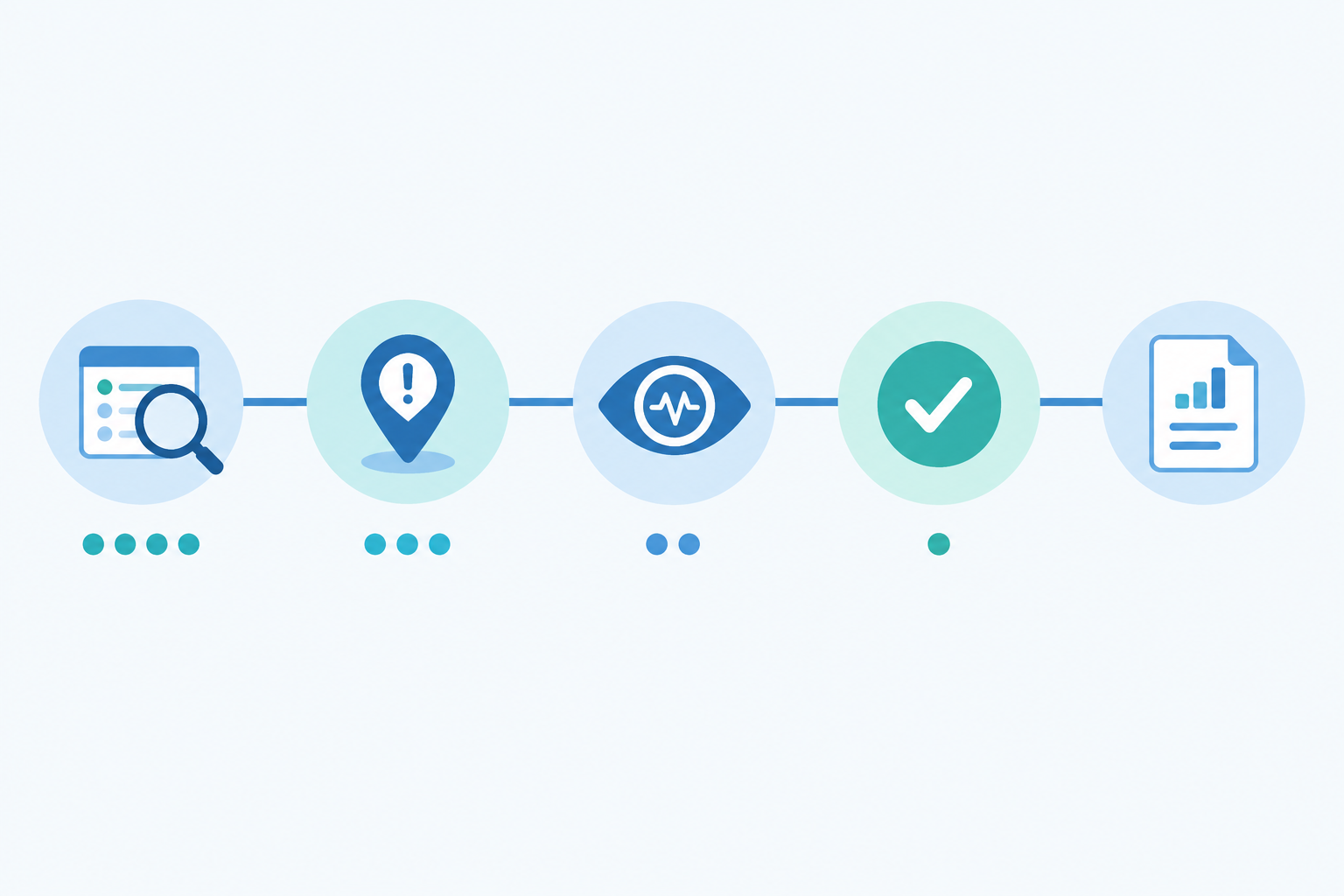
The five incident communication templates at a glance
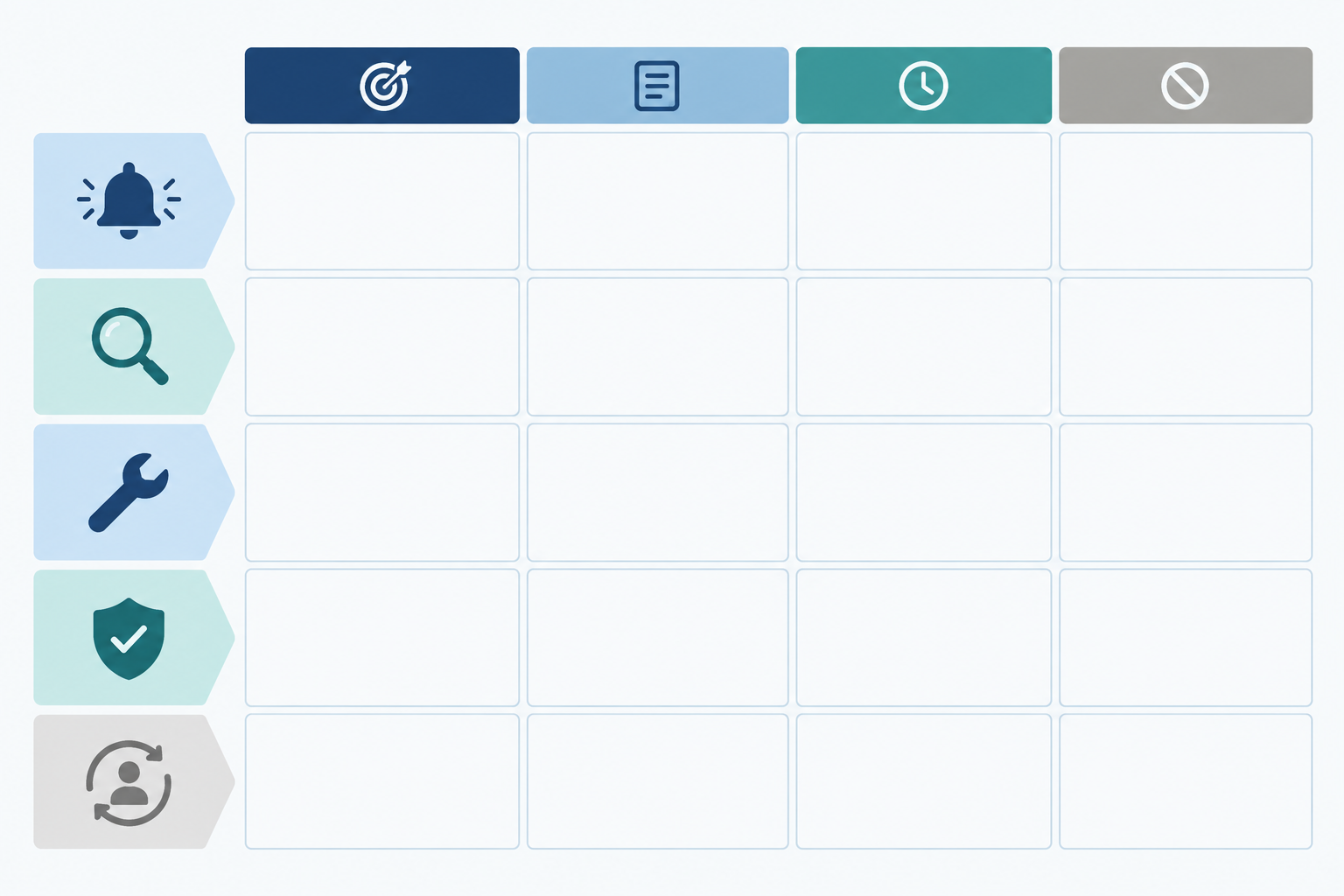
Here's the whole journey on one page. Each stage has a job, and each has one trap worth avoiding. The timings are suggested defaults, not universal standards, so adjust them to your service and your customers.
| Stage | Purpose | What to include | Suggested timing | The one thing to avoid |
|---|---|---|---|---|
| Investigating | Acknowledge the problem | Symptom, affected component, customer impact, next update time | Within 10 to 15 minutes of confirming the issue | Guessing at the cause |
| Identified | Show progress | Plain-English cause, what's still affected, data status (only if verified), next update | Once you know what's wrong | Promising a fix time you can't guarantee |
| Monitoring | Confirm the fix is holding | What changed, what you're watching, next update | After the fix is applied | Declaring victory too early |
| Resolved | Close the loop | Start and end times with timezone, duration, scope, one apology | After 30 to 60 minutes of stable checks (longer for serious incidents) | Vague timings like 'earlier today' |
| Post-Incident Summary | Build long-term trust | Summary, impact, timeline, root cause, resolution, preventative actions | Within a few working days for significant incidents | Blaming a vendor or an individual |
How often should you update your status page?
A sensible default is an update every 30 minutes during an active incident, even if it's simply 'no change, still working on it'. Whatever interval you promise in one message, keep it in the next. Missing your own deadline does more damage than you'd expect.
Make sure the status label on your page (Investigating, Identified, Monitoring, Resolved) matches your message, too. If the badge says 'Monitoring' and the text says 'we're still looking for the cause', customers will notice, and they'll trust neither.
Before an incident: prepare your status page messages
Nobody writes well at 9:02am with alerts firing. The trick is to do the thinking when things are quiet. Here's what I'd set up this week:
- Agree who owns communication. Ideally it's someone separate from the person fixing the problem. Google's SRE guidance on managing incidents assigns a dedicated communications role for this reason: it keeps stakeholders informed and stops update requests distracting the people doing the technical work.
- Pre-load your templates in a shared doc or in your status page tool, so nobody starts from a blank page.
- Group components sensibly. Split things into API, dashboard, scheduled jobs, SSL, DNS and so on, so you can say exactly what is affected rather than 'the platform'.
- Only announce real incidents. Multi-region failure verification, where a check must fail from more than one location before it counts, helps you avoid posting an Investigating message for a blip on one network. Not every monitoring tool works this way, so check yours. (Moonitor uses multi-region verification as part of its checks, which is one reason its alerts and status page stay low-noise.)
- Write a four-line tone guide: plain English, no jargon, no blame, no speculation.
- Use UK-friendly conventions. That means 24-hour time with timezone (GMT or BST), British spelling, and dates written day-month-year, for example 14 March. 'Resolved at 10:45 BST' leaves no room for confusion.
The Investigating message: what to say when you first detect an incident
The question I hear most is: what should I say when I first detect an incident? Say something early, even before you know the cause. The first message isn't there to explain. Its job is to tell customers 'yes, we know, and we're on it'.
Investigating status page message template
- State the symptom and the component. Name what customers can see, not what you suspect.
- Describe the customer-visible impact. What might they notice?
- Promise a specific next update, with a clock time and timezone.
Investigating: We're investigating reports of [symptom] affecting [component/feature]. Some customers may experience [customer-visible impact]. We'll post another update by [time, GMT/BST].
If your own monitoring caught it first, which is the ideal scenario, use this variant:
Investigating: Our monitoring has detected [symptom] on [service] from multiple regions. We're looking into it now. We'll post another update by [time, GMT/BST].
That 'from multiple regions' phrase does real work. It tells customers this is a confirmed problem rather than a one-off glitch. Only use it if it's true for your setup.
Describe the symptom, not a guessed cause
Why symptom rather than cause? Because early guesses are wrong surprisingly often, and a retracted theory looks worse than no theory. Leave out root-cause speculation, blame on third parties and promises of a fix time. You can add all of that later, once it's true.
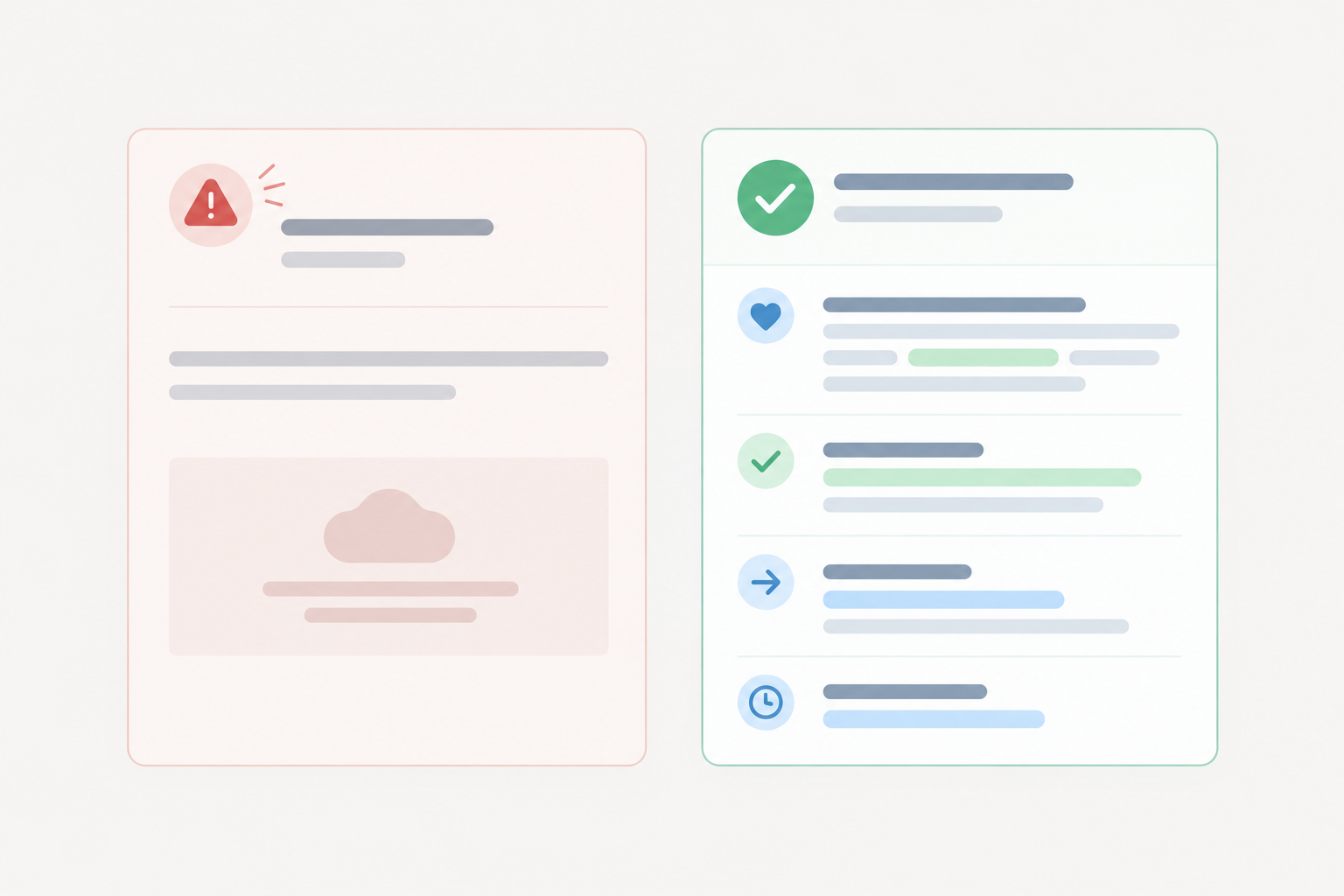
Weak versus strong incident messages
Here's what that looks like in practice.
Weak: 'We are experiencing some issues with our platform. A small number of users may be affected. We are working to resolve this as soon as possible.'
Strong: 'We're investigating reports of slow responses from the API. Some customers may see requests timing out. The dashboard is working normally. We'll post another update by 09:30 GMT.'
The weak version names nothing, quantifies nothing and gives no next step. The strong one tells a reader whether they're affected, what to expect and when to look again.
The Identified message: share progress without over-promising
Once you know what's wrong, tell people. But resist the urge to turn this into a technical essay or a promise.
Identified status page message template
- Confirm you've found the cause, in one plain-English sentence.
- Say what's still affected, and be exact.
- Address data, only with facts. 'Your data is safe' must be something you've verified, not a hope.
- Set the next update.
Identified: We've identified the cause of [symptom] and are working on a fix. [Feature] remains affected. Next update by [time, GMT/BST].
Then add one of these data lines:
If verified: We've confirmed that no customer data was affected.
If not yet verified: We're still checking whether any data was affected and will update you by [time, GMT/BST].
If there's a workaround, include it only if it's genuinely safe and tested. A half-tested workaround that makes things worse is a second incident.
How much detail should an incident update include?
One plain-English sentence on cause is plenty. Here are some examples for different incident types:
- API latency: 'A database query is slowing down API responses. We're working on a fix.'
- Failed cron or heartbeat jobs: 'A scheduled job that processes nightly exports did not run. We're re-running it and checking the results.' (Cron job monitoring and heartbeat monitoring exist to catch jobs that go quiet.)
- SSL certificate expiry: 'An SSL certificate has expired, which may cause browser security warnings. We're installing a new one.' SSL certificate monitoring should catch this well before customers do, but if it slips through, say so plainly.
- DNS misconfiguration: 'A DNS record change is sending some visitors to the wrong place. We're correcting it. Changes can take time to reach all users.'
How do you word a status update without causing panic?
A reader question I really like: how do you word a status update without causing panic? A few habits help.
- Use concrete verbs like 'applying', 'restoring' and 'testing'.
- Skip capital letters and alarmist adjectives. 'Severe', 'critical' and 'major' rarely help.
- Back up reassurance with facts. 'Payments are unaffected' is calming. 'Don't worry' isn't.
- Avoid vague phrases such as 'some issues' or 'a small number of users' unless you can support them with numbers.
The Monitoring message: the fix is in, but we're watching
This is the stage teams skip, and it's the one that saves you from the most embarrassing mistake in incident communication: announcing 'all clear' and then falling over again twenty minutes later.
Monitoring status page message template
- Say a fix has been applied.
- Say what's returning to normal, with a specific metric or behaviour.
- Explain that you're still watching, and when you'll update.
Monitoring: A fix has been applied and we're seeing [metric/behaviour] return to normal. We're monitoring closely to confirm stability. Next update by [time, GMT/BST].
What does 'monitoring' mean during an incident?
In practice you're watching response times, error rates and checks from multiple locations to confirm everything stays healthy. Response-time analytics make this concrete: you can see latency fall back to its usual range and stay there, instead of relying on a gut feeling.
A reasonable rule of thumb is 30 to 60 minutes of stable checks before moving to Resolved, longer for severe incidents or ones involving data. Tell customers roughly what you're waiting for. This stage builds trust because it shows you're verifying the fix, not just hoping.
The Resolved message: close the loop cleanly
Now you get to say it's over. Keep it factual, exact and brief.
Resolved status page message template
- Confirm resolution.
- Give exact start and end times, with timezone and total duration.
- State the scope: who and what was affected.
- Apologise once.
- Promise a summary, if the incident warrants one.
Resolved: This incident is resolved. [Component] has been operating normally since [time, GMT/BST]. The issue affected [scope] between [start] and [end], a total of [duration]. We're sorry for the disruption. A summary will follow by [date].
Should you apologise in every incident update?
No. Repeating 'sorry' in each update sounds anxious and waters down the message. One sincere apology in the Resolved message is enough, repeated in the post-incident summary for major incidents. 'We're sorry for the disruption' is warm without being grovelling.
What should you include in a resolved message for a minor or major incident?
For a short blip, a brief note is fine: what happened, when it ended, sorry for the trouble. For anything lengthy, widespread or involving data, promise a post-incident summary with a date. Then keep that promise.
The Post-Incident Summary: what to include and a reusable template
So, what goes in a post-incident summary? Six things: a summary, the customer impact, a timeline, the root cause, what you did, and what you're changing. Write it for customers, not engineers. Keep it factual, blame-free and free of internal jargon.
Post-incident summary template
Post-incident summary: [short title], [date]
Summary
On [date], between [start] and [end] [GMT/BST], [feature] was [symptom]. The issue is resolved and the service is operating normally.Customer impact
[Who was affected, how, and for how long. Say whether data was affected, only if confirmed.]Timeline (GMT/BST)
- [time]: Our monitoring detected [symptom].
- [time]: We posted the first update and began investigating.
- [time]: We identified [cause].
- [time]: A fix was applied.
- [time]: Checks remained stable and we marked the incident resolved.
Root cause
[One or two plain-English sentences on what went wrong and why.]Resolution
[What we did to fix it.]What we're changing
- [Action], owner: [team], due: [date]
- [Action], owner: [team], due: [date]
We're sorry for the disruption. If you have questions, reply to this message or contact support.
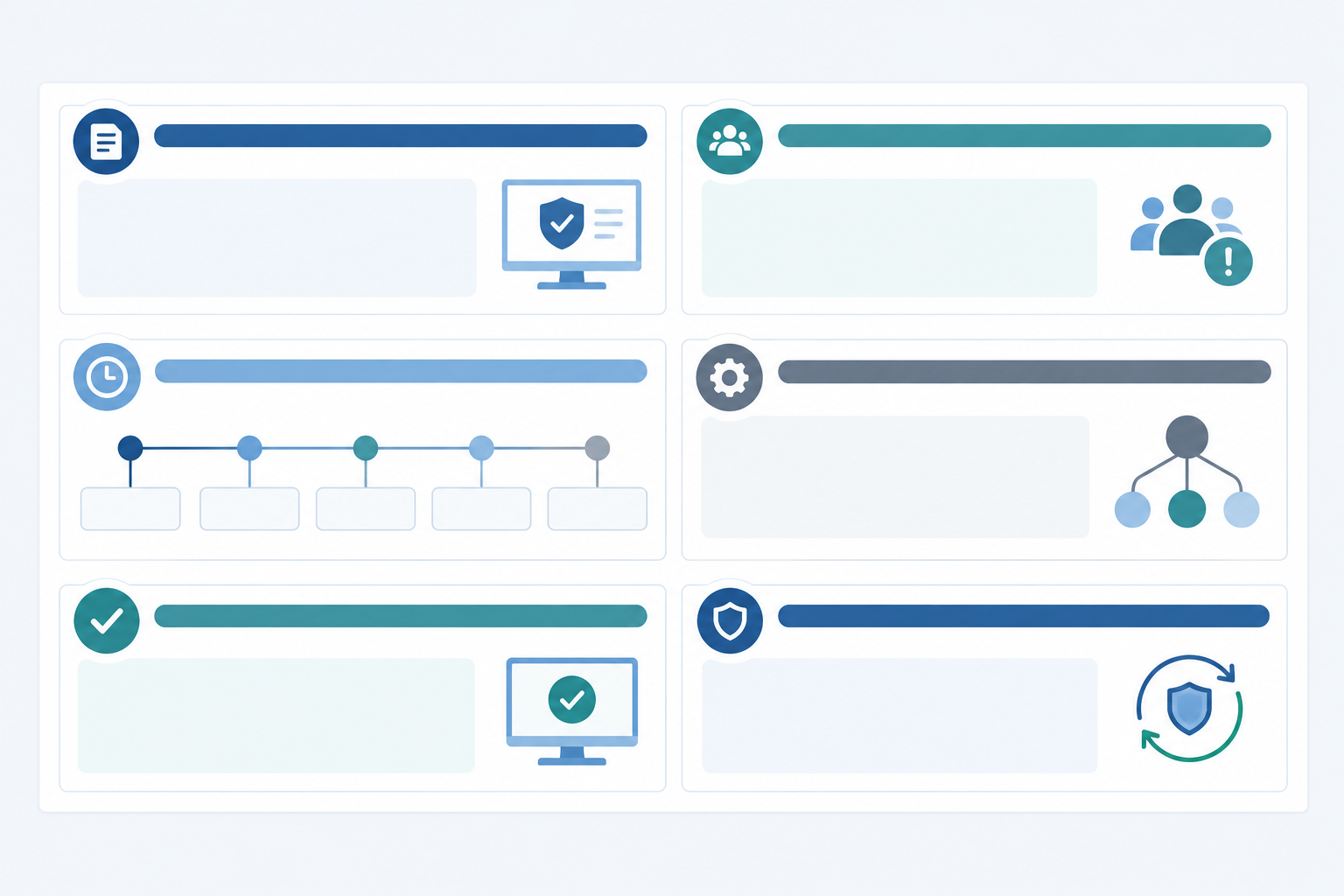
Give each preventative action an owner and a date. 'We'll improve our processes' is not an action. 'Add an alert for certificate expiry 30 days ahead, owner: platform team, due 28 March' is.
Backing up your incident summary with data
Your timeline is more believable when records back it up. Incident history on your status page shows customers what happened and when, and response-time analytics let you show the latency spike and recovery instead of just describing them. Over months, a track record of honestly handled incidents does more for trust than a spotless page that nobody quite believes.
When should you publish a full post-incident summary?
You don't need one for every small blip. A full summary is expected after extended outages, incidents affecting data, security events, or whenever customers have been asking questions. If in doubt, a short summary beats none. For security, privacy or legal matters, have the wording reviewed before publishing.
Tone tips for clear, reassuring status page messaging
Templates give you structure. Tone does the rest. A few principles beyond the ones above:
- Sound like a person. Use 'we' and 'you', short sentences and no corporate hedging.
- Be careful with loaded words. 'Catastrophic', 'critical failure' and even 'outage' should only appear when they're accurate.
- Keep a consistent format, so customers learn where to look and what each stage means.
- Treat scheduled maintenance the same way, with advance notice, the affected components and the expected window in GMT or BST.
Common status page messaging mistakes to avoid
I've seen most of these first-hand, and I've made one or two myself.
- Waiting for certainty before posting anything. You'll never have it. Post the symptom.
- Blaming a vendor or a single engineer. Customers chose you, not your supplier, and blame makes everyone look worse.
- Using jargon customers can't parse. 'Replica lag on the primary' means nothing to most readers.
- Letting the status page and support replies contradict each other. One source of truth, please, and make sure support has the latest message.
- Marking things resolved too soon. This is what the Monitoring stage is for.
- Quietly deleting incidents. Keep an accurate internal record of every incident, and publish a reviewed customer-facing history. Some details, especially around security, privacy or legal issues, may need careful review before you disclose them, but erasing the fact that something happened erodes trust.
- Forgetting components. If the incident touches DNS, SSL or scheduled jobs, update those components specifically. Customers who rely on them are looking there.
Put your incident communication templates into practice with a branded status page
Templates are only useful if they're easy to reach in the moment. A branded public status page, with your logo, colours and custom domain, makes updates look like part of your product rather than an afterthought.
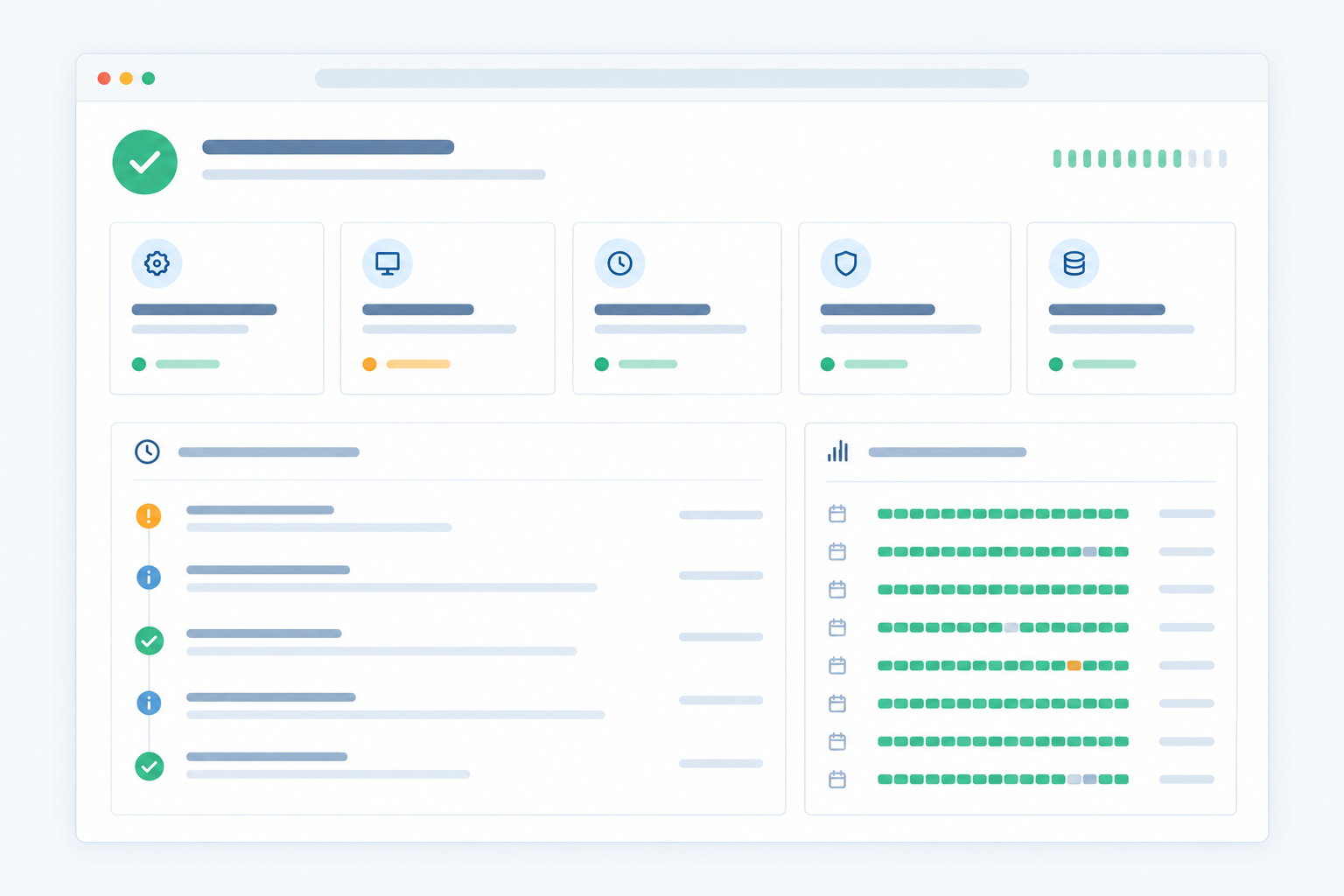
The workflow looks like this, whichever tools you use:
- A monitor fails: an HTTP check, an API endpoint, a port or a missed heartbeat.
- Verification confirms it's real, not a false alarm.
- Incident alerting reaches your team.
- Your communications owner posts the Investigating message within minutes.
- You work through Identified, Monitoring and Resolved, and the incident history gives you the raw material for your summary.
If you'd like to try this alongside your uptime monitoring, Moonitor offers a 7-day free trial.
And here's my gentle nudge: save these templates somewhere your whole team can find them, then run a practice drill this week. Pick a pretend incident, write all five messages, and see where you stumble. It takes twenty minutes, and it'll make a real 9:02am Monday a lot less stressful.
Frequently asked questions about incident communication templates
How quickly should I post the first incident update?
As a suggested default, within 10 to 15 minutes of confirming the problem. You don't need the cause, just the symptom, the affected area and when you'll update next.
How often should I update my status page during an incident?
Every 30 minutes is a sensible default, or whatever interval you promised. If nothing has changed, say so.
Should I apologise in every incident update?
No. One sincere apology in the Resolved message is enough, repeated in the post-incident summary for significant incidents.
Do I need a post-incident summary for every incident?
No. Write one for lengthy incidents, those affecting many customers, data or security, or when customers ask questions.
Should I name the root cause publicly?
Once you've confirmed it, yes, in plain English, and after any security, privacy or legal review. Avoid naming individuals or blaming vendors. Focus on what happened, what you did and what you're changing.
Related Articles
Create content like this automatically
Scribe uses AI to generate high-quality blog posts that engage your audience and drive traffic.