Internal Linking Strategy: Unlock Your Website's SEO Powerhouse Potential
4 min read
Loading...
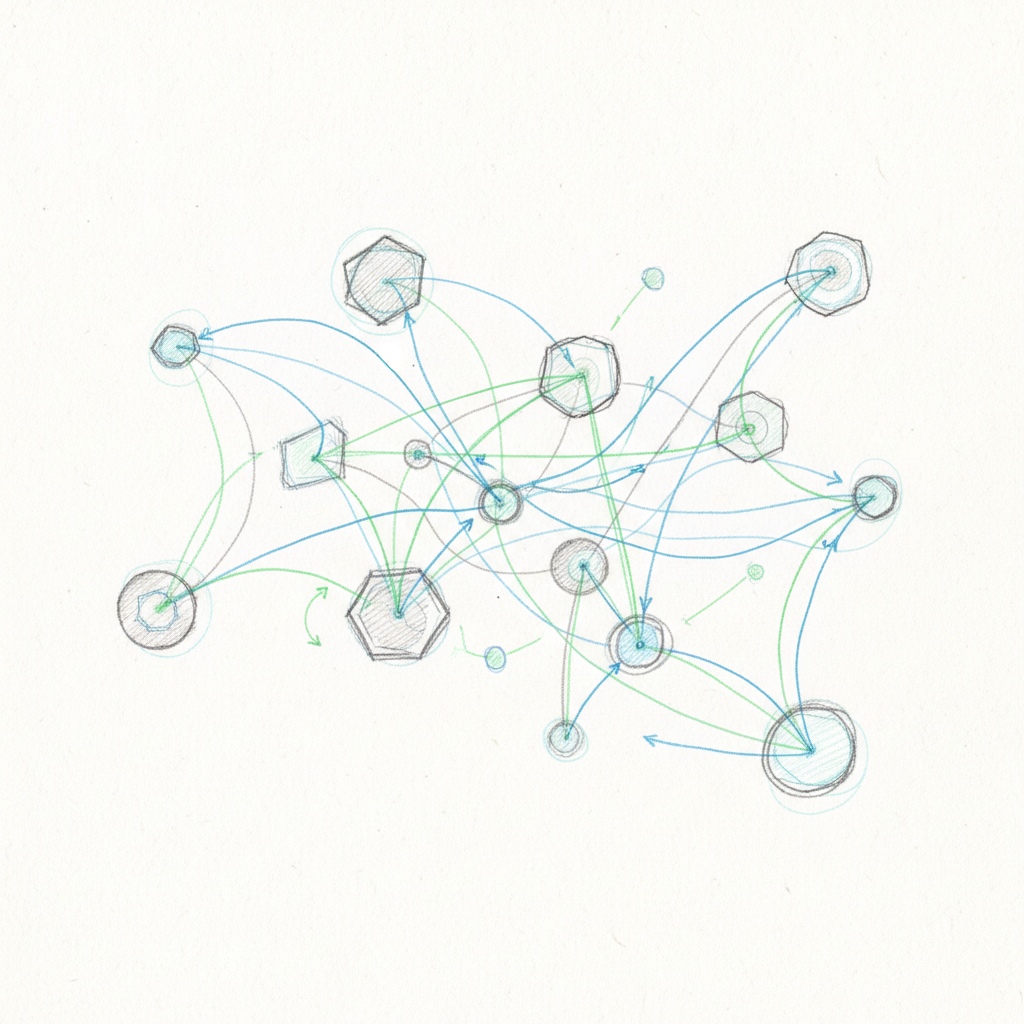
Internal linking is one of those SEO tactics that feels almost too simple to work. Connect your existing blog posts and pages strategically, and you'll help search engines understand your site while keeping visitors engaged longer. The best part? You don't need to create new content—just make better use of what you already have.
Internal linking does three things well. First, it distributes link equity—think of your website's authority as something you can spread around. High-authority pages can pass "link juice" to newer or less prominent pages, potentially boosting their search rankings. A 2022 study by Ahrefs found that pages with strong internal link networks ranked 40% higher on average.
Second, it helps search engines understand your site. Google uses internal links to discover new content, understand how pages relate to each other, and crawl your site more efficiently.
Third, it improves user experience. Strategic internal linking guides readers to related content, reduces bounce rates, and increases time on site. We've seen average session duration increase by 30% after implementing a structured internal linking strategy.
Use descriptive, keyword-rich anchor text instead of generic phrases. "Proven email marketing strategies" works better than "click here" or "read more." The anchor text tells both users and search engines what to expect on the destination page.
Create pillar pages that cover broad topics, then develop supporting articles for specific subtopics. A pillar page on "Content Marketing" might link to supporting articles on "Blog Writing," "Video Content," and "Email Newsletters." This creates a logical content hierarchy.
Keep important content within three clicks of your homepage. Link only between topically related content—a post about dog training shouldn't link to a recipe for chocolate chip cookies, no matter how good that recipe is.
Avoid these common mistakes:
Start by cataloging everything you've published. Create a spreadsheet tracking content topics, target keywords, current traffic levels, and whether each piece works as pillar content or supporting content.
Group your content into topical clusters. Look for natural connections between articles. A post about "SEO basics" naturally connects to posts about "keyword research" and "on-page optimization."
Aim for 3-5 internal links per 1,000 words. Prioritize links from your highest-traffic pages—they have the most authority to pass along. Make sure each link provides genuine value to readers, not just SEO benefit.
Track these metrics monthly:
We use Google Analytics and Search Console to monitor these. The data usually shows improvement within 4-6 weeks of implementing changes.
As your content library grows, manual internal linking becomes time-consuming. Consider tools like Link Whisper or Yoast SEO that suggest relevant internal links automatically. Some teams build their own systems using content management system APIs.
The key is maintaining quality control—automated suggestions still need human review.
Update old posts when you publish new content. We go back and add internal links from existing posts to new ones, which helps new content get indexed faster.
Focus on relevance over quantity. Five highly relevant links beat twenty random ones every time.
Use internal linking to boost underperforming content. If you have a great post that's not getting traffic, link to it from your most popular posts in the same topic area.
Q: How many internal links should each post have?
A: Between 3-10 links per post, depending on length and relevance. A 500-word post might have 2-3 links, while a 3,000-word guide could have 8-10.
Q: Can internal linking hurt SEO?
A: Only if you overdo it or link randomly. Google's algorithm can detect unnatural linking patterns, but natural, user-focused linking always helps.
Internal linking gives you direct control over how search engines and users navigate your site. Start with a content audit, identify your best opportunities for topical clusters, and begin connecting your content systematically.
Ready to get started? Pick your five highest-traffic posts and add 2-3 relevant internal links to each one this week.