Meta Ad Library vs. Google Ads Transparency Center: What Each One Actually Shows You
15 min read
Loading...
If you've ever tried to work out what a competitor is actually doing with their ad spend, you've probably ended up on Meta Ad Library or Google's Ads Transparency Center at some point. Both are free, genuinely useful, and show you real ads that real competitors are running. In short, Meta Ad Library lets you inspect ads running on Facebook and Instagram, while Google lets you inspect ads linked to a verified advertiser across Search, Display, Shopping, and YouTube. Neither is a complete monitoring system, and neither covers TikTok or LinkedIn.
I checked the details in this article against both platforms' official help pages in March 2025. These tools update their features fairly often, so if something looks different when you try it yourself, that's probably why. Always double-check anything you're relying on for a client report or strategy deck.
For marketing teams keeping an eye on one or two competitors, the gaps in these tools are a manageable inconvenience. For agencies and competitive strategists monitoring several rivals across multiple platforms, the manual work adds up quickly. This guide explains exactly what Meta Ad Library and Google Ads Transparency Center show you, where the real gaps are, and what a proper cross-platform view looks like once you go beyond the native tools.
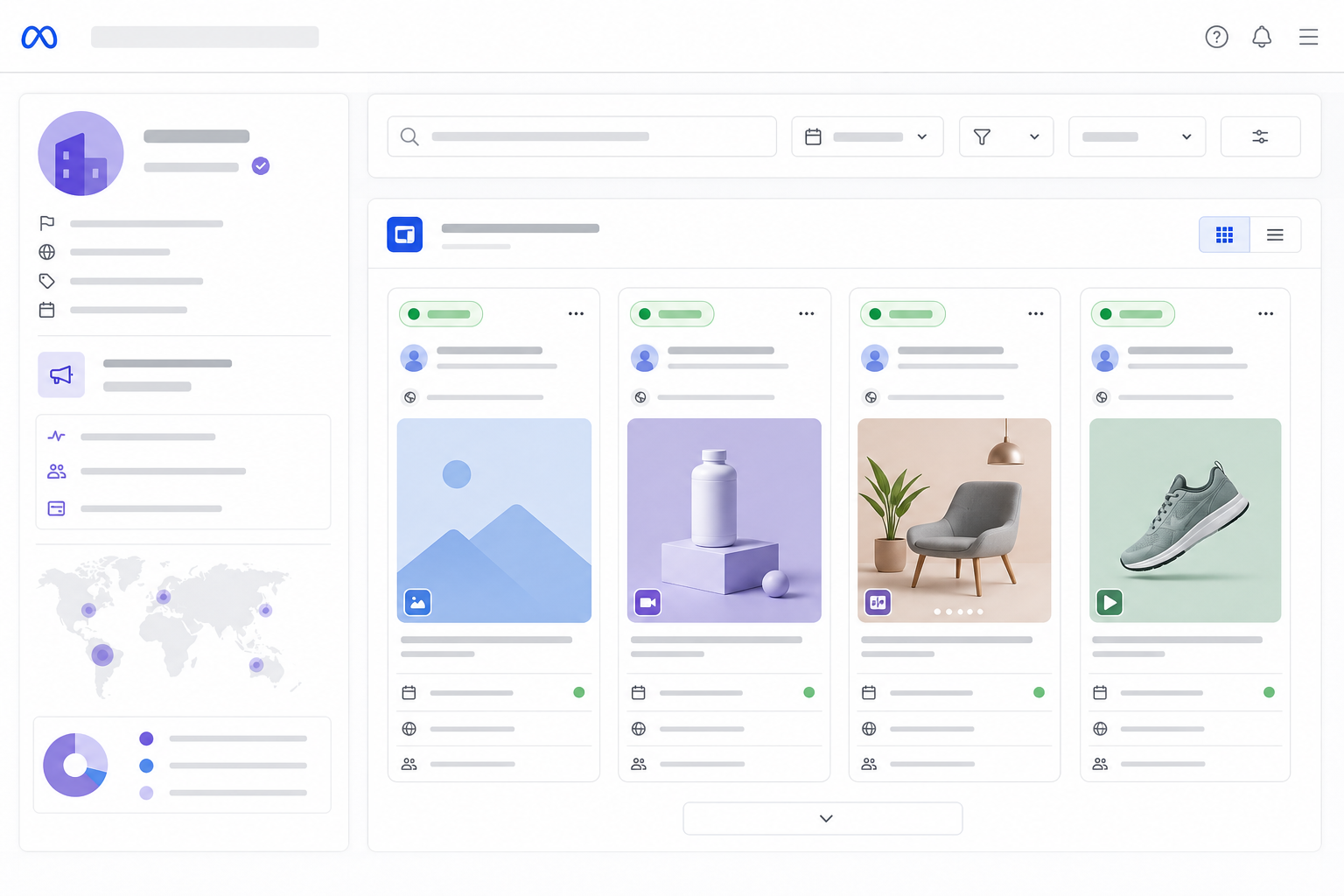
Meta Ad Library is a public search tool that lets you look up any advertiser running ads across Facebook, Instagram, Messenger, and Meta's Audience Network. It is one of the better transparency tools available for social ad research, but it has clear boundaries around what it will and will not reveal.
Here's what you can expect to find:
Where Meta Ad Library falls short is spend and performance data. Meta only discloses spend ranges, impressions, and reach for political and issue-based ads—not standard commercial advertising. If you're researching a DTC skincare brand or a B2B SaaS competitor, you won't see how much they are spending or how the ad is performing. You'll see that the ad exists and roughly how long it has been running. That's it. Seeing an ad still live after three weeks tells you the advertiser has not switched it off; it does not prove the ad is working.
Meta Ad Library is also not a full historical archive for commercial ads. Once a competitor pauses or stops an ad, it typically disappears from public view within days. Political ads are the exception and are retained for seven years under Meta's own policy. If an ad does not appear in a search, that is not proof it never ran—it may have been removed before you looked. Check regularly if you want a reliable picture rather than a one-off snapshot.
The country filter matters more than it might seem. UK advertisers frequently run separate campaigns with GBP pricing, UK-specific legal disclaimers—particularly for financial services and health claims—and different creative from their US or EU counterparts. A large retailer may also run ads through several regional Pages or agency-managed accounts, so searching only the obvious brand name can miss activity running under a subsidiary or a different Page.
If you're auditing a UK competitor, search the brand name, any known regional Page names, and set the country filter to United Kingdom before concluding that you've seen everything.
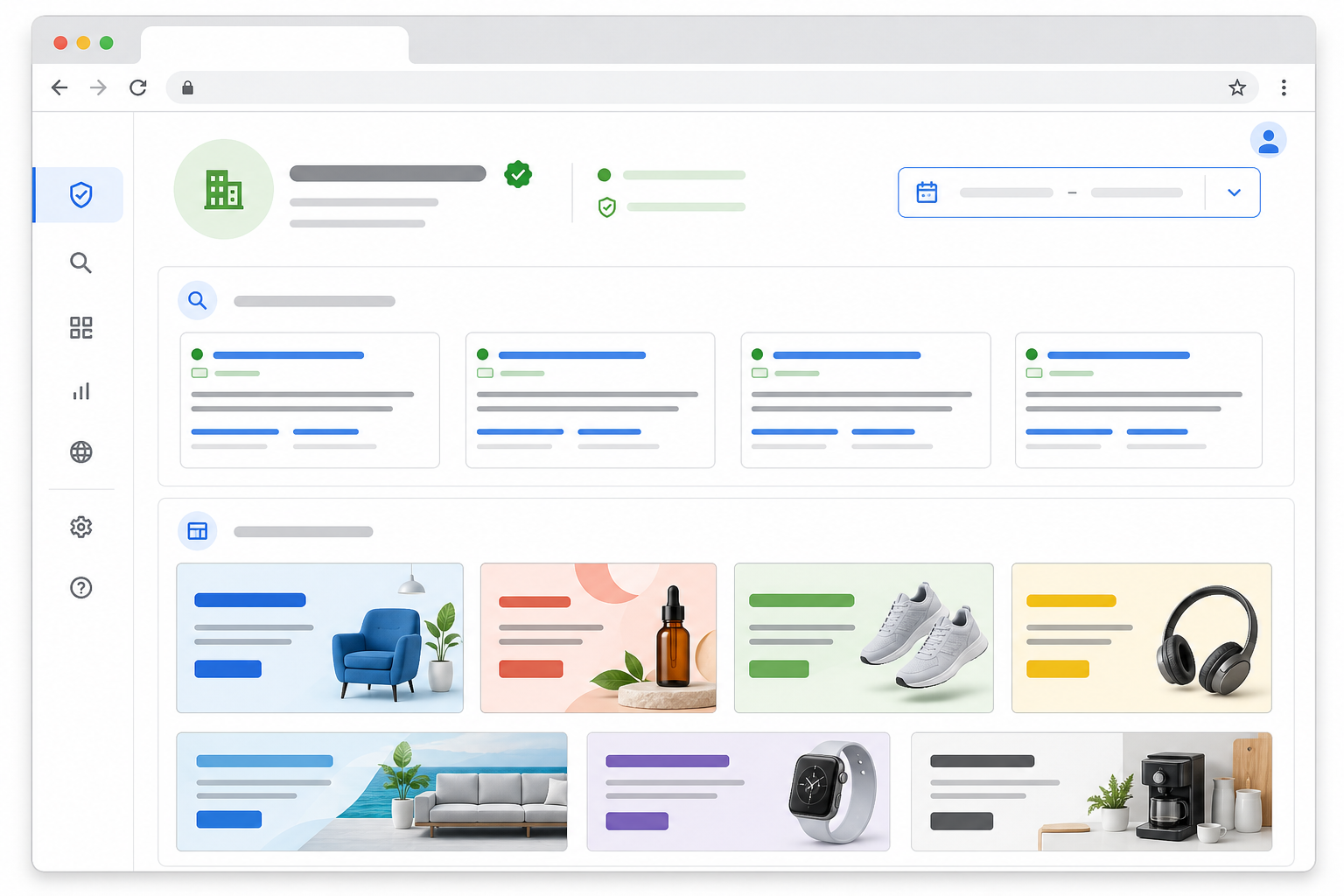
Google's Ads Transparency Center works differently from Meta Ad Library. Instead of organising results around a social Page, it is built around the advertiser—their verified name, website, and the ads Google has associated with them.
Here's what the Google Ads Transparency Center offers:
You cannot search by ad copy or keyword within an ad—only by advertiser—so this tool will not help if you are trying to find every advertiser using a particular phrase or offer. Historical depth is also thinner: the Ads Transparency Center leans towards showing what is currently or recently active rather than acting as a long-term archive.
Like Meta, Google reserves its richest transparency data—spend, impressions, and targeting detail—for political advertising, and even then only where local regulation requires it. For ordinary commercial ads, you are generally looking at creative, timing, format, and region, not cost, conversion rate, or actual performance.
UK political ad transparency operates under its own rules, distinct from the US, and Google's coverage of UK election-period advertising has evolved as regulation has changed. Do not assume that information about US political ads applies directly to the UK.
For commercial research, the same regional-entity issue applies as with Meta. A UK retailer might book ads through a UK subsidiary with a different registered name from the consumer-facing brand, so searching the domain as well as the brand name is worth the extra thirty seconds.
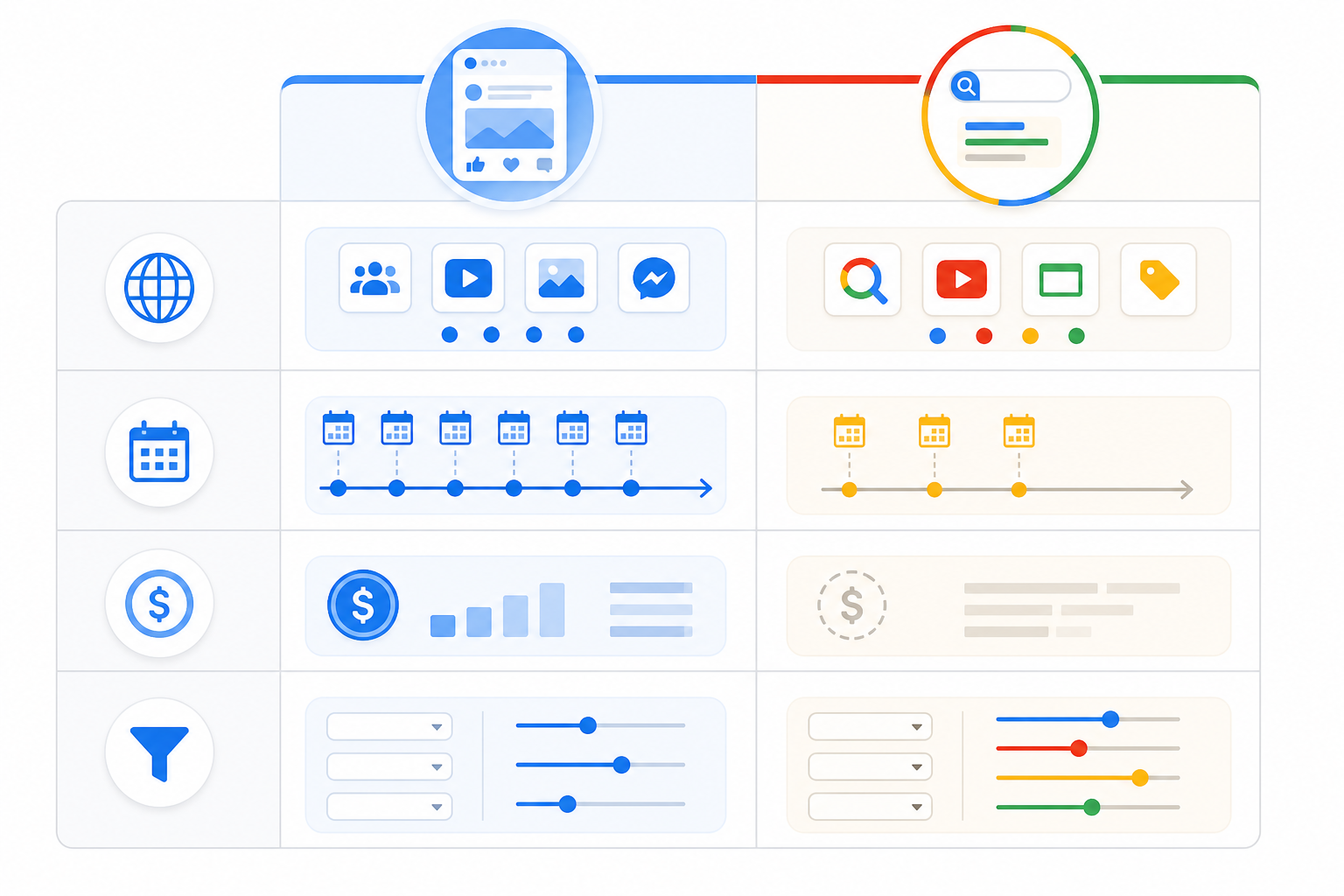
Putting these tools next to each other makes the pattern clear: both are useful, both are limited, and both cover fundamentally different territory.
| Category | Meta Ad Library | Google Ads Transparency Center |
|---|---|---|
| Platforms covered | Facebook, Instagram, Messenger, Audience Network | Search, Display, Shopping, YouTube |
| Historical data depth | Recent/live for commercial ads; 7-year archive for political and issue ads only¹ | Limited; leans towards current and recent activity |
| Search method | By Page name or keyword | By advertiser name or website domain; no ad-copy search |
| Spend/performance transparency | Political and issue ads only, where regulation requires it | Political ads only, where regulation requires it² |
| Tracking changes over time | Manual; no built-in alerts or diffs | Manual; no built-in alerts or diffs |
| Organised around | Page identity | Verified advertiser or domain identity |
| Best for | Social creative and messaging research, including spotting ad variants | Cross-format advertiser research across search, display, shopping, and video |
¹ Retention period per Meta's published policy at the time of writing; check Meta's own documentation for current specifics.
² Political ad transparency rules vary by market and region, including the UK; coverage is not uniform globally.
The unit of analysis differs too: Meta organises everything around a Page, while Google organises results around a verified advertiser or domain. A brand with multiple regional Pages, agency-run accounts, or separate legal entities may need several searches in either tool to get a reasonably complete picture. Even then, you cannot be certain that you have caught everything.
Neither tool was built with ongoing competitive strategy in mind. They are transparency tools first, designed largely for regulatory and public-interest purposes. That becomes clear once you try to use them for regular ad monitoring:
These tools are genuinely good for a one-off competitor ad check. They were not designed to be an ongoing monitoring system, and that becomes obvious when you try to use them that way.
If you are deciding whether to keep doing this manually or use a dedicated tool, be clear about what you need rather than shopping on general impressions. The following criteria matter in practice:
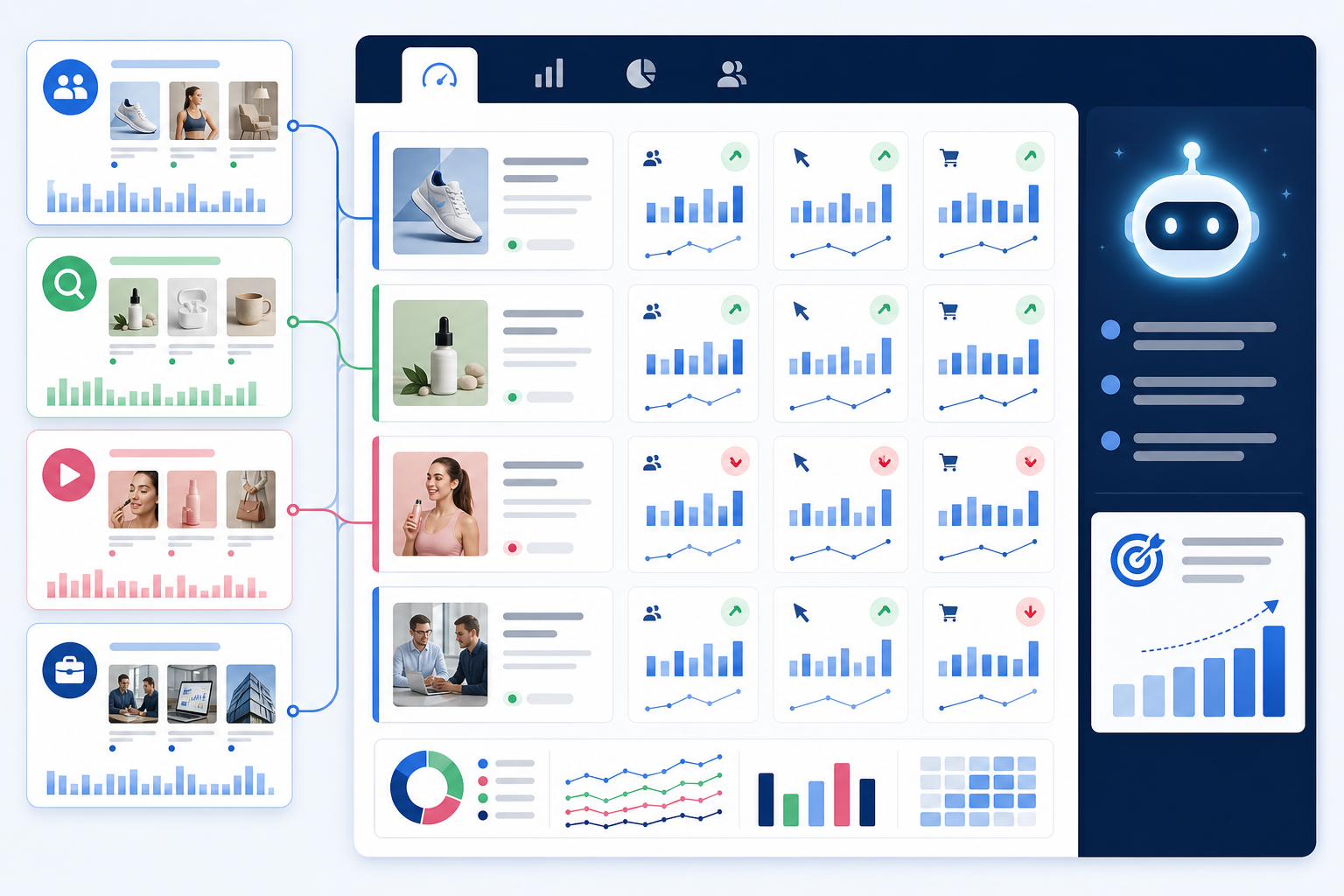
This is the gap we built Rival Ads to close, and I will say upfront that this is our own product, so consider the description accordingly. Instead of moving between Meta Ad Library, Google's Ads Transparency Center, and workarounds for TikTok and LinkedIn, Rival Ads provides one dashboard designed to pull competitor ads from all four platforms.
You provide a competitor's website, and Rival Ads attempts to detect their presence across Meta, Google, TikTok, and LinkedIn automatically. No ad account connections or logins are required on your end. It is designed to check for active ads weekly, capturing the creative, copy, and destination links it finds. Coverage depends on the advertiser being publicly detectable on each platform. For TikTok and LinkedIn in particular, detection relies on what is publicly visible because neither offers an official public ad library equivalent to Meta's or Google's.
The feature that changes how teams work is the week-over-week comparison. Instead of a static snapshot, you can see what is new, what has stopped, and what has remained active across consecutive checks. An ad staying live across several weekly checks suggests the advertiser has not turned it off. It is a reasonable signal of continued investment, not proof that the advertiser is increasing spend or generating conversions.
Detected changes are also processed into an AI-generated summary using Claude. The summary offers a hypothesis about what the shift might mean—for example, a test, possible scale-up, messaging pivot, or seasonal push. It is a starting point for your own judgement, not a verified insight into the competitor's internal strategy or campaign performance.
For agencies managing several client accounts, Rival Ads also offers team collaboration for assigning competitors across a team, along with whitelabel capability if you want to present the output as your own branded competitive intelligence resource.
If you want to try the manual route first, it is a reasonable way to become familiar with competitor advertising. Keep a simple log as you go. A spreadsheet with these columns works well: advertiser name, country, platform, format, first-seen date, last-seen date, offer/CTA, destination URL, creative theme, confidence level—meaning how sure you are that you have found everything for that advertiser.
Both native tools change their features and coverage periodically, and regional rules—particularly around political advertising—can shift with legislation. Nothing here should be treated as a permanent technical specification. Check the tools directly if you are relying on a specific feature for important work.
Regardless of which tool or combination of tools you use, most markets, including the UK, do not provide spend or conversion performance data for standard commercial ads. That is a limitation of the category rather than any one platform.
You can see active ad creative, copy, the Page running the ad, and roughly when the ad started running through the official Meta Ad Library. For standard commercial ads, you will not see spend or impression data. That level of detail is generally reserved for political and issue-based ads in markets including the UK, and availability can vary by region and ad type.
Yes. Google's equivalent is the Ads Transparency Center. It covers Search, Display, Shopping, and YouTube ads, but you cannot search by ad copy—only by advertiser or domain. It also generally offers less historical depth than Meta Ad Library.
Not with the native transparency tools alone. Each tool covers its own platform, and TikTok and LinkedIn do not offer a comparable public ad library. To get a unified view across Meta, Google, TikTok, and LinkedIn, you need a dedicated monitoring tool that aggregates data and tracks changes automatically, such as Rival Ads. Coverage of TikTok and LinkedIn depends on what is publicly detectable on those platforms.
If you are doing it manually, weekly checks are realistic for one or two competitors. Beyond that, the time cost increases quickly. This is why many teams move to automated weekly monitoring once they are tracking more than a handful of rivals.