Pre-Launch Monitoring Checklist for Developers Shipping Fast
19 min read
Loading...

Before you launch, cover six things: HTTP checks on your main site and critical endpoints, SSL and domain expiry monitoring, heartbeat checks for background jobs, alerts routed to where your team already works, a ready-to-go status page, and a test of the whole alert path from end to end. With the right tool, a typical project can have all of it running in about an hour, and the first monitor in a minute or two. Your timings will vary with how many services you run and how quickly you can lay your hands on credentials.
That's the whole launch monitoring checklist in a paragraph. The rest of this post walks through each step, with rough timings, so you can work down the list with a coffee in hand. ☕
Picture this. You've been heads-down for weeks. Launch day arrives, you push the button, the homepage loads, and you post the announcement. Everything looks fine. Then, two hours later, a customer emails to politely mention that the checkout API has been returning 500s since just after your deploy.
Nobody was watching. The homepage was a lovely 200 the whole time, and that's the only thing anyone had checked.
I see this pattern a lot. When you're shipping fast, monitoring is almost always the last thing on the list, and it gets dropped when the deadline squeezes. That's exactly backwards. Launch day is when you have the most new code, the most new traffic, and the least history to tell you what normal looks like.
I'm not going to walk you through a perfect observability stack here. This is a practical checklist for getting a new project covered quickly. It's written for solo developers, small DevOps teams, and agencies launching client sites who'd rather find out about a problem from an alert than from an angry email.
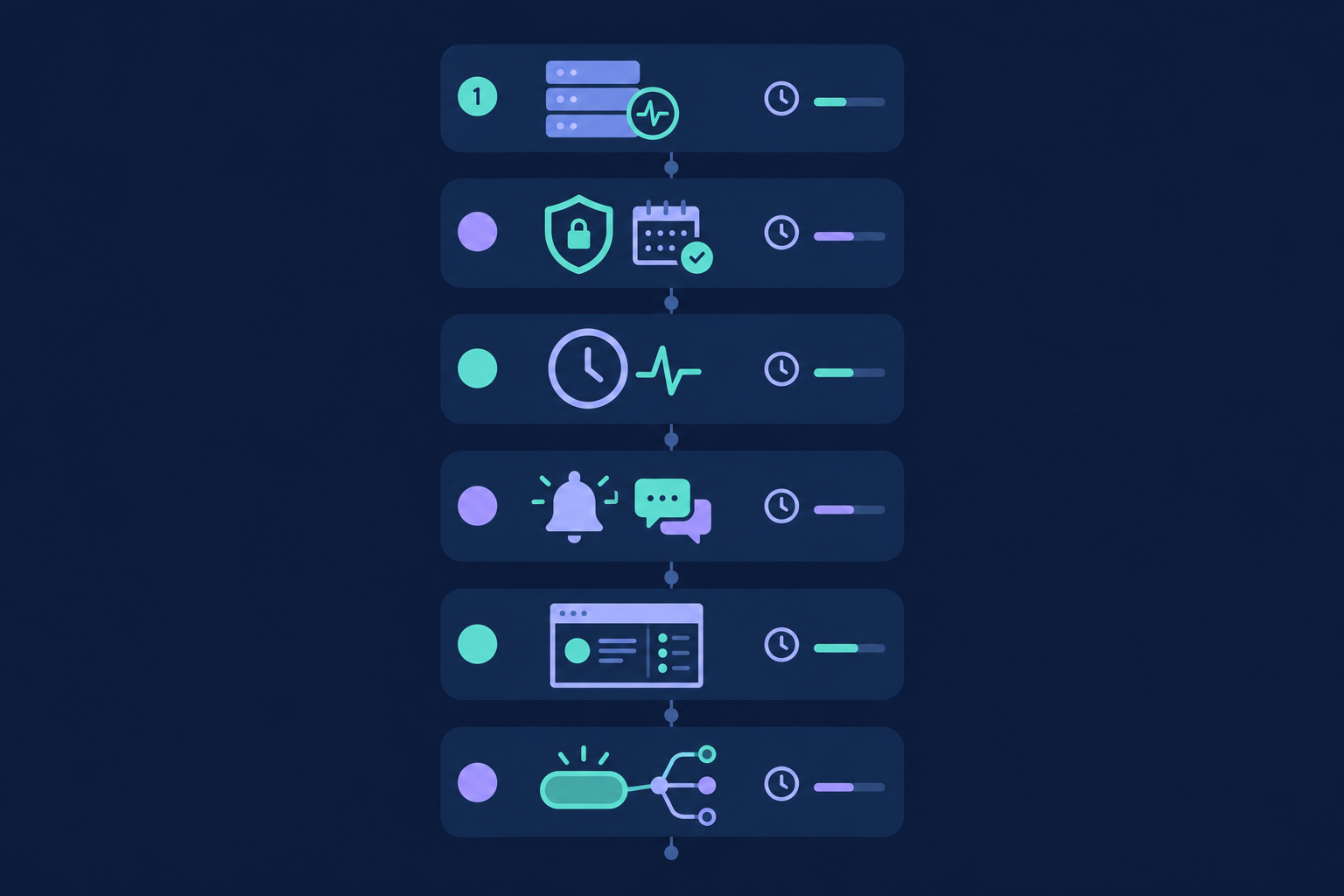
Here's the full list, with a rough time estimate beside each step. You can do all of it from a single dashboard, which is a big part of why it's quick.
That's roughly 46 minutes in total. These are estimates for a fairly typical project where you already have access to your DNS, servers and chat tools. Authenticated checks, DNS records and a custom status page domain can all take longer, so treat the numbers as a planning guide, not a promise.
This is the foundation of any uptime monitoring setup, and it's where you'll get the most value fastest. With Moonitor, creating the first HTTP/S monitor is a quick job, often a minute or two. Here's how I'd approach it.
/health endpoint that touches the database is worth five minutes of your time.If you want a starting point to copy, this is a decent baseline:
That's eight monitors. Check your plan's monitor limit before you start, so you know whether they all fit.
Here's a story that's less rare than you'd think. A perfectly healthy site, with solid code and clean deploys, suddenly shows every visitor a full-page browser warning because a certificate expired overnight. It happens to experienced teams too, usually because renewal was automated and nobody was thinking about it. Until it stopped working.
SSL monitoring is one of the cheapest bits of insurance on this list.
.uk domain, renewal reminders typically go to the contact email held with your registrar, so make sure that inbox is one somebody actually reads.www, your API host, admin or staging domains where applicable, and anything users or integrations might reach. A valid certificate on the main domain tells you nothing about the others. CDN or load balancer certificates can also differ from the one on your origin, so check what the public actually sees.There are three traps I'd keep in the back of your mind: auto-renewal failing silently, certificates on forgotten subdomains, and certificates that renew on the server but never get reloaded by the web process. Monitoring from outside your hosting environment catches all three.
Web servers fail loudly. Cron jobs don't. They just quietly stop running, and you find out three weeks later when you need last Tuesday's database backup and discover there isn't one.
That's the silent failure problem, and heartbeat monitoring is the fix. It flips the usual model: instead of your monitoring tool checking on your job, your job checks in with the tool.
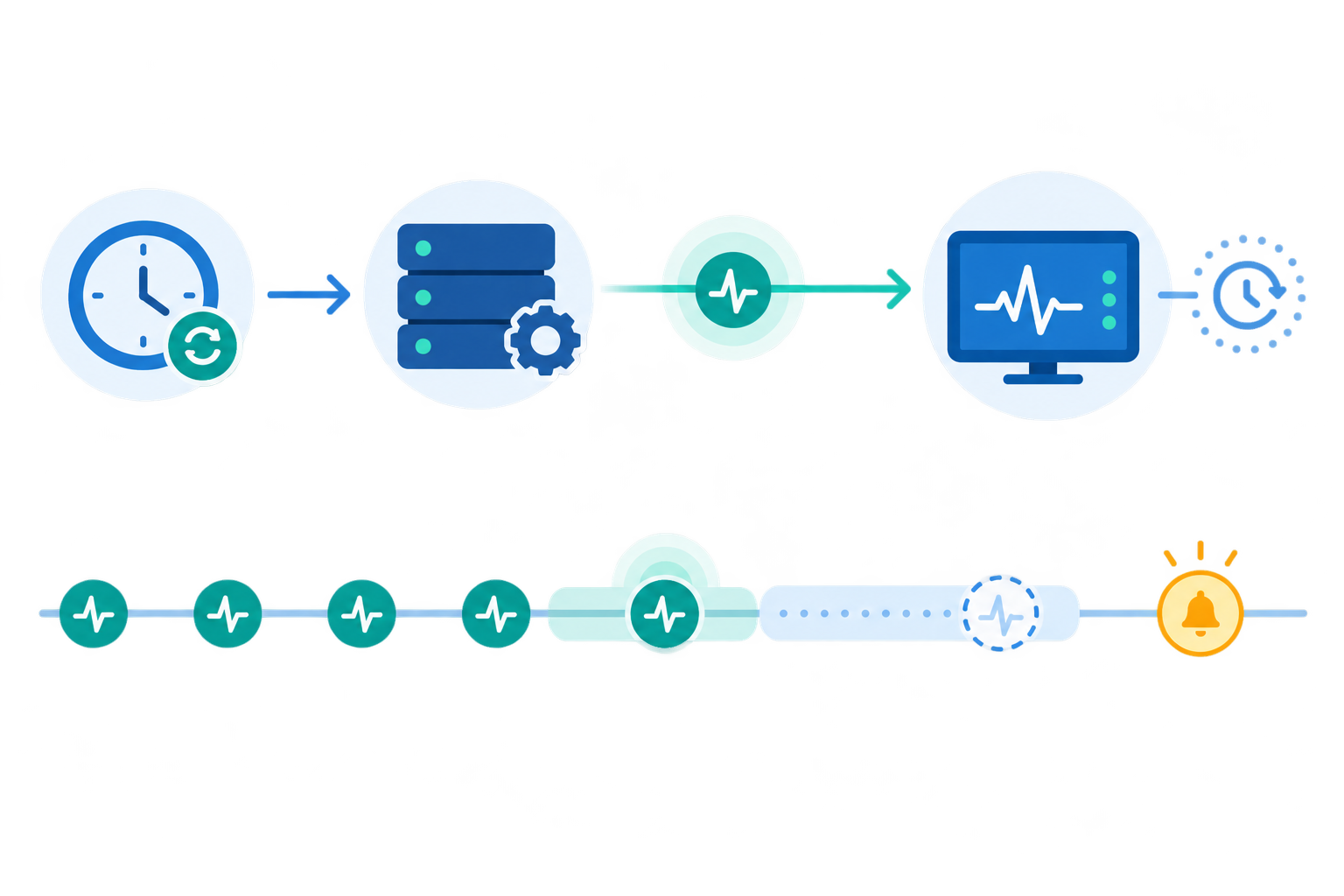
curl line does the job.Here's what that looks like in a crontab:
0 2 * * * /usr/local/bin/backup.sh && curl -fsS -m 10 --retry 3 https://your-heartbeat-url-here > /dev/null
The && is doing the important work: the curl only runs if backup.sh succeeds.
Think about anything that has to happen on a schedule for your product to stay healthy:
If you'd be unhappy to discover it hadn't run for a week, it deserves a heartbeat. This is cron job monitoring at its simplest, and it's often the check that saves you the most pain.
A monitor that alerts into a channel nobody reads is just a very elaborate diary. The point of incident alerting is to reach a human who can act, in the place they're already looking.
Moonitor supports alerts through email, Slack, Discord and Telegram, plus webhooks for anything custom. Check the current integrations list for your plan. Then pick the one or two your team genuinely checks. If you live in Slack, use Slack. If you're a solo builder who's always on your phone, Telegram might be the one that actually gets your attention.
Then think about alert fatigue, because it quietly ruins monitoring. If your phone buzzes for every transient blip, you'll start ignoring it, and then you'll ignore the real one. Confirming a failure from several locations before alerting helps keep the noise down.
A simple routing approach that works well:
On the people side, decide who gets notified and who the backup is. If you're a team of one, your backup might be a second channel, a business partner, or a webhook into a service that can escalate to a phone call. If your team is spread across time zones, write down whose hours cover which part of the day, so the UK morning handover isn't a gap. Webhooks also connect to on-call tools, ticketing systems and your own automation, so it's worth knowing they're there even if you don't need them on day one.
Do you need a status page on day one? Honest answer: you don't need a fancy one, but you want it ready before the first incident. Setting one up while your users are already complaining is miserable.
The benefits are simple. You get fewer support emails, because people can check for themselves. You build trust, because a clear status page tells people you're on top of things. And you get one link to share during an outage, instead of answering the same question forty times.
Here's what to include:
status.yourdomain.com is the usual choice). Allow extra time here, since DNS changes can take a while to propagate.My best tip: connect your monitors to the status page so it reflects reality automatically. A status page that relies on someone remembering to update it will be wrong at the worst possible moment.
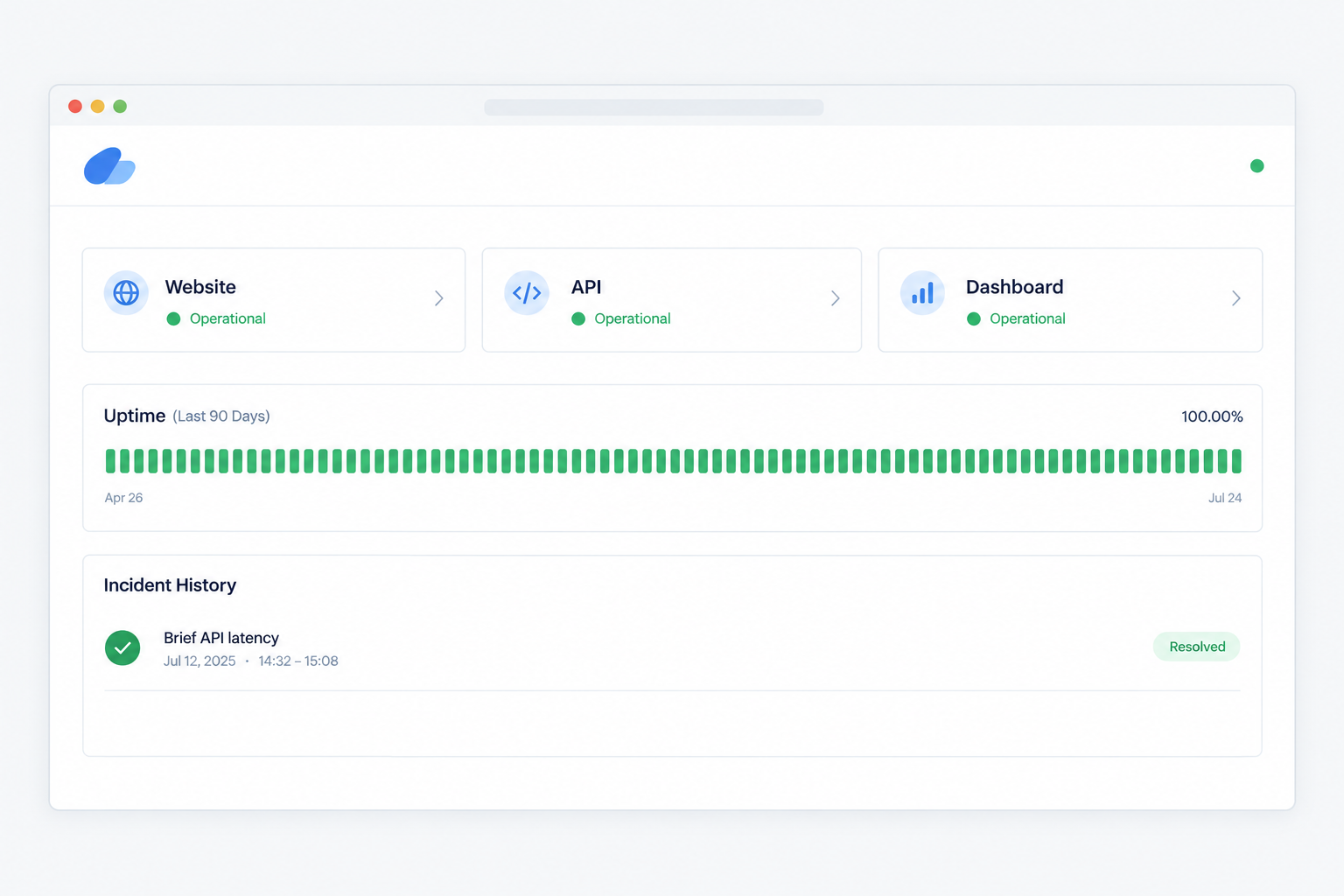
And write your first incident message now, while you're calm. Something like this:
Investigating: elevated errors on [component]
We're aware of an issue affecting [component] and are investigating. Some users may see errors or slow responses. We'll post an update within 30 minutes.
You'll be grateful you didn't have to draft that under pressure.
An untested alert is just a hope. I've seen alerts going to a channel that was archived months ago, notifications muted on a phone, and emails quietly landing in spam. None of it matters until the day it really does.
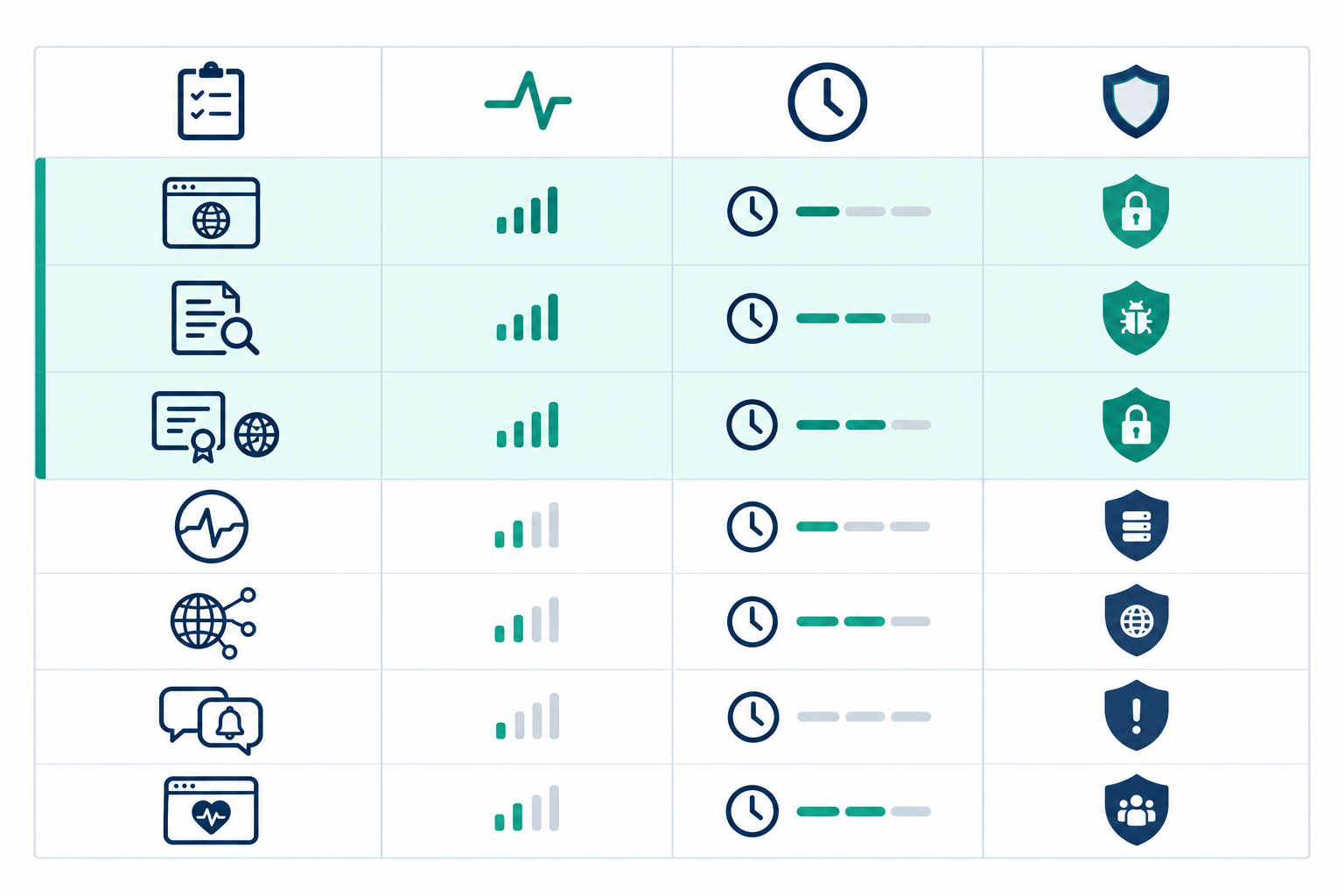
Here's the whole plan in one place. If you're truly short on time, the first group is a minimum viable setup, and it includes a quick alert test, because a setup you haven't tested isn't really covered yet. The second group brings you to full coverage.
| Step | Monitor type | Approx. setup time | What it protects you from |
|---|---|---|---|
| Minimum viable | |||
| 1 | HTTP/S (homepage) | 1 to 2 minutes | Your site going down unnoticed |
| 1 | HTTP/S (login, checkout, API health) | ~5 minutes | Broken critical endpoints behind a healthy homepage |
| 2 | SSL and domain expiry | ~5 minutes | Expired certificates and lapsed domains |
| 4 | Alert channels (Slack, email, etc.) | ~5 minutes | Alerts nobody sees |
| 6 | Quick alert test (one failing monitor) | ~5 minutes | Alerts that never arrive |
| Full coverage | |||
| 1 | Keyword, port and ping | ~3 minutes | Error pages returning 200, database or SMTP outages |
| 2 | DNS change detection | ~3 minutes | Misconfigurations, hijacks, wrong-zone edits |
| 3 | Heartbeat (cron) | ~8 minutes | Silent failures in backups, queues, and syncs |
| 5 | Status page | ~10 minutes | Support floods and lost trust during incidents |
| 6 | Full alert path test | ~5 more minutes | Gaps in heartbeats, recovery notices and team response |
The minimum viable set takes around 20 to 25 minutes, and the full list lands at roughly 45 to 60 depending on your setup. Be honest about which extras you need on day one. If you run scheduled jobs that matter, such as backups or billing, add heartbeats to your minimum. A status page can follow within the first few days, as long as you've drafted your incident message.
At the time of writing, Moonitor offers a 7-day free trial with no credit card required, so you can run through this checklist before committing. Check the site for current terms.
You're live, the checklist is done, and you can breathe. A short review in the first week is worth the time.
You don't need perfect coverage. You just need enough to find out before your users do. Start a free trial, create your first monitor, and work down the list. By the time your coffee's gone cold, you'll be in a much better place than most launches are. 🚀
At minimum: your main site, your critical endpoints (login, checkout, API health route), SSL and domain expiry for every public hostname, and a tested alert channel. If you run scheduled jobs, add heartbeats. Port or ping checks cover databases and mail servers that aren't served over HTTP.
A first HTTP monitor can take a minute or two. A minimum viable setup, including a quick alert test, is realistically 20 to 25 minutes, and the full checklist about an hour. Authenticated checks, DNS records and custom domains can add time.
You don't need a polished one, but have a basic page and a drafted incident message ready before your first incident. It's fine to finish it in the first few days after launch, provided your alerts are already working.
Point a temporary monitor at a URL that returns an error or a closed port, and confirm the alert lands in every channel. Then skip a heartbeat ping on purpose, and check that recovery notifications arrive once you fix things.
Yes, if you keep them light. Use cheap health routes, avoid endpoints that write data or trigger emails, and use dedicated read-only credentials for any authenticated check. Set intervals that suit your traffic, so your monitor never becomes the load.

Learn how to complete an uptime monitoring setup in minutes, choose useful alerts, avoid common mistakes, and protect your website without technical s

Prevent costly domain lapses with domain expiration monitoring, renewal alerts and SSL monitoring. Protect your website, email and IT infrastructure.