The Best Affordable Ecommerce Platform for Local Shops: A Practical Buyer's Guide
16 min read
Loading...

The best affordable ecommerce platform for a local shop is one with predictable total costs, simple enough to run without a developer, and with a real person to help when you get stuck. That's the short answer, and it holds whichever online store builder you end up choosing.
The rest of this guide is a checklist you can use to compare platforms before you commit. 🛍️
One disclosure up front: I'm part of the team at Shopstar, a South African online store builder and link in bio platform. It lets you sell products, bookings, memberships, digital downloads and event tickets from one page with one checkout. I'll use Shopstar as a worked example along the way, but the checklist works on any platform, and I'll say plainly where we fit and where we don't.
Picture Lerato, who runs a small pottery studio in Durban. She teaches classes, sells a few handmade mugs, and hosts a workshop every month. She's brilliant at her craft. She doesn't have the time or budget to brief a web agency, and she definitely doesn't want to find out what a 'plugin conflict' is. Right now, her customers book over WhatsApp, pay by EFT, send a screenshot as proof of payment, and ask for her Instagram link every week.
Sound familiar? Most local businesses sell a mix of things: physical products, appointments, classes, gift vouchers, maybe a membership. A good ecommerce platform should handle that mix, not just a box of parcels. Plenty of tools are designed around physical goods, which leaves service businesses patching things together with extra apps.
For a lot of small sellers, the answer isn't a sprawling website at all. It's a simple online page: one link that holds everything you sell, works well on a phone, and takes payment in one go. Whatever platform you pick, here's what I'd look for:
I'd rather you make a well-informed decision than pick any platform, ours included, for the wrong reasons.
The monthly price on a pricing page is rarely the whole story. It's the tip of an iceberg: you see it first, and the bigger costs sit underneath.
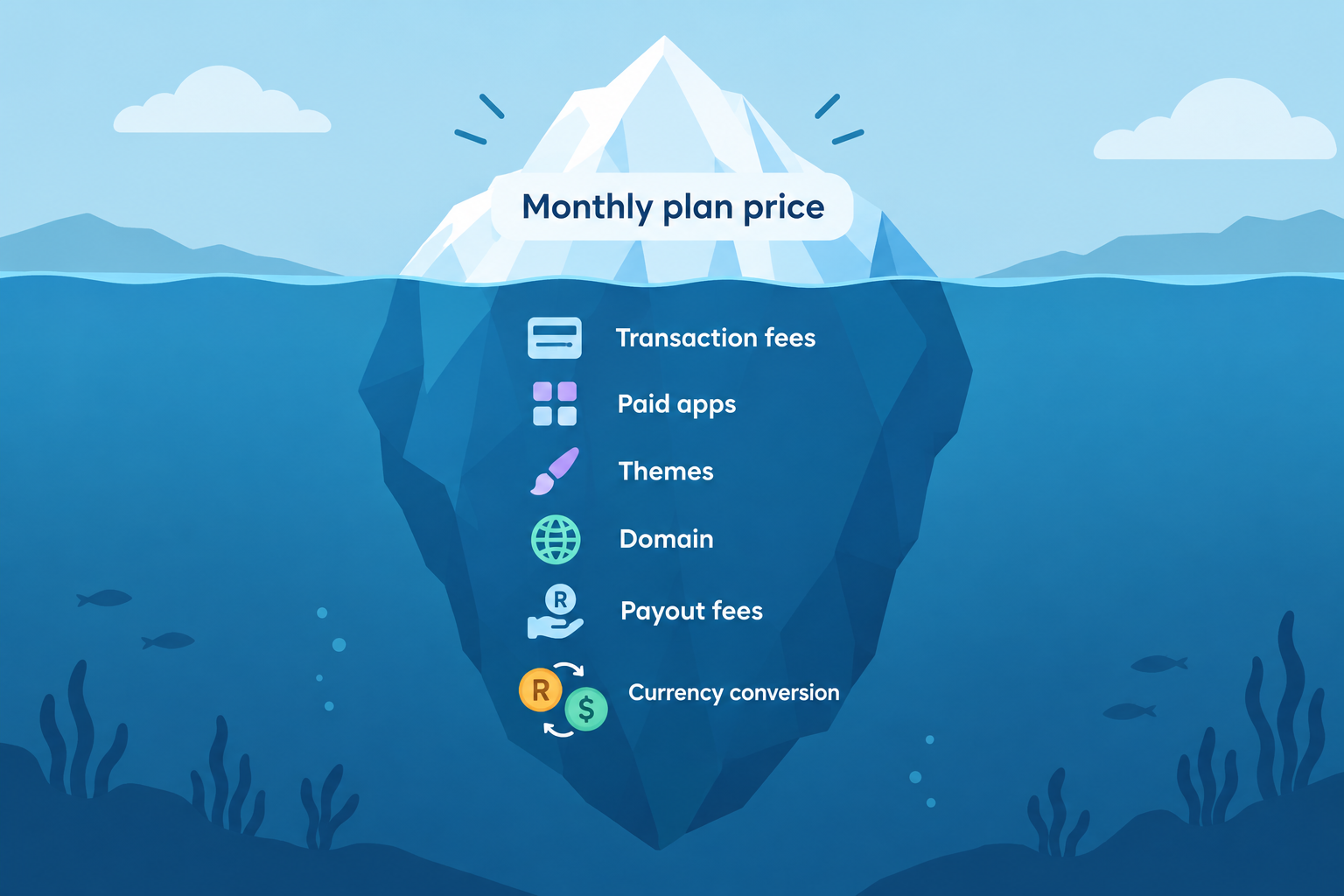
Here's what to check before you sign up for anything:
Here's a simple formula: plan + add-ons + domain + (percentage fees × your monthly sales) + card processing + any per-order charges.
These figures are purely hypothetical, so swap in your own. I've assumed R20,000 in monthly sales across 80 orders (an average basket of R250), and the same card processing rate (2.5% + R1.50 per order) on both platforms:
| Item | Platform A (hypothetical) | Platform B (hypothetical) |
|---|---|---|
| Monthly plan | R150 | R350 |
| Booking add-on | R100 | Included |
| Domain (monthly share) | R15 | R15 |
| Platform fee of 2% on R20,000 sales | R400 | R0 |
| Card processing (2.5% + R1.50 × 80 orders) | R620 | R620 |
| Estimated total | R1,285 | R985 |
Platform A looked R200 cheaper on the pricing page, yet it works out R300 a month (roughly 30%) more expensive once everything is counted. That only holds under these assumptions. It's why I always compare at your realistic sales volume, and rerun the sums if your order count or average basket changes, say in a busy Black Friday or December festive-season month.
There's a lesson on the customer side too. In Baymard Institute's cart abandonment research, based on a survey of US online shoppers, extra costs like shipping, taxes or fees came out as the most common reason for abandoning an order, once you set aside people who were just browsing. Be upfront about delivery and other charges so your customers don't get a nasty surprise either. On Shopstar, for example, you can connect Bob Go so courier rates show at checkout, before anyone pays.
I'm not going to quote a monthly rand price here. Plans change, and an out-of-date figure helps nobody. What I can give you is how our fees work, so you can run the formula above on us like anyone else:
On the R20,000 month above, Start Free comes to R1,200 in fees, with card processing already inside that 6%. Lower Fees comes to R580 plus the monthly fee, so it pays for itself once 3.1% of your monthly sales (R620 at R20,000) is more than that fee. Our current details are on our pricing page, and the team will answer anything else on this list directly.
Here's something I wish more buyers' guides said out loud: an unused feature costs you nothing, but a confusing dashboard costs you hours every single week.
So, do you need technical skills to manage your store? You shouldn't. In practice, 'no technical skills needed' should mean:
A single page with a single checkout also cuts setup time compared with building a multi-page website. You don't design menus, configure category pages or wire in a separate booking tool. For a studio with ten offerings, that's a feature, not a limitation.
For solo owners, time is the scarcest resource. That's one reason Shopstar includes AI-powered tools to help manage orders, products and customer data, to take repetitive admin off your plate. With any online store builder, ask for a demo of the automation on offer so you can judge how much time it really saves.
We see this pattern a lot: an owner starts building a store with great intentions, gets tangled in settings, and quietly abandons it half-finished. It's rarely about effort. Usually the tool asked for more technical confidence than they had, and a user-friendly ecommerce platform should prevent exactly that.
On any free trial, try this before you commit:
If you can't do all three in about ten minutes, take that as a warning sign.
Support matters most in the first two weeks. That's when small mistakes, like a payment setting you missed or a booking slot that won't show, can delay your first sale. A help centre is great, but it's no substitute for a person when you're stuck at 9pm and want to launch before payday on the 25th.
Ask every platform these questions before you buy:
Good onboarding should cover real setup tasks: adding products, connecting payments, setting up courier delivery or collection, and testing an order.
This is where Shopstar puts a lot of energy. We offer onboarding assistance and customer support, because non-technical merchants tend to launch with more confidence when someone is in their corner. As a guide, our Google listing showed a 4.9-star rating from 120+ reviews at the time of writing, and we've collected 160+ five-star reviews. We also report that Shopstar stores have processed over R250 million in paid orders, which is our own company figure for the total value of orders paid through the platform. Please treat all of these as company-reported numbers, and check our Google listing for the live review count rather than taking my word for it.
Whichever platform you're leaning towards, send support a genuine question before you buy. How they answer is a preview of how they'll treat you later.
On most platforms, yes, but check the small print, because it's often tied to a paid plan. With Shopstar you have two options:
The first suits testing an idea, running a pop-up at a weekend market, or launching this week. The second makes sense once you're an established shopfront and want your web address to match your brand. You can start with the first and move to the second later.
A few simple tips, whichever you pick:
A domain is separate from your ecommerce platform. It's registered with a registrar, and DNS settings point it to your store. Before you buy anywhere, check whether connecting your own domain needs a paid plan, whether you can keep it at your current registrar, and whether changing DNS could affect your email. If you already own a .co.za address, confirm the platform supports the DNS changes it needs. For Shopstar, ask the team for the exact connection steps and any costs before you set things up.
Rather than pit brand against brand, let's compare four broad categories. Each has a genuine place.
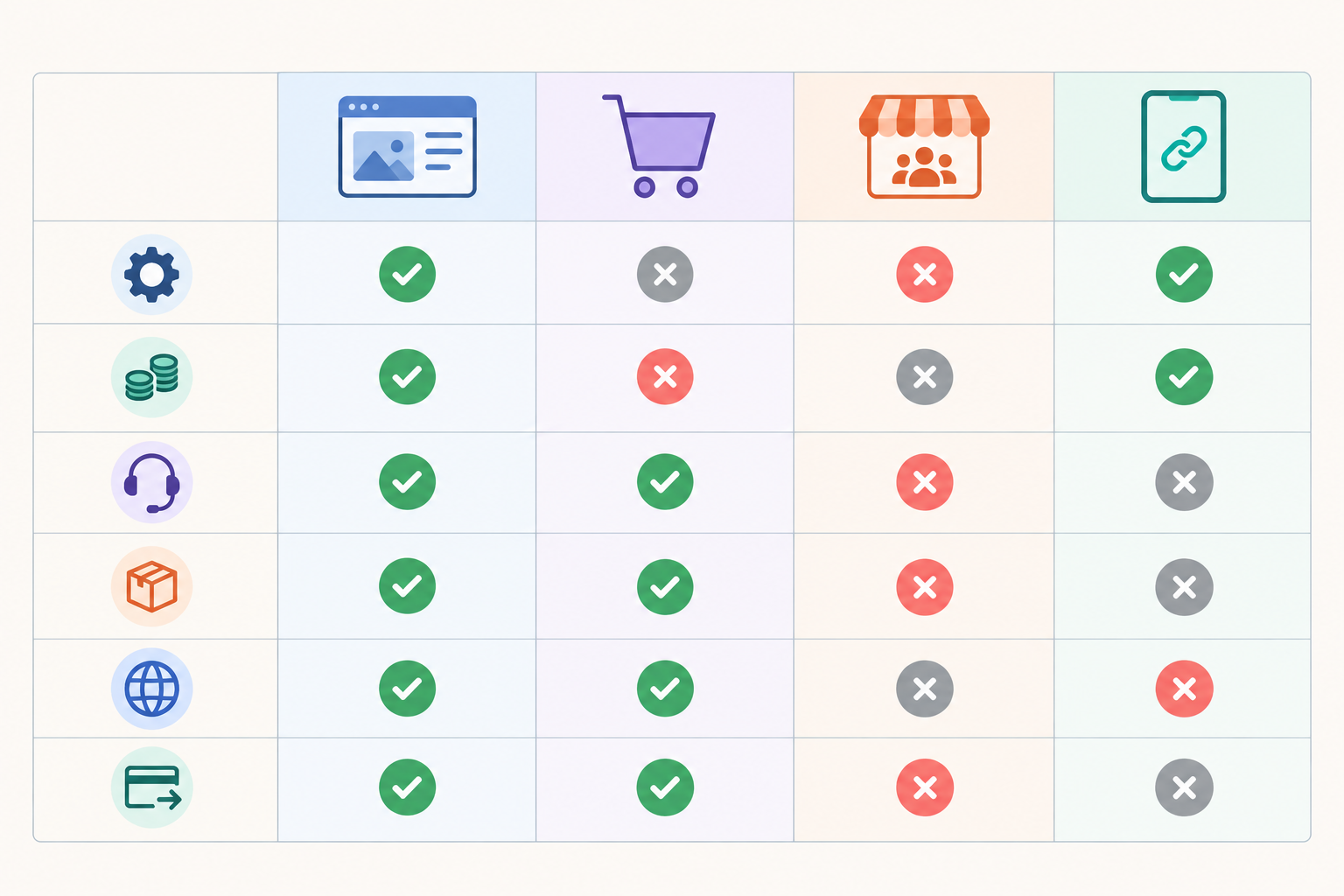
| Full website builder | Big-name ecommerce platform | Marketplace | Simple link-in-bio store (like Shopstar) | |
|---|---|---|---|---|
| Setup effort | Often medium to high | Often medium to high | Often low | Often low |
| Cost predictability | Varies; add-ons and dollar billing can creep in | Varies; fees and apps can stack | Usually fee-based per sale | Depends on plan and fees; check each provider |
| Support style | Frequently help-centre led | Frequently tiered by plan | Usually seller-help articles | Varies; ask whether a human replies |
| What you can sell | Often products, extras via add-ons | Mainly products; extras via apps | Mainly products | Often a wider mix, but confirm per provider |
| Domain flexibility | Often paid plans only | Often yes | Rarely your own brand | Varies; free-to-start URL or own domain |
| Payout setup | Depends on provider | Depends on provider and country | Via the marketplace | Depends on provider and country |
Treat this as a rough rule of thumb, not a verdict. Every category has exceptions, and pricing and features change, so check each provider's current pricing for South Africa, ideally in rand, before you decide.
A few trade-offs worth naming. A simple page is not ideal if you're managing a 5,000-product catalogue with complex stock rules. A heavy platform is overkill for a studio with ten offerings. Payment availability differs by country too. For example, South Africa isn't on Shopify's current list of Shopify Payments countries, so South African Shopify stores use a third-party payment provider. Check the list for yourself, and price in that provider's fees as well as any Shopify transaction fee.
Shopstar is built for entrepreneurs, small businesses, creators and service providers who want to sell from one simple page without building a full website. It's South African, designed around how South African sellers work, and that's where it's strongest.
The unified checkout is what makes it practical. Think about three very different businesses: a Cape Town boutique selling clothing and gift vouchers, a Pretoria yoga studio taking class bookings and offering memberships, and a Johannesburg workshop host selling event tickets and a downloadable guide.
All three can run from the same page with the same checkout, using one set of booking, membership, digital download and event ticketing tools instead of juggling separate apps. Payments are built in with Shopstar Go: customers pay by card, Apple Pay (on compatible devices) or Scan to Pay, you don't open a separate payment gateway account, and payouts land in your own South African bank account automatically every day. If you send parcels, you can connect Bob Go to show courier rates at checkout.
Where doesn't it fit? If you're running a 5,000-product catalogue with complex stock rules, or you want a design-led, multi-page website, one of the bigger options above may suit you better. If you're selling without a website for the first time, start with our beginner's guide, or explore Shopstar and chat with the team.
Here's everything above, boiled down.
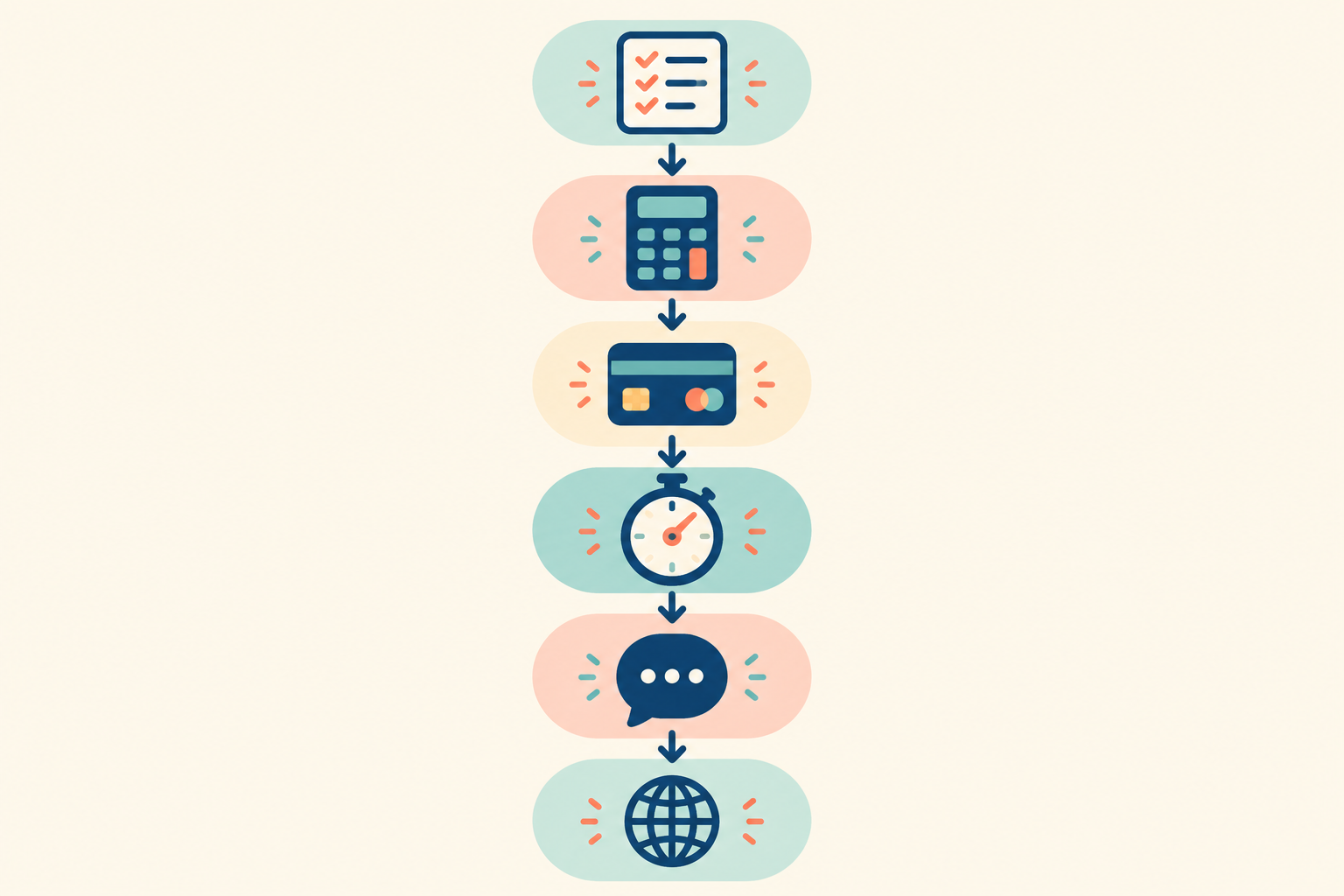
So what's the cheapest way to start selling online? Start small. Launch one page, share the link, and move to a paid plan only when sales justify it.
Begin with a simple online store builder or link-in-bio page instead of a full website, which saves on design and developer costs. Then look past the headline price and add up transaction fees, card processing and any paid add-ons. Avoid annual plans, especially ones billed in dollars, until you've tested demand with a handful of products, and run the cost formula above at your realistic sales volume.
Not if you choose well. The 10-minute test is the best check: if you can list an item, take a test order and edit your page on your phone in about ten minutes, the platform suits non-technical owners. Shopstar is designed with that in mind, and if you can post on social media, you should be comfortable with a single-page store.
It varies a lot between providers. Ask whether onboarding is included in your plan, whether a real person replies, how fast, and during which hours (in South African time). At Shopstar, we offer onboarding assistance and customer support for setup tasks like adding products, connecting payments and testing an order.
Usually yes, though some platforms restrict it to paid plans. Check where the domain will be registered, whether you can keep your .co.za at your current registrar, and whether DNS changes could affect your email. With Shopstar you can launch on a custom shopstar.page URL first and connect your own domain later.
Yes. Shopstar is South African. Payments are built in with Shopstar Go, so customers can pay by card, Apple Pay (on compatible devices) or Scan to Pay, there's no separate payment gateway account to set up, and payouts go to your South African bank account automatically every day. The comparison checklist in this guide works for any platform, so use it on us too.

Learn how to price digital downloads in rand, with practical South African examples, competitor research, pricing psychology, bundles and simple tests to find a price that works.

Not sure whether a link-in-bio store or a full website suits your South African business? Compare setup time, rand costs, credibility and room to grow to find the right fit for where you are now.

See how hands-on onboarding from an ecommerce platform helps non-technical South African sellers launch with confidence, get past setup hurdles and choose the right support.