The IT Admin's Checklist for SSL and Domain Expiration Tracking
14 min read
Loading...

A solid SSL and domain expiration checklist has five parts: inventory every domain and certificate, set tiered alert thresholds, name an owner for each renewal, automate the checks with a monitoring tool, and audit the whole thing quarterly. In my experience, expiry outages are rarely a skills problem. They happen because someone forgot an asset exists or nobody knew whose job the renewal was. Nearly all the monitoring can be automated, which leaves people to handle renewals and the odd exception.
A quick note on terminology: "SSL" is still what most of us search for, but modern public certificates use TLS. I'll say "SSL certificate" because it's familiar, and in practice it means the same thing. Below, I walk through each step, and there's a compact copy-and-paste checklist at the end for your wiki or runbook. It's one of those jobs that feels dull right up until the day it saves your weekend.
Picture it: 2am, your phone buzzes, and a partner's integration is failing because a certificate on some forgotten subdomain lapsed an hour ago. Nobody remembers who set it up. The renewal reminders were going to a colleague who left eighteen months ago. Or you find that the company's main domain is registered on a former developer's personal card, and that card has just expired.
If that sounds familiar, you're in good company. Even large vendors trip over this. Microsoft Teams suffered a widely reported disruption in February 2020 that the company attributed to an expired authentication certificate. Big or small, the pattern is the same.
The root causes are pretty consistent:
The cost goes well beyond a red browser warning. Expired certificates break API integrations, fail webhooks, erode customer trust and can cause email delivery problems. An expired domain is worse, because everything attached to it can disappear at once.
Two things are worth knowing before we start. First, certificate expiry and domain expiry are separate risks. Renewing a certificate doesn't renew the domain, and renewing the domain doesn't refresh the certificates on your services, so treat them as distinct assets with distinct workflows. Second, registrar reminders are a backup, not a control. ICANN's Expired Registration Recovery Policy requires registrars to send renewal reminders for covered gTLD registrations (roughly one month and one week before expiry), but that doesn't guarantee the right person sees them or that payment goes through.
You can't track what you don't know exists, and it's surprisingly easy for a handful of domains or certificates to live in someone's memory instead of a record. Start by building one proper inventory.
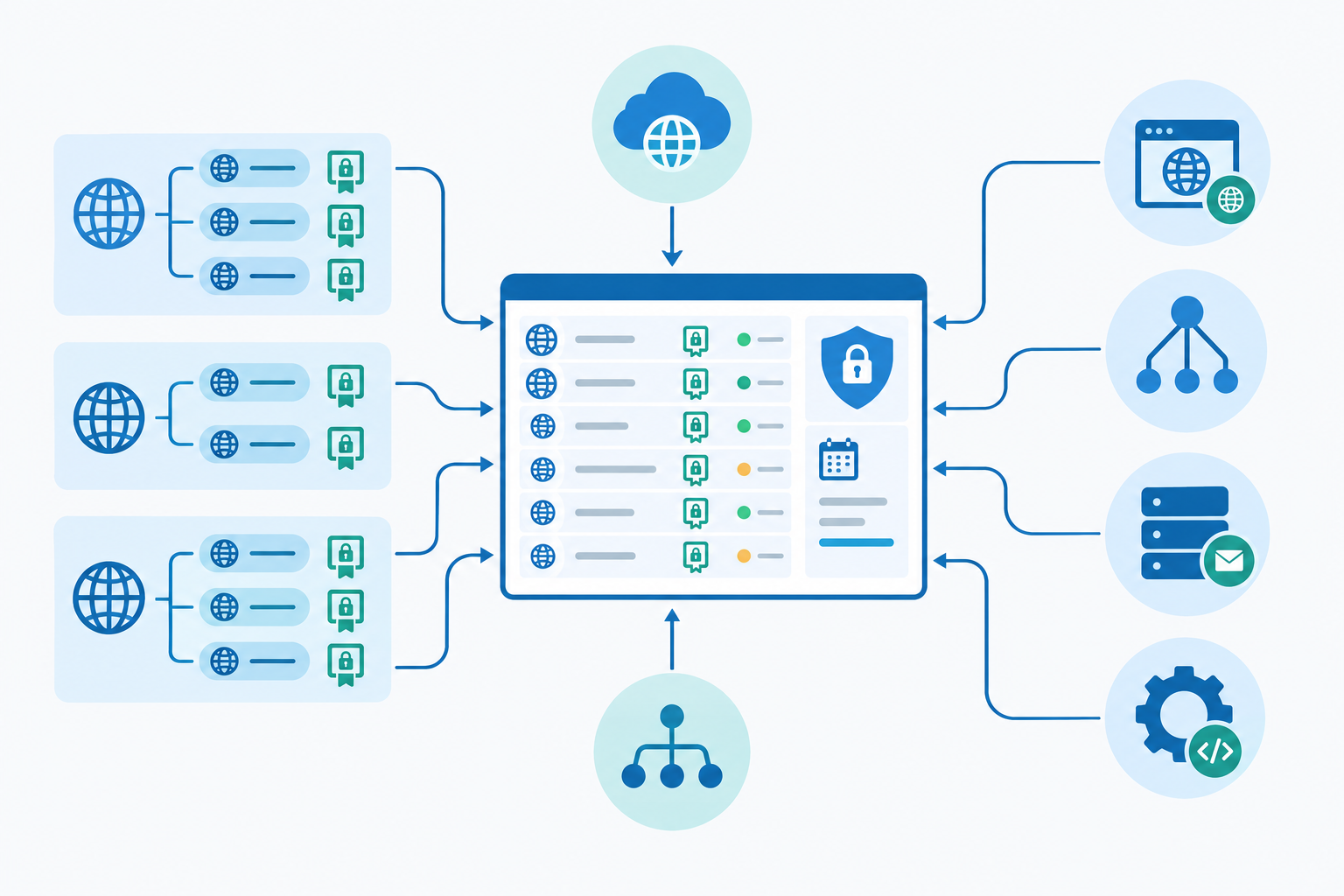
Keep everything in one shared source of truth. Not five spreadsheets, and certainly not one person's head. If a vendor or agency handles renewals for some domains, still assign an internal owner. Otherwise your escalation path depends entirely on an outside party.
A single "30 days before expiry" alert is better than nothing, but it's rarely enough. The right lead time depends on how long it takes you to notice a problem, approve and pay, renew or reissue, deploy and verify. Domains and certificates behave differently here.
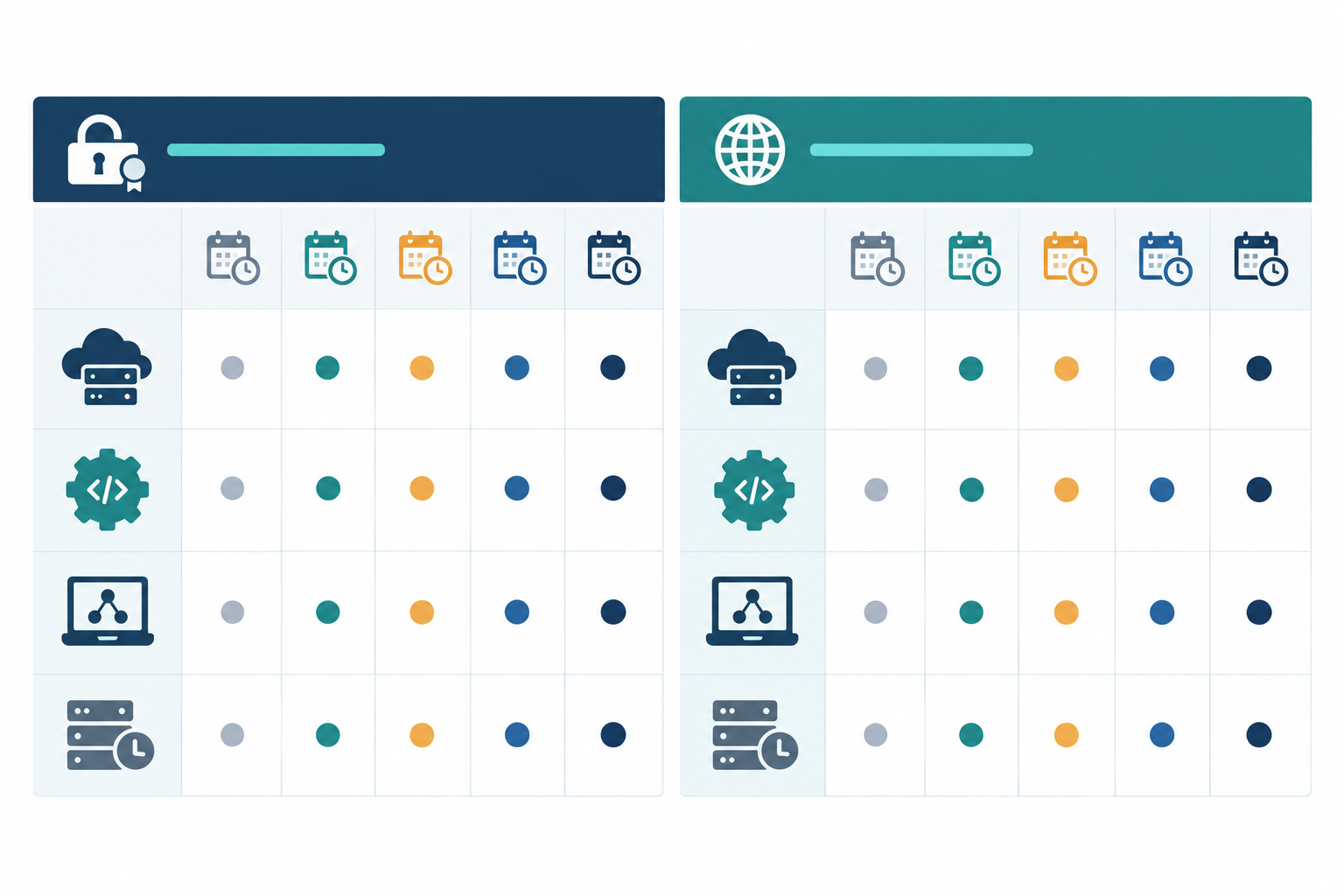
The table below gives practical starting points, not universal standards. Adjust them to your own approval and deployment times.
| Asset | SSL alerts (days before expiry) | Domain alerts (days before expiry) | Why | Where alerts go |
|---|---|---|---|---|
| Production site | 30, 14, 7, 1 | 90, 60, 30, 14, 7, 1 | Highest impact; this is the default pattern | Email early, chat channel when urgent |
| Customer-facing API | 45, 30, 14, 7, 1 | 90, 60, 30, 14 | Partners break silently, so start earlier | Team channel plus on-call |
| Internal tool | 30, 14, 7 | 60, 30, 14 | Lower impact, but still disruptive | Email to owner and backup |
| Legacy or low-priority domain | 30, 7 | 90, 30, 14 | Often forgotten; the real question is keep or drop | Email, plus a ticket to decide |
Domains get earlier alerts because payments, approvals, transfers and registrant verification can all take longer than you'd expect.
Publicly trusted certificates are currently capped at 398 days, and Let's Encrypt certificates last 90 days. The CA/Browser Forum has also approved a schedule (ballot SC-081v3) that reduces the maximum to 200 days from 15 March 2026, 100 days from 15 March 2027 and 47 days from 15 March 2029. Please check the current timetable before you plan around it. Either way, renewals will come round more often, so automation stops being optional and monitoring becomes your safety net.
An expiry-date alert tells you something is about to go wrong. A failed-renewal alert tells you something already has. Validation failures, DNS changes, inaccessible accounts and deployment errors can all quietly break automation, so monitor both.
Alert fatigue is real. Send early warnings (30 days or more) to email, and save Slack, Discord or Telegram for the urgent stuff. For high-risk assets, alert both the named owner and a monitored team channel or ticket queue, so no single mailbox becomes a point of failure.
And please don't treat a domain's post-expiry grace period as extra renewal time. Many gTLDs have an auto-renew grace period, a redemption period and a pending-delete stage, but the details vary by registry and registrar, and services can break the moment the domain lapses.
This step quietly prevents most incidents. Automation can't help if nobody is accountable when it fails.
A quick UK note: for .uk domains registered through Nominet, keep your registrant details accurate and make sure the contact email is monitored, so renewal notices and verification requests don't vanish.
Even with automated renewals, someone still owns the outcome. That person watches for failures, confirms the renewed certificate is actually deployed, and is where the escalation lands.
Here's where you get your time back. Spreadsheets and calendar reminders are fine to begin with, but they rely on someone remembering to look. The aim is for machines to do the watching and people to do the deciding.
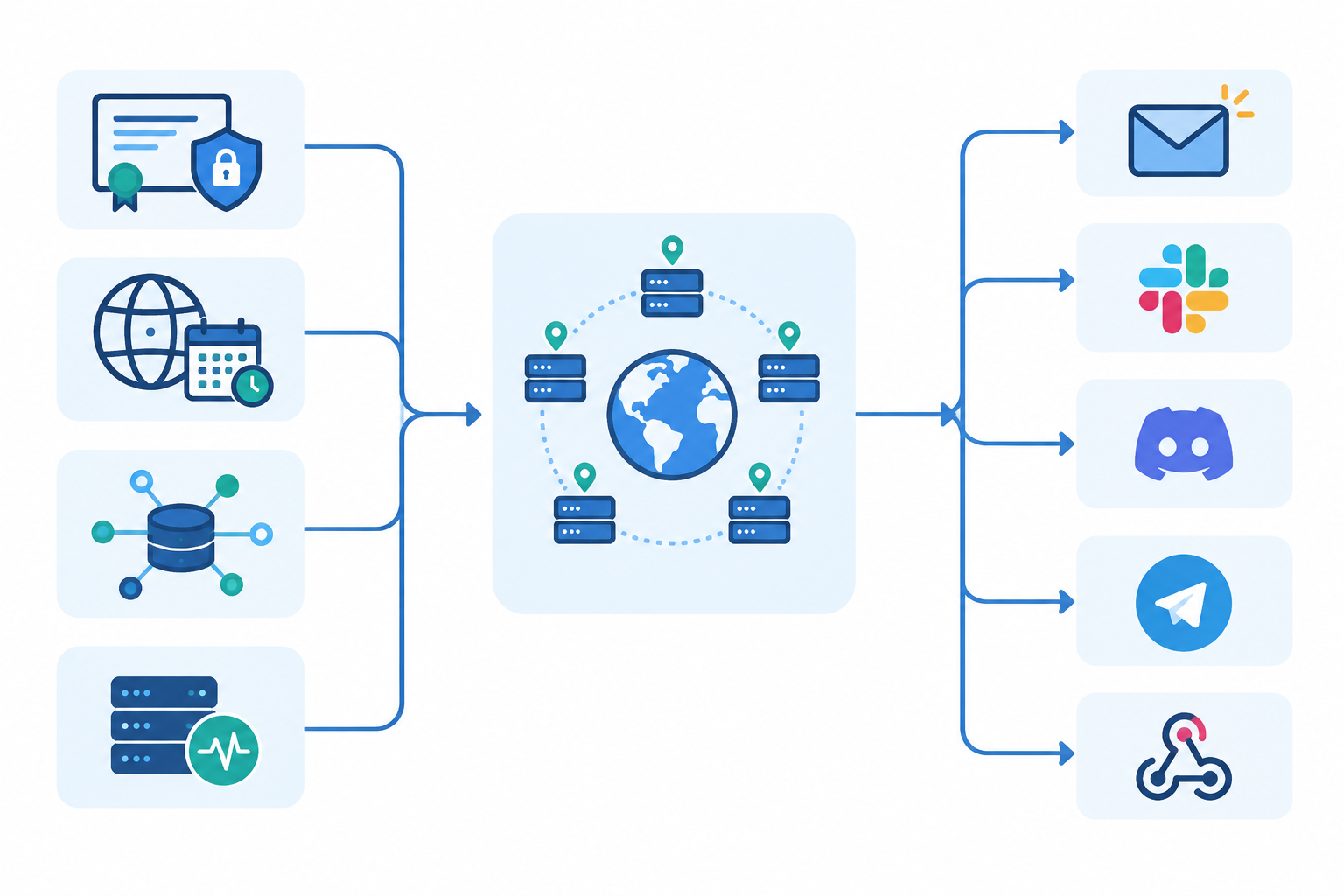
One example of a tool that covers this is Moonitor. It offers SSL and domain expiration monitors alongside HTTP/S, keyword, port and ping checks, DNS record change detection and cron/heartbeat monitoring, with alerts by email, Slack, Discord, Telegram or webhooks. It also offers a free trial. Check the current feature list and trial terms on its site, and judge any tool, this one included, against the seven points above.
Inventories drift. Teams launch, retire and rename things, and your records quietly go stale. A quarterly audit stops that drift turning into an incident.
It's also worth running an ad hoc audit after any acquisition, migration or team shake-up.
Copy this into your wiki or runbook and tick things off as you go.
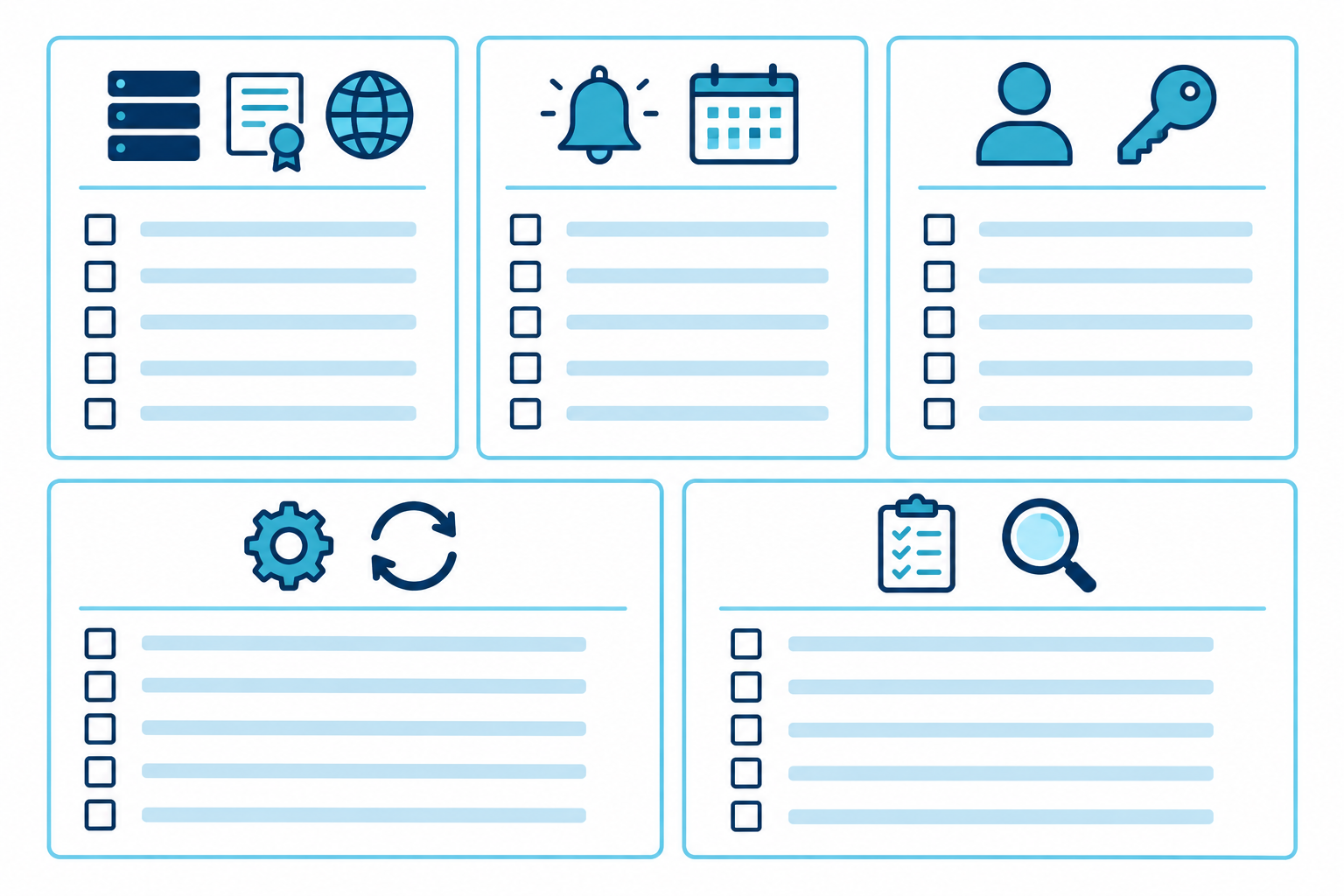
Inventory (Step 1)
Alerts (Step 2)
Ownership (Step 3)
Automation (Step 4)
Audit (Step 5)
It happens, even to the best teams. Don't panic. Work through this:
If you do only one thing this week, start with the inventory. It's the least glamorous step, and it's the one that makes everything else work.
An inventory, tiered alerts, named owners, automated monitoring and a quarterly audit. The printable version above condenses all five.
Quarterly, with continuous monitoring in between. Add a deeper annual review and an ad hoc audit after acquisitions, migrations or team changes (see Step 5).
One named owner and a backup per asset, usually in IT or DevOps. Use role mailboxes for notices, but keep logins on named, MFA-protected accounts (see Step 3).
Most of it. Renewal, expiry checks and alerting can be automated, but payments, registrant verification, approvals and the quarterly review still need a person.
Start domain alerts at 60 to 90 days and SSL alerts at around 30 days, earlier if renewal is manual. Treat these as starting points and adjust them to how long your approvals and deployments really take (see Step 2).