When and How to Use AI-Generated Images in Blog Posts (A Practical Guide)
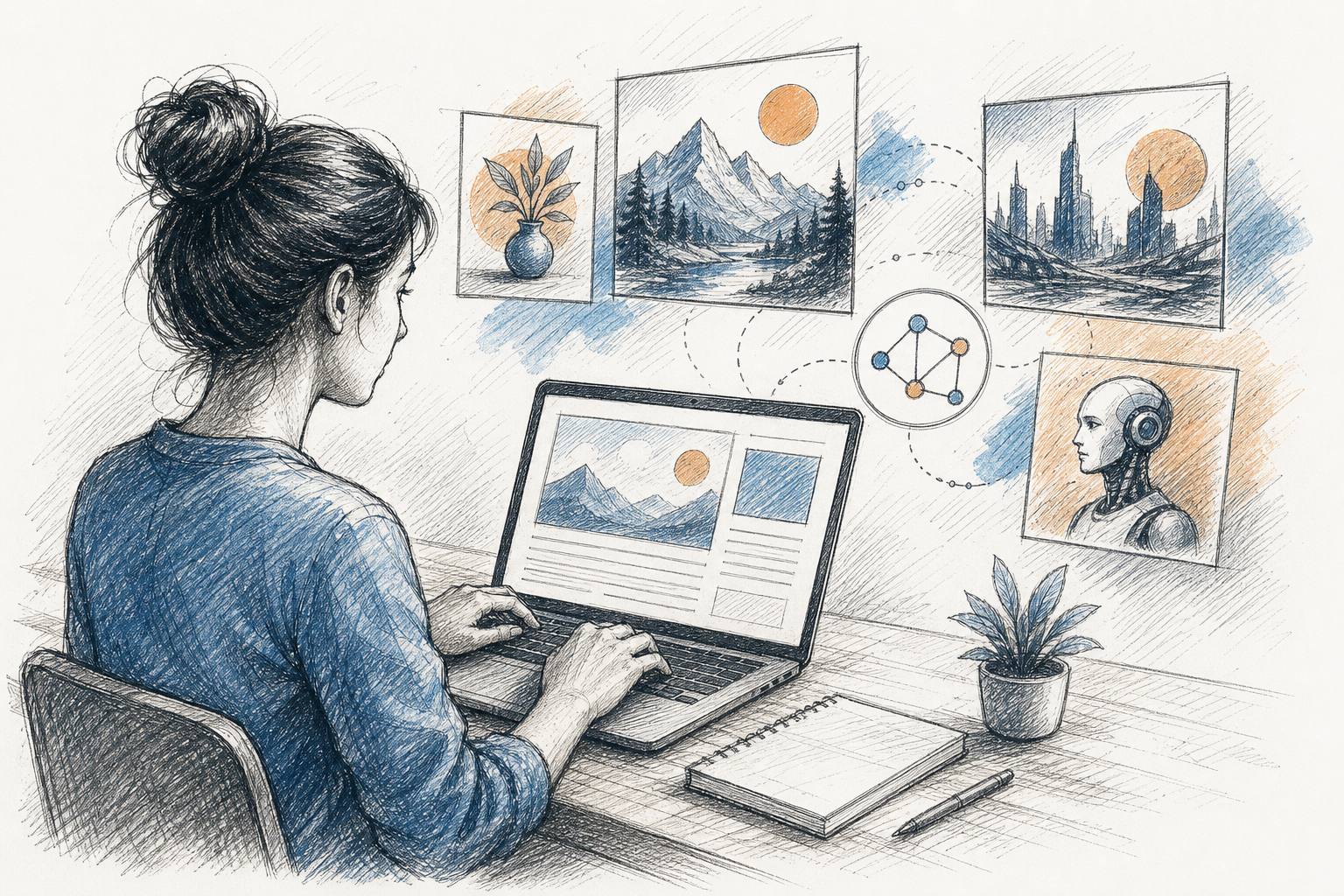
When and How to Use AI-Generated Images in Blog Posts: A Practical UK Guide
AI-generated images work best for illustrating abstract concepts, creating consistent header visuals, and producing diagrams that clarify complex ideas quickly. They tend to backfire when used to fake authenticity, such as pretending to show real products, people, or locations, or when the visual style clashes with your brand's tone. The short version: use AI-generated images in blog posts to explain and enhance, not to deceive.
If you're publishing blog content regularly, you've probably already asked yourself whether AI-generated images are worth the effort. I get this question a lot from content creators trying to scale up their publishing schedule without burning out or hiring a full design team. Knowing when and how to use AI-generated images in blog posts can improve clarity and reader trust, but it's easy to get the balance wrong in either direction. Let's walk through both sides, plus a practical framework you can apply post by post.

Why Use Visuals in Blog Posts?
There's a reasonable body of research suggesting visuals help readers understand and retain information, though it's worth being precise about what that research actually shows. Richard Mayer's multimedia learning work, laid out across several editions of his book Multimedia Learning (Cambridge University Press), argues that people generally process coordinated words and images more effectively than text alone, provided the image is relevant rather than decorative. That's a well-established finding in educational psychology, though it was developed for learning contexts rather than blog engagement specifically, so it's a supporting argument rather than direct proof.
On the engagement side, BuzzSumo ran a large analysis of content performance and found that articles including an image roughly every 75 to 100 words tended to receive more social shares than text-only posts. Separate platform data has also shown photo posts outperforming text-only posts on Facebook. I'd treat these as useful directional signals rather than guarantees, since correlation in large content datasets doesn't prove that adding images alone causes more shares. Plenty of other factors, from headline quality to topic timing, shape those numbers too.
The more interesting nuance, in my experience, is this: having images isn't enough on its own. You need the right ones. Nielsen Norman Group's eye-tracking research on banner blindness found that users tend to skip past generic, decorative stock photography while paying real attention to images that carry actual information. A relevant image creates a visual break in long-form content, signals a topic change, and helps mobile readers scan for the section they need. That matters now that most blog traffic arrives on phones, where a wall of unbroken text is a fast way to lose someone.
This is really where the decision to use AI-generated images in blog posts gets interesting. If you're trying to increase publishing frequency, the temptation is to either skip visuals entirely or slot in whatever generic stock photo loads fastest. Neither serves the reader particularly well. A better approach is producing original, relevant visuals alongside your copy from the start, so readability doesn't get sacrificed just to hit a schedule.
Types of AI-Generated Images for Blog Posts
Not every AI-generated image serves the same purpose, and knowing which type you actually need before generating anything saves a lot of wasted effort. Here's how I'd break down the main categories, along with when each one earns its place and where it can go wrong.
- Header or featured images set the tone before a reader starts reading. Use them for mood and first impressions. Just avoid anything that looks like a real product shot or a real person if it isn't.
- Custom illustrations work well for abstract or hard-to-photograph concepts, like a workflow, a mindset shift, or a metaphor. Keep them clearly stylised rather than photorealistic when the concept is abstract, so readers don't mistake illustration for documentation.
- Diagrams and flowcharts explain processes, comparisons, or data that would otherwise take a paragraph to describe. Always double-check numbers, labels, and sequence here, since AI tools can quietly misrepresent details in diagrams.
- Social media crops and thumbnails generated from a source image keep a consistent look across channels. Check that text and logos survive cropping and resizing without distortion.
- Icon-style graphics help lists and callout boxes scan faster. Keep the icon style simple and consistent, since overly detailed AI icons can look cluttered at small sizes.
A quick decision framework for AI blog images
Before generating anything, it helps to ask what the reader actually needs. Here's a simple way to sort that out:
| Content type | Best visual choice | Is AI suitable? | Review requirement |
|---|---|---|---|
| Software tutorial | Real screenshot | No, use the real interface | Verify screenshot matches current UI |
| Product review | Real product photo | No, unless clearly labelled illustrative | Confirm no implied product claims |
| Case study or testimonial | Real photo or none at all | No | Confirm identity and consent |
| Abstract business concept | AI illustration or diagram | Yes | Check style matches brand tone |
| Local UK business feature | Real photo where possible | Only for generic mood shots, not the actual business | Check location/currency details if AI-generated |
| Explaining a process or workflow | Diagram | Yes | Verify steps and labels are accurate |
| Purely decorative filler | No image | N/A | Skip it, it adds nothing |
That last row matters more than people expect. If an image isn't clarifying, summarising, or framing something in the text, the honest move is often to skip it rather than generate one just to fill space.
Best Practices for Using AI Visuals in Blog Content
Once you know what type of image you need, here's a practical sequence worth following before you hit publish.
- Match the image style to your brand voice. If your existing content library feels warm and hand-drawn, a hyper-realistic AI image will feel jarring next to it. Consistency builds recognition over time.
- Use AI images to illustrate ideas, not to misrepresent reality. This is the line that matters most. Illustrating a concept is fine. Faking a real product photo, a real customer, or a real location is not, and it's the fastest way to lose reader trust.
- Write prompts with the reader's need in mind, not just aesthetics. A prompt like "a simple line illustration of a workflow arrow moving from idea to draft to published post, minimal colour palette" will usually serve a reader better than a vague, moody prompt aimed purely at looking impressive.
- Add alt text and descriptive file names. This supports accessibility and discoverability. Alt text should describe the image's purpose in context, ideally in under 125 characters, not just stuff in keywords.
- Keep dimensions and file size sensible. Compress images so they don't drag down page-load speed, and keep header images to a consistent aspect ratio across your site so layouts don't jump around.
- Keep a consistent visual style across a series of posts. If readers recognise your visual language, they're more likely to trust and return to your content.
- Review AI output for accuracy before publishing, especially diagrams containing data, numbers, or step sequences. Check for garbled text, incorrect flags or symbols, wrong currency signs, distorted logos, and mismatched statistics. These errors aren't always obvious at a glance.
- Consider tools that generate images alongside your copy, but keep applying this checklist regardless. Full disclosure: I work with Scribe, whose AI writing assistant generates images alongside the article draft in one pass, which I find useful for keeping tone aligned between text and visuals. That said, the review steps above still apply no matter which tool produces the image.
When images and copy are generated separately, by different tools or different people on different days, you sometimes end up with subtle mismatches in mood or style that readers notice even if they can't quite name why something feels off. A shared workflow can reduce that, but it doesn't replace a proper review pass.
Common Mistakes to Avoid With AI-Generated Blog Images
A handful of mistakes come up again and again with AI visuals, and they're worth calling out directly.
- Overly generic, stock-style AI images that add no real value and just fill space. If an image doesn't explain, summarise, demonstrate, or emotionally frame something in the text, skip it.
- Images that look obviously AI-generated in contexts requiring authenticity, like testimonials, case studies, or team photos. This is one of the fastest ways to erode reader trust, and it's rarely worth the risk.
- Missing UK-specific context. Currency symbols, spelling conventions (colour, not color), driving orientation, plug sockets, and seasonal references in generated graphics can look subtly wrong to a UK audience if you don't specify them in your prompt.
- Using AI images to replace genuine screenshots when a reader specifically needs to see a real interface. Software tutorials, in particular, need actual screenshots for factual accuracy.
- Skipping a human review pass entirely. Before publishing, actually look for garbled or nonsensical text embedded in the image, incorrect flags or symbols, distorted hands or faces, wrong statistics on diagrams, and interface elements that don't match the real product. None of this takes long, but skipping it is how errors slip through at volume.
The common thread here is trust. Readers generally don't mind AI-assisted visuals when they're clearly illustrative. They mind a lot when they feel misled.
When to Use an AI Image, a Diagram or No Image
One distinction that trips people up is when to use a photo-style AI image versus a diagram, versus no image at all. They solve different problems, and mixing them up wastes the strength of each.
| Use a photo-style AI image when... | Use a diagram when... | Use no image when... |
|---|---|---|
| Setting mood or tone for a post | Explaining a process or workflow | The point is already clear in one or two sentences of text |
| Illustrating an abstract concept | Comparing two or more options | A real photo is needed but unavailable, and a fake one would mislead |
| Creating a header or hero visual | Presenting data or numbers | Adding an image would just be decorative filler |
| Exact accuracy isn't the point | Readers need to follow specific steps |
Diagrams can support discoverability for "how it works" style searches when they're embedded in genuinely useful explanatory content, because they help answer the question a reader actually came with. I'd stop short of saying they directly target featured snippets, since snippet selection depends on the surrounding text and page structure as much as the visual itself. Placement matters too. A diagram works best positioned near the step-by-step instructions it explains, rather than sitting at the top of a post where it lacks context.
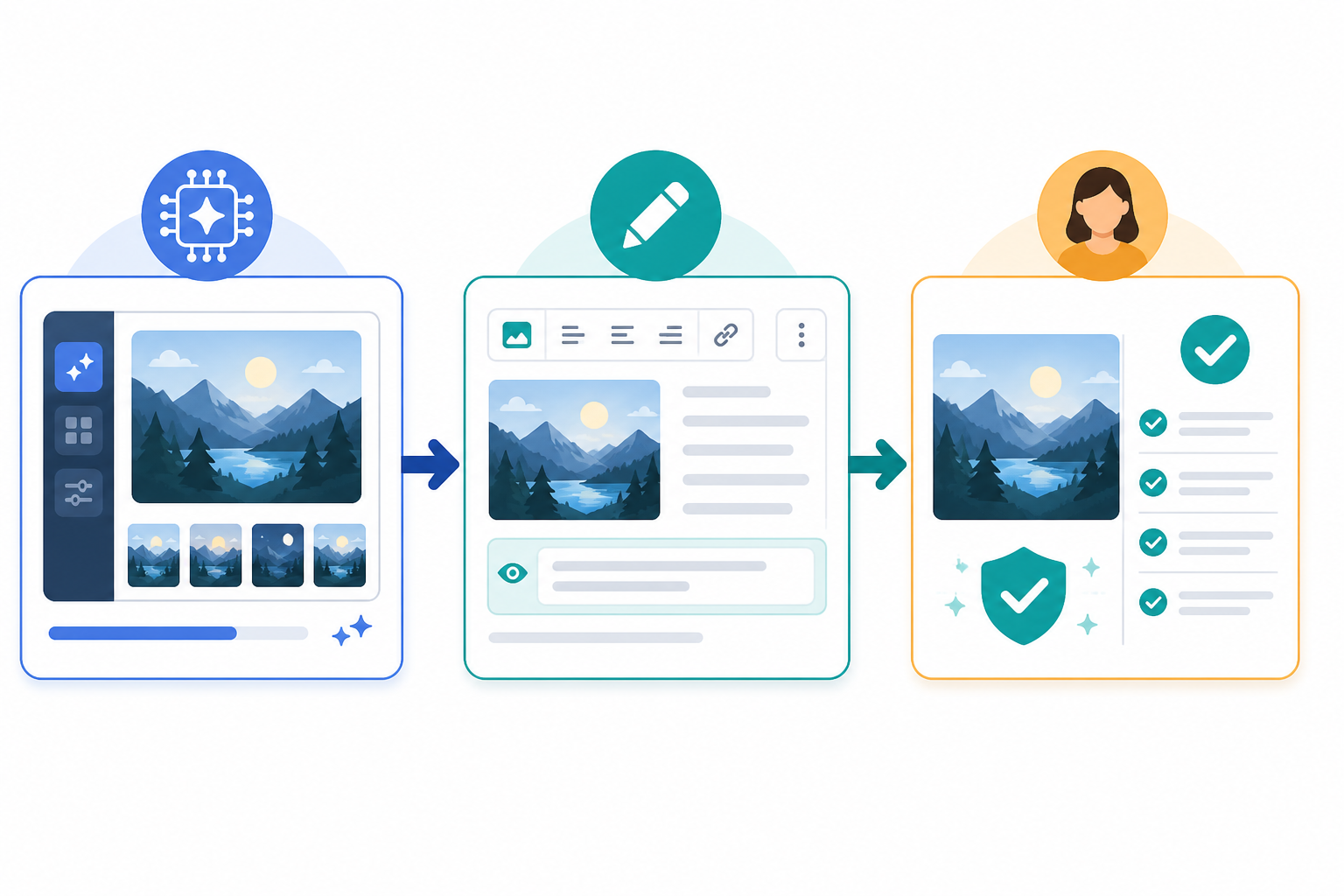
A good example of this in practice: if you're writing about content generation or content scaling, a diagram showing the actual process, from prompt to draft to publish, gives readers something concrete to follow rather than an abstract description. It does double duty as both explanation and proof of how a workflow actually functions.
Legal and Trust Considerations for AI Images in the UK
I'll say this upfront: none of this is legal advice, and if you're running paid campaigns, using real people's likenesses, or dealing with anything commercially sensitive, it's worth talking to a solicitor familiar with intellectual property and advertising law. That said, here's the practical picture for UK-based bloggers.
UK copyright law has a specific, slightly unusual provision for computer-generated works with no human author, under section 9(3) of the Copyright, Designs and Patents Act 1988, which historically attributed authorship to "the person by whom the arrangements necessary for the creation of the work are undertaken." How this applies to modern generative AI tools is honestly unsettled and fact-specific. The more human involvement you add through prompting, curation, selection, and editing, the stronger your position tends to be, but this is an evolving area rather than a settled one, so treat any confident claim about AI image copyright, including this one, with some caution.
Copyright is also only one of several separate legal issues that can apply to an AI-generated image. Trade mark law can be triggered if a generated image includes a recognisable logo or brand mark. Privacy and personality rights can apply if an image resembles a real, identifiable person. Defamation risk exists if an image falsely implies something damaging about a real person or organisation. Passing-off concerns arise if an image implies an endorsement or affiliation that doesn't exist. And separately from all of that, the AI tool's own licensing terms determine whether you actually have commercial usage rights to the output, which varies by provider and is worth checking directly rather than assuming.
For UK bloggers running anything promotional, the Advertising Standards Authority's CAP Code is the more immediately relevant framework, though it's worth being clear that it applies specifically to marketing communications and advertising, not automatically to every piece of editorial content. If your blog post is promoting a product or service, the CAP Code's requirement that marketing be responsible and not materially misleading likely applies. If it's a general educational post with no promotional intent, the legal exposure is lower, though the ethical case for honesty about AI-generated visuals still holds either way.
Disclosure matters here, and not just as a legal safeguard. Research from the Reuters Institute's Digital News Report has found that a notable share of people across the countries it surveys say they'd feel uncomfortable with content produced mostly by AI when it isn't disclosed. That discomfort tends to ease when publishers are upfront about it. In my experience, being transparent about using AI-assisted visuals doesn't damage trust, it builds it, because readers appreciate not being tricked.
A quality review process, whether that's a scoring tool or simply a second pair of eyes, can help flag inconsistencies, factual issues, or mismatched visuals before they go live. It's a useful additional check, though I wouldn't treat any automated system as a substitute for an actual human review, particularly for anything involving claims, numbers, or real people.
Do AI-Generated Images Help SEO?
Google's own guidance is fairly clear that using generative AI isn't automatically rewarded or penalised. What matters is whether the content, images included, is genuinely helpful and relevant to the reader. Image alt text, descriptive file names, compression, and load speed matter far more than whether an image's origin was a camera or a generator. Images account for a large share of total page weight on most blogs, so an unoptimised AI image can hurt Core Web Vitals just as easily as a poorly compressed photograph.
The more honest framing is that AI images support SEO indirectly rather than directly. A relevant, well-labelled image can improve accessibility, give you a legitimate opportunity to add descriptive alt text, and occasionally surface in image search results if it's genuinely relevant to the query. I'd be cautious about claiming it lowers bounce rate or improves rankings in any predictable way, since reader behaviour is affected by far more than a single image. The realistic takeaway: the image itself won't move you up the search results. A relevant, well-optimised image paired with genuinely useful written content is what supports overall performance.
AI-Generated Blog Images: Pre-Publishing Checklist
- Truthfulness: Does the image represent something real as real, and something illustrative as illustrative? Never blur that line.
- Accuracy: Have you checked any numbers, labels, steps, or text embedded in the image, particularly on diagrams?
- Accessibility: Does it have clear, descriptive alt text and a sensible file name?
- Licensing: Do you actually have commercial usage rights under the tool's terms, and have you avoided depicting recognisable people, logos, or trademarks without permission?
- Technical optimisation: Is the file compressed and sized appropriately so it doesn't slow down the page?
FAQ: Using AI-Generated Images in Blog Posts
Can I legally use AI-generated images in blog posts in the UK?
This isn't straightforward legal advice, but generally yes, subject to a few separate checks. First, confirm the AI tool's own terms grant you commercial usage rights, since this varies by provider. Second, avoid depicting real, identifiable people, brand logos, or trademarks without permission, since that raises privacy, personality rights, or trade mark issues separate from copyright. Third, if the post is promotional in nature, remember the CAP Code's rules on responsible, non-misleading marketing may apply. For anything commercially significant, get advice from a solicitor familiar with UK IP and advertising law.
What are the best practices for using AI visuals in blog content?
Match the image style to your brand, use images to clarify rather than deceive, always add alt text, and keep a consistent look across your posts. Write prompts with the reader's actual need in mind, check dimensions and file size, and run a human review before publishing, checking specifically for garbled text, wrong statistics, and anything that looks like a real photo but isn't.
Do AI-generated images actually help with SEO?
Indirectly, yes. They can support accessibility, give you a genuine reason to write descriptive alt text, and occasionally appear in image search when relevant. The image itself isn't a ranking factor because it's AI-made, and I wouldn't rely on it to lower bounce rate or boost rankings in any predictable way. A relevant, well-optimised image supports the overall quality of your post rather than acting as a shortcut.
How do I know when to use an AI image versus a diagram, or no image at all?
If you're explaining a process, comparison, or data point, a diagram usually communicates faster and more clearly than a photo-style image. Save AI photo-style images for setting mood, illustrating abstract concepts, or creating header visuals where exact accuracy isn't the point. And if the text already makes the point clearly on its own, it's often fine to use no image at all rather than adding one purely for the sake of it.
Create content like this automatically
Scribe uses AI to generate high-quality blog posts that engage your audience and drive traffic.