WordPress vs Shopify vs Webflow for AI Blogging: An Agency's Guide to Picking the Right Platform for Each Client
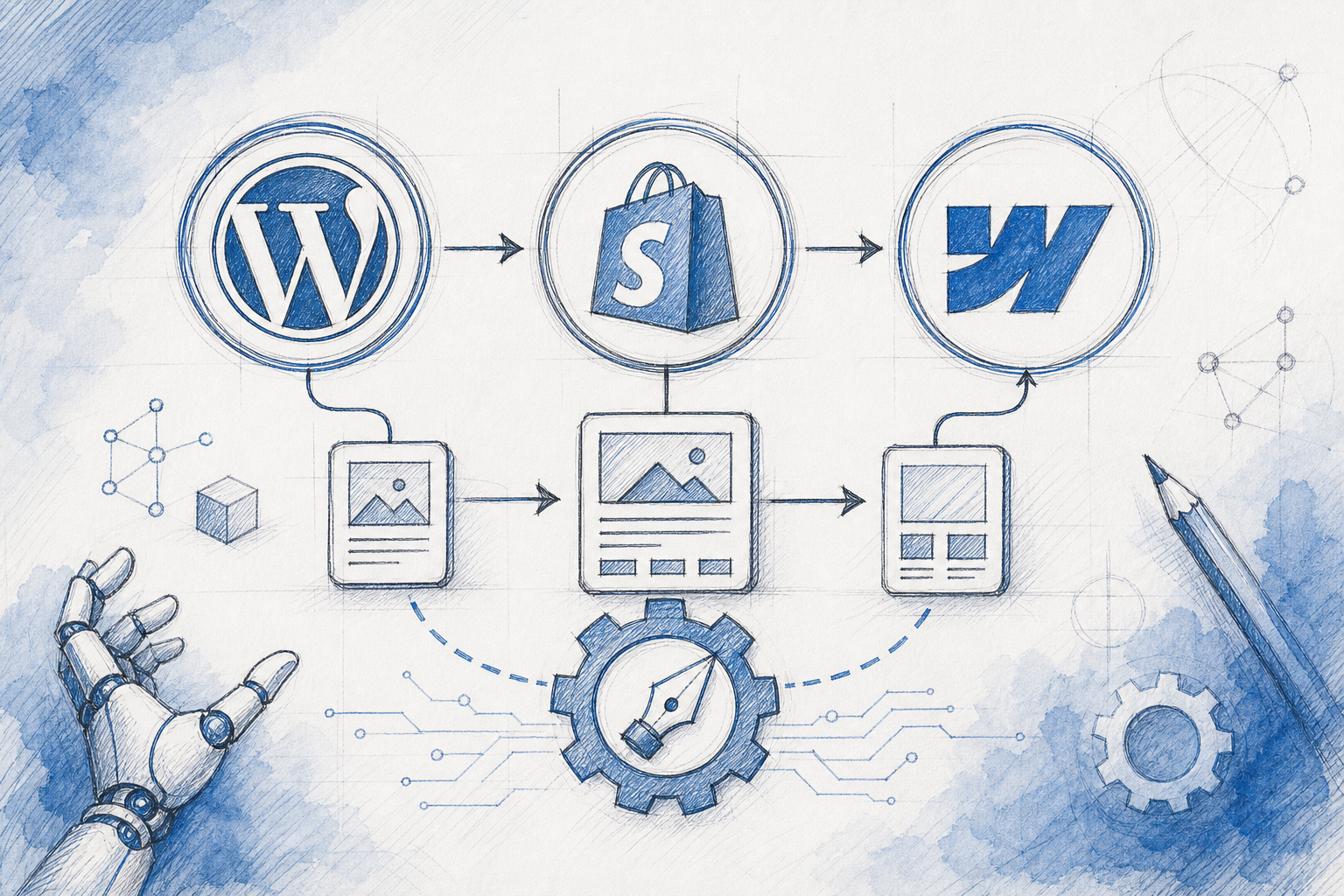
WordPress AI Content: WordPress vs Shopify vs Webflow for Agencies
If you're running content across a dozen client sites, you already know the platform question isn't academic. It's the difference between publishing 30 posts a month without breaking a sweat and spending half your team's time fighting broken formatting or chasing developers for a five-minute fix.
Here's the short version: WordPress is still the most flexible option for WordPress AI content workflows, thanks to its open architecture and mature plugin ecosystem. Shopify works best when the blog needs to sit close to product pages and support commerce rather than stand alone. Webflow suits design-conscious clients who want tight visual control, though it needs more careful setup to handle AI content at real scale. The right answer for any given client comes down to their business model, their technical team, their budget, and how much publishing autonomy you're comfortable handing them.
None of these platforms is universally better. Each comes with trade-offs that shift depending on plan level, theme or template, installed apps, and how your publishing workflow is built. Let's walk through how each one actually holds up, then look at how agencies can build a workflow that isn't hostage to any single CMS's quirks.
What to look for in a publishing platform for AI content
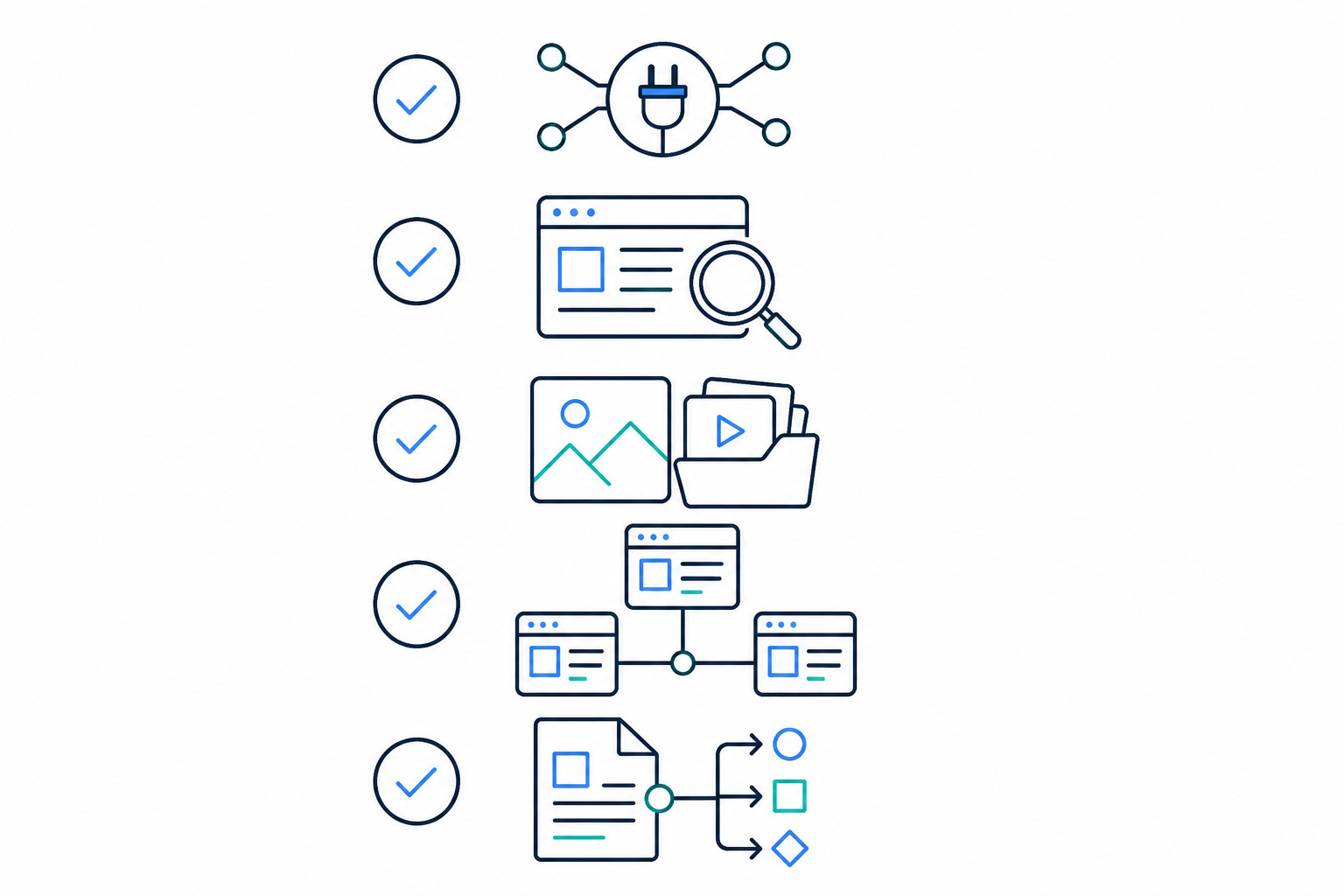
Before comparing platforms head-to-head, it helps to agree on what actually matters when you're pushing AI-generated content live across multiple UK client accounts. I'd narrow it down to seven things:
- API access and one-click publishing support, so finished posts can go live without someone manually copying and pasting HTML into a CMS editor
- Native SEO handling: meta tags, alt text, schema markup, and clean URL structures shouldn't require a plugin gymnastics routine every time you publish
- Media handling: AI-generated images and diagrams need to render responsively without bloating page load times or breaking on mobile
- Multi-site or multi-account management, because you're rarely dealing with just one client instance
- Editorial controls: draft review, scheduling, and rollback options matter more when you're publishing at volume and can't manually proofread every post
- Permissions, approvals, and client handover: who can publish, who can only review, and how easily you can hand the account back to an in-house team later
- Total cost of ownership: hosting or plan fees, apps, developer time, and maintenance overhead, not just the headline subscription price
Keep these in mind as we go through each platform. They'll come up again and again, and they matter more once you're managing several client accounts rather than one.
WordPress vs Shopify vs Webflow for AI content at a glance
Before the detail, here's how the three stack up on the factors that matter most for an agency running AI-generated content across a mixed client base. Treat this as a starting point rather than a verdict, since actual results depend heavily on the specific plan, theme, and apps in play.
| Factor | WordPress | Shopify | Webflow |
|---|---|---|---|
| Best for | Content-first sites, blogs, SEO-driven growth | Ecommerce brands using content to support sales | Design-led studios, agencies, portfolio sites |
| Native SEO control | Strong, especially with Yoast/Rank Math | Moderate, often needs apps for schema | Good field-level control, more setup required |
| Publishing automation | Mature REST API, widely supported | Solid Admin API for simple posts | CMS API works well once fields are mapped |
| Maintenance burden | Higher: plugins, themes, updates | Lower: Shopify manages hosting and updates | Lower: hosted, but template changes need care |
| Cost structure | Hosting plus plugins, varies widely | Subscription plus apps | Subscription, higher tiers for CMS features |
| Ideal publishing volume | High (15–30+ posts/month) | Moderate to high for simple posts | Lower (a handful of polished pieces/month) |
WordPress for AI content: why it's still the agency default
WordPress powers a huge share of the web for a reason, and that reason matters even more once you start layering AI content generation on top. The open ecosystem means most AI writing tools can integrate through plugins or the REST API, provided the content fields are mapped correctly and the API credentials have the right permissions. There's no walled garden to work around, but there is setup work to get right.
What makes WordPress AI content workflows particularly smooth is the granular control over taxonomy, internal linking, and SEO plugins such as Yoast SEO or Rank Math. These tools can complement automated content pipelines well, but it's worth being precise here: publishing via the REST API doesn't automatically populate an SEO plugin's meta fields. That usually needs explicit mapping, either through the plugin's own API hooks or custom field configuration. Get that right, and a post with heading structure, meta description, and image alt text slots into your existing SEO setup with minimal manual cleanup.
The self-hosted flexibility is another genuine win for agencies working across UK client sites with different hosting providers, from budget shared hosting to managed WordPress hosts such as WP Engine or Kinsta. If you're managing dozens of installs, each with different security requirements and budget tiers, WordPress adapts. You're not locked into one hosting environment or pricing structure, though that flexibility means you're also responsible for keeping each install patched and secure.
The catch, and it's a real one, is that quality varies wildly depending on the theme and plugin stack a client has already installed. I've seen well-generated AI content get mangled by a theme that strips custom formatting, or a plugin conflict that breaks image rendering. A client running WordPress.com's hosted version, for instance, has far less flexibility than one on a self-hosted install with full plugin access. Worth checking before you assume WordPress means the same thing for every account. This is exactly why the content itself matters so much: AI-generated posts need to arrive as clean, semantic HTML rather than platform-specific markup, or you'll spend more time debugging than you saved by automating in the first place.

For agencies running content operations across many WordPress installs, the platform's biggest strength is also its biggest risk: total flexibility means total responsibility for keeping things tidy.
Shopify blogging for AI content: strengths and limits
Shopify plays a different game entirely. Its native blog engine is basic, but it's reliable, and it's tightly woven into the product collections and checkout flow that ecommerce clients actually care about. If your client's blog exists to support purchases rather than stand alone as a content hub, Shopify does that job well. Think of a homeware retailer with 200 SKUs using blog posts to link directly into collection pages rather than chasing broad organic traffic.
Where it starts to show limits is SEO granularity, though it's worth separating what's native from what's achievable with help. Custom schema markup, for instance, isn't available out of the box and typically requires either an app or some Liquid template work in the theme. That's a meaningful step down from WordPress's native plugin support, and it's worth setting expectations with clients early if organic content growth, rather than conversion-focused blogging, is the primary goal. Plenty of Shopify stores rank well, so it's not that Shopify can't support strong SEO. It's that getting there usually means more app dependencies and theme customisation than a WordPress equivalent.
Publishing automation via the Shopify Admin API works well for straightforward posts. Push a blog post through, and it lands where it should, with title, body, and featured image intact. Where it gets trickier is complex internal linking structures or content architectures that span dozens of interlinked posts, since Shopify's blog engine wasn't built with that kind of content depth in mind. Doing it well often means layering in apps for related-post modules or custom metafields.
Shopify blogging features for agencies
| Feature | Shopify Blogging |
|---|---|
| Best for | Ecommerce clients driving purchases through content |
| SEO controls | Limited natively, often needs apps or theme work |
| Publishing automation | Strong for simple posts via Admin API |
| Internal linking depth | Weaker than WordPress without added tooling |
| Design flexibility | Moderate, template-dependent |
| Maintenance overhead | Low, Shopify manages hosting and core updates |
If a client's core business model is selling products and the blog's job is to nudge people towards checkout, Shopify's trade-offs are usually acceptable. If they're trying to build genuine organic authority through long-form content marketing, you'll likely hit a ceiling faster than you would on WordPress, unless you're prepared to invest in the apps and theme work to close that gap.
Webflow for AI content: best for design-focused teams
Webflow occupies its own niche, and it's a useful one for the right client. The visual CMS gives design-led agencies precise control over blog layout, down to individual spacing and typography decisions. For brand-sensitive clients, particularly studios, agencies, and portfolio-style businesses, that level of control genuinely matters.
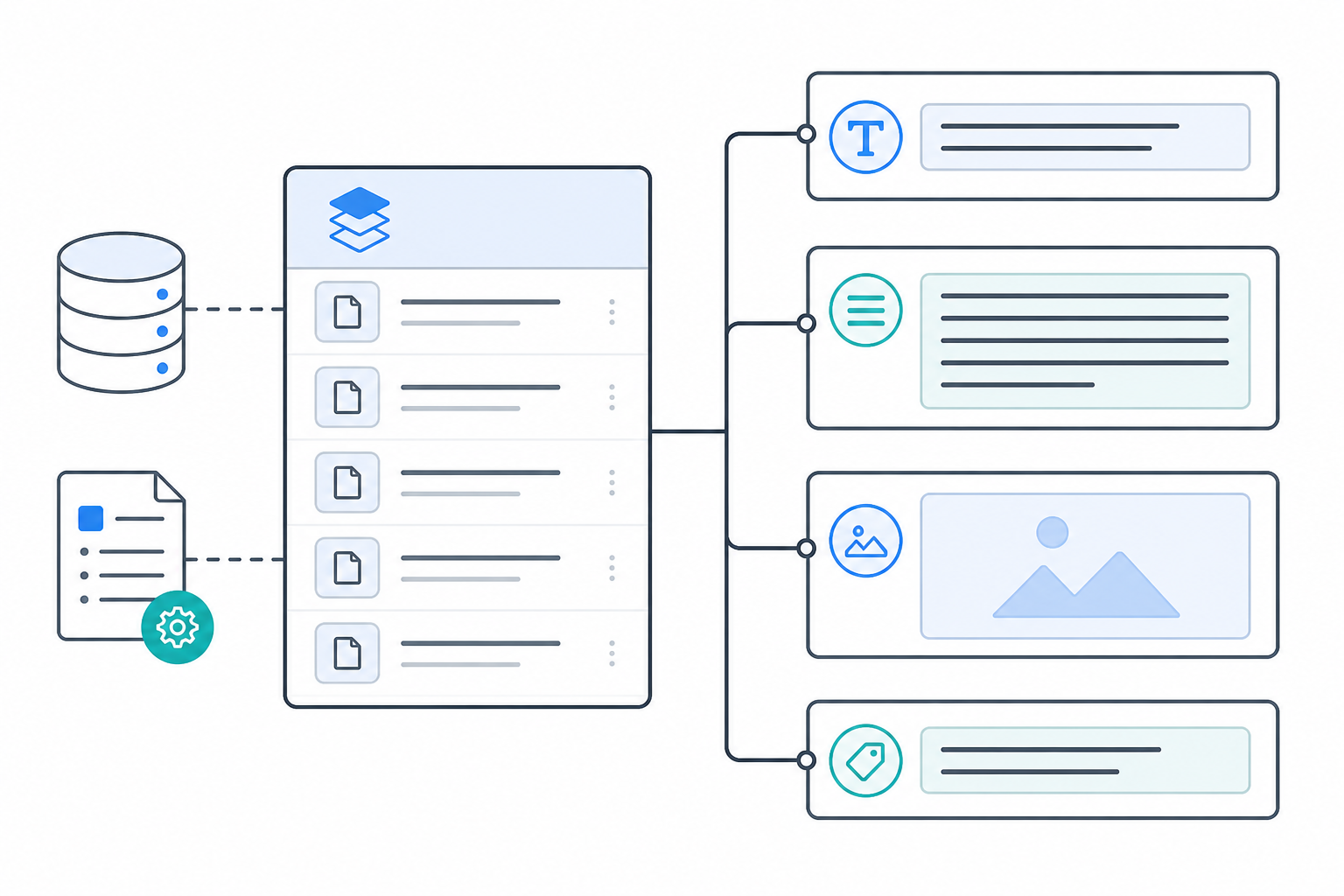
Webflow's CMS Collections can handle structured content well, but there's a wrinkle worth flagging: agencies need to map AI-generated content fields carefully to the CMS Collection structure, or you'll end up with template mismatches. A blog post title that's slightly too long for the designed template, or an image aspect ratio that doesn't fit the Collection's image field, can quietly break the visual polish that's the whole reason a client chose Webflow in the first place. Collection item limits on lower-tier plans can also become a real constraint if a client is publishing at volume, so check plan-level caps before committing to a publishing cadence.
The plugin and app ecosystem is also less mature than WordPress's. Some SEO features or automation workflows that would be a five-minute plugin install on WordPress require custom workarounds on Webflow, via the CMS API or third-party integrations, which adds setup time even if the end result looks great. This isn't a fixed ceiling on volume so much as a reflection of how much upfront field-mapping and template governance work is needed before automation runs smoothly.
Where Webflow genuinely shines is for smaller content volumes where design quality matters more than publishing speed. If a client wants four beautifully designed posts a month rather than twenty serviceable ones, Webflow is often the better fit, and the setup investment is easier to justify against that smaller output.
Shopify vs Webflow blogging: operational differences
Shopify and Webflow often get compared directly, usually because a client is choosing between them for a rebuild. Beyond the commerce-versus-design framing, though, there are operational differences worth weighing when AI-generated content is part of the plan.
| Dimension | Shopify | Webflow |
|---|---|---|
| Content velocity | Handles frequent, simple posts well | Favours fewer, more polished pieces; Collection limits can cap volume on lower plans |
| SEO flexibility | Limited without apps or theme work | More custom field control for structured data, but needs manual configuration |
| API maturity for automation | Admin API is stable for basic post objects | CMS API works well once fields are mapped, but has less community tooling |
| Approval workflows | Basic native draft/publish states | Native draft states, plus more flexibility for staged content via Collections |
| Ecommerce integration | Deep: blog posts link natively to products and Collections | None natively; would need external commerce tooling |
| Ideal client type | Product-driven ecommerce brands | Agencies, studios, portfolio-style sites |

Shopify and Webflow are built for different outcomes: one wants to sell you something, the other wants you to look good doing it. Neither is wrong, but picking based on the client's actual goals, rather than platform popularity, saves a lot of headaches down the line. It's worth revisiting this choice whenever a client's business model shifts.
How to choose the right platform for each client
With all that context, here's the decision-making process I'd actually walk through with a new client account. I'd score each platform against these factors out of 5, then weight them by what matters most to the specific client:
- Core business model. Is this an ecommerce brand, a service-based business, or a design-forward agency or portfolio? This single question eliminates at least one platform immediately in most cases.
- In-house technical capacity. WordPress tends to need more ongoing maintenance, plugin updates, and occasional troubleshooting. If the client has no technical staff and no budget for a retainer developer, weight this factor heavily.
- Content volume goals. If the plan is high-frequency publishing (think 15 to 30 posts a month), WordPress or Shopify will generally serve better than Webflow. If it's a handful of flagship pieces, Webflow's design strengths become more valuable than its publishing friction.
- Design customisation expectations. Some clients genuinely don't care how the blog looks as long as it ranks and converts. Others will reject content if it doesn't match brand guidelines pixel-for-pixel. Be honest about which camp your client falls into.
- Governance and handover. Who needs publishing access versus review-only access? If you'll eventually hand the account back to an in-house team, factor in how much platform-specific training that team will need.
- Total cost of ownership. Add up hosting or plan fees, required apps, and realistic developer hours, not just the platform's advertised price.
- Publishing integrations already in place. Switching platforms later doesn't have to be a dealbreaker if your content workflow is built to publish across multiple CMSs rather than tied to one. If a client's needs change, say they migrate from Shopify to a headless setup, a platform-agnostic workflow means you're not rebuilding from scratch.
Platform decisions get revisited constantly as clients grow, rebrand, or switch providers. Building your content operation around a workflow that works across platforms, rather than betting everything on one CMS's quirks, gives you room to adapt without losing momentum.
A practical workflow for publishing AI content across platforms
Running AI-generated content across a genuinely diverse client base, some on WordPress, some on Shopify, a couple on Webflow, means the publishing platform shouldn't be the thing dictating content quality. Here's roughly how that works in practice, using the workflow we've built into Scribe as one example of what this looks like end to end.
A typical run looks like this: a brief goes in, a draft comes out with heading structure, meta description, and image alt text already populated. That draft sits in a review queue rather than publishing automatically, because human review still matters, especially for anything client-facing or making factual claims. Once approved, the post publishes through the relevant platform's API, whether that's WordPress's REST API, Shopify's Admin API, or Webflow's CMS API, with fields mapped to each platform's specific structure. Scheduling can be automated from there, but the approval step in the middle is deliberately not.
Quality scoring in this kind of setup is best understood as a checkpoint rather than a guarantee: automated checks can flag thin content, missing metadata, or formatting issues before a post reaches a human reviewer. This matters once you're overseeing fifteen or more client accounts and nobody has time to read every post before it goes live. It's not a substitute for editorial judgement, particularly on topics where expertise and trust really matter, but it does mean your team's review time goes to the posts that actually need scrutiny.
Managing multiple client publishing calendars by hand is exactly the kind of repetitive task that's worth automating, freeing your team to focus on strategy, client relationships, and the occasional platform migration headache. If you're weighing up whether a tool like this fits your agency's workflow, the best test is usually running one client account through it end to end and checking the output against your own editorial standards before rolling it out further.
Frequently asked questions about WordPress AI content and blogging platforms
Which platform is best for AI-generated blogs?
There's no single winner; it depends on the client, their plan level, and how their site is built. WordPress generally offers the most flexibility for WordPress AI content workflows because of its open API and mature SEO plugin ecosystem, though self-hosted and WordPress.com installs differ significantly. Shopify works well when blog content supports product pages directly. Webflow suits clients who prioritise design polish over publishing volume.
Does WordPress work well with AI content tools?
Yes, generally, provided the API integration and field mapping are set up correctly. Most AI content tools can publish to WordPress via the REST API, but SEO plugin metadata from Yoast SEO, Rank Math, and similar tools usually needs explicit mapping rather than populating automatically. Self-hosted WordPress with full plugin access offers considerably more flexibility than a restricted WordPress.com plan.
What's the best CMS for agencies managing multiple clients?
Most agencies end up running a mixed stack rather than standardising on one platform, since client needs vary by business model and budget. What matters more than picking a single CMS is using a content workflow that publishes cleanly across WordPress, Shopify, Webflow, and other platforms, with clear approval steps, so your process stays consistent even when the destination changes.
Can Shopify handle high-volume blog content as well as WordPress?
Not quite as well natively, though apps and theme customisation can close some of the gap. Shopify's blogging engine is reliable for straightforward posts but lacks the SEO granularity and content structuring options that WordPress offers out of the box. For clients focused primarily on ecommerce conversions rather than content-driven organic growth, this trade-off is usually acceptable.
Is Webflow a good fit for agencies publishing frequent AI-generated content?
Webflow works best for lower-volume, design-heavy content rather than high-frequency publishing, partly because of Collection item limits on lower plans and the setup time needed for field mapping. Agencies managing clients who need dozens of posts per month often find WordPress or Shopify better suited to that pace, reserving Webflow for brand or portfolio sites where visual quality is the priority.
Should AI-generated content still go through human review before publishing?
Yes. Regardless of platform, I'd treat automated quality checks as a first pass rather than a replacement for editorial judgement, particularly for client-facing claims, pricing, or anything with legal or regulatory sensitivity. A review step before publishing, even a quick one, is worth the small delay it adds to your workflow.
Create content like this automatically
Scribe uses AI to generate high-quality blog posts that engage your audience and drive traffic.