Zendesk Alternatives for Small Teams That Hate Per-Agent Fees: A Cost-First Guide

Zendesk Alternatives for Small Teams: What Each Option Really Costs at 3, 8 and 15 Agents
If per-agent fees are the problem, the best Zendesk alternatives for small teams are the ones whose price doesn't climb every time you add a person. Compare each option by total monthly cost at 3, 8 and 15 agents. Flat-rate tools with unlimited agents, like Sonny at $19.99/month (roughly £16 at the illustrative rate used below), can come out far ahead once your team grows past a handful of people.
Full disclosure: I'm part of the Sonny team, so I have a stake in this. To keep things fair, I've linked competitor prices to their own pricing pages, said what the numbers do and don't cover, and added a section on who Sonny isn't for. All prices are in USD, as vendors publish them, with approximate GBP equivalents alongside.
That's the short version. The rest of this guide is the longer, friendlier one: why per-seat billing stings, what to look for in help desk software for small teams, a simple way to compare costs, and how to switch without losing a weekend. Grab a coffee ☕
Why small teams start looking beyond Zendesk
Picture a five-person team. Business is going well, so you bring in a part-time helper for the busy afternoons. Then the invoice arrives and it's higher. Suddenly 'who really needs a seat?' becomes a weekly debate, and nobody enjoys it.
I hear versions of this story a lot, and the frustrations tend to be the same few:
- Zendesk's support plans are generally quoted per agent, so every extra person who answers customers changes your bill.
- Chat, reporting or AI features can sit in higher tiers or cost extra, so the headline price isn't always the price you pay.
- The cheapest tier may not include the one feature you bought the tool for.
- If you're in the UK, the price is quoted in dollars and moves with the exchange rate, and VAT may be added on top.
The hidden cost of rationing help desk seats
Here's the part people don't budget for. When only some people get logins, everyone else still answers customers. The developer who knows exactly why the bug happens replies from a personal inbox. The founder forwards things to a friend. Context gets lost, and customers get answered twice, or not at all.
Customers notice. Salesforce's State of the Connected Customer research (2023) found that 79% of customers expect consistent interactions across departments, and 56% say they often have to repeat or re-explain information to different representatives. Rationing seats makes that repetition more likely, not less.
What this guide to Zendesk alternatives covers
I'm not going to march through a brand-by-brand feature list. Those go stale quickly and rarely answer the real question. Instead we'll compare total cost, because that's what a budget-conscious team actually feels each month.
What small teams need from help desk software
Before comparing prices, let's be honest about what you need. Most teams of five to fifteen people use only a small slice of what enterprise help desk software offers. The everyday list is short:
- A shared inbox, so customers aren't answered twice or not at all.
- A live chat widget for quick questions on your website or in your app.
- Email ticketing, including forwarding from your existing support addresses straight into tickets.
- Internal notes, so nobody has to ping Slack asking 'what's the history here?'
- Tags, filters and simple reporting on response times and team performance.
That's it. If a tool does those five things well, reliably and at a predictable price, it's probably enough help desk software for a small team. Anything else is a bonus, and you should only pay for it if you can name who'll use it.
How to compare Zendesk alternatives by total cost
Here's the method I'd use if I were choosing for my own team. It takes about twenty minutes with a spreadsheet.
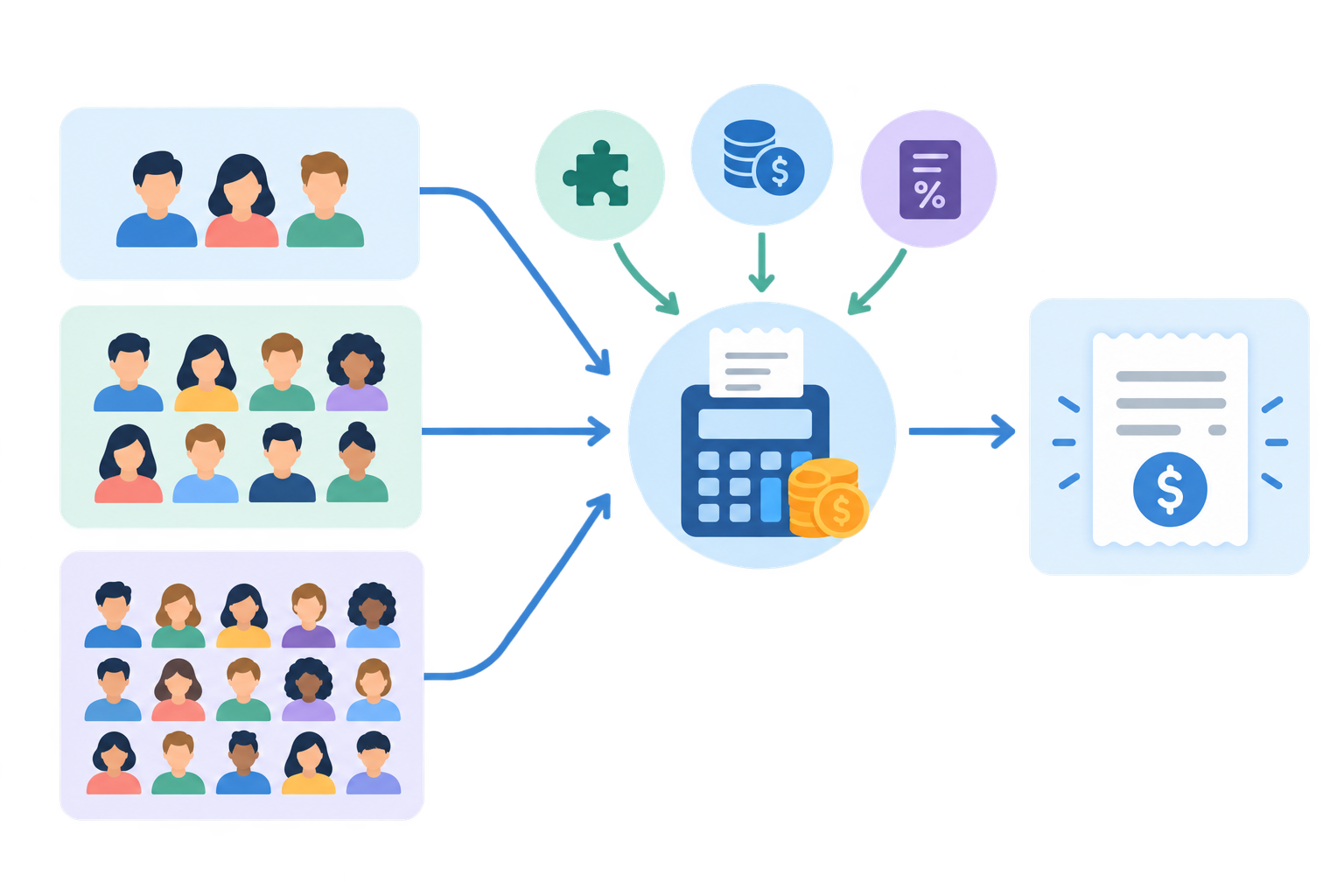
- Count everyone who touches customer conversations. Include founders, developers, part-timers and seasonal staff, not just the 'official' support team. If they reply to customers, they need access.
- Price each tool at 3, 8 and 15 agents. Use the plan that includes what you genuinely need (chat, email, reporting), not the cheapest headline tier. Write down the plan, billing term and included features so you compare like with like.
- Add the extras: chat add-ons, AI features, reporting upgrades, extra channels, minimum seat requirements and any usage-based charges.
- Convert to GBP and flag VAT. Note whether the advertised rate needs annual billing. Annual rates look lower per month but lock you in, which is awkward if your headcount changes. If you're VAT-registered you can usually reclaim VAT, so compare ex-VAT figures. If you aren't, add 20%.
- Divide by agents, then ask what happens when you hire. Cost per head tells you a lot, but the shape of the curve tells you more.
Why compare costs at 3, 8 and 15 agents?
Three is a lean startup where everybody wears several hats. Eight is the awkward growth stage: you're adding people but still watching every pound. Fifteen is where per-seat models hurt most, because the bill has quietly become a real line item. Calculating each size separately beats extrapolating from a small-team quote.
One caution while we're here. 'Unlimited agents' is a label to verify, not a complete cost comparison. Check whether it covers full agents or only limited collaborator roles, and whether there are caps on conversations, channels, automations or AI usage. Self-hosted open-source tools like Chatwoot or FreeScout avoid per-agent fees too, but hosting, backups, upgrades and security become your job. 'Free' can still cost you hours.
How Zendesk alternative pricing changes as you add agents
Now the maths. The figures below come from each vendor's published list prices with annual billing, in USD, with GBP shown at an illustrative rate of $1 = £0.79. Exchange rates move, so use today's rate for your own budget. Prices were checked against the vendor pages linked below at the time of writing. Plans change often, so please re-check each page on the day you decide.
The table shows licence cost only. It excludes UK VAT, add-ons, discounts and setup, and it illustrates seat maths rather than a like-for-like feature comparison (more on that just below).
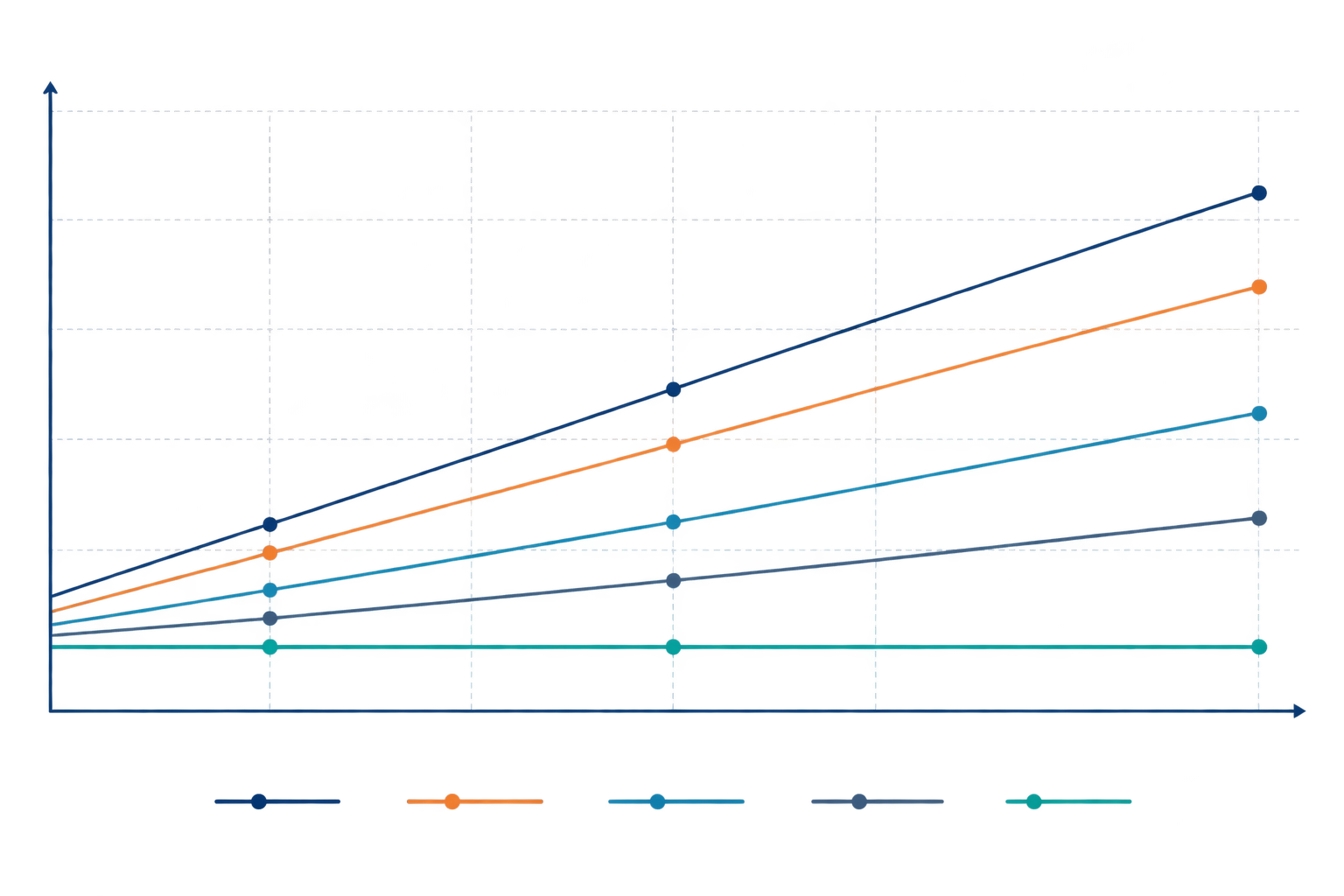
| Tool (plan assumed, annual billing) | 3 agents | 8 agents | 15 agents |
|---|---|---|---|
| Zendesk Suite Team ($55/agent/month) | $165 (~£130) | $440 (~£348) | $825 (~£652) |
| Freshdesk Growth ($15/agent/month) | $45 (~£36) | $120 (~£95) | $225 (~£178) |
| Zoho Desk Standard ($14/user/month) | $42 (~£33) | $112 (~£88) | $210 (~£166) |
| Sonny (flat rate, unlimited agents and conversations) | $19.99 (~£16) | $19.99 (~£16) | $19.99 (~£16) |
Published list prices in USD, annual billing, excluding VAT. GBP figures are rounded and use $1 = £0.79 for illustration. Check each vendor's pricing page for current figures, regional pricing and your plan's feature limits.
Are these Zendesk alternative plans really comparable?
Not entirely, and I'd rather say so than pretend. Zendesk's Suite Team tier bundles several channels. On lower-priced plans from other vendors, live chat, deeper reporting or automation can sit in a higher tier or a separate product. If you need those features, price the tier that includes them. The cheaper rows above will rise, and the gap to flat-rate narrows at small sizes. That's why step 2 of the framework matters so much. Use the table to see how each pricing model scales, then rebuild it with the plans that match your needs.
When does flat-rate pricing with unlimited agents start to win?
At 3 agents the gap is smaller but still real. Against a $15-per-agent tool you're at $45 versus $19.99. Against Zendesk it's $165 versus $19.99. The crossover with cheaper seat-based plans comes sooner than you'd think: at $15 per agent, the second seat already costs more than Sonny's whole plan. At 8 agents, the per-seat tools above run from about $112 to $440 a month (roughly £88 to £348). At 15, you're looking at roughly $210 to $825 (about £166 to £652).
Cost per head tells the same story. Sonny works out at about $6.66 per person at 3 agents, $2.50 at 8, and $1.33 at 15. The more people you add, the cheaper each one gets. With per-seat pricing, that number never moves.
What about usage-based help desk pricing?
Some help desks charge per conversation or per AI resolution, on top of or instead of seat fees. I've left them out of the numeric table because I can't model them fairly without your real volumes, and a made-up figure would mislead you. Here's what I'd do instead. Take your busiest month from the last year, run it through the vendor's published pricing rules, and compare it with a normal month. If the two bills are wildly different, you've found the risk. A launch week or seasonal peak can produce an invoice you can't predict, just when you're least able to stop and check it.
A worked example: the 15-agent sales peak
Imagine a 15-agent e-commerce team heading into a sales peak. They've pulled in warehouse staff, a couple of seasonal helpers and the founder to keep up with chat and email.
- At Zendesk's listed Suite Team rate, 15 × $55 = $825 a month (about £652), or $9,900 a year (about £7,800), before add-ons and VAT.
- With Sonny, it's $19.99 a month, or $239.88 a year (about £190), however many people jump in.
And if your team grew from 5 to 10 on Zendesk's list price, that's an extra $275 a month, or $3,300 a year (about £2,600), just for having more people able to help customers.
Setup time and onboarding for Zendesk alternatives
Subscription cost is only half the bill. The other half is your time. Setup effort depends more on the number of channels, the data you're migrating and the workflow rules you rebuild than on headcount, so I'd compare how quickly each tool can handle a basic email-to-ticket flow before worrying about anything fancy.
No vendor here publishes a standard time-to-first-conversation, so the table separates what's documented from what's a trial length. The Sonny figure is our own experience, not an independent test.
| What setup involves | Free trial | |
|---|---|---|
| Zendesk | Setup guidance covers adding agents, configuring email and organising ticket workflows. No standard completion time is promised. | 14 days |
| Freshdesk | Admins configure channels, agents and ticket settings. Check whether a non-technical person can finish it. | 14 days |
| Self-hosted (e.g. FreeScout, Chatwoot) | Needs a compatible server and database, plus upkeep afterwards. | Free software, but your time isn't |
| Sonny | In our experience, most teams connect an inbox and the chat widget in under five minutes. No onboarding call needed. | 7 days, no credit card required |
A trial window isn't a setup estimate, so don't read '14 days' as 'takes 14 days'. Use the trial to test your real inbox with your real team, and time how long it takes to get your first live conversation through.
Don't forget the help desk admin tax
Who maintains triggers, macros, roles and permissions once you're live? In a big help desk, that can turn into a part-time job for someone who already has a day job. Fewer knobs means fewer things to maintain. If nobody on your team wants to be the 'help desk admin', favour simplicity.
Mobile matters too. Small teams often answer on the move, so native apps count. Sonny has native iPhone, Mac and Android apps alongside browser access, so replying from the train isn't a faff.
Help desk features worth paying for, and what small teams can skip
You don't need a cockpit when you're driving a hatchback. Here's how I'd sort it.
Worth paying for:
- Reliable uptime. Look for a published SLA. Sonny states 99.9%, and you should ask any vendor for theirs in writing.
- A fast live chat widget that doesn't slow your site down.
- Clean email ticketing that works with your existing support addresses.
- Internal notes, so context travels with the conversation.
- Basic response-time reporting, so you can see how you're doing.
Worth considering:
- An AI copilot trained on your own docs, to speed up repetitive answers. Sonny offers this as an optional feature. Whichever tool you choose, check it isn't a pricey add-on. Zendesk's CX Trends report (2024) found that 70% of consumers expect conversational experiences, but they still want accurate answers, not just fast ones.
Safe to skip for most small teams:
- Complex multi-tier SLAs
- Elaborate role hierarchies
- Sprawling integration marketplaces you won't install from
- Heavy workforce management tools
My gut-check: if you can't name the person who'd use a feature this quarter, don't pay extra for it.
How hard is it to move from Zendesk to an alternative?
Usually less scary than people expect, especially for small teams. Leaving is a data-mapping exercise rather than a one-click transfer, but small teams tend to have far less to migrate than they fear. In our experience that means an afternoon to a few days, depending on how much history and how many automations you carry over. Here's a sensible order of play.
- Audit what you actually use. List the macros, views, automations and integrations that matter, and ignore the ones nobody has touched in months. Triggers and automations won't come across with your ticket data, so you'll rebuild only the essential ones.
- Export what you need: ticket history, customer data and saved replies. Decide how much history is worth carrying over. Zendesk offers CSV and XML exports plus APIs, but attachments and knowledge-base articles are separate jobs, so don't assume one export covers everything.
- Point your support email at the new shared inbox. Email forwarding does the heavy lifting here.
- Install the live chat widget and test it before you retire the old one.
- Run both tools side by side for a short period, then switch the old one off at the end of your billing cycle.
Timing matters. If you're on an annual contract, check your renewal date and cancellation terms first, so you don't pay for a year you didn't mean to. A quick pilot helps too: connect one support inbox, invite the team, and see how it feels before committing.
How flat-rate pricing with unlimited agents works
What changes when seats stop being a cost? Honestly, the whole conversation. Founders, developers, part-timers and seasonal staff can all log in, see the full context and help out. Nobody has to hold a 'who gets a licence' meeting. And the customer gets one consistent voice instead of a patchwork.
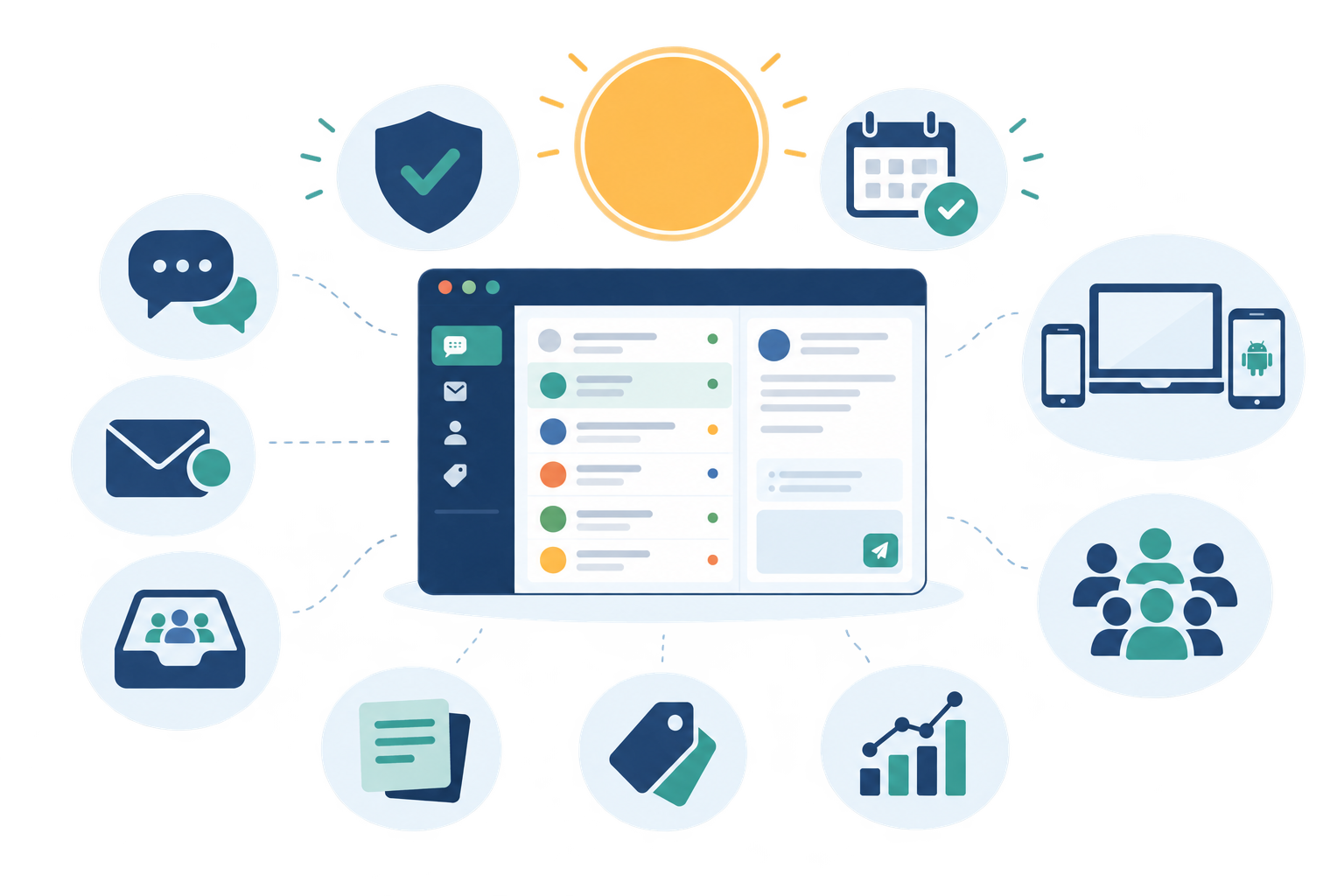
That's the idea behind Sonny. It's customer support software that puts live chat, email ticketing and team collaboration into one shared inbox, for $19.99 a month with unlimited agents and conversations. You get a live chat widget, email-to-ticket forwarding, internal notes, tagging, filtering and reporting on response times and team performance, plus native apps for iPhone, Mac and Android. Check the current pricing and plan terms on our site before you decide, as I'd tell you to do with any vendor.
What customers tell us most often is that they like the simplicity and being able to give the whole team access. That's exactly the trade-off per-seat pricing forces you to make.
Who Sonny isn't for
I'd rather you pick the right tool than the one I work for. Sonny isn't built for large enterprises that need deep custom workflows, elaborate role structures or heavy compliance tooling. If that's you, a bigger platform is probably worth its price. But if you're a small to mid-sized SaaS company, e-commerce brand or software team that mostly wants to answer customers quickly and keep everyone in the loop, you may be paying for a cockpit you'll never fly.
Your next step
Try the 7-day free trial (no credit card needed), and trial one or two other tools alongside it. Then re-run the 3, 8 and 15 agent maths with your own numbers, your own plan assumptions, today's exchange rate and your own VAT position. The spreadsheet will tell you what I can't.
FAQ: Zendesk alternatives for small teams
What is a good Zendesk alternative for a team of five?
For five people, look for help desk software that includes a shared inbox, live chat and email ticketing without charging per seat. Per-agent tools can still work at this size, but flat-rate options like Sonny at $19.99/month (about £16) cost the same if you add a sixth or tenth person.
Is there a help desk without per-agent pricing?
Yes. A few tools use flat-rate pricing, and Sonny includes unlimited agents and conversations in a single monthly price. Always check whether chat, reporting or AI features cost extra before comparing.
How hard is it to move off Zendesk?
In our experience, for most small teams it's an afternoon to a few days. You export your key data, forward your support email to the new inbox, install the chat widget and run both tools briefly in parallel. Check your contract's renewal date first.
Which features can a small team safely skip?
Most small teams can skip complex SLA tiers, deep role hierarchies, workforce management and large integration marketplaces. Put your money into a shared inbox, live chat, email ticketing, internal notes, tagging and simple reporting.
Will a cheaper help desk hurt reliability?
Not necessarily. Price and reliability don't move in a straight line, so check for a published uptime SLA (Sonny states 99.9%) and read recent independent customer reviews.
Related Articles

How to Handle Holiday Support Surges in Your Online Store: A Six-Week Prep Timeline
Prepare for Christmas trading with a six-week holiday customer support timeline: forecast demand, train seasonal helpers, plan live chat cover and review results.

Is Unlimited-Agent Help Desk Software Worth It for Startups?
See why unlimited agents can help startups answer customers faster, avoid inbox blind spots and find affordable support software for growing teams.
Create content like this automatically
Scribe uses AI to generate high-quality blog posts that engage your audience and drive traffic.