Customer Support Best Practices for Small E-commerce Teams (Without Hiring a Bigger Team)

Customer Support Best Practices for Small E-commerce Teams in the UK (Without Hiring a Bigger Team)
A practical playbook for handling order status questions, returns, refunds, and shipping delays without burning out your small support team or your budget.
If you're running a small e-commerce brand, you already know the feeling: it's 9am, you've got 47 unread emails, three people are asking "where's my order?" in your Instagram DMs, and someone just started a live chat about a return. Sound familiar? ☕
Here's the short version of the best customer support practices for e-commerce: bring live chat and email into one shared inbox, automate repetitive replies such as order status updates, get specific about how you handle returns, and track what happens during peak season so you can see bottlenecks before they become five-star-review-killers. None of that requires a bigger team. It just requires a bit more structure. Let's walk through exactly how that works.
Why e-commerce support volume is different
I want to start here because I think a lot of the advice out there gets this wrong. Most customer support content is written for SaaS companies dealing with bug reports and feature requests. That's just not your world.
Your support volume is dominated by a few predictable things: where's my order, when will it ship, why hasn't my tracking updated, and how do I return this. It's less "technical troubleshooting" and more "logistics reassurance," and the answers usually depend on data you already have: order status, carrier tracking, and stock levels. That's genuinely good news, because predictable, data-backed questions are the easiest kind to automate.
But there's a catch: your volume isn't steady. It spikes hard around sales events, holidays, and (annoyingly) whenever a shipping carrier has a bad week. One minute you're handling 20 tickets a day, the next you're buried under a few hundred because Royal Mail or Evri is running behind and everyone wants an update at once. If you sell into the UK, you'll recognise this pattern well: December delays, Bank Holiday backlogs, and the post-sale-event scramble when tracking numbers haven't updated yet.
On top of that, shoppers have very little patience for slow responses to pre-purchase questions. If someone's asking about sizing or stock and you take hours to reply, they've probably already bought from a competitor. And here's the reality for most small teams: you're not just "support." You're also fulfilling orders, running ads, and probably packing boxes yourself. Customer support has to be efficient by necessity, not because some playbook told you to be.
1. Use a live chat widget for pre-purchase questions
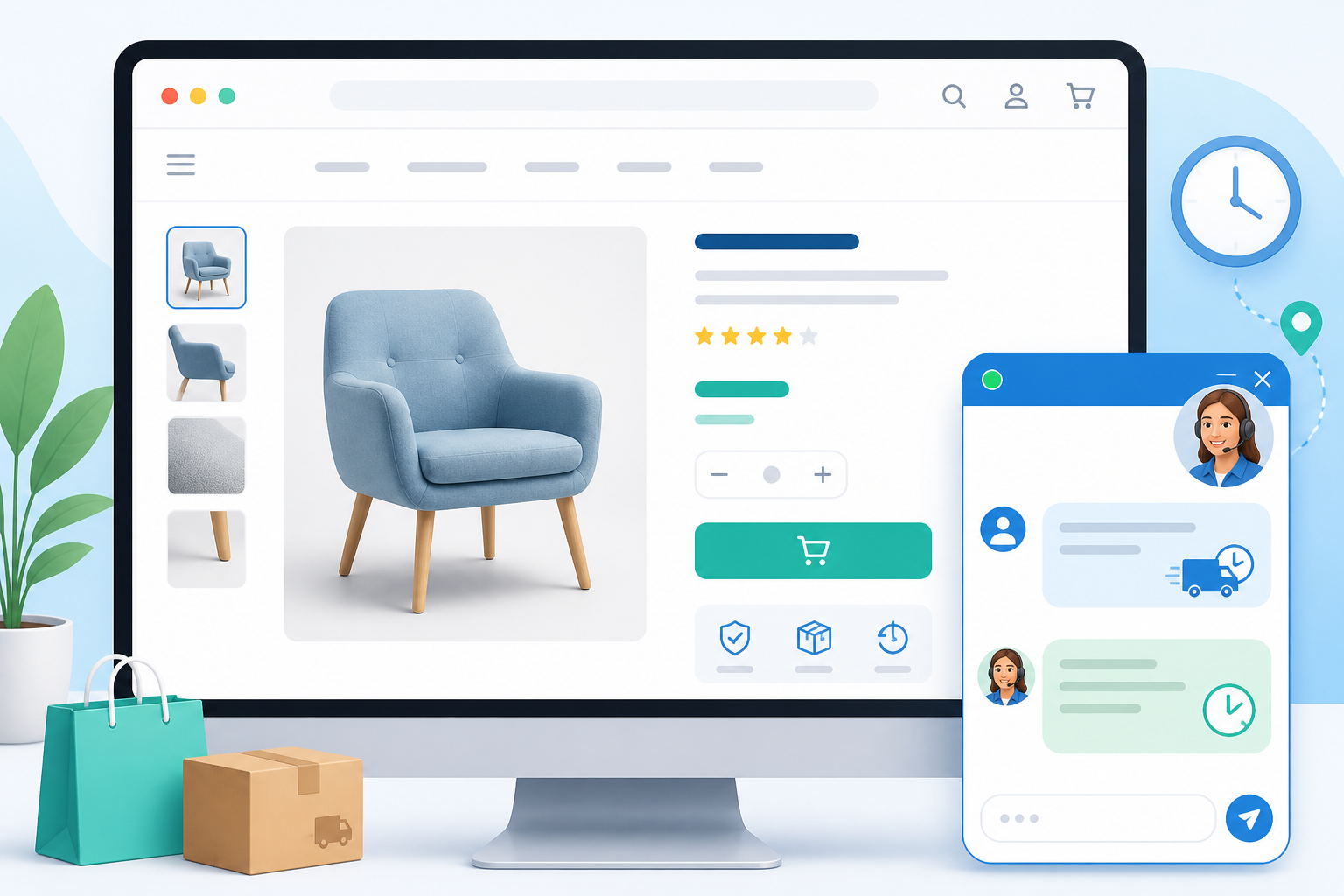
Think about the last time you almost bought something online but had a quick question first, sizing, delivery time, or whether an item comes in a different colour. What did you do? You probably looked for a chat bubble in the corner of the screen. If it wasn't there, you might have just... left.
That's the moment a live chat widget earns its keep. It catches shoppers right when they're deciding whether to buy, instead of pushing them towards email where the question, and the sale, can go cold. A shopper who emails and doesn't hear back for a few hours has often moved on. A shopper who gets a quick chat reply is far more likely to complete the purchase there and then.
A few things make live chat work well in practice:
- Place it where the hesitation happens. Product pages, sizing guides, and checkout are where shoppers stall, and that's exactly where chat needs to be visible, not buried on a contact page.
- Set expectations quickly. A short auto-reply such as "Thanks for reaching out, we typically respond within a few minutes during business hours" keeps people from bouncing while they wait, even if your team is busy.
- You don't need 24/7 coverage. Turning on chat during your busiest hours, paired with a clear off-hours message ("We're offline right now, but drop your question here and we'll reply first thing"), covers most pre-purchase questions without requiring round-the-clock staffing.
- Route chat into the same shared inbox as your email. This is the part people miss. If live chat lives in a separate tool from your email ticketing, agents end up switching between tabs, losing context, and occasionally missing messages entirely. When everything lands in one shared inbox, and any unanswered chat automatically becomes a ticket, nothing falls through the cracks just because a customer picked chat instead of email.
2. Automate order status and shipping replies
For most e-commerce teams, "where is my order?" questions make up a large share of total ticket volume, often the single biggest category. You don't need a formal study to confirm this; pull a week of your own tickets and tag them by type, and you'll likely see the same pattern.
The fix isn't hiring someone to handle the volume, it's automating the response so your team's time goes towards the conversations that actually need a human brain. Here's how to set it up:
- Identify your top three to five recurring questions. For most stores, it's order status, tracking not updating, wrong item shipped, and delivery delays. Pull a week of tickets and tag the patterns yourself if you're not sure.
- Build saved replies for each one, but write them so they still sound like a person wrote them. For example, instead of "Dear Valued Customer, Your Inquiry Has Been Received," try something like: "Hi [Name], thanks for checking in! Your order (#[order number]) is currently with [carrier] and showing as [status]. Tracking can take up to 24 hours to update after dispatch, so if it looks stuck, that's usually why. Here's your tracking link: [link]. Let us know if it hasn't moved by [date] and we'll chase it up for you."
- Use tagging and filtering in your help desk software to spot order-status tickets as they come in, so they can be batch-handled quickly instead of getting lost in a mixed queue with more complex issues.
- Build a simple priority matrix so nothing urgent gets stuck behind routine questions. A rough example: a missing order past the expected delivery date and a damaged item on arrival get flagged for a same-day human reply; tracking that hasn't updated yet and general delivery estimate questions can go through automation or saved replies first.
- Try an AI-powered copilot if your platform offers one, but treat it as a drafting assistant, not a decision-maker. It can pull in shipping policy language and draft a first response for your agent to review, just make sure a human checks it before sending, especially anything involving specific delivery dates, refund eligibility, or tracking details the AI might get wrong.
- Track the time saved over a few weeks so you know whether the automation is actually pulling its weight, rather than assuming it is.
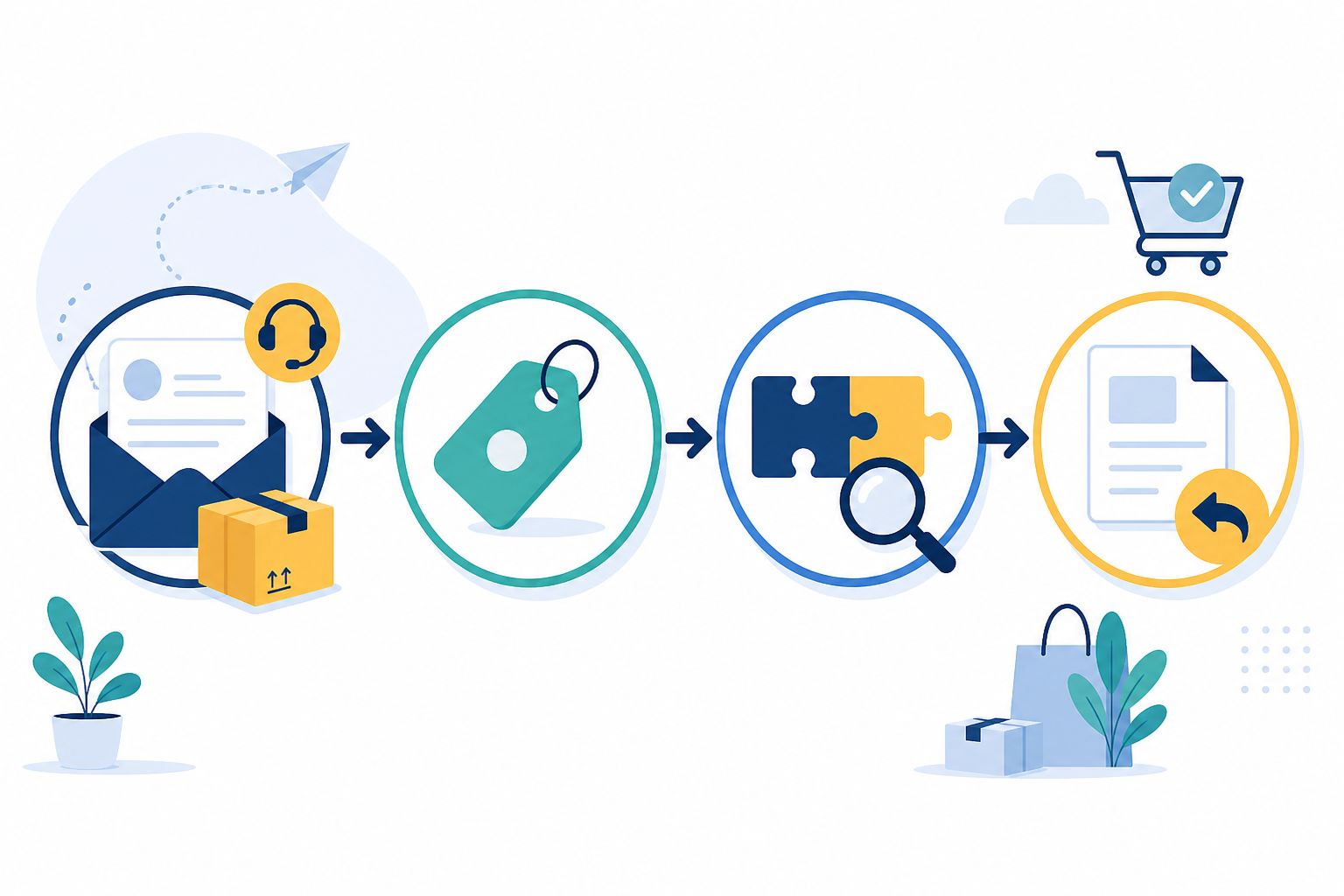
![Diagram: A simple flow diagram showing an incoming 'where is my order' email being tagged, matched to a saved reply for Customer Support Best Practices for Small E-commerce Teams(https://www.usesonny.com/docs/saved-replies) template, and sent back to the customer within minutes]
3. Centralise return and refund requests in one inbox
Returns are where a lot of small teams quietly lose the thread. A customer emails about a return, then follows up on Instagram when they don't hear back fast enough, then starts a live chat because they're getting anxious about their refund. Now you've got three threads about the same issue, no one has full context, and the customer is more frustrated than when they started.
A shared inbox solves this by pulling every return conversation, regardless of channel, into one place. Here's what that actually looks like in practice:
- One thread, full history. Agents see the entire conversation, including internal notes, so nobody has to ask, "Wait, has this been resolved already?"
- Tag returns by reason and type. It's worth distinguishing change-of-mind returns (where your own returns policy applies) from faulty or misdescribed goods, which fall under UK consumer rights and typically require a refund, repair, or replacement regardless of your policy. If you're not sure where the line sits, GOV.UK and Citizens Advice both have current, plain-English guidance worth building your policy wording around.
- Watch for patterns. Wrong size, damaged in transit, changed mind, and quality issue, tagging these over time tells you something useful. If "damaged in transit" spikes for one product, that's likely a packaging problem, not a customer problem.
- Loop in a manager without leaving the thread. Internal collaboration features let you flag a refund for approval inside the conversation, so nothing gets stuck waiting for a Slack message that gets buried.
- Consistency beats speed alone. Customers tend to remember how a return was handled more vividly than the fact that the item didn't fit in the first place. A calm, well-organised return experience is one of the more cost-effective ways a small brand can encourage repeat purchases, it doesn't need an ad budget, just a decent process.
4. Track peak-season customer support metrics
Here's something I'd gently push back on: most small teams only look at support metrics once something's already gone wrong. By then, you're reacting instead of planning.
During Black Friday, Christmas, or any big sale event, response time and resolution time matter more than at any other point in the year. This is when shoppers are most anxious (did my order even go through?) and most likely to leave a bad review if they feel ignored.
The practical move is to compare your own team's performance week over week using a simple table like the one below. Treat the figures here as an illustrative example to build your own version from, your actual numbers will depend on your order volume, team size, and channel mix:
| Metric | Example: Normal Week | Example: Peak Sale Week |
|---|---|---|
| Avg. first response time | Fast, same-hour | Noticeably slower without prep |
| Ticket volume | Baseline | Multiples of baseline |
| Top ticket type | General product questions | Shipping delays, order status |
| Resolution time | Same day | Extends without automation |
Once you're tracking your own version of this, set simple thresholds to act on: if daily ticket volume crosses roughly double your normal average, that's your cue to pull in extra hands (a founder, a warehouse team member, or a temp) for a few days rather than waiting until response times have already slipped.
The patterns tend to repeat seasonally too, shipping delay questions cluster around December, while sizing questions spike during big sales when new customers who don't know your fit are buying in bulk. Once you've spotted a pattern once, you can prepare templates and staffing ahead of time instead of scrambling. Having this reporting on hand is also useful beyond your own planning. It's the kind of information that helps justify decisions, such as temporary extra help, to a co-founder or investor without needing a dedicated analytics team to pull the numbers together.

5. Keep customer support costs flat as volume grows
This one's less about workflow and more about a pricing trap a lot of small brands fall into without realising it.
Most customer support software charges per seat. That sounds fine when you're small, maybe you've got two agents, no big deal. But e-commerce support needs to flex. During peak season, you might want to bring in a founder, a warehouse team member, or a temp to help with the flood of tickets. With per-seat pricing, every one of those extra hands means a bigger bill, right when you're already spending more on ads, inventory, and shipping.
When you're comparing help desk software, it's worth checking a few things beyond the headline price: is pricing per seat or flat rate, is there a cap on conversations or contacts, does it include both live chat and email ticketing natively, how easy is it to set up without a lengthy onboarding process, and is there a free trial long enough to test it during an actual busy period rather than a quiet week.
As one example, Sonny uses flat-rate pricing rather than per-seat billing, which means you're not penalised for adding temporary help during peak season the way you would be with a per-agent tool. As with any software claim, it's worth checking current pricing, trial length, and setup time directly on the provider's site before committing, since these details change over time.
For small e-commerce teams specifically, this pricing structure matters more than people expect. You're not choosing customer support software for a static team size. You're choosing it for a team that grows and shrinks with the seasons, and the right tool shouldn't punish you for growing.
Putting these e-commerce support best practices together
None of this requires a bigger team or a bigger budget. It requires centralising your conversations, automating the predictable stuff, staying organised on returns, watching your metrics during the moments that matter most, and picking help desk software that doesn't punish you for growing.
If you want somewhere to start this week: pull a sample of your last week's tickets and tag them by type, write one solid saved reply for your most common question, and turn on chat during just your three busiest hours to see what happens. Small steps, but they compound. Do these five practices reasonably well, and you'll likely find that the support workload that felt impossible last Black Friday is actually manageable this time around.
FAQ: Customer support best practices for small e-commerce teams
What are the most important customer support best practices for a small e-commerce team?
Start by centralising every channel, email, live chat, and social DMs, into one shared inbox so nothing gets missed. From there, automate replies for your top three to five recurring questions (usually order status and returns), tag tickets by urgency and type, and review response times specifically during peak sales periods rather than only when things go wrong. These habits handle the majority of e-commerce support volume without adding headcount.
What support channels do UK online shoppers expect?
Most UK shoppers expect live chat for quick pre-purchase questions such as sizing or delivery estimates, and email for anything needing documentation, such as a return or a faulty item claim. Delivery language matters too, being clear about whether you're using Royal Mail, Evri, or another carrier, and how tracking updates typically behave, reduces a good number of anxious follow-up messages. Response time expectations vary by brand and price point, so it's worth checking your own historical data rather than assuming a fixed benchmark.
How should I handle returns and refunds for faulty items versus change-of-mind returns?
Change-of-mind returns are generally governed by your own store policy, but faulty or misdescribed items fall under UK consumer rights, which typically entitle the customer to a repair, replacement, or refund regardless of your usual returns window. Tagging tickets by return reason in your help desk software makes it easier to route these correctly. It's also worth reviewing current guidance on GOV.UK or through Citizens Advice when writing your policy wording, since the rules are specific.
Is live chat worth it for a small e-commerce team with limited staff?
Yes, particularly on product and checkout pages where a quick answer can be the difference between a completed purchase and an abandoned cart. You don't need 24/7 coverage, chat availability during your busiest hours, paired with a clear off-hours auto-reply that funnels unanswered questions into your shared inbox, captures most of the practical benefit without requiring round-the-clock staffing.
How can a small e-commerce store handle high customer support volume?
Use a shared inbox for email, live chat, and social messages; automate order status and delivery updates; create saved replies for common questions; and prioritise urgent issues such as missing or damaged orders. Reviewing ticket volume and response times before Black Friday, Christmas, and other sales events also helps you plan temporary cover before the queue becomes unmanageable.
Related Articles

How Shopstar Streamlined Support Without Adding Agents
Discover how UK e-commerce brand Shopstar used customer support software, a shared inbox and flat-rate pricing to scale support without hiring.

Email Ticketing Explained: A Friendly Guide for Small Support Teams
Confused about email ticketing vs. a regular inbox? Here's a plain-English guide to how email ticketing works, why it beats shared mailboxes, and how

Create content like this automatically
Scribe uses AI to generate high-quality blog posts that engage your audience and drive traffic.