Customer Support Email Templates Your Team Can Copy Today (and Make Sound Human)

The best customer support email templates are starting points, not scripts. Use a proven structure (acknowledge, answer, next step), then add one personal detail before you hit send. Below you'll find templates for the five situations founders face most, plus a simple way to organise them so your whole team can use them from a shared inbox.
I'm Emma, and I've spent a lot of time with small SaaS teams who are answering support emails between building, selling and everything else. This guide is written for you, not for an enterprise support department with forty agents and a quality assurance team. Grab a cuppa, and let's get into it. ☕
Why customer support email templates help (and when they backfire)
Picture this. It's 9pm, you've finally closed the laptop on a long day, and then you spot it: another 'how do I reset my password?' email. It's the fourth one this week. You know the answer by heart, and you could type it in your sleep. You may well be doing exactly that.
This is where a good template pays for itself. When you're a founder wearing five hats, it saves you from rewriting the same explanation again and again. It also keeps quality steady. Your reply at 9pm on a Friday reads just as clearly as the one you wrote on a fresh Monday morning.
But templates have a dark side. They backfire when you:
- Paste without reading. The customer asked about invoices, and you answered a question about logins.
- Use generic sign-offs. 'We value your feedback' tells nobody anything.
- Ignore emotion. A frustrated customer who gets a cheerful, canned reply feels even less heard.
The fix is a simple mindset: the template is the skeleton, and you are the personality. The structure is there so you don't start from a blank page. The warmth, the detail and the final line are yours to add.
Canned versus human: a customer support email example
Here's what that looks like in practice. Imagine a customer writes: 'The CSV export keeps failing and I need it for a client report tomorrow.'
Canned: Hi there, thank you for contacting support. We value your feedback and will look into your issue as soon as possible.
Personalised: Hi Priya, thanks for flagging this. I can see the CSV export is failing, and I know you need it for tomorrow's client report. I'm testing it now and will update you by 3pm today, even if I don't have a fix yet.
Same structure, same speed. The second one simply shows that a person read the message. Honestly, that's most of it.
What is email ticketing?
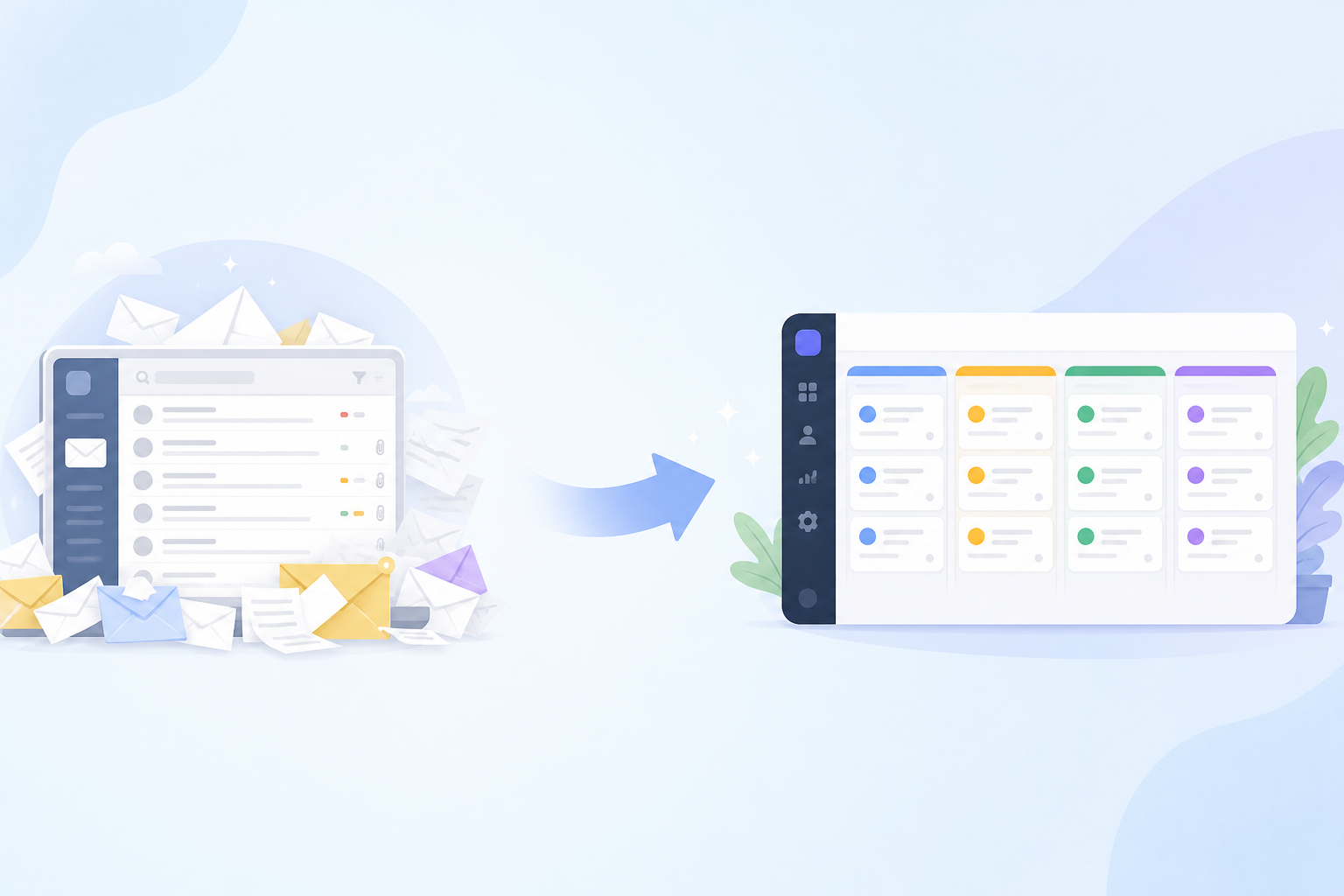
You'll see me mention 'tickets' and 'shared inbox' throughout, so here's the short version. Email ticketing turns each customer email into a trackable conversation with an owner, a status and a history. Instead of a pile of messages in someone's personal inbox, your team sees who is handling what, what's been said already, and what's still open. It stops two people replying to the same customer, and it makes templates far easier to use well.
Principles of a good customer support email reply
Before the templates, here are the habits that make any reply feel human. They apply whether you're writing from scratch or adapting something you saved last month.
- Answer the actual question in the first two lines. Customers are often reading on their phones. GOV.UK's guidance on writing for the web makes the same point: put the most important information first and use plain, direct language.
- Mirror their tone, but don't overdo it. If they write casually, you can relax too. If they're formal, stay a touch more polished. Don't imitate their slang.
- Use their name and one specific detail. Mention the feature, the error message or the date they gave you. A greeting alone isn't personalisation.
- Keep it short. Aim for roughly 75 to 150 words for most replies. That's a rule of thumb, not a hard limit. Go longer only for technical walkthroughs, and break those into numbered steps.
- End with a clear next step. Say what you've done, what they need to do (if anything), and when they'll hear from you next.
- Use plain British English. 'Apologies', 'organise', 'cheers'. It matches your UK customers and sounds like a real person.
- Cut the corporate filler. Phrases like 'per my last email' and 'we value your feedback' make you sound like a robot in a suit.
There's a reason this matters beyond politeness. For many customers, the way you handle a problem is the product. A thoughtful, well-timed email tells them someone is paying attention, and you can't get that from a feature list.
Customer support email template 1: Bug report acknowledgement
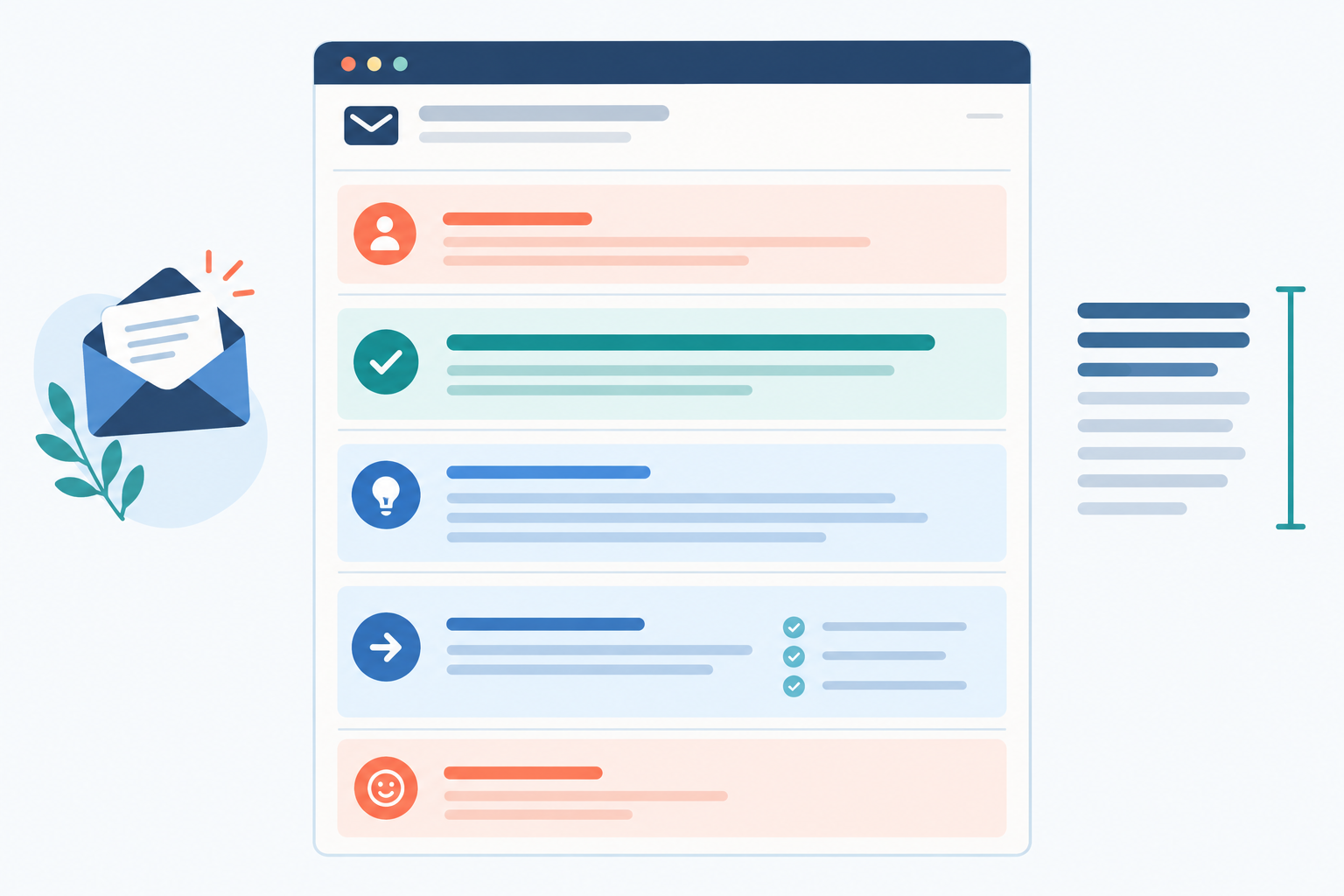
Bugs are awkward. The customer has hit a wall, and you need them to feel looked after while you work out what's going on. This structure does that: thank them, confirm what you understood, say what you're doing, and give a time for the next update.
Subject: Re: [Their subject line]
Hi [Name],
Thanks for flagging this. I can see that [the export button / the error message they quoted] isn't working as it should when you [action they described].
I've [reproduced it / passed it to our developer / started investigating], and I'll update you by [day and time], even if I don't have a fix by then.
[Optional: If it's easy, could you tell me which browser you're using? That would help us narrow it down.]
Apologies for the hassle, and thanks for your patience.
[Your name]
Before you send: delete the options that aren't true. Only say you've reproduced the bug if you actually have.
Personalise it: quote the exact feature or error message they mentioned. It proves you read their email and not just the subject line.
Ask for details only if you need them. Screenshots, browser and device info are useful, but asking for them by default makes customers do homework. If their description is already clear, skip it.
Escalate to a developer when:
- There's any risk of data loss
- There's a security concern
- Several customers report the same issue
Keep it tracked. In a shared inbox, add an internal note with what you've tried, and tag the conversation (for example, 'bug' plus the feature name). That way nobody replies twice, and when your developer ships the fix, you can filter by tag and tell everyone who reported it.
Customer support email template 2: Billing or account question
Billing emails carry a bit of anxiety, because money is involved. So lead with reassurance, then the facts, then the action you've taken. Avoid a vague 'we're looking into it'.
Subject: Re: [Their subject line] – your [plan name] billing
Hi [Name],
Thanks for getting in touch about the [£amount] charge on [date] for your [plan name] plan. I can see why you'd want us to check it.
I've looked at your account and [plain-language finding, e.g. you were billed for the annual plan on 3 May].
[Choose one, and only once it's true: I've processed a refund of £X, which we expect to reach your account within X working days / I've changed your plan, and your next invoice will be £X / No change is needed, and here's why: …]
If you need a VAT invoice, just let me know the name and address to put on it and I'll send it over.
[Your name]
Before you send: never write 'I've processed a refund' until you actually have. If you're still checking, say what you're doing and when you'll confirm.
Personalise it: state the amount, date and plan in plain language. It reassures the customer that you're looking at their account, not a generic one.
A few UK points worth thinking about:
- VAT invoices: many business customers will need one, so offer it before they ask.
- GBP versus USD: if you charge in one currency and a customer's bank converts it, explain that the difference may come from their bank's exchange rate.
- Refund timelines: give a realistic number of working days, and say it may take a little longer for the money to show up with their bank.
Never ask for full card numbers or security codes by email. Email isn't a safe channel for payment credentials, and card security standards (PCI DSS) are clear that security codes must not be stored after a payment is authorised. It's kind to say so up front: 'You don't need to send any card details.' If you aren't sure the person emailing really owns the account, don't treat any single detail as proof. Follow the verification process approved by your payment provider, and check the request against your account records before you change anything.
Escalate when a charge is disputed with the bank, you suspect fraud, or the question touches on legal or tax advice. Those are founder-level (or accountant-level) conversations.
Customer support email template 3: Feature request response
This is the one where founders are most tempted to over-promise. We want to be encouraging, but a throwaway 'it's on our roadmap' can come back to haunt you six months later. Unless it really is on the roadmap, don't say it. Say what's true.
Subject: Re: [Their subject line]
Hi [Name],
Thanks for the suggestion. Being able to [their requested feature] would clearly help with [their use case, reflected back].
I can't promise when, or whether, we'll build it, but I've logged it with the team and it's useful to know it matters to you.
Can I ask what you're ultimately trying to achieve? If I understand the problem, I may be able to suggest something that works today.
[Your name]
Personalise it: reflect their situation back in your own words. 'I can see how that would save you time with your weekly client reports' beats 'thanks for your feedback' every time.
Tag every request. Use a consistent tag like 'feature-request' plus the topic. After a month or two, filtering by tag will show you which asks keep appearing, which is honestly some of the best roadmap input a tiny team can get.
Here's the 'no, but here's a workaround' version:
Subject: Re: [Their subject line]
Hi [Name], thanks for asking. We don't support [feature] and it isn't something we're planning right now, so I don't want to give you false hope. In the meantime, you could [workaround, in one or two sentences]. If that doesn't quite cover it, tell me what's missing and I'll see what I can suggest.
[Your name]
Honest and helpful beats vague and hopeful.
Customer support email template 4: Delay or apology message
Something's gone wrong: a slow reply, an outage, a missed deadline. What works is to own it, explain briefly (no excuses), say what you're doing, and offer something if it's appropriate.
Apology research, including work by Lewicki, Polin and Lount, points to the same two ingredients: taking responsibility and offering some form of repair. In support terms, repair is usually a concrete next step and a specific update time.
Subject: Re: [Their subject line] – an update from us
Hi [Name],
I'm sorry this is taking longer than expected. We're still working on [issue], and [brief, confirmed reason for the delay].
I've [specific action taken] and will update you by [day and time], even if I don't have the final answer by then. You don't need to reply unless something changes on your end.
Thanks for bearing with us.
[Your name]
If you genuinely don't know when it'll be fixed, say so: 'I don't want to guess at a fix time, but I'll check back by [time] with an update or the next step.' Never invent a cause or an ETA.
Personalise it: acknowledge the specific inconvenience. 'I know you had a client demo this morning' lands far better than 'we apologise for any inconvenience'.
Tone: sincere, not grovelling. One clear apology is plenty. Five 'so sorry's make the customer feel they should be comforting you.
How quickly should you reply to a customer support email? There's no universal benchmark, so set a target you can realistically keep. For many small SaaS teams, a first response within a few hours during working hours, and within one working day at the latest, is a sensible goal. Even a short acknowledgement with a timeframe helps. Check your response times weekly so you can spot delays building up before a customer has to chase you.
Customer support email template 5: Closing the loop
Most teams stop once the problem is solved. Following up is a small extra step that shows you listened, and in my experience it goes a long way with customers who were frustrated at the start.
Subject: Re: [Their subject line] – now resolved
Hi [Name],
Quick update on [their original request, e.g. the export error you reported on 12 June]: [we've released a fix / we've made the change you asked about]. You should see [what changed] next time you [action].
Could you let me know if it's working properly on your side? And if anything else crops up, just reply to this email and it'll come straight to me.
[Your name]
Before you send: check the fix yourself first, and only say it's resolved once you've confirmed it.
Personalise it: link back to their original request, with the date or subject. It reminds them you remembered.
Optional soft ask: if the outcome was genuinely good, you can add a line like, 'If you've got a minute to share how we did, I'd really appreciate it.' Only do this after a good result, never in the middle of a tricky one.
Then close the ticket. It sounds small, but a tidy inbox means you can see what's genuinely open.
How to personalise a customer support email template in 60 seconds
This is the routine I'd tape to your monitor. It takes about a minute once it becomes habit.
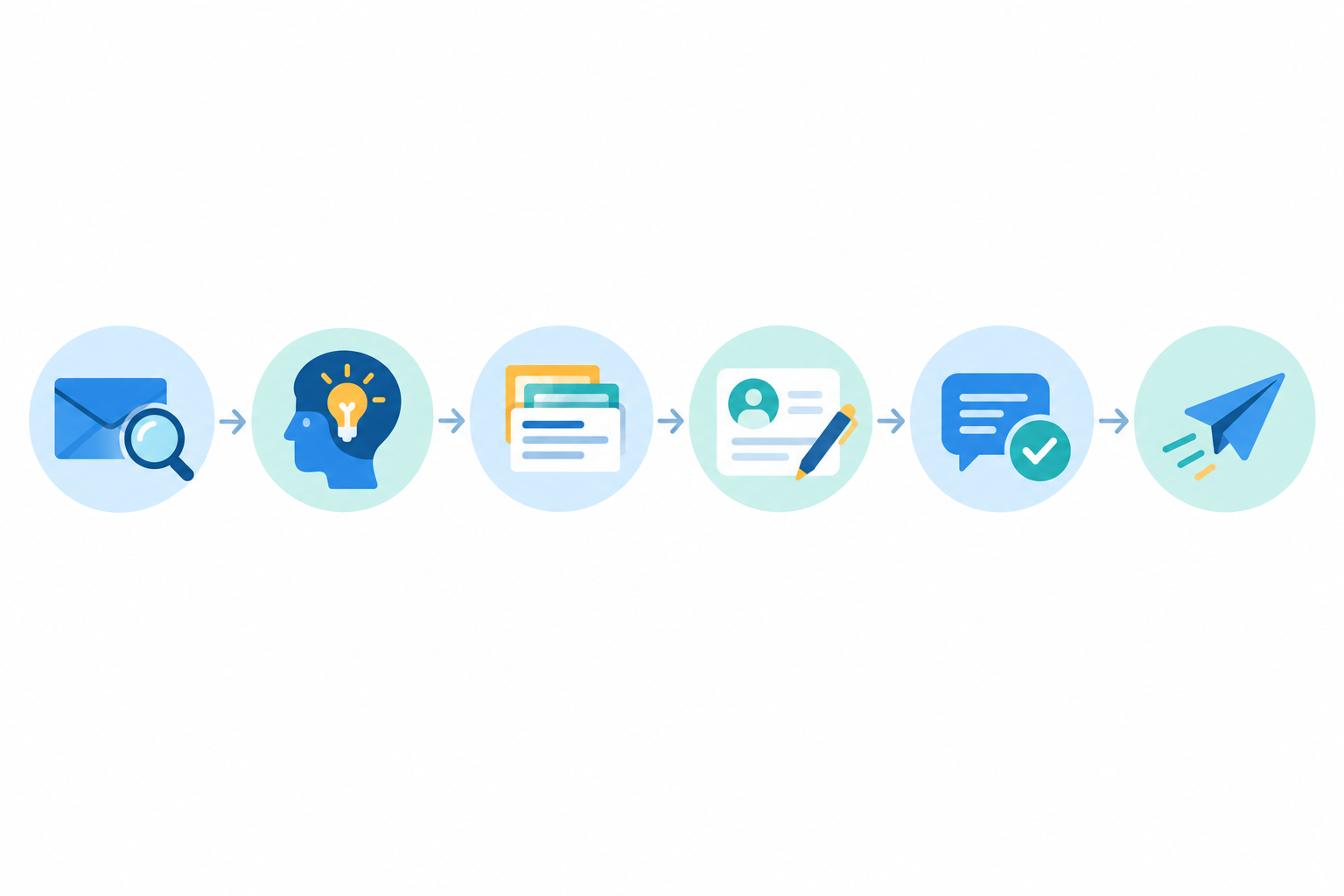
- Read the customer's message in full before you open a template.
- Swap in their name and one specific detail, such as the feature, the date or the error.
- Cut any sentence that doesn't apply to their situation.
- Match their level of formality. Chatty with chatty, polished with polished.
- Read it aloud. If you wouldn't say it to them in person, rewrite it.
- Add a clear next step and your own sign-off.
If you check the ticket history first (which is easy in a shared inbox), you'll also avoid asking for information the customer has already given you. Nothing screams 'canned' like making someone repeat themselves.
When to escalate a customer support email
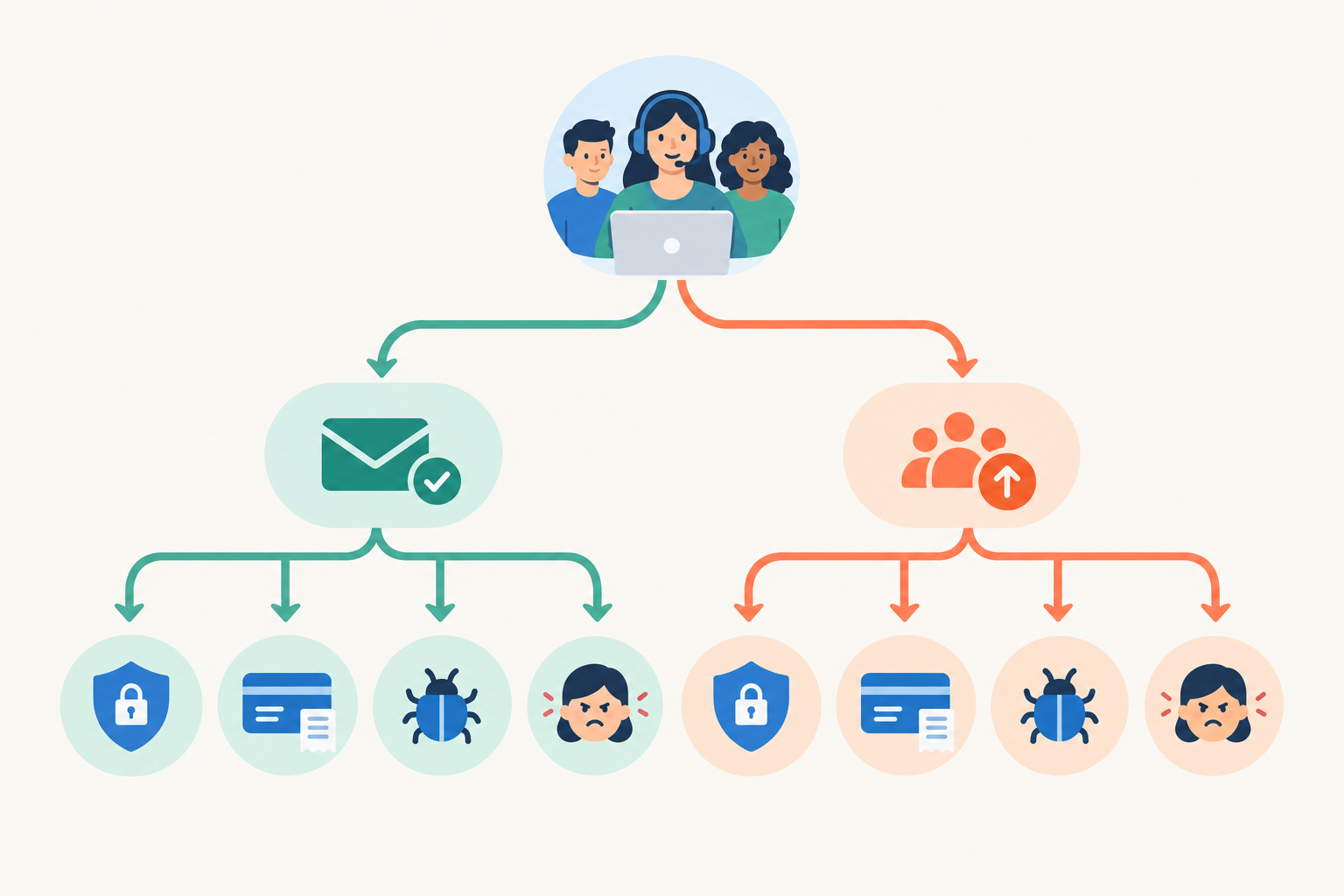
Templates are brilliant for the everyday. But some emails need more than a good reply, and that's when you bring in a second pair of hands:
- Security or data privacy concerns, including GDPR requests such as access or deletion
- A repeated issue, whether from the same customer or several different ones
- Billing disputes beyond your authority to resolve
- Angry or distressed customers who need a founder-level reply
- Technical problems you can't diagnose within a time you've set yourself (say, 30 minutes)
The hard part is handing off without making the customer start again. In a shared inbox, add an internal note summarising what's happened, then @mention the right teammate. They see the full conversation, you've both got the context, and the customer gets one consistent voice.
How to organise and store customer support email templates
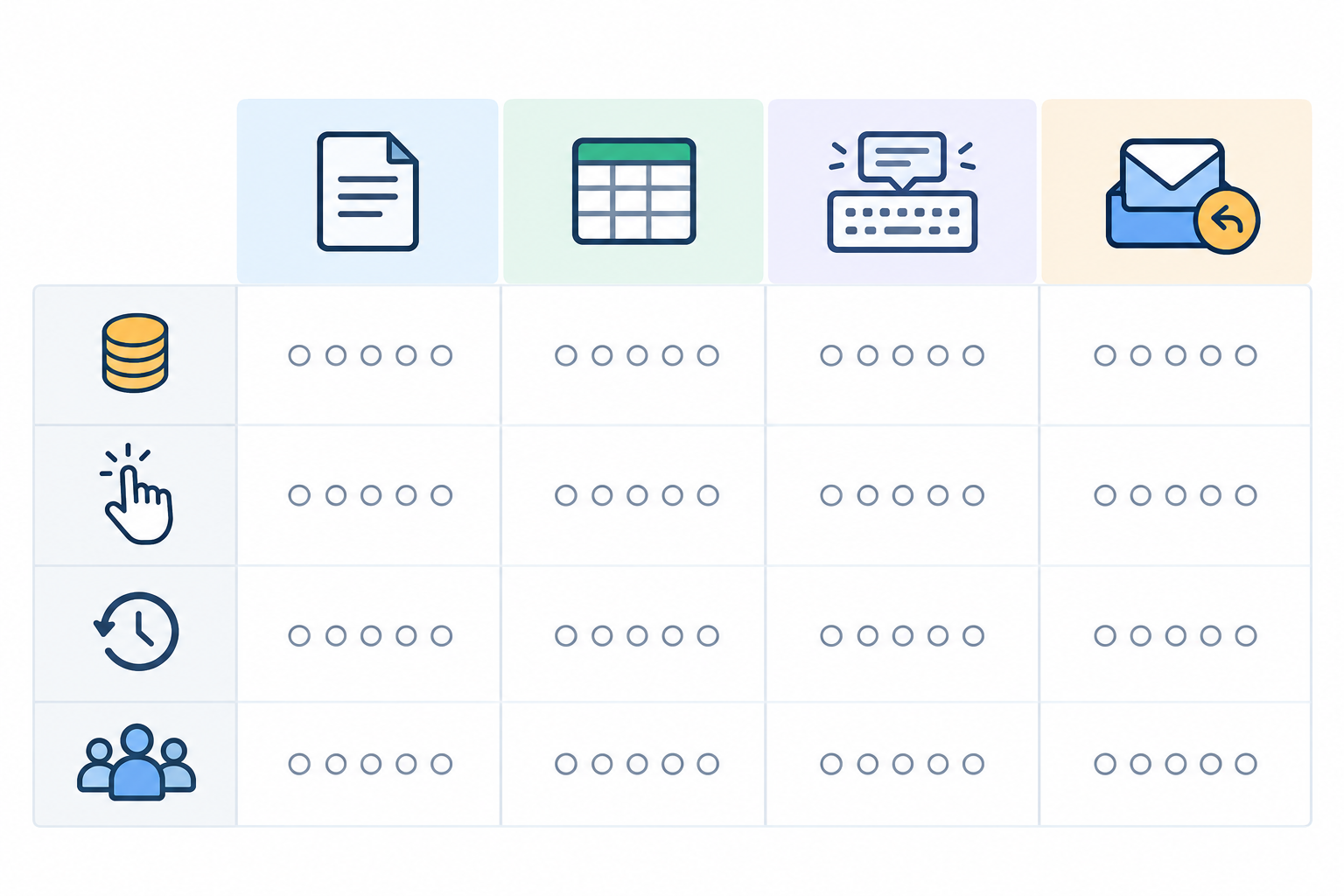
A template you can't find in ten seconds is a template you'll never use. Where you keep them matters more than people think. Here's how the common options compare for an early-stage team:
| Option | Cost | Ease of use | Version control | Team access |
|---|---|---|---|---|
| Shared doc | Free | Medium (copy and paste) | Messy as it grows | Good |
| Spreadsheet | Free | Low (hard to scan) | Basic | Good |
| Personal text expander | Low | High for one person | Poor (everyone has their own) | Limited |
| Saved replies in help desk software | Varies by tool | High (right where you reply) | Strong (one source of truth) | Excellent |
Shared docs are a perfectly good place to start. But there's friction: you copy, switch tabs, paste, and probably forget to update the doc when your refund policy changes. Keeping saved replies inside the tool where you answer tickets removes most of that, because everyone starts from the same, current version.
Make customer support templates easy to find
- Name them by situation, not by clever title. 'Refund: eligibility confirmed' or 'Bug: acknowledged' will beat 'Template 7'.
- Group them by customer intent, such as billing, bugs, feature requests and account access.
- Review them every quarter. Retire anything that sounds stale or references an old policy or link.
One example email ticketing tool: Sonny
Any help desk with a shared inbox, saved replies, internal notes and tags will do the job, so choose whatever suits your team. Since I work with the Sonny team, I'll share it as one example. It combines live chat, email ticketing and team collaboration in a single shared inbox, so forwarded support emails become tickets your whole team can reply to. At the time of writing, it's priced at a flat $19.99 a month with unlimited agents and conversations, and there's a 7-day free trial with no credit card needed. Do check Sonny's pricing page for current terms before you decide.
Your next step: build a starter library of customer support email templates
Please don't try to write twenty templates this weekend. You'll burn out, and half of them will never get used. Start with three.
- Look back at last month's inbox. Which questions came up again and again?
- Pick the three most common and adapt the closest template from this guide.
- Use them for a fortnight, tweaking whenever a reply feels off.
That's it. A small library you actually use beats a big one gathering dust. If you use AI drafting tools, treat their suggestions the same way as a template: a starting point you personalise before sending. You stay in charge of the final line.
You've got this. Your customers just want to feel heard, and a bit of structure with a dash of you will get you there.
Cheers,
Emma 💛
Customer support email templates FAQs
How do I avoid sounding robotic in support emails?
Use the template for structure only. Add the customer's name, mention one detail from their message, and write the final line yourself. Reading the email aloud is a quick way to spot stiff phrasing.
How long should a customer support email be?
Most replies work well at around 75 to 150 words. Keep it focused on the answer and the next step. Technical walkthroughs can run longer if you break them into short numbered steps.
When should I escalate a support email?
Escalate when there is a security or privacy concern, a billing dispute you can't resolve, a bug affecting multiple customers, or a customer who is seriously upset. Use internal notes so the customer never has to repeat themselves.
Where should I store my support email templates?
Ideally inside the tool you reply from, such as the saved replies in your help desk software, so there's no copying and pasting. A shared document works as a free starting point, but it gets harder to maintain as your team grows.
How quickly should I reply to a support email?
There's no single rule, but for many small SaaS teams a first response within a few hours during working hours, and within one working day at the latest, is a realistic goal. Even a short acknowledgement with a timeframe reassures customers.
Related Articles

Email-to-Ticket Forwarding: How to Turn Emails Into Tickets (A Simple Guide)
Learn how email-to-ticket forwarding works, set it up step by step, and test replies, threading and handoffs—without changing your customers’ email experience.

How to Set Up a Unified Inbox Across Multiple Brands
Learn how to bring multiple brands into one shared inbox while keeping chat widgets, email routing, reporting, and team access clear for every team.
Create content like this automatically
Scribe uses AI to generate high-quality blog posts that engage your audience and drive traffic.