How to Build a Competitor Messaging Map From Ad Copy (A Founder's Step-by-Step Guide)

Competitor Messaging Map: How to Find Gaps in Your Market
A competitor messaging map is simply a spreadsheet that organises every claim, benefit, and hook your competitors use across their ads—so patterns jump out instead of getting lost in dozens of individual ads. You build one by collecting copy from every competitor across every channel, tagging each line by claim type and theme, then comparing frequency to see what's saturated versus what nobody's saying. That gap between "everyone says this" and "no one says this" is usually where your sharpest positioning opportunity lives.
I've watched a lot of founders scroll through Meta's ad library at 11pm, screenshotting whatever catches their eye, convinced they're doing competitive research. They're not, really. They're collecting inspiration, which is fine, but it's not the same as building a system that tells you where the actual gaps in your market's messaging sit. This guide is about building that system—and it's genuinely a spreadsheet-and-afternoon job once you know the steps.
Why a Competitor Messaging Map Beats Ad-by-Ad Reading
Here's the thing about reading ads one at a time: it feels productive, but it rarely produces real insight. You remember the funny headline or the slick video, but you don't remember the underlying pattern—because your brain isn't built to hold twenty ads in working memory and spot what six of them have in common.
A messaging map fixes this by forcing you to compare claims side by side. That's the only way you'll notice that five competitors are all leaning on "save time" while literally nobody in your category is talking about accuracy, reliability, or trust. Once you see it laid out in rows, the gap is obvious. Before that, it's invisible, buried inside dozens of individual creatives.
This is fundamentally an ad intelligence exercise, not a creative-judging one. You're not rating whether an ad is good or bad. You're reverse-engineering a category's shared assumptions about what customers care about—and then asking whether those assumptions are actually complete. Founders who skip this step tend to default to copying whichever competitor is loudest or best-funded, rather than finding a genuinely open lane. Loud isn't the same as right, and it's definitely not the same as available.
Step 1: Collect Competitor Ad Copy Across Every Channel
The first job is just gathering the raw material, and it's worth doing this properly rather than grabbing a handful of ads that happened to show up in your feed.
List every direct and indirect competitor you want in the map. Aim for 5–8. Fewer than that and patterns aren't statistically meaningful—one competitor's quirky copy choice looks like a trend when it's really just one company's style. More than 8 and the spreadsheet becomes unwieldy before you've even started tagging.
Pull ad copy from every platform they're active on, not just the one you assume. This is where a lot of messaging maps quietly fall apart. Meta Ad Library, Google Ads, TikTok, and LinkedIn often carry genuinely different messaging for the same brand. A B2B SaaS competitor might run trust-and-ROI copy on LinkedIn while testing scrappier, more casual hooks on TikTok. If you only check one platform, you're mapping half a strategy and calling it the whole thing.
Be honest about how sustainable manual checking is. Checking four platforms per competitor, every week, for 6–8 competitors, is realistic for about two weeks before it quietly stops happening. Life gets busy, a launch happens, and the spreadsheet goes stale. This is exactly the grunt work that an ad monitoring tool like Rival Ads removes—you enter a competitor's website, and it detects their presence across Meta, Google, TikTok, and LinkedIn automatically, then fetches the active ads for you on an ongoing basis.
Copy the full ad text into your spreadsheet, not just the headline. Body copy and CTAs often carry the specific claims that matter most for a messaging map. A headline might say "Grow faster," but the body copy is where you find out whether that means faster onboarding, faster results, or faster support response times—and those are three very different promises to a buyer.
Note the date and whether the ad looks new or has been running a while. Longevity is a signal. An ad that's been live for eight weeks is probably converting; a fresh one might be a test that gets pulled next week. If you're using an ad intelligence tool with week-over-week diffs, this bit is automatic—you can see at a glance what's scaling versus what just appeared.

Step 2: Tag Core Claims, Themes and Emotional Angles
Once you've got a spreadsheet full of raw copy, the next job is turning it into something you can actually sort and compare. This is the tagging step, and it's where the map starts earning its keep.
Read through every line of copy you've collected and tag each one with a claim type. I'd suggest starting with a short, fixed list so you're not inventing a new category every third row:
- Speed
- Price
- Ease of use
- Social proof
- Risk reversal
- Status
- Outcome
Then add a second tag for the specific theme within that type. "Speed" is a good example of why this matters—it might split into "setup time" versus "results time," and those are quite different promises to a buyer. Someone comparing "live in 5 minutes" against "see ROI in 30 days" is weighing two entirely different anxieties, even though both get tagged as speed.
Keep the tags short and consistent. This is where a simple spreadsheet genuinely outperforms a notes app or a folder of screenshots—you need to be able to filter by tag later, and free-text notes don't filter cleanly. If it helps, add a third tag for the emotional angle, when it's obvious: fear of missing out, frustration with a clunky status quo, aspiration toward a better version of the job. These emotional patterns often repeat more consistently than the literal wording does, and they're worth capturing separately.
One practical note: don't overthink ambiguous lines. If a piece of copy could plausibly be "ease of use" or "speed," tag your first instinct and move on. The pattern across dozens of rows matters far more than getting any single classification perfectly right.
Step 3: Compare Overused and Underused Positioning Claims
With everything tagged, this is where the map starts talking back to you.
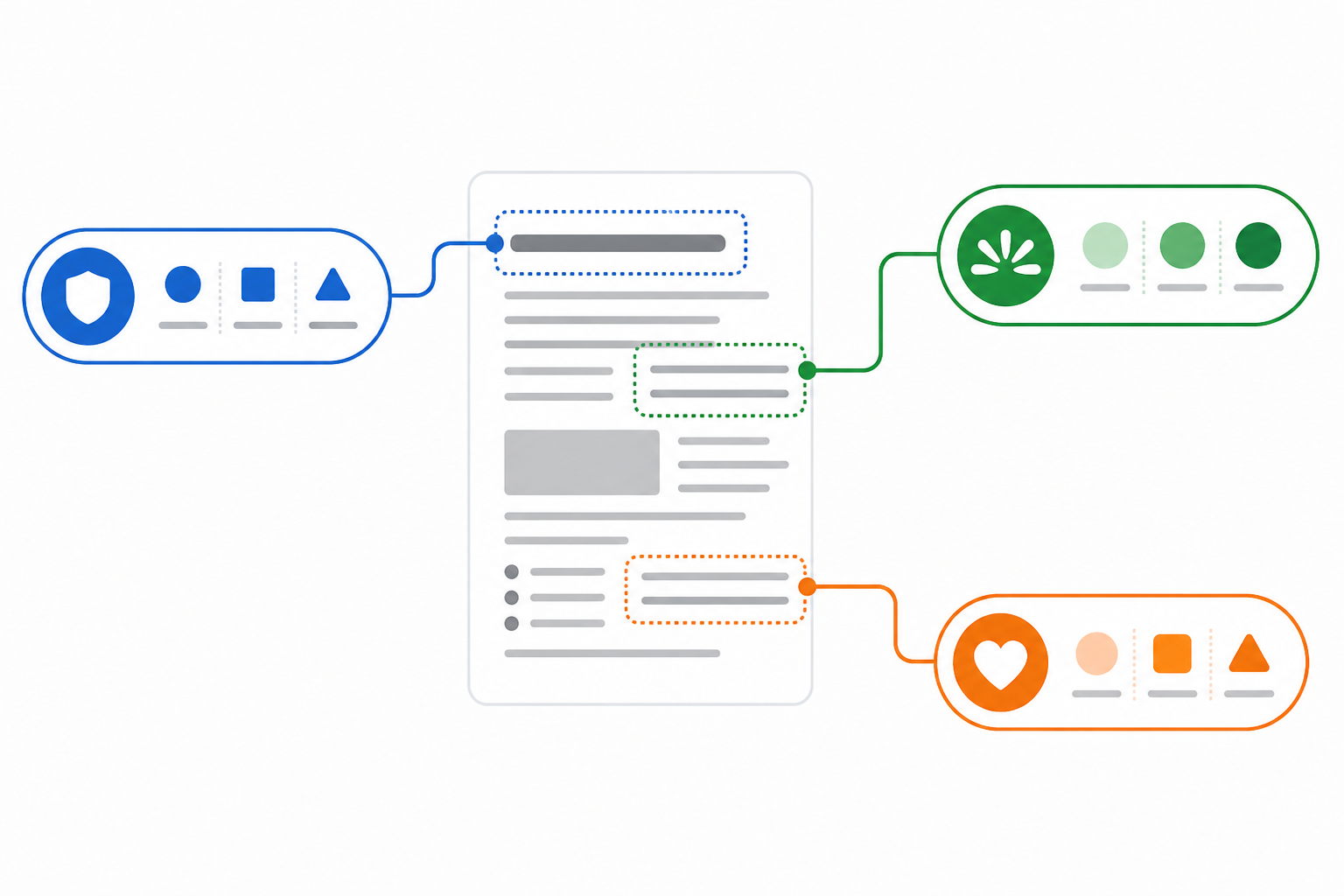
Count how many competitors use each claim type. Anything appearing in 4 or more out of your 6–8 competitors is effectively table stakes—not a differentiator, no matter how well it's written. That's not necessarily a problem to fix; buyers may genuinely need to hear it. But leading your own campaign with an overused claim means fighting for attention in the single most crowded part of the message space, where everyone sounds roughly interchangeable.
| Claim Type | Competitors Using It | Verdict |
|---|---|---|
| Speed / fast setup | 7 of 8 | Saturated—table stakes |
| Price / value | 6 of 8 | Saturated |
| Ease of use | 5 of 8 | Saturated |
| Social proof | 4 of 8 | Approaching saturated |
| Outcome / ROI | 2 of 8 | Underused |
| Risk reversal (guarantees) | 1 of 8 | Underused |
| Trust / accuracy | 0 of 8 | Empty |
The empty and underused rows are the interesting ones—claim types with zero or one mention that still matter to your buyer. These get overlooked not because customers don't care about them, but usually because they're harder to prove. "Fast" is easy to claim. "Accurate" or "trustworthy" requires evidence, and evidence takes more work to gather and present convincingly. That difficulty is exactly why it's often left on the table.
Watch out for claims that sound different but say the same thing. "Fast setup," "live in minutes," and "no dev required" are frequently the same promise dressed three different ways—if you tag them all under the same theme, you'll see the saturation clearly instead of being fooled by varied wording.
If you're monitoring competitors through an ad intelligence platform, the week-over-week diffs add another layer here. Seeing which claims a competitor is scaling (running more of, expanding to more platforms) tells you it's probably working. Seeing which claims they tested for two weeks and then dropped tells you the opposite—useful signal either way, and something a one-off manual scrape of ads can't easily show you.

Step 4: Find a Messaging Gap You Can Own
Now for the part that actually changes what you do next.
- Cross-reference your empty positioning column against what you already know about your buyers. Pull from sales call notes, reviews, support tickets—anywhere your customers describe what they actually care about in their own words.
- Look for the intersection, not just the gap. The strongest opportunities sit where "competitors aren't saying it" overlaps with "buyers genuinely care about it." Not every unclaimed angle is worth owning—some claim types are empty because nobody bothers, but also because nobody's asking about them.
- Test before you rebuild. A messaging map points you towards a hypothesis, not a guaranteed winner. Run a small ad spend against the gap you've found before you rewrite your entire homepage around it.
- Revisit monthly, not once. Competitors shift messaging as they test new angles, and a gap you find today can close within a quarter. Treat the map as a living document, not a one-off project you file away.
- Weight persistence over novelty. A gap that's stayed untouched for several months is a stronger signal than one that briefly appears and then gets picked up by a competitor a few weeks later—the latter suggests someone else spotted it too and moved faster.
Turning Your Competitor Messaging Map Into a Living System
A messaging map built once and left in a drawer loses value fast. Competitors change ads constantly—new hooks, new offers, new proof points—and a gap you found in January can be thoroughly crowded by March. The map is only useful if the underlying data keeps refreshing.
This is where automating the collection side genuinely pays off. Rival Ads fetches every active ad from your tracked competitors weekly, across Meta, Google Ads, TikTok, and LinkedIn, so the raw material for your map updates itself instead of depending on you remembering to check four platforms by hand. You just add a competitor's website and it takes care of detection and creative tracking from there—no ad account connections needed.
The platform also surfaces what's new, what's been paused, and what's scaling week over week, alongside an AI-generated strategic analysis powered by Claude that reads like a senior media buyer's take on what shifted and why. That's useful context to layer directly onto your own tagging work—it won't replace your judgement about which claim types matter to your specific buyer, but it will save you the hours spent just noticing that something changed in the first place.
For teams managing this across multiple people, role-based access and competitor assignment mean one person can own the master map while others feed in observations from the competitors they're tracking. Whether you build the map entirely by hand in a spreadsheet or pair it with an ad monitoring tool to keep it current, the goal stays the same: turn scattered competitor noise into a structure you can actually act on.
Frequently Asked Questions About Competitor Messaging Maps
How do I organise competitor ad copy into useful insights?
Start by collecting every active ad's text across all platforms your competitors use, then tag each line by claim type (speed, price, trust, outcome, and so on) and specific theme. Once tagged, count frequency across competitors—claims repeated everywhere are table stakes, while claims that are rare but relevant to buyers are your opportunity areas.
What is a messaging map and how do I build one?
A messaging map is a spreadsheet that lays out every core claim your competitors make in their ads, organised by type and theme, so you can compare them side by side instead of reading ads one at a time. Build one by collecting copy, tagging claims, tallying frequency, then cross-referencing the underused claims against what your actual customers say they care about.
How do I find a positioning gap competitors aren't using?
Look at your messaging map for claim types with little or no coverage that still matter to your buyer based on sales calls, reviews, or support conversations. The gap worth owning sits where low competitor coverage overlaps with genuine buyer relevance—not just any unclaimed angle, since some are unclaimed because they don't actually move buyers.
How often should I update a competitor messaging map?
Monthly is a reasonable minimum for most categories, though fast-moving markets may warrant a lighter check every couple of weeks. Competitors test and drop messaging constantly, so a map built once and never revisited will drift out of date faster than most founders expect.
Related Articles

How to Read a Weekly Ad Diff Like a Senior Media Buyer
Learn the exact framework senior media buyers use to interpret weekly ad diffs—what new, stopped, and scaling ads really mean for competitor strategy.

What Your Competitor's Ad Spend Signals About Growth Plans (And How to Read Them)
Decode competitor ad spend signals to spot funding, expansion, and strategy pivots early, with a practical ad intelligence framework for CMOs.

Create content like this automatically
Scribe uses AI to generate high-quality blog posts that engage your audience and drive traffic.