How to Clear a Support Ticket Backlog in One Week: A Day-by-Day Guide
17 min read
Loading...

A focused seven-day sprint can bring a support ticket backlog under control. Whether you clear every last ticket depends on the size of the pile and your team's capacity, and we'll check that before you start. The plan is one goal per day. Consolidate everything into a shared inbox, sort by age and urgency, batch similar tickets, apologise properly to the longest-waiting customers, then put guardrails in place. Most small teams don't need more hours at first. They need a clearer order of attack and one place to work from.
If you're staring at hundreds of unanswered tickets, I've seen this situation many times, and it's fixable. I wrote this guide for small teams juggling live chat and email who want to feel on top of things again. ☕
Picture a Monday morning. The support email is open in one tab, a second inbox holds messages forwarded by the founder, and a live chat window is flashing orange. You answer one thing and three more appear.
That feeling isn't a sign you're bad at your job. In my experience, a backlog is usually a workflow problem before it's a people problem, though staffing, ticket volume and product complexity can play a part too.
A backlog grows whenever incoming work outpaces your team's effective capacity for long enough. Effective capacity can drop without anyone leaving. Tickets get more complex, customers contact you twice about the same thing, or agents lose time to admin. Queueing theory (the study of how waiting lines behave) has a useful rule of thumb here: as a team gets close to its maximum throughput, waiting times tend to climb sharply rather than gradually. It isn't a measurement of your team, but it explains why a small shortfall can create a big pile.
In small teams, the usual culprits are:
Then the snowball starts. Old tickets prompt follow-ups ('Just checking you got my message?'), which create duplicate conversations, which add to your volume. Expectations don't help either. Zendesk's CX Trends 2023 report found that roughly seven in ten consumers surveyed expect immediate service when they contact a company. It's a global survey rather than a UK-specific one, but it shows why waiting hurts.
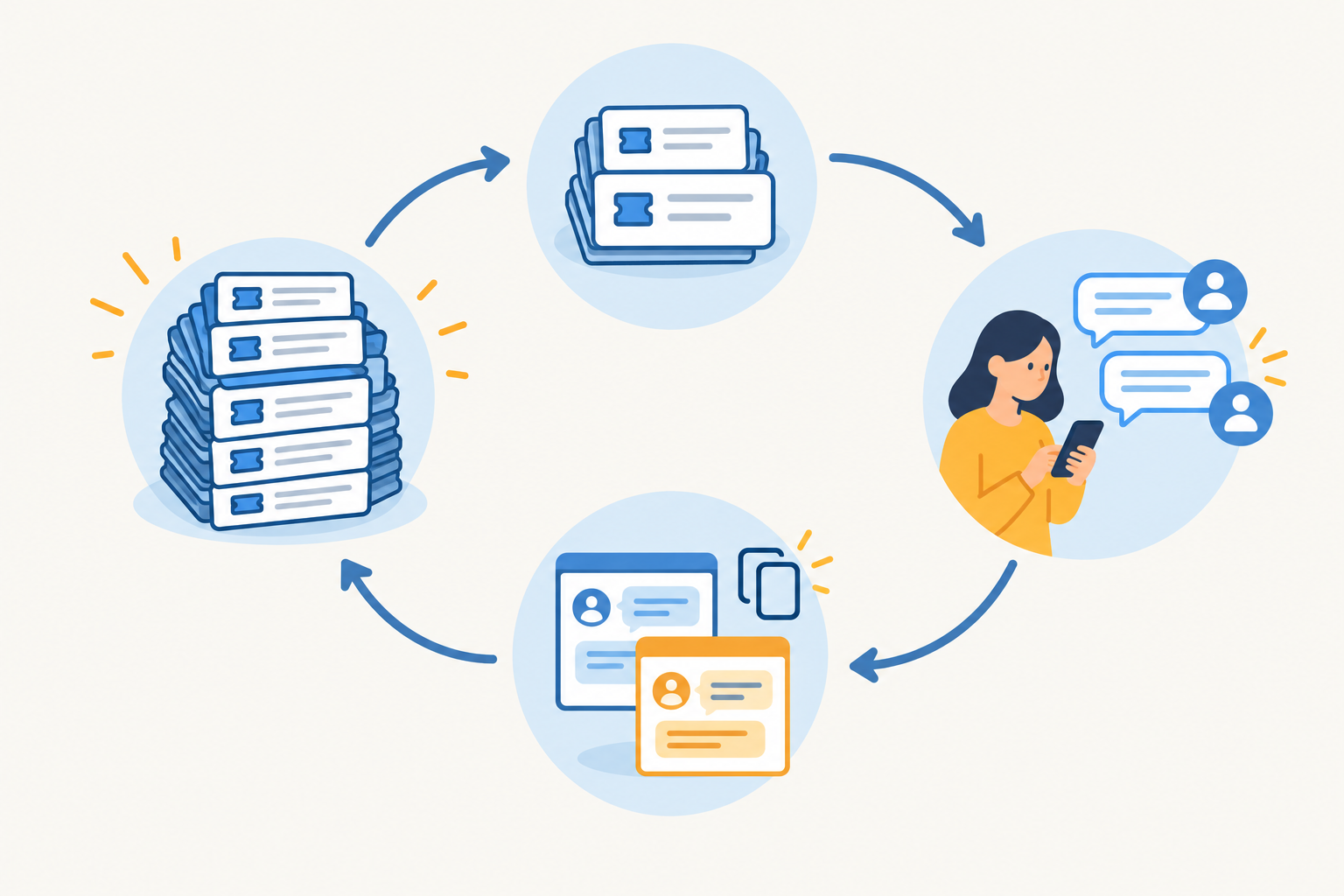
One quick definition. For a small team, a ticket counts as backlog the moment it's waiting beyond the response time you've promised (or would promise, if you've never written it down). It has nothing to do with hitting some magic number of tickets.
Here's the honest answer: don't start replying yet. An hour of looking first will save you far more than an hour of replying blind.
Got your snapshot? On to Day 1.
Goal for the day: every conversation lives in one place, with nothing hiding in personal inboxes or forgotten chat transcripts.
A shared inbox won't fix a capacity shortfall. What it fixes is the thing that makes a backlog invisible: scattered conversations with unclear owners. Whichever customer support software you use, the steps look like this.
Disclosure: I'm on the Sonny team, and Sonny is one shared-inbox tool that handles email and chat in one queue (it offers a free trial; check current pricing and terms on its site). Any help desk that does the same will work for this plan, so choose what suits your team and budget.

By the end of today, the pile might look bigger than you expected. That's normal. You haven't created more work, you've just found all of it.
Goal for the day: know exactly what you're dealing with, with every ticket labelled.
Today is triage rather than answering. Think of a hospital waiting room: someone has to work out who needs help most before anyone is treated.
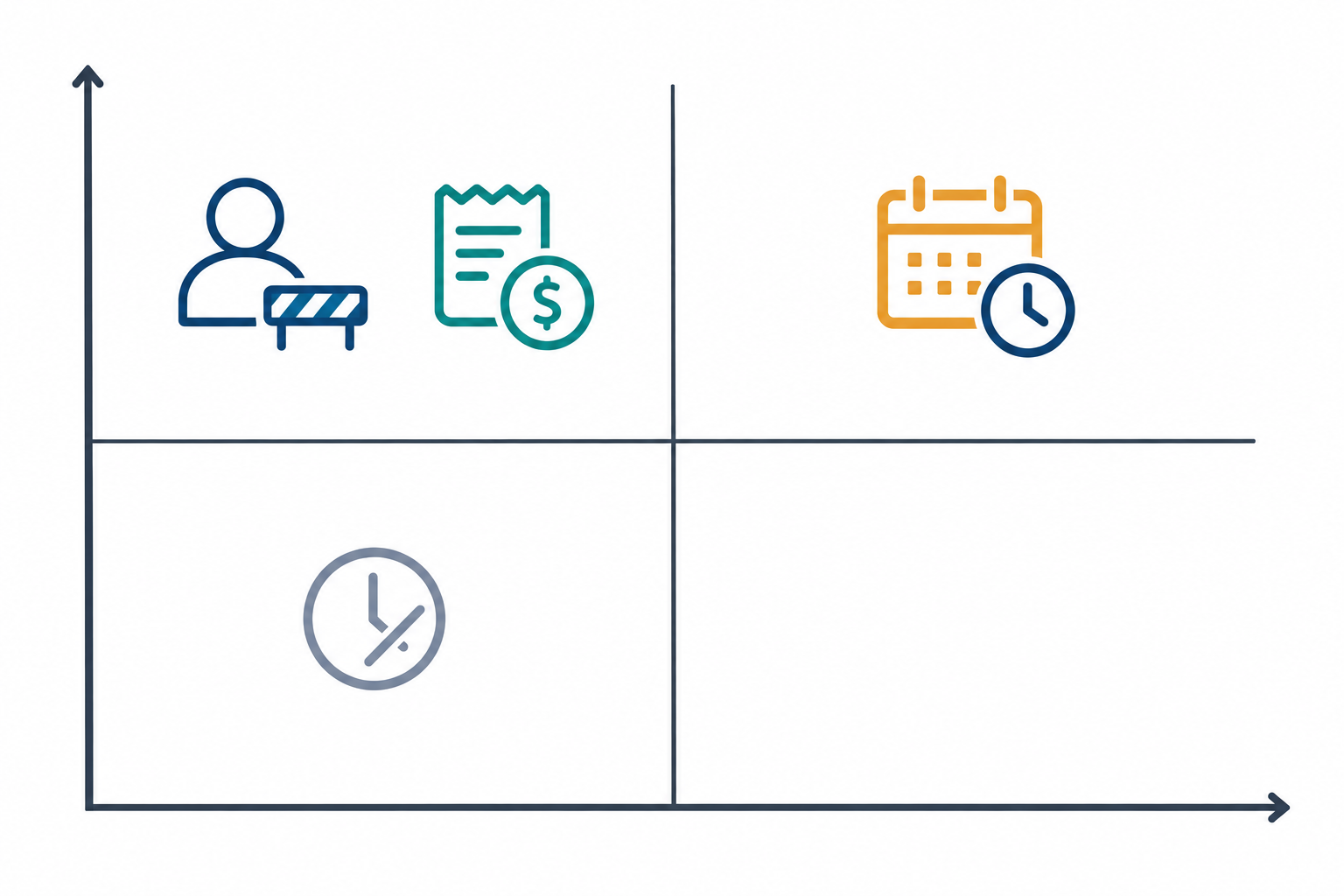
Now look at your tickets by age, topic, channel and owner. That tells you whether you've had a temporary spike or whether something in your workflow needs fixing for good. We'll come back to that on Day 7.
Now the real work begins. Each day has a different focus:
Use your capacity check as a pace guide. If you need to resolve 60 tickets a day to hit your goal and you're managing 40, say so on Day 3 rather than Friday afternoon. That's the moment to bring in a helper or adjust the target.
Here's a simple rule for when urgent work swallows your day. If new blocked or payment tickets arrive, or chat gets busier than your planned cover, pause batching, deal with those first, and pick the batch back up afterwards. Don't let a sprint turn into ignoring the customers who need you right now.
Every time you switch between a refund query, a bug report and a how-to question, your brain pays a small tax. Answering a run of similar questions tends to get quicker as you go, and your answers become more consistent. Grouping tickets by intent also makes repeat questions easy to spot, which is useful later.
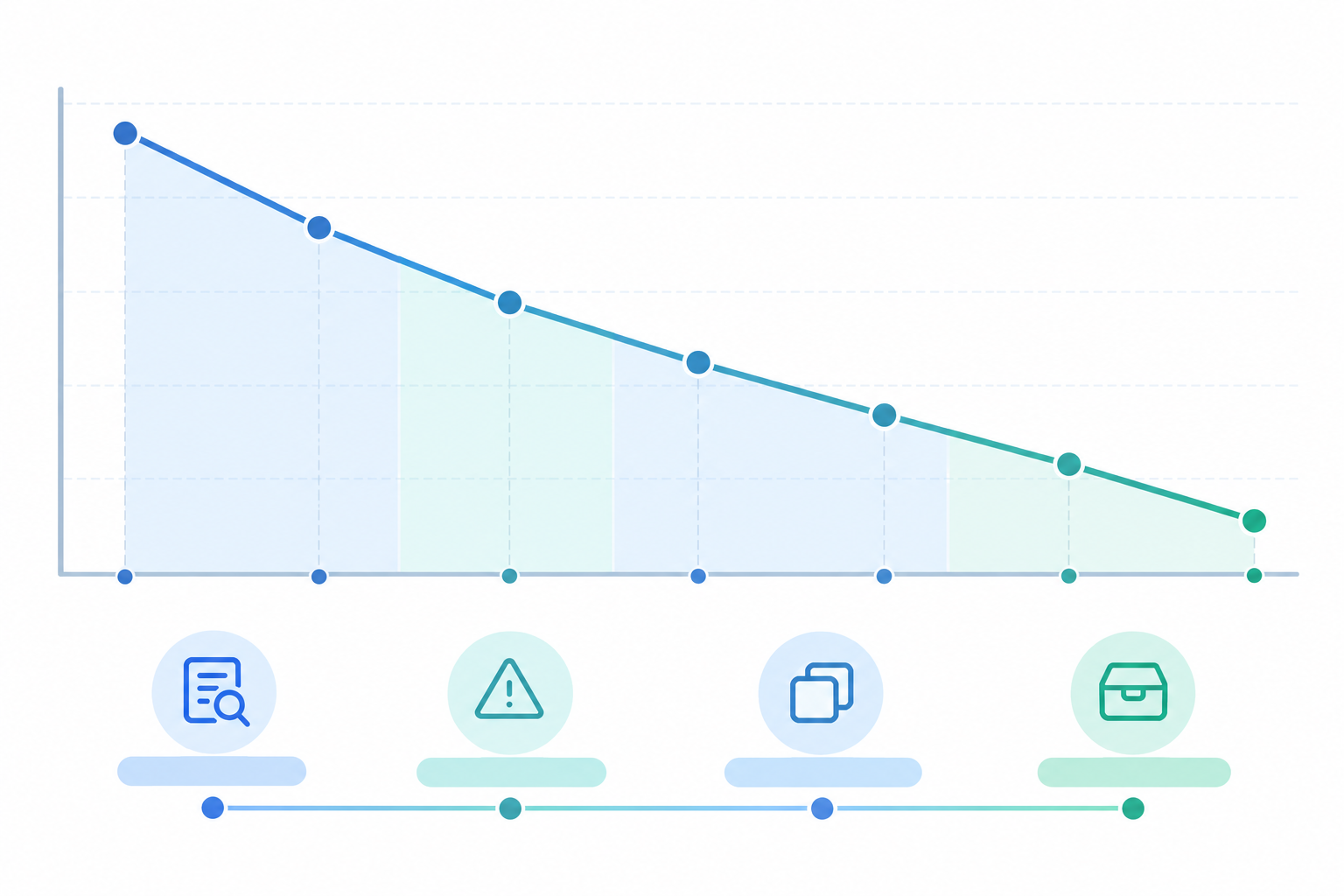
People often confuse 'bulk' with 'identical'. The same Zendesk report found that a similar share of consumers expect personalised interactions, so treat a saved reply as a starting point, never the finished product.
Imagine an online shop with forty tickets asking where an order is. Create a view for delivery questions and write one saved reply explaining how to check tracking. Then add the customer's name and their actual order status to each one. It's much quicker than writing forty replies from scratch, and it still feels human.
A few habits that help:
Goal for the day: personally contact the customers who've waited longest, especially anyone you haven't yet answered.
By now the bulk of the pile is gone, and you have room to say sorry properly. A sincere apology won't guarantee loyalty, but it helps repair trust. A stock one tends to make things worse.
The structure I use is simple:
Here's what a stiff template sounds like:
Dear Customer, we apologise for any inconvenience caused by the delay in our response. We value your business and appreciate your patience. Your query is now being looked into.
Nobody has ever felt better after reading that. Here's a warmer version you can adapt:
Hi Jo, I'm really sorry it took us nearly three weeks to get back to you about your invoice. That's far too long, and it's on us. I've checked, and you were charged twice in March. I've refunded the duplicate, and you should see it in 3 to 5 working days. We've set up a daily inbox check so messages like yours don't slip through again. If anything still looks off, reply here and I'll sort it myself.
It names the wait, owns it, fixes the problem and doesn't grovel. One caution: that example promises a refund and a process change, so only promise what you can deliver. If a refund isn't appropriate or a fix isn't in place yet, say what you can do and when they'll hear from you.
A tip on tone, especially for UK customers: avoid over-apologising. Three 'sorry's in one paragraph reads as panic rather than sincerity. Keep it plain and honest, and let the solution do the talking. If it suits your business, a small gesture such as a credit or extension can help, but a well-fixed problem often means more than a freebie.
Finally, flag anyone at risk of leaving, such as long-standing customers, bigger accounts or anyone who's chased more than twice, and ask a founder or senior teammate to follow up personally.
Goal for the day: turn a one-off sprint into a workflow that lasts.
Clearing the pile is satisfying. Keeping it clear is the real win. Here's what I'd set up today.
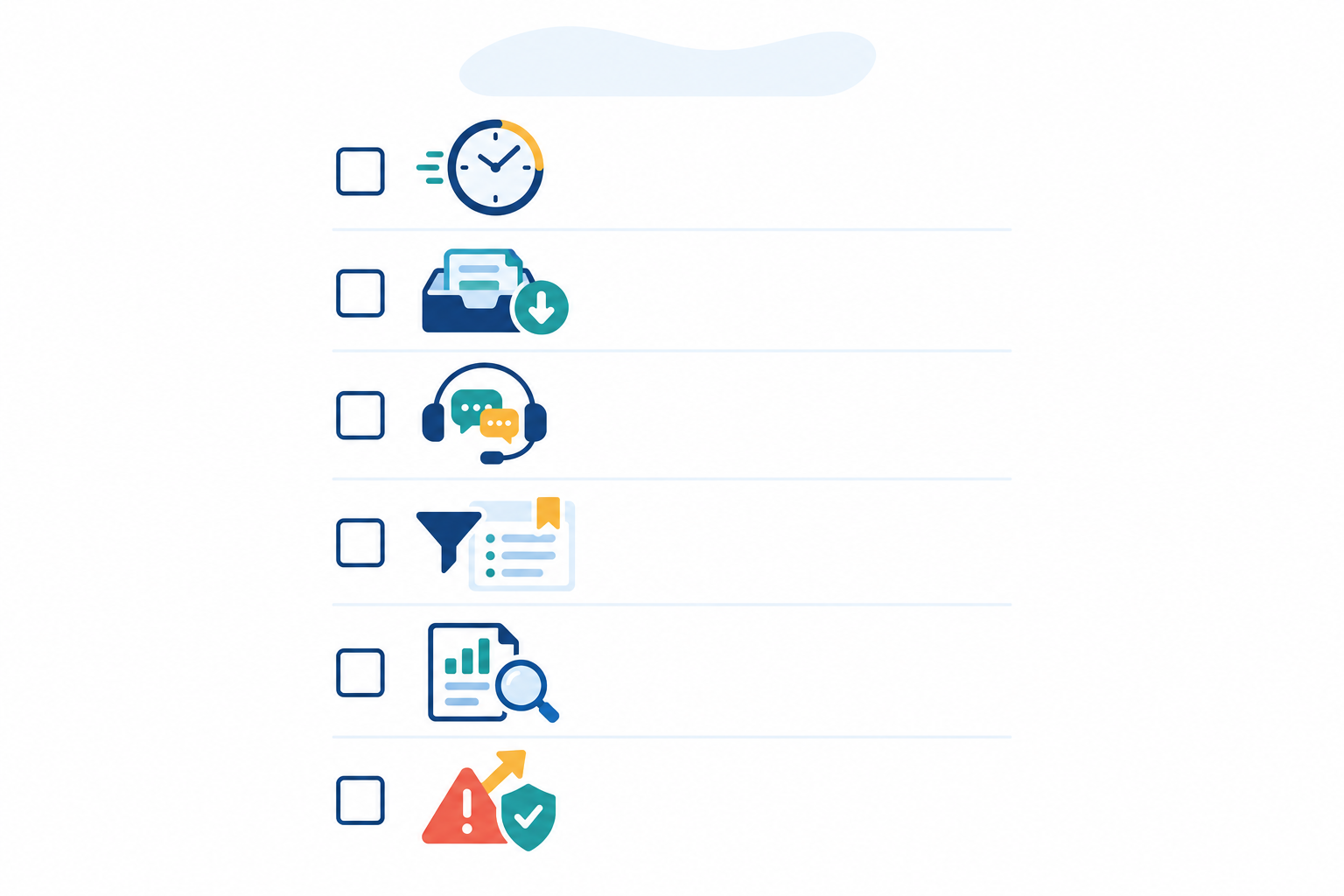
One more thing that helps with the 'I thought you had it' problem: send any unassigned ticket to a monitored triage queue, and alert a team lead when a high-priority ticket is close to its target.
A very large or very old backlog may need a second week, and that's perfectly okay. A sprint is a framework, not a promise.
Progress counts, even when it isn't finished by Friday.
Move everything into one shared inbox, then count what's open, how old it is and what it's about. Do a quick capacity check so your goal is realistic, sort by age and urgency, and work through the pile in batches.
Reply if the issue could still affect the customer, even if it's weeks old. Close only if it's clearly resolved, a duplicate or no longer relevant, and there's no outstanding billing, account, data request or complaint. Add a short, friendly note, and never close silently.
Be specific about how long they waited, say sorry once and solve their problem in the same message. Skip stock phrases like 'we value your business' and only promise what you can deliver.
Set a response-time target based on your real capacity, assign daily triage and chat cover, and use saved views to catch ageing tickets early. If volume keeps outrunning capacity, you'll need to deal with that too.
Often, yes. Consolidating tools, batching similar tickets and using saved replies can free up a lot of time. But if incoming volume is consistently higher than your team can resolve, you'll need extra capacity, even if it's only temporary.
A backlog feels enormous when it's scattered across tools and inboxes, and much more manageable once it's in one place with a plan attached. Today, take your snapshot and do the capacity check. Those two small jobs tell you what a realistic goal looks like, and everything else follows from there. Even if Friday arrives and a few tickets are left, you'll have a sorted queue and the habits to keep it under control.

Manage multiple brands in one shared inbox with brand-specific channels, tags, filters and assignments—one team view, distinct customer experiences and clearer reporting.

Compare multi-brand help desks with a practical scorecard for brand separation, shared inbox visibility, fair pricing and fast setup—then choose the right fit.

Discover how customer support metrics reveal bottlenecks, so a shared inbox, clear ownership and better reporting can cut response times without hiring.