How to Create a Public Status Page in Under 10 Minutes: A Step-by-Step Guide
15 min read
Loading...
You can create a status page in about ten minutes, provided your monitors are already running and you have access to your DNS settings. Choose the customer-facing services you want to show, connect your existing monitors to status components, add your branding and a custom domain, then publish the page and link to it from your app and support pages. The clicking is quick. The part that takes real thought is deciding what to show and how to word it, so that's where we'll spend most of our time.
One honest caveat before we start. The initial setup takes about ten minutes, but DNS changes for a custom domain can take longer to propagate, sometimes up to 24 hours. Testing the page and adding links in your app and help centre will add another 10 to 20 minutes. So start the domain setup early, and don't announce the link until it loads properly over HTTPS.
Picture it. It's 9:12am, your API is wobbling, and your support inbox is filling up with 'is it just me?' messages. Each one needs a reply, and each reply pulls someone away from fixing the actual problem.
A public status page gives customers one trusted place to check. It doesn't prevent outages (nothing does), but it tells people what's affected and what you're doing about it. That usually means fewer repeat tickets and a calmer team.
I know the worry: won't admitting problems publicly make us look flaky? In my experience it's the opposite. Customers tend to worry more about silence than about an outage. Large providers like GitHub and Cloudflare publish status pages that break incidents down by component, so customers can see what's affected instead of reading a vague 'we're down' notice.
The stakes are real too. Uptime Institute's Annual Outage Analysis 2024 reported that 54% of survey respondents said their most recent significant outage cost more than $100,000. That's a survey of IT and data centre operators, not of SaaS companies, and it says nothing about status pages specifically. Still, it shows why handling outages well matters.
A status page is only as trustworthy as the monitoring behind it. If it relies on someone remembering to flip a switch, it'll be wrong at the worst moment. A public status page works best alongside proper uptime monitoring and incident alerting, so your team hears first and the page can update itself.
What you'll need: at least a few monitors already running, and access to your DNS settings. If you don't have monitors yet, Moonitor offers a 7-day free trial (check the pricing page for the current terms).
Here's a realistic time budget:
This is the step that matters most, and you can do it with pen and paper (or a note on your phone) before touching any settings.
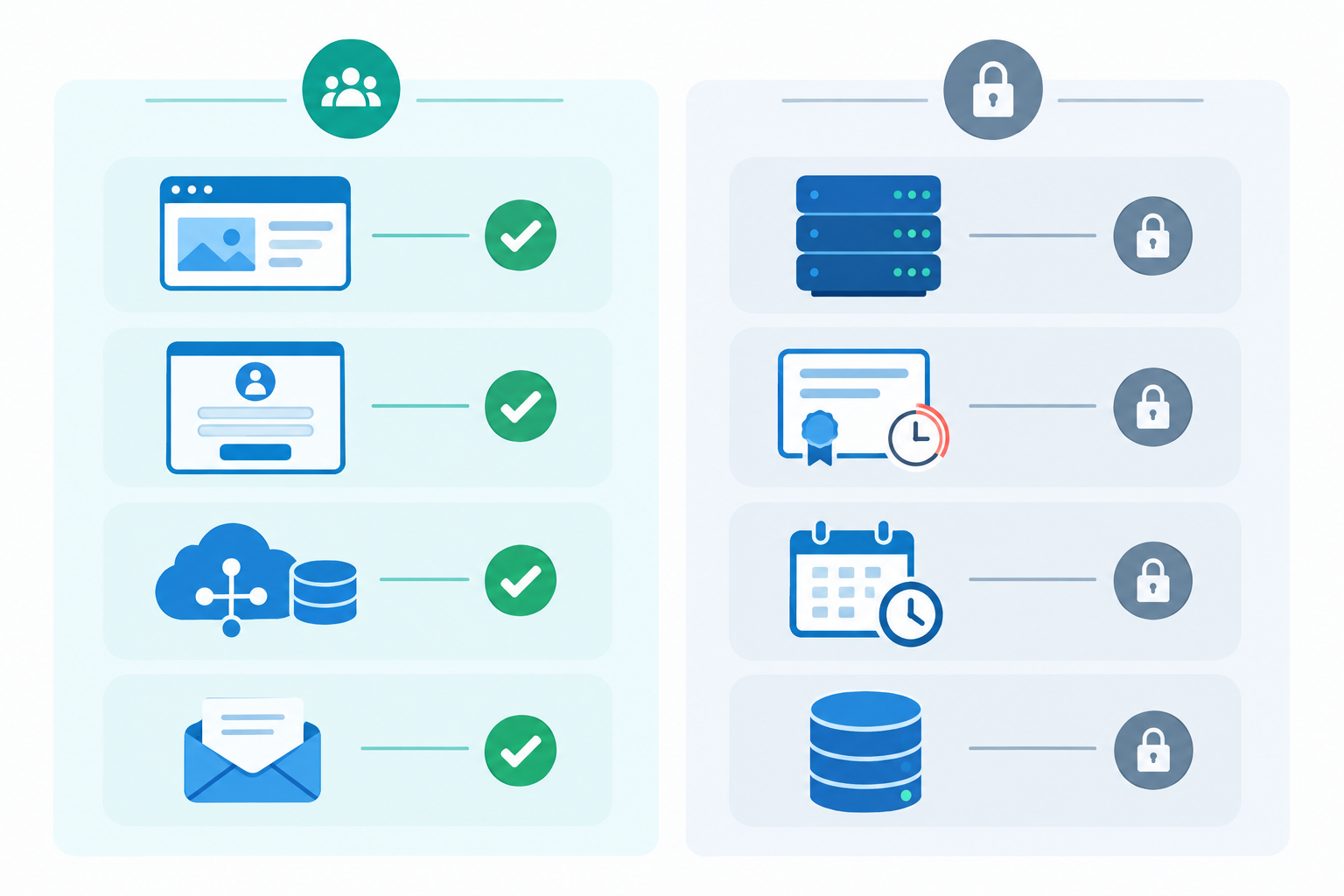
A note on SSL and domain expiry checks: the checks themselves are usually internal, because they're early warnings for your team. But if an expired certificate or domain actually breaks something customers use, that's a customer-facing incident. Report it on the relevant public component, such as 'Web App', in plain language.
Imagine a small B2B SaaS with twelve monitors:
They'd publish five components: Website, Web App and Login, API, Webhooks and Scheduled Reports. The staging app, database port, backup job and both expiry checks stay internal. Twelve monitors, five components, and nothing customers don't need.
A quick security tip: don't expose anything that helps attackers, such as internal hostnames or ports. Friendly component names help with this too.
Now for the clicking. Dashboards change as products evolve, so I'll describe the flow rather than quote button labels. Follow the labels you see in your own Moonitor dashboard, and check the current documentation if anything looks different.
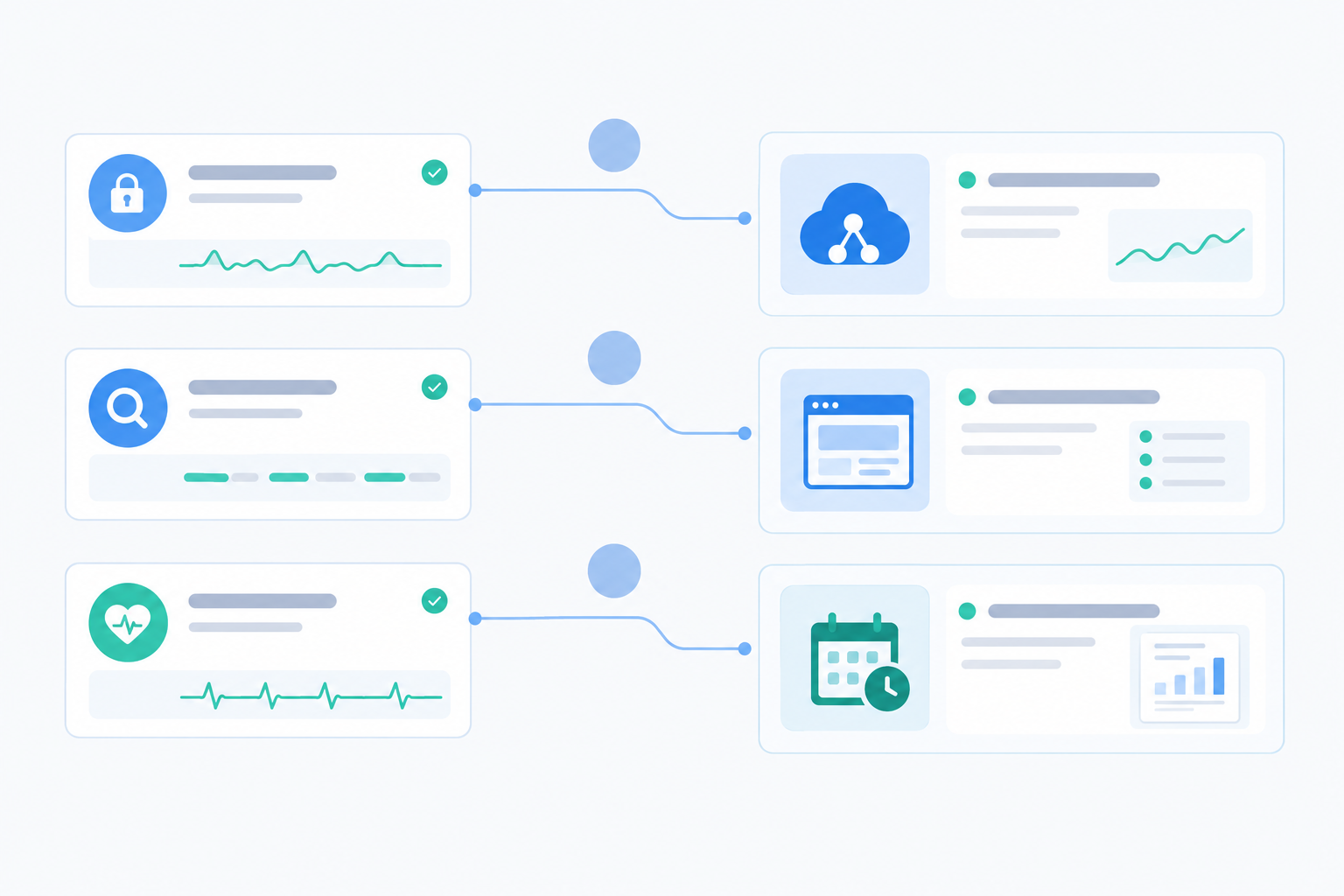
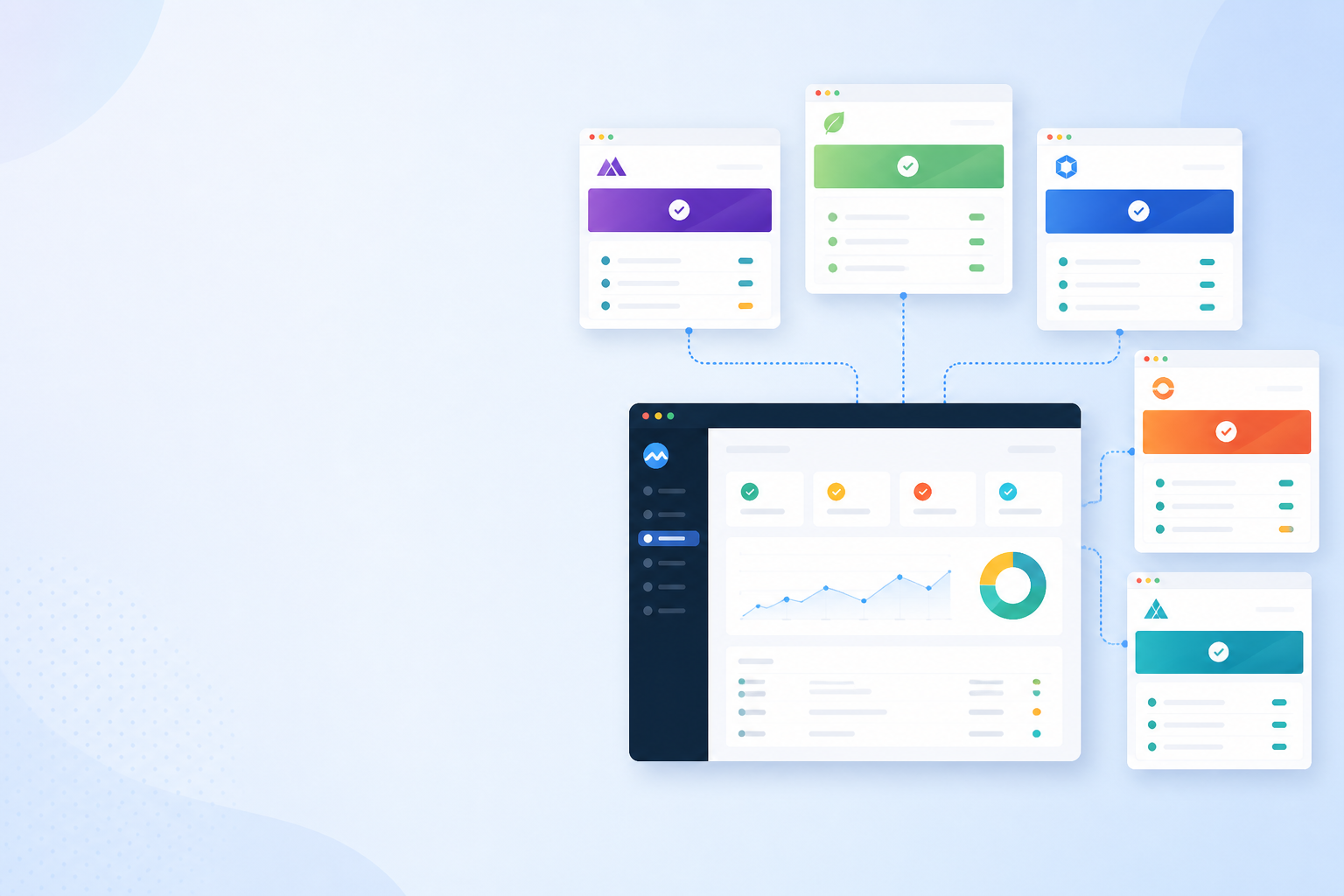
The image above is a conceptual illustration of how monitors map to components, not an exact copy of the current interface.
A status page that flips to 'Down' because of a single-location blip erodes trust quickly. With multi-region failure verification, a failure has to be seen from more than one location before it counts. That reduces the chance of a local network hiccup triggering a public status change. It can't make detection perfect, so keep an eye on how your page behaves in the first few weeks.
It also means nobody has to edit the page at 3am for the basics. Confirm in your setup that component status updates automatically from monitor results, and add a human explanation on top whenever there's something worth saying.
Uptime percentages over 30 or 90 days can be a nice addition. My advice is to only show figures you're comfortable standing behind. If your last 30 days were rough, a number on the page is a promise you're making in public.
This is where the real thought goes. Your customers aren't thinking like engineers when something breaks. They want to know three things: what's affected, what it means for them, and whether you're on it.
| Situation | Wording that confuses | Wording that reassures |
|---|---|---|
| Component name | DB cluster | Saving and loading your data |
| Component name | Auth service v2 | Dashboard and login |
| Degraded status | Elevated p95 latency | Degraded performance: pages may load slowly |
| Investigating | Some users may experience issues | We're investigating failed logins for some customers. Existing sessions are unaffected; new logins may fail. |
| Resolved | Issue resolved | Logins are working normally again as of 10:42 GMT. We'll share a short summary once we've finished reviewing what happened. |
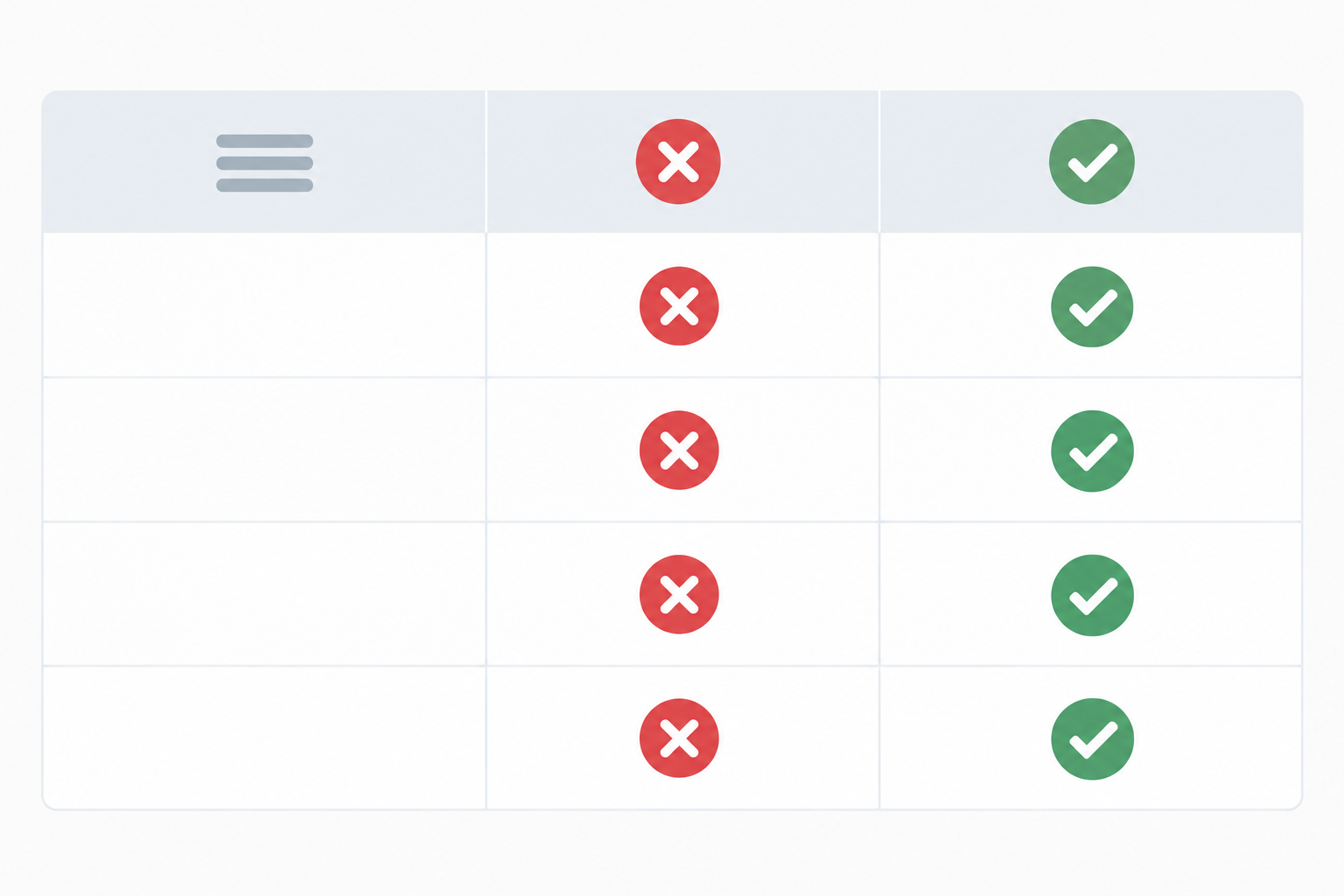
One last reminder: incident history is public. Write every update as if a customer's CEO will read it. Someone probably will.
This takes about three minutes of your time, plus whatever DNS needs to catch up.
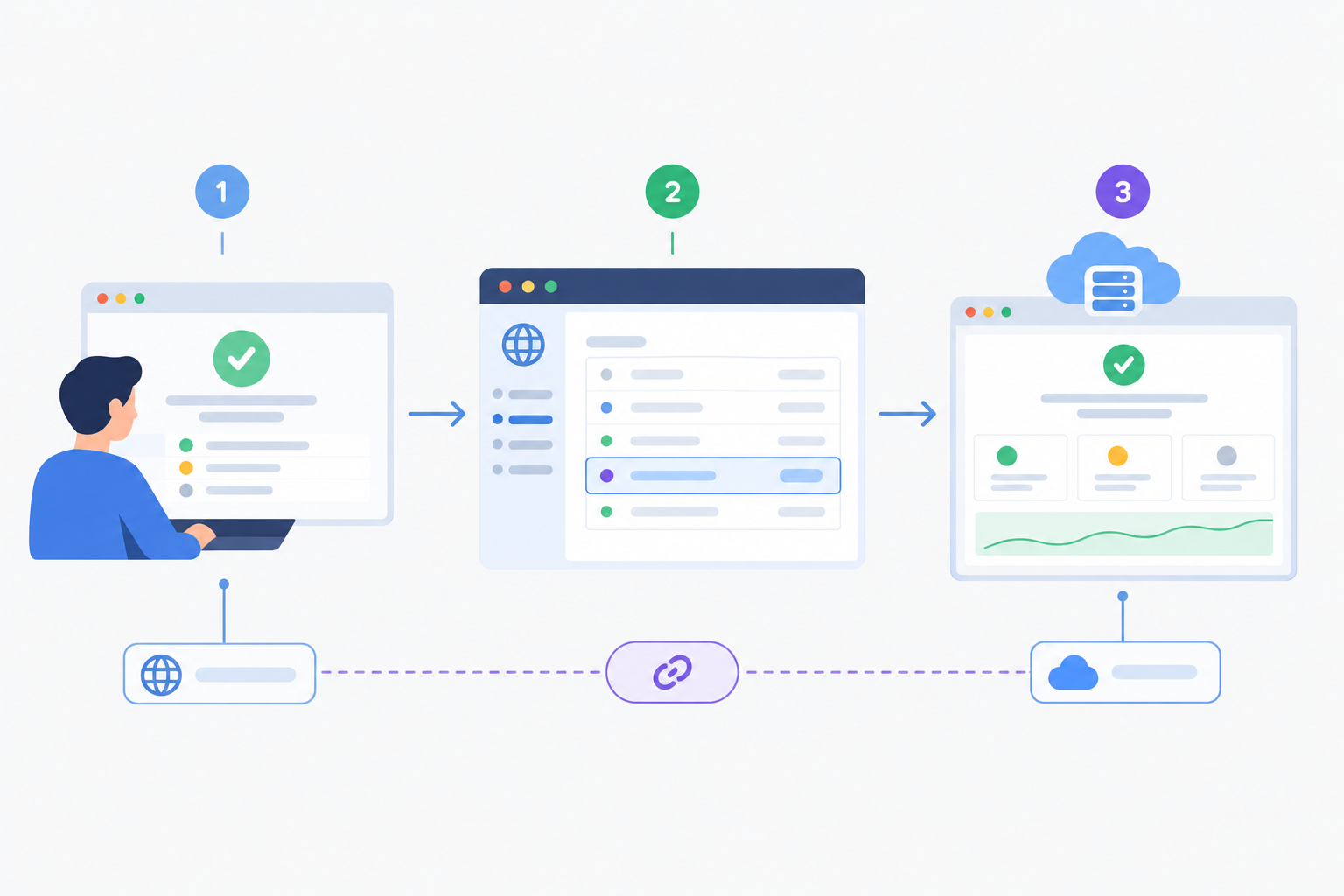
If your status page lives on the same infrastructure as your product, one outage can take both down, and that's the worst moment to lose your communication channel. A separate subdomain pointing at externally hosted infrastructure avoids that.
Once the domain is live, monitor it. Add a DNS monitoring check on the status subdomain so an accidental record change doesn't quietly break it, and add SSL certificate monitoring too. A browser warning on your status page during an incident is not the look you want.
When it's working, open the URL in a private window, confirm the logo and title look right, and check that it loads over HTTPS.
You're nearly there.
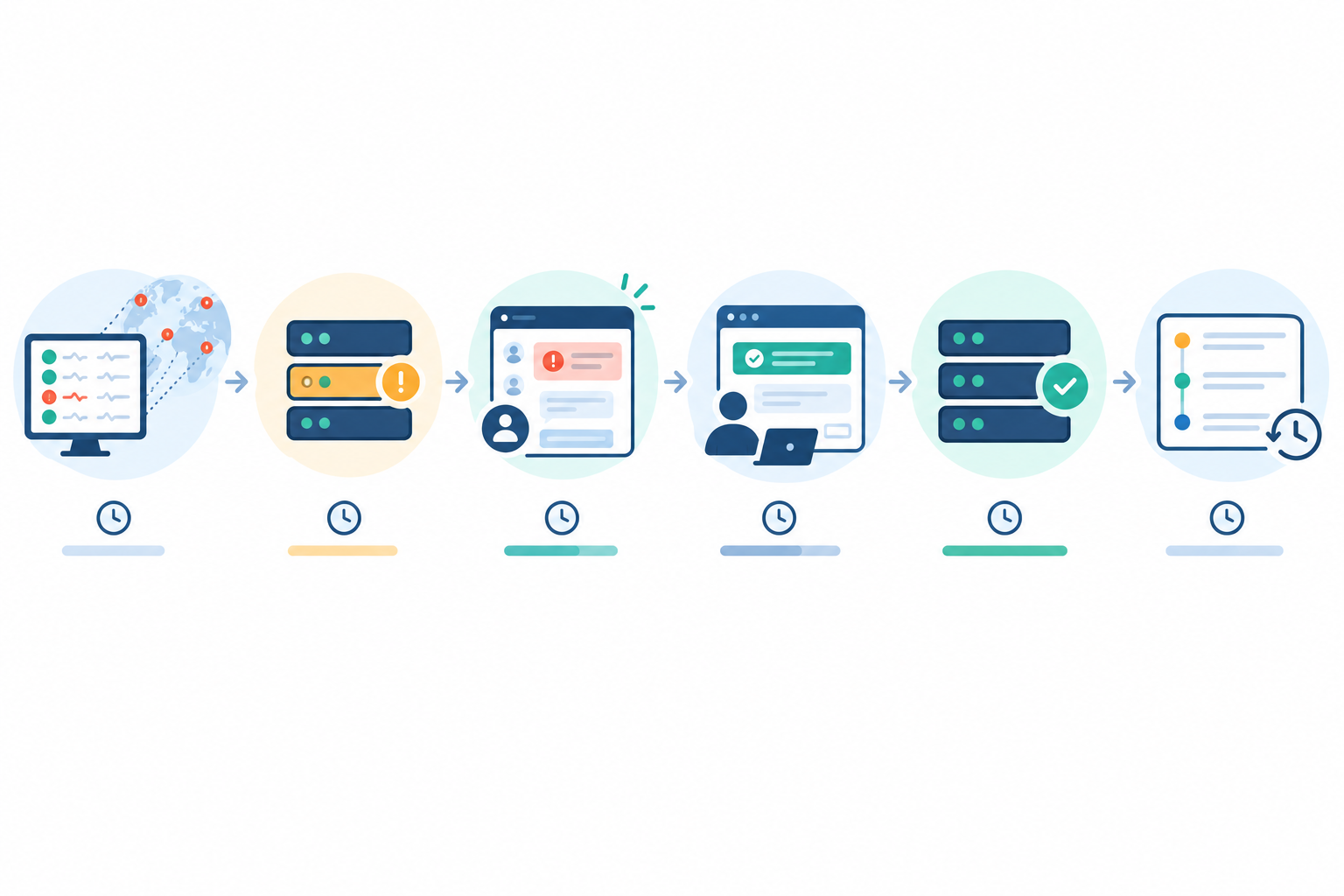
Tip: decide who posts manual updates and agree a rough standard, such as 'first update within 15 minutes of confirmation'. It doesn't have to be fancy, only agreed.
A status page nobody can find is just a nice-looking secret. Here are the places I'd link it first, in rough priority order:
If you have time, add it to your website footer, your terms or SLA page, and any in-product banners for planned maintenance.
Then build a light habit: review your components quarterly, retire any that are noisy or unhelpful, and look back at the incident history after every major event. It's a living page, not a one-off task.
Everyone makes a few of these. Here's what to watch for:
And please don't stress about perfection. A simple, accurate page beats an elaborate one that never ships.
That's the whole flow: choose, connect, brand, publish, link. The mechanics are quick. What makes a public status page useful is the thinking about which services matter to customers, and how you word what's happening when they don't.
If you'd like to try it with Moonitor, there's a 7-day free trial. Plans, including limits on monitors, API access and data export, change over time, so check the current pricing page for details. Prices may be listed in US dollars, so factor in exchange rates and any VAT if you're buying from the UK.
My encouragement: publish a simple version today and improve it later. Your future self, and your support inbox, will thank you. 💙
Emma
Usually, yes. Small teams often benefit most, because customers can check for themselves instead of emailing you while you're trying to fix the problem.
The ones that map to services customers rely on, such as your web app, login, public API and customer-facing scheduled jobs. Keep internal checks like staging servers and database hosts private. If an expiring certificate or domain breaks something customers use, report it on the affected public component rather than hiding it.
Yes. A subdomain like status.yourcompany.com is the usual choice, set up with a CNAME record at your DNS provider. Host it separately from your main app so it stays reachable during an outage, and allow time for DNS to propagate.
Wherever customers go when something feels wrong: your app footer, login page, help centre, support auto-replies, API documentation and error pages.
Generally not. Clear, prompt updates tend to build trust, while silence is what damages confidence.
Not for the basics. Component status can follow your monitors automatically, and multi-region verification helps reduce false alarms. Add manual updates to explain what's happening and what customers should do.
Build a branded status page customers trust: follow status page best practices for clear live updates, incident history and reliable public status.
See how agencies can offer clients branded status pages on custom domains, reduce outage-related support emails, and package monitoring as a premium s
See how agencies use white-label status pages to build client trust, reduce support tickets, and sell branded uptime monitoring as a premium service.