Live Chat vs. Email Ticketing: Which Should Your Early-Stage SaaS Launch With?
13 min read
Loading...
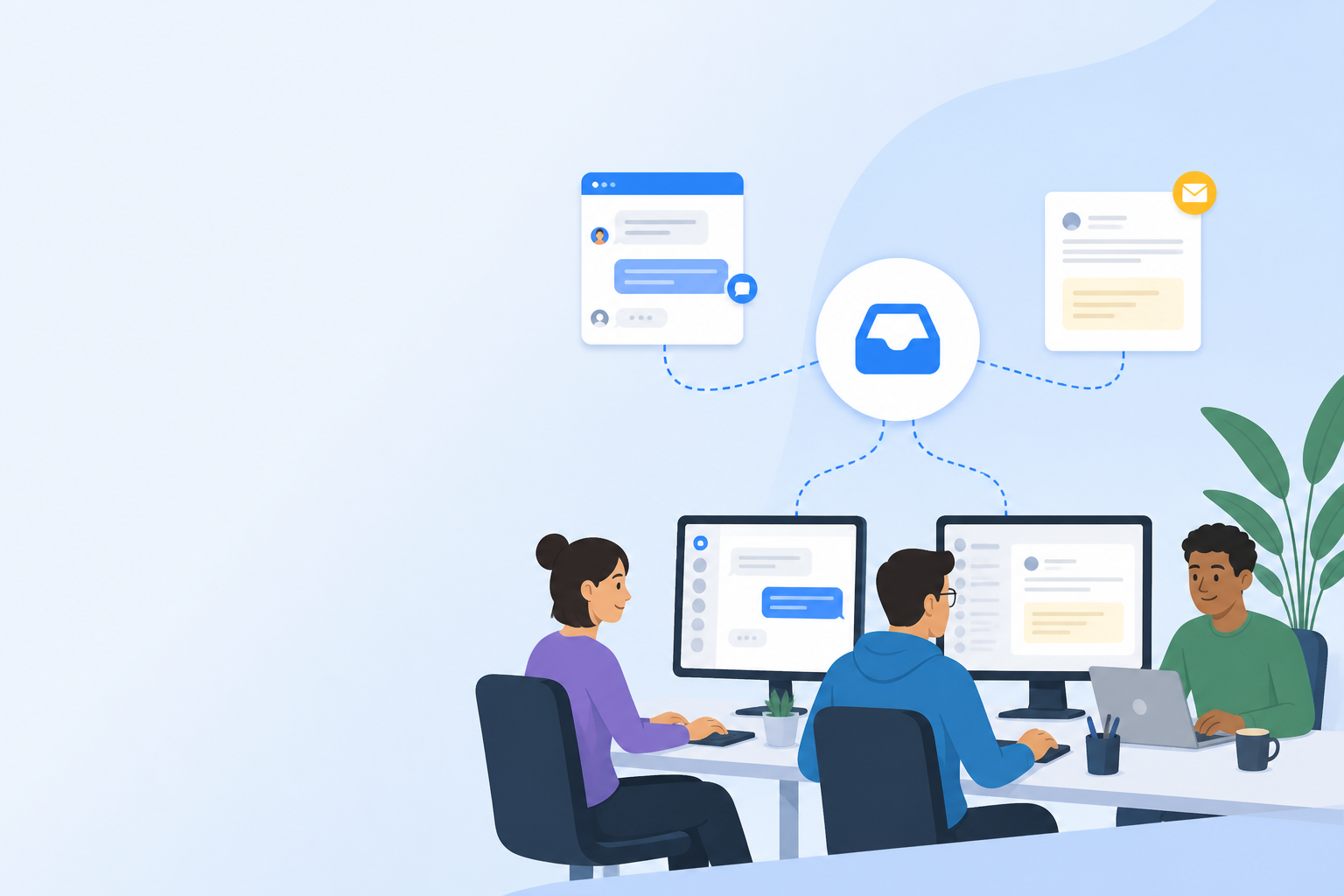
If you're pre-revenue or just past launch, a live chat widget is usually the better place to start. It catches hesitant trial users right when they're squinting at your pricing page, wondering if you're legit. But that's not a universal rule. If your product is technical, sold to enterprise buyers, or run by a small team that genuinely can't staff a chat widget during business hours, starting with email ticketing often makes more sense.
There's no single right answer here, only the right one for your product and your team. This guide compares live chat and email ticketing so early-stage SaaS founders can choose a customer support channel with confidence.
Once you have paying customers with account-specific or technical issues, email ticketing becomes essential. Those conversations need a paper trail that live chat just doesn't leave behind. Most SaaS teams end up wanting both within their first few months, which is part of why tools like Sonny bundle live chat and email ticketing into one shared inbox from the start, instead of making you stitch two tools together later.
But let's slow down and work through the decision, because the specifics matter more than the general rule.
Here's a faster way to think about it than reading the whole article (though I'd still recommend it):
| Your situation | Start with |
|---|---|
| Pre-launch or early trial users, simple product, you can watch a live chat widget during the day | Live chat |
| Technical or developer-focused product, complex onboarding, buyers who research before talking to anyone | Email ticketing |
| Small team, no one free to answer chat in real time | Email ticketing, or chat with clear "we reply within X hours" messaging |
| Paying customers plus trial users, or a global customer base | Both, ideally in one shared inbox |
And if you're already juggling support informally (replying to DMs on Twitter, fielding emails through a shared Gmail inbox, or running a free chat plugin bolted onto your homepage), take that as a signal to consolidate, not a system worth defending. It works until it doesn't, and it tends to fall apart right when you can least afford the chaos.
A live chat widget shines in the moments right before someone decides whether to trust you with their money. Think about your own behaviour as a shopper: you're on a checkout page, something's unclear, and if there's no one to ask, you just leave. I've abandoned plenty of carts this way myself. The same thing happens with SaaS trials, constantly.
Live chat is particularly good for:
But here's the catch a lot of live chat advice skips over: chat only builds trust if you can actually staff it. A widget that says "chat with us!" and then goes unanswered for six hours does more damage than not having one at all. If you're going to offer chat, be upfront about your hours (something like "we're online 9–5 UK time, leave a message otherwise" works fine), and let offline messages fall back into your ticketing queue so nothing gets lost.
What live chat isn't great for: anything that needs investigation, a screenshot, or a record you'll want to dig up in three weeks. If someone's asking why their API call failed at 2am on a Tuesday, chat is the wrong tool. You need something with more staying power.
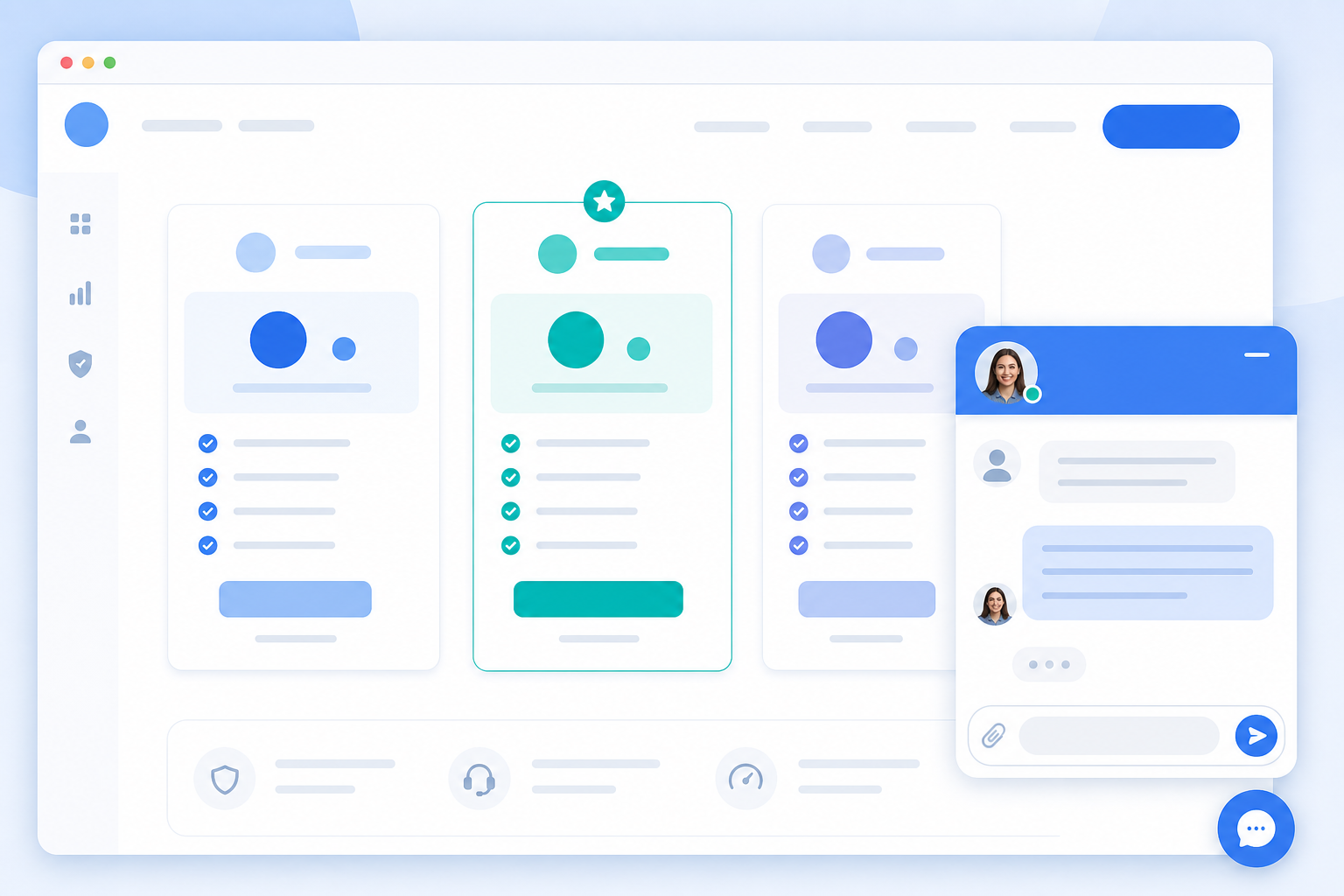
Once you have paying customers, a different kind of question starts showing up, the sort that can't be answered in a 30-second back-and-forth. This is where email ticketing earns its keep.
Email ticketing is generally the better fit for:
Think of email as the channel for anything with weight to it. It's where accountability tends to live, provided someone's actually managing the queue.
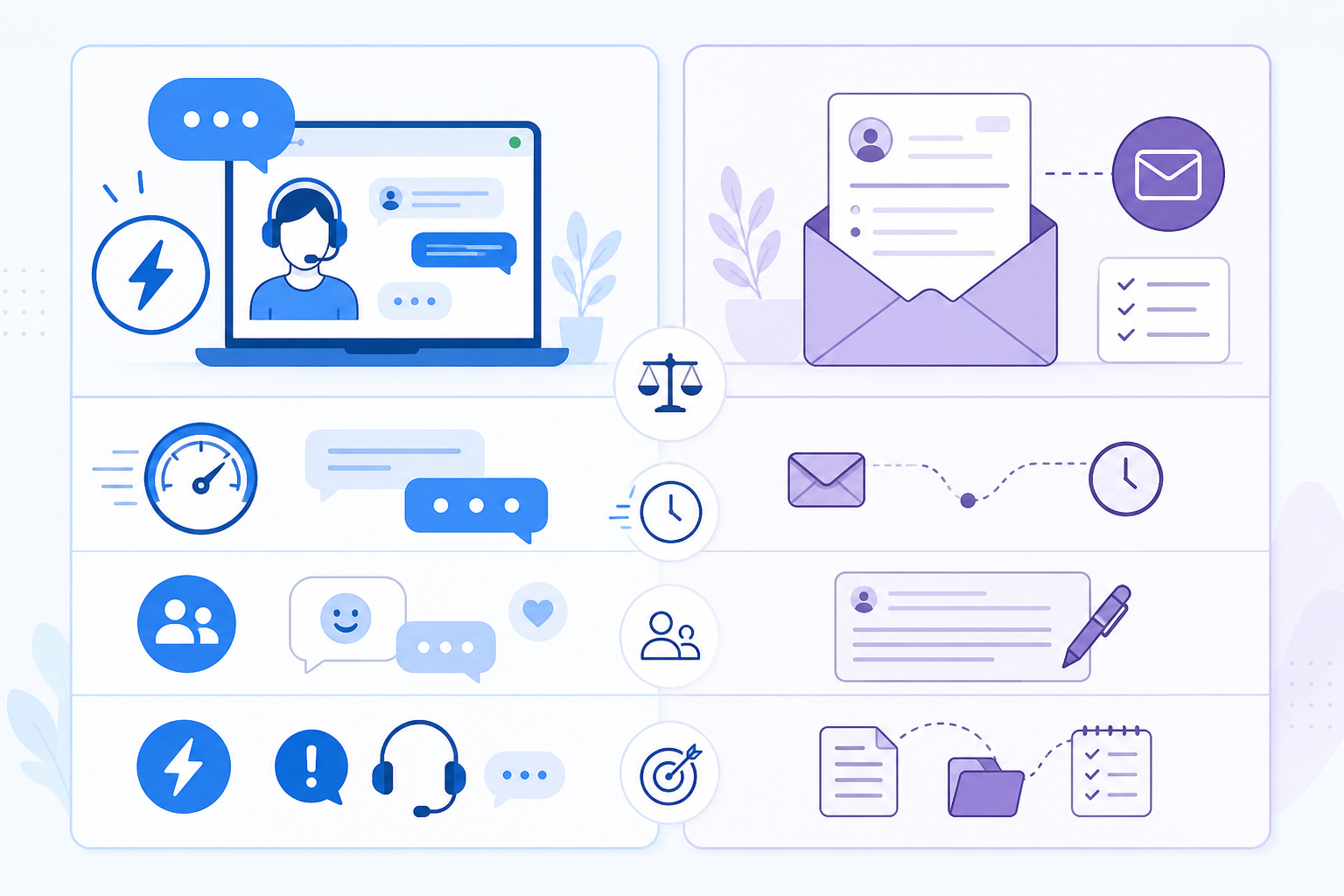
One thing that trips up a lot of early founders: customers bring completely different expectations to chat versus email. Mismatch those expectations and you quietly erode trust, even when you eventually solve the problem. The numbers below are reasonable internal targets, not fixed rules, and they'll shift depending on the availability you've actually promised.
| Live Chat (staffed hours) | Live Chat (offline) | Email Ticketing | |
|---|---|---|---|
| Suggested response target | Under 2–3 minutes | Falls back to a ticket | Same working day to 24 hours |
| Tone | Casual, conversational | N/A | More formal, detailed |
| Typical exchange length | Short, back-and-forth | N/A | Longer, fewer exchanges |
| Customer mindset | "Someone's right there" | "I'll hear back soon" | "I'll get a thorough answer eventually" |
If you reply to a chat message four hours later, it can feel like being ignored, even though four hours would be a perfectly reasonable turnaround for an email. On the other hand, firing off a rushed one-liner to a billing dispute over email can come across as dismissive, even when you meant well.
For UK-based SaaS teams specifically, a few practical things are worth building in rather than assuming you'll figure them out later. If you're supporting customers across time zones, decide explicitly what "business hours" means and say so on your widget. And if you handle EU or UK personal data, make sure your customer support software's data processing terms actually hold up under GDPR. This matters more for email, where you're often storing account details and attachments long-term, than it does for chat.
In my experience working with UK teams, a prompt acknowledgement tends to matter more than raw speed. A quick "got it, looking into this" buys you goodwill that response-time metrics alone won't capture. I'd treat that as a working observation rather than a hard rule, though. Test it against your own customers.
Once you have both trial users and paying customers, you'll likely have both types of question arriving at the same time: someone on your pricing page asking about seat limits, someone else emailing about a failed webhook. It's rarely as tidy as a single channel can handle.
The trouble starts when live chat and email live in separate tools. You end up with duplicate logins, notifications scattered across apps, and no shared history. A teammate answering a chat has no way of knowing the same customer emailed about a refund yesterday. That's how customers end up repeating themselves, which is a quietly effective way to make a company feel like it doesn't know its own customers.
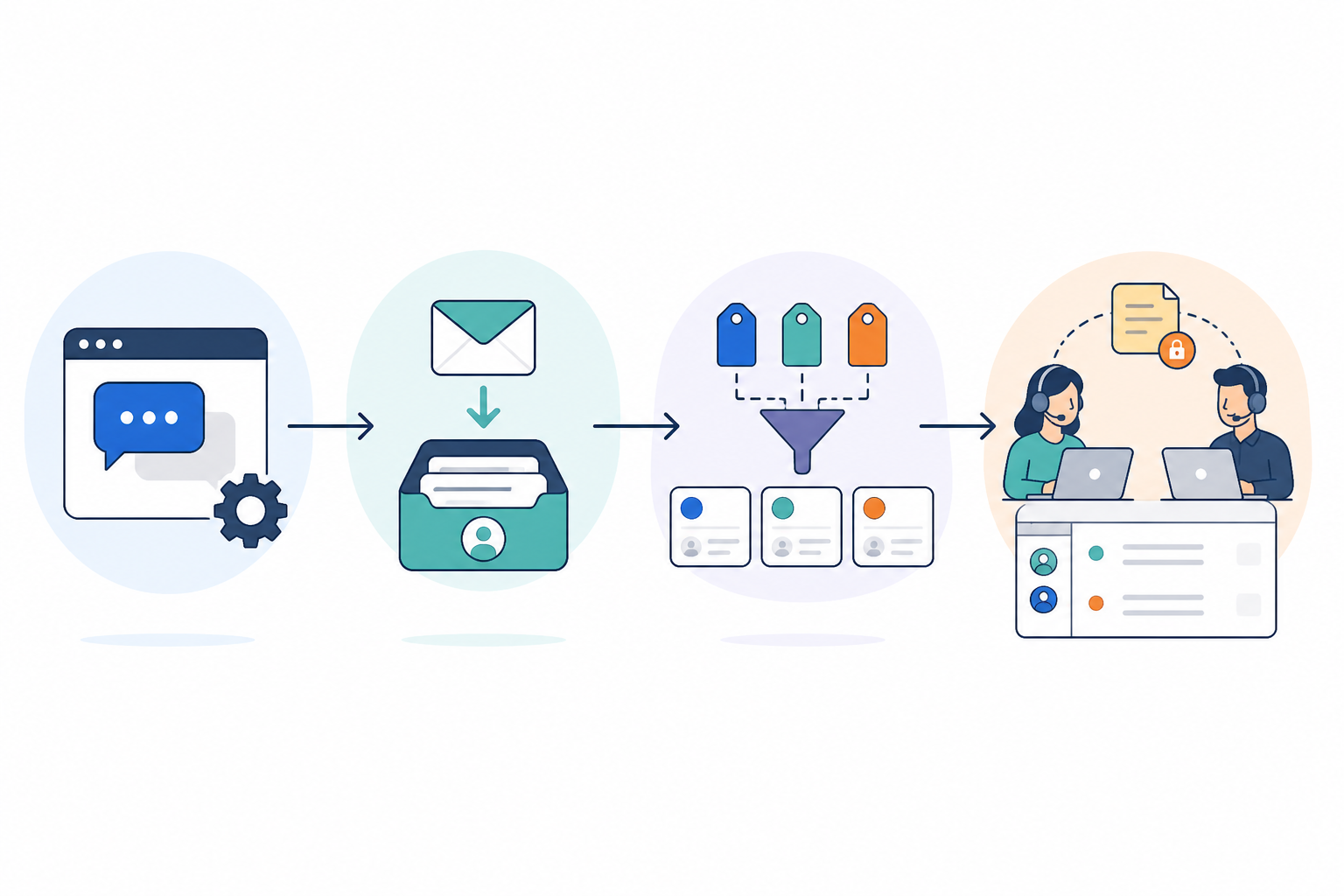
A shared inbox solves this by putting live chat conversations and email tickets in the same place, visible to your whole team. Once more than one person is answering support (even if that's just you and a co-founder trading off), internal notes and tagging stop being a nice-to-have and start being what keeps replies from getting duplicated or missed.
There are trade-offs too, and I don't want to gloss over them. Combining channels in one inbox can make channel-specific reporting a bit messier, you'll want to filter by channel to see how chat and email are each actually performing. And when a chat conversation gets escalated into an email ticket, you need the tool to carry that context forward automatically. Otherwise you've just traded one fragmentation problem for a smaller one.
There's no single timeline that fits every team. A two-person technical SaaS with a handful of design-partner customers will hit these stages on a completely different schedule than a self-serve product with a fast trial funnel. Use volume and complexity as your triggers, not the calendar:
Before you pick a tool, it helps to have a neutral checklist, because the pricing model of most customer support software quietly pushes founders towards decisions that aren't really about the product. Many platforms charge per agent, so adding a second channel or a second teammate means a bigger bill every month. That nudges some teams to delay email ticketing, or avoid bringing on help, purely to dodge the cost.
Whatever you choose, look for:
Flat-rate pricing is one way around the per-agent problem, though it's not the only thing to weigh up. Sonny, for instance, offers unlimited agents and conversations for $19.99 a month, with live chat and email ticketing in the same shared inbox from day one. Check that against your own requirements, current pricing, and trial terms directly, since specifics like this change over time.
A handful of teams we've talked to, including Shopstar and LeadToSheet, chose to run both channels from week one specifically because the pricing model didn't force them to pick. That's one data point, not a universal outcome. Test it against your own support volume before committing to anything.
For most consumer-facing, self-serve SaaS products, live chat wins first because it catches trial users at the moment of hesitation and helps with conversion. If your product is technical, enterprise-focused, or supported by a team that can't monitor chat in real time, starting with email ticketing is often the more honest choice. Most teams end up wanting both within their first couple of months regardless.
Live chat is real-time and best for quick, in-the-moment questions during pre-sales or onboarding. Email ticketing is asynchronous and better suited to detailed, technical, or account-specific issues that need documentation and follow-up over time.
Only if you're upfront about it. A chat widget with no one behind it, and no clear "we'll respond within X hours" message, tends to damage trust more than not having chat at all. If you can't staff it live, either set honest expectations on the widget or hold off until you can.
Start simple: pick a response target per channel (a few minutes for staffed chat, the same working day for email works for most teams), write it down somewhere your team can actually see it, and track how often you meet it. Adjust the target before you adjust your effort. An honest slower promise beats a fast one you keep missing.
Yes, and plenty of founders do it in that order, particularly with technical or B2B products. The main thing to watch for is tool sprawl. If your email ticketing and live chat widget live in separate platforms, you'll end up managing two logins and two histories. Starting with a shared inbox means you can turn on either channel without switching tools later.

Discover how UK e-commerce brand Shopstar used customer support software, a shared inbox and flat-rate pricing to scale support without hiring.
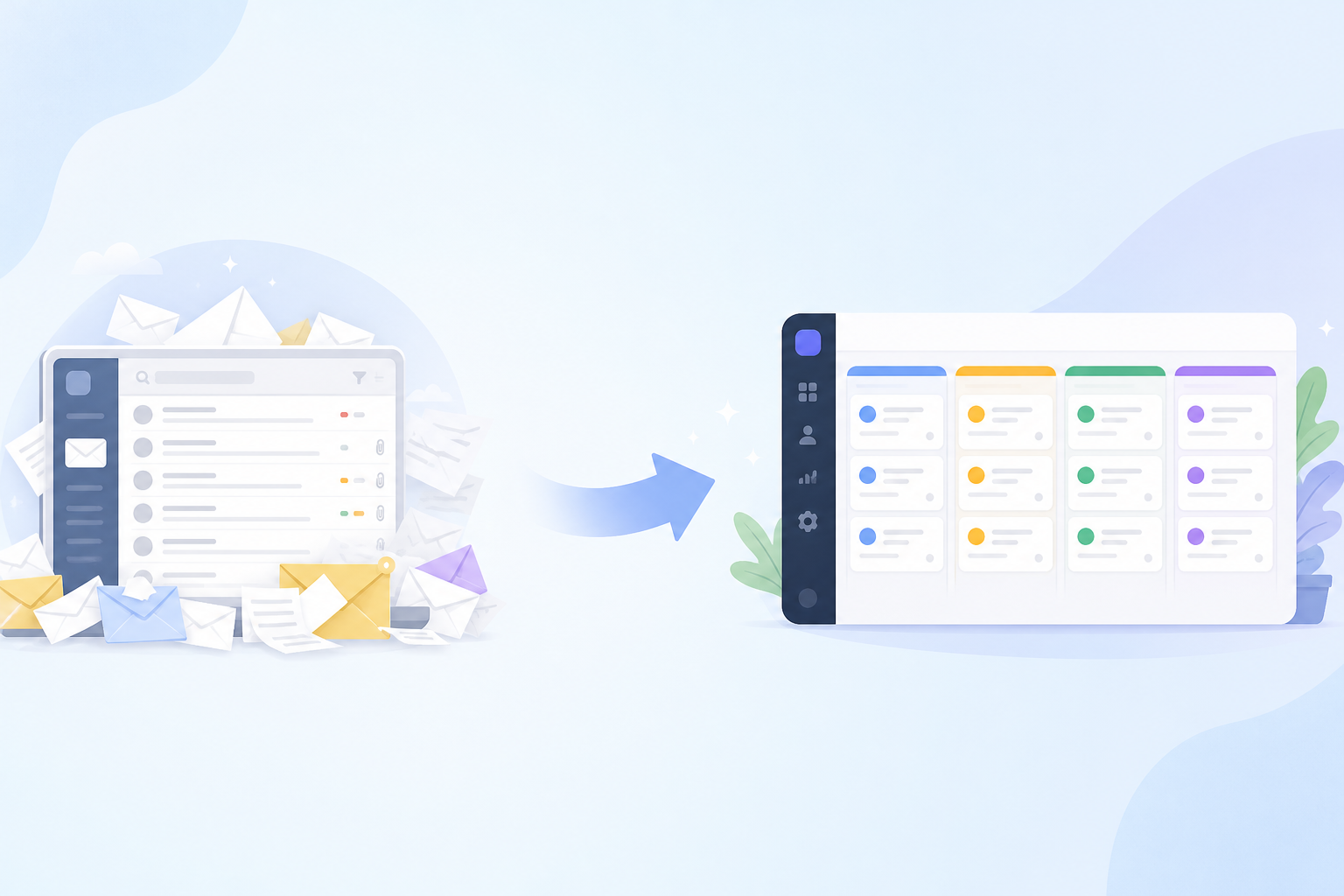
Confused about email ticketing vs. a regular inbox? Here's a plain-English guide to how email ticketing works, why it beats shared mailboxes, and how
Compare UK help desk software for multi-brand teams: shared inbox features, pricing, integrations, trials and a checklist for choosing the right tool.