Managing Multiple Storefronts in One Support Inbox: A Practical Guide for Multi-Brand Teams
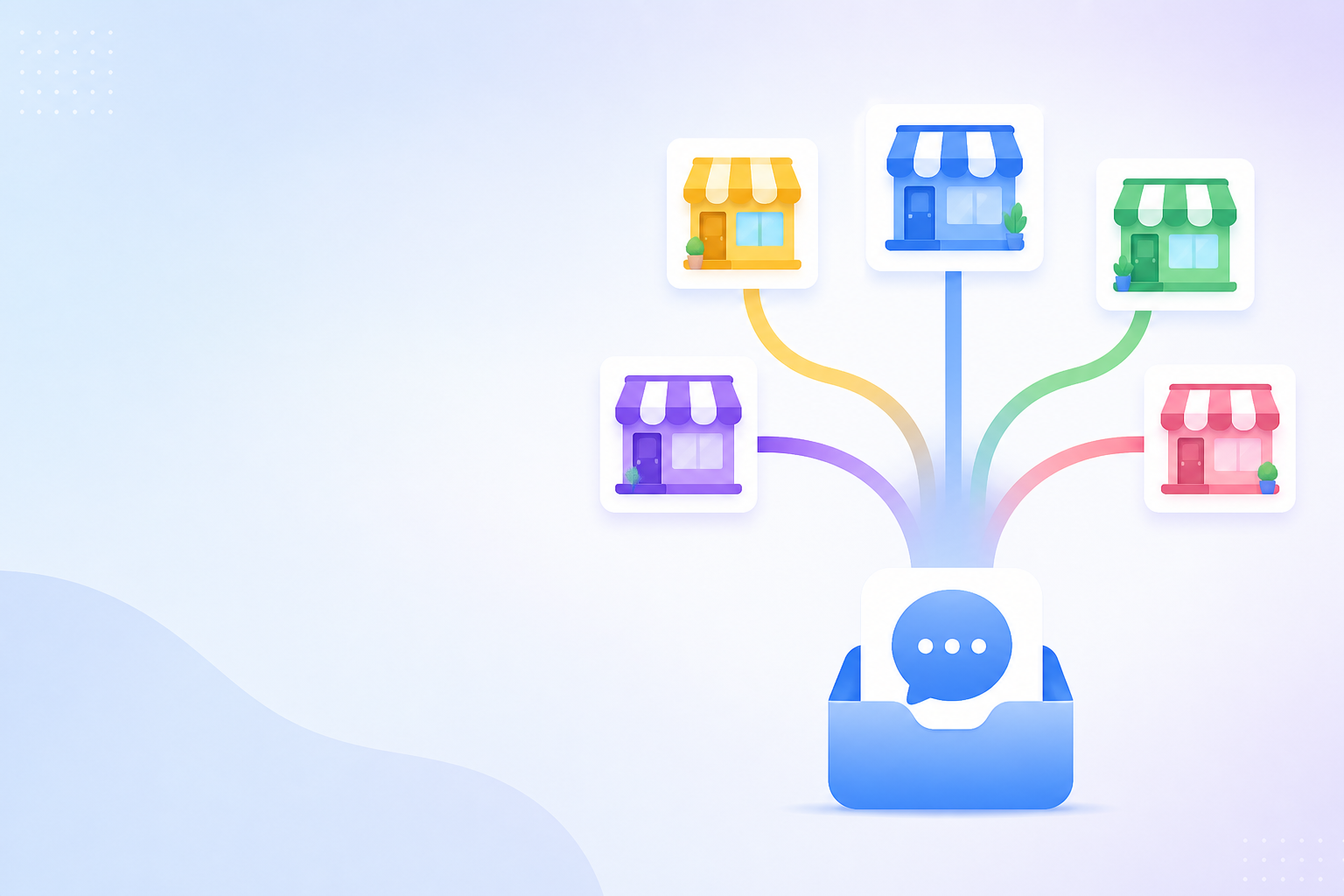
How to Manage Multiple Storefronts with Help Desk Software in One Inbox
Yes, you can run customer support for several online shops out of one help desk platform and one shared inbox. But you need three things sorted first: brand tags, routing rules and reporting filters. Get those right, and a single shared inbox can comfortably handle two to five storefronts without agents losing track of who they're talking to or which brand voice to use.
This setup works best when the same team, or overlapping teams, supports multiple brands and would benefit from one login and consistent reporting. It works less well if your brands are separate legal entities, have strict data-separation requirements, or are staffed by completely independent teams that never cover for each other. If that's your situation, separate support software for each brand is probably the safer call. The rest of this guide assumes you're in the first camp.
The Multi-Storefront Support Challenge
Here's how it usually happens. You launch one storefront, get a support inbox sorted, and things run smoothly. A second brand launches, maybe a complementary product line or something in a totally different niche, and spinning up another inbox feels like the path of least resistance. Then a third brand arrives. By the time you're running four shops under four different names, you've got four logins, four dashboards and very little visibility into how customer support is actually performing across the business.
The costs of that setup are predictable once you name them:
| Symptom | What it actually costs you |
|---|---|
| Agents juggling multiple logins | Slower responses and more context-switching |
| No shared view across brands | Missed or delayed tickets in the inbox nobody's watching |
| Different tools shaping tone | Inconsistent brand voice customers notice |
| Per-seat pricing across tools | Rising software costs with every new hire or brand |
Adding a new tool for each new brand feels reasonable at first, but it compounds fast. Every tool means another subscription, another login, another training session and another blind spot in your reporting. Eventually, the tooling itself becomes the bottleneck, not your team's capacity to help customers.
Setting Up Brand-Specific Tags in Your Help Desk Software
The fix starts with tagging, and it's more straightforward than it sounds. Before connecting your first inbox to a shared customer support software platform, map out your tagging convention on paper. This upfront planning saves you from an unworkable taxonomy six months down the line.
Here's a worked example using three fictional storefronts, Willowbrook Home, Fernshaw Kids and Marlow Outdoors, all run by the same small team. Rather than one flat list of tags, split them into five fixed categories:
- Brand —
brand:willowbrook,brand:fernshaw,brand:marlow - Channel —
channel:email,channel:chat,channel:social - Issue —
issue:returns,issue:shipping,issue:product - Priority —
priority:urgent,priority:standard - Status —
status:awaiting-customer,status:escalated
Brand and channel should be applied automatically wherever your platform supports it. Most modern help desk tools, Sonny included, can apply a tag based on which email address or chat widget a message arrives through, so a message to support@willowbrook.co.uk gets tagged brand:willowbrook the moment it lands. Issue and priority are usually better left to agents, since they require judgement a rule can't make reliably.
A tag can also carry a short tone reminder, something like "Willowbrook: casual tone, first names only", but treat that as a quick prompt, not a substitute for a proper brand style guide, approved macros or an escalation policy. Tags jog memory. They don't enforce standards on their own.
The most common mistake is over-tagging: piling on sub-category, sentiment and SKU tags until the list becomes unusable. The second most common is tag drift, where "Willowbrook" turns into "Willow-Brook" turns into "willowbrook" because nobody actually owns the taxonomy. Assign one person to manage it and review the tag list monthly.
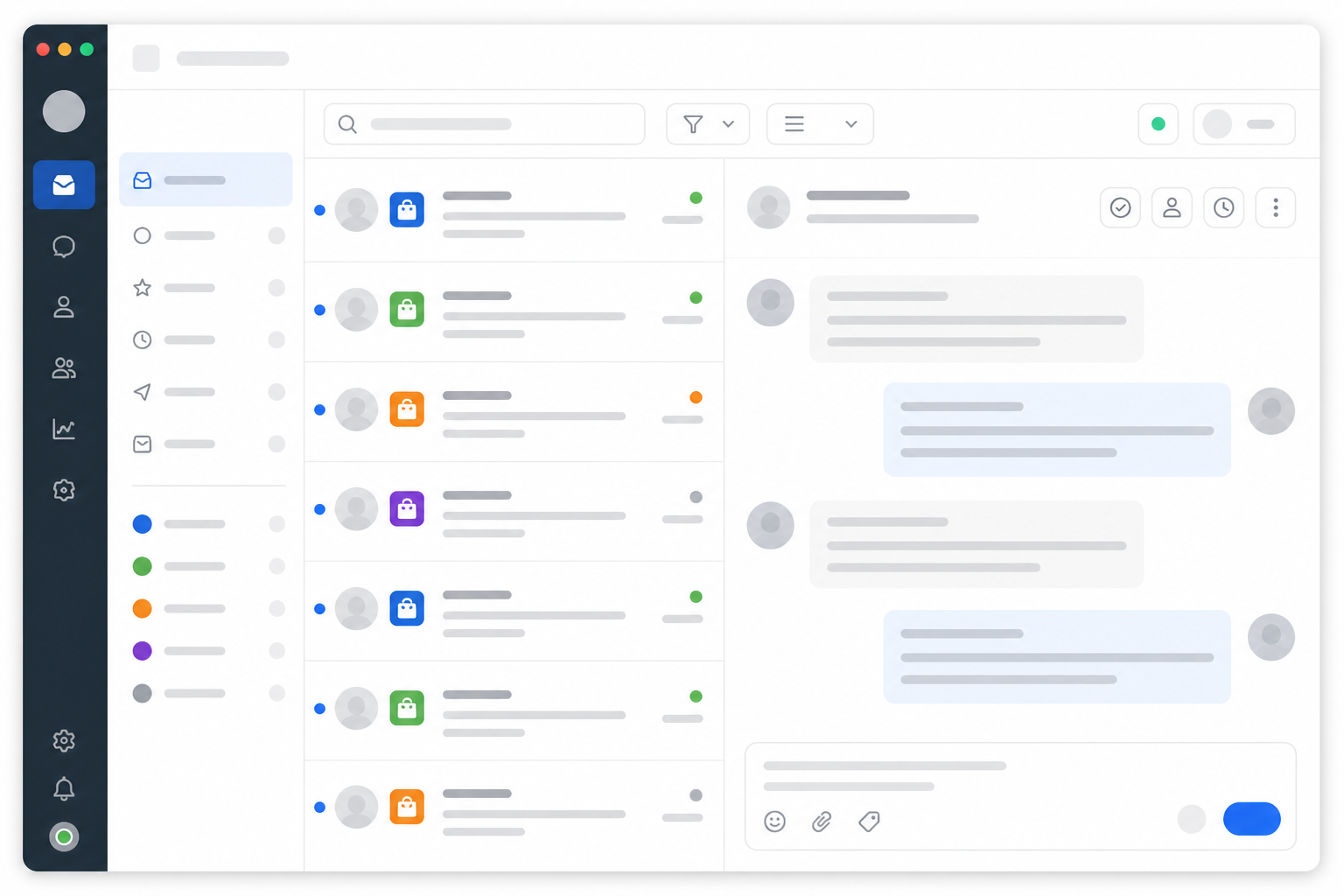
Routing Customer Conversations by Storefront
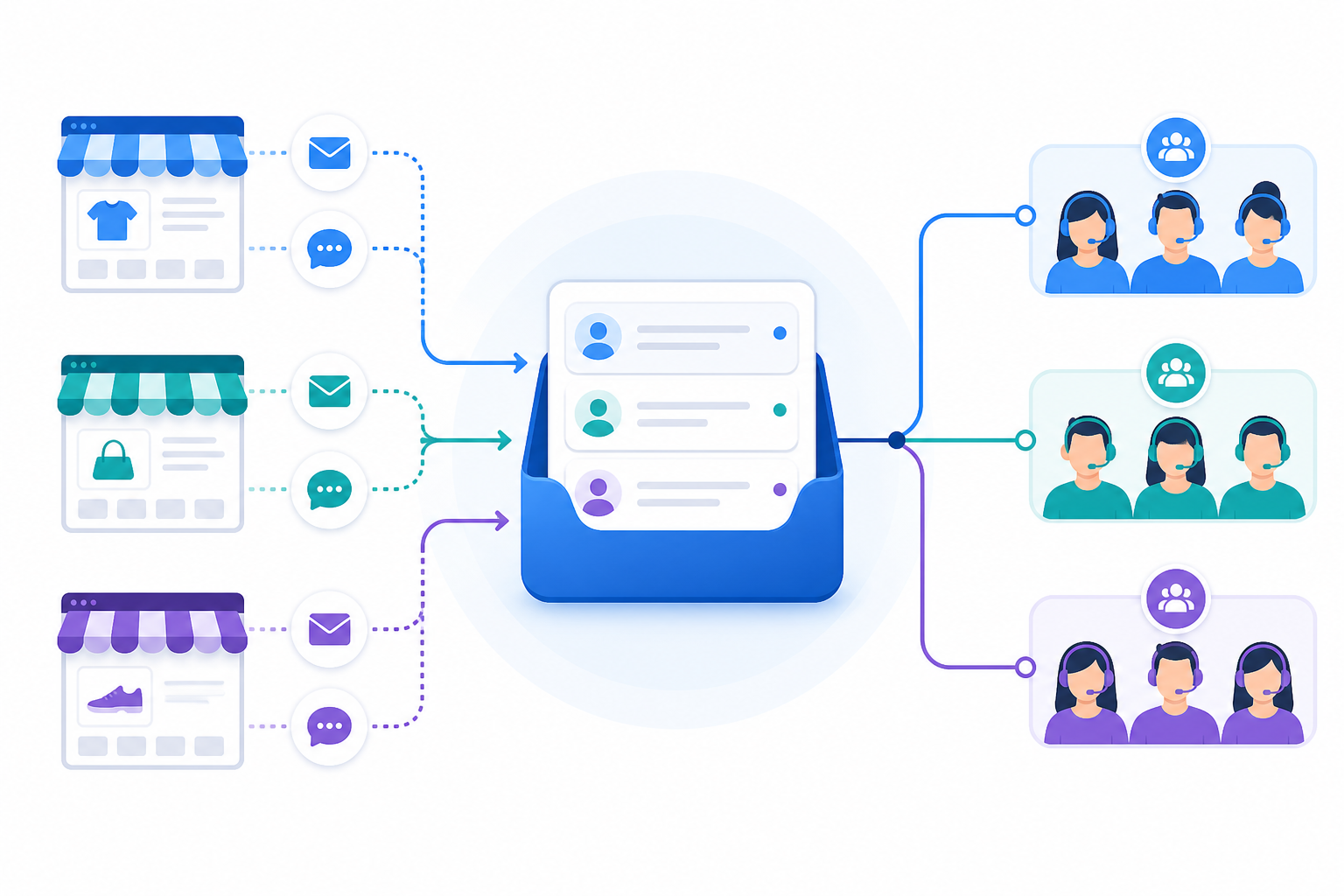
Once tags are sorted, routing takes care of getting the right conversation to the right agent without anyone having to think about it, provided you test it properly first. Each storefront needs its own distinct entry point that the help desk software can recognise:
| Storefront | Support Email | Chat Widget | Brand Tag | Agent Group | Reply-From Identity |
|---|---|---|---|---|---|
| Willowbrook Home | support@willowbrook.co.uk | Willowbrook widget | brand:willowbrook | Willowbrook team | Willowbrook support@willowbrook.co.uk |
| Fernshaw Kids | help@fernshawkids.co.uk | Fernshaw widget | brand:fernshaw | Fernshaw team | Fernshaw Kids help@fernshawkids.co.uk |
| Marlow Outdoors | care@marlowoutdoors.co.uk | Marlow widget | brand:marlow | Marlow team | Marlow Outdoors care@marlowoutdoors.co.uk |
A few things to build in from the start:
- Forward each support address into the shared inbox separately. Don't route everything through one catch-all address, or you'll lose the ability to auto-tag by source.
- Use widget source data for live chat where it's available, so a conversation started on the Fernshaw site routes to agents trained on Fernshaw, not just whoever happens to be free. Confirm this exists on your plan before relying on it.
- Build a fallback queue for anything the rules can't confidently sort. Messages with no recognisable source, forwarding loops or a customer who's emailed two different brands in the same thread should land somewhere a human checks daily, rather than being silently mis-tagged.
- Cross-train a few agents on your busiest two or three storefronts so someone can step in during a surge without a full onboarding process.
Multi-Storefront Help Desk Software Pre-Launch Checklist
Before any brand goes live on the shared inbox, work through this checklist:
- Reply identity. Send a test message to each brand's support address and confirm the reply goes out under the correct name, email address and signature.
- Agent permissions. Decide whether every agent sees every brand's conversations, or whether some need restricted access, especially relevant if you support external clients or licensed product owners.
- Shared customers. If the same person contacts more than one of your brands, check how your platform handles that overlap and whether it creates duplicate profiles or a merged history you didn't intend.
- Data notices. Update your privacy notices and retention practices if needed so they reflect a shared support system, particularly under UK GDPR.
- A full test pass. Send a test ticket through every email address and chat widget, and confirm the tag, routing, agent assignment and reply identity are all correct before opening that brand to live traffic.
Reporting on Each Brand Separately
This is where a lot of multi-brand teams trip up. They consolidate the inbox, feel good about it, and then realise their reporting is one blended mess, with no way to tell if one storefront is drowning while another's response times have quietly slipped.
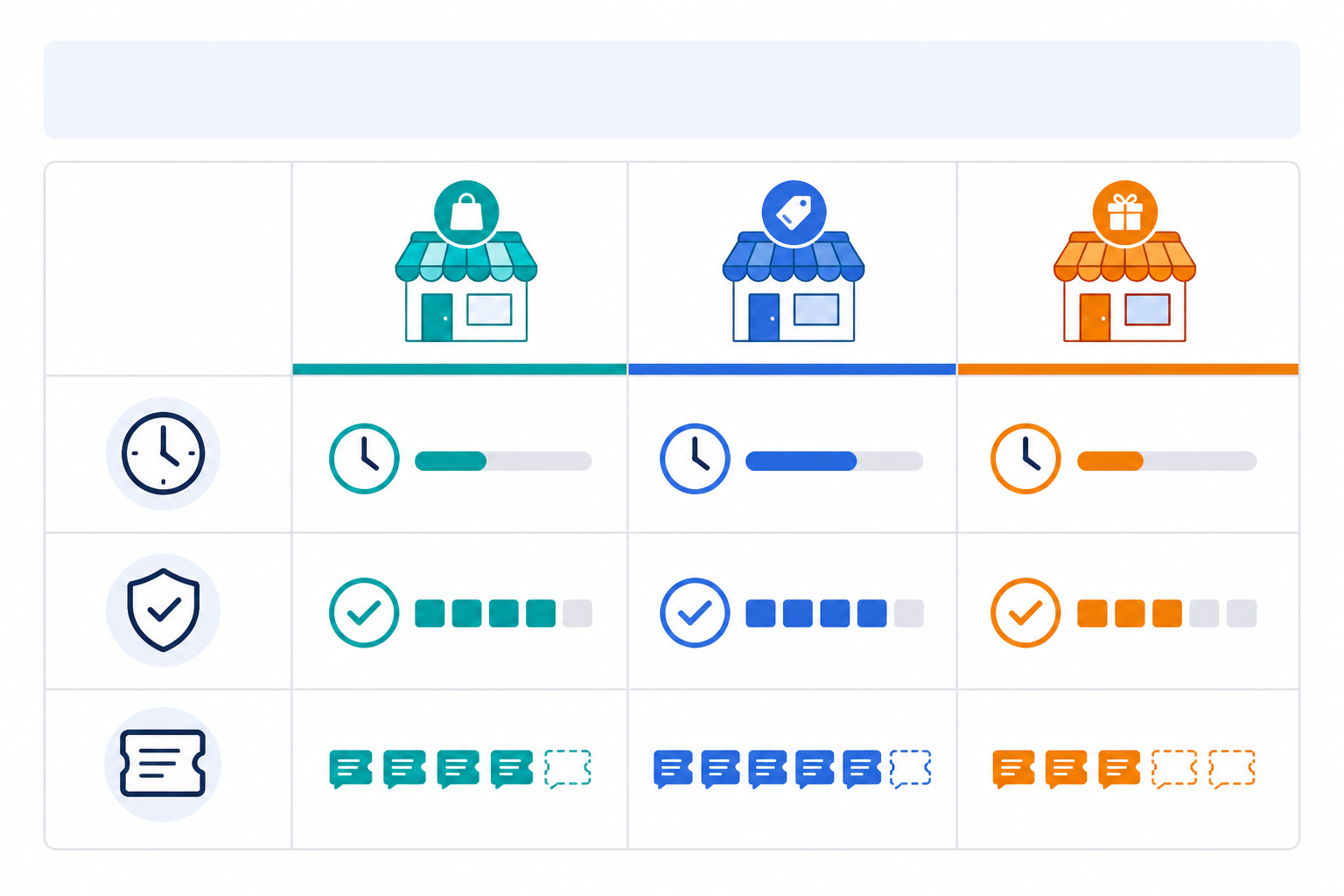
The fix is filtering reports by the same tags you already built. Many customer support software platforms, including Sonny, let you filter response time, resolution rate and ticket volume by tag. Confirm this is included on your specific plan before you rely on it for business decisions.
Here's an illustrative example, fictional figures from one week, meant to show the shape of the comparison rather than a target to hit:
| Metric | Willowbrook Home | Fernshaw Kids | Marlow Outdoors |
|---|---|---|---|
| Avg. Response Time | 2.1 hrs | 4.8 hrs | 1.5 hrs |
| Resolution Rate* | 94% | 78% | 96% |
| Weekly Ticket Volume | 210 | 340 | 95 |
*Percentage of tickets closed without being reopened within the reporting period.
Fernshaw Kids looks under-resourced here: higher volume, slower responses, a lower resolution rate. But before you react, dig into the context. Is this a seasonal spike, a new product launch or a genuine staffing gap? Volume alone doesn't tell you whether a brand needs more agents or better self-service content. Filtered reporting hands you the right question to ask. It doesn't answer it for you. Watch for reopen rates and SLA breaches trending in the same direction over a few weeks, that's a stronger signal than any single week's snapshot.
This kind of filtering is also useful if you manage storefronts for outside clients. You can send a clean report covering just their brand, rather than a jumbled report covering everyone you support.
Keeping Customer Support Software Costs Flat Across Multiple Brands
Most help desk software charges per seat, which feels manageable for a small team supporting one brand. Scale to four storefronts and eight agents, though, and per-seat pricing can quietly become one of your largest software costs.
Here's an illustrative comparison. Figures are for demonstration only and exclude channel add-ons, automation fees and VAT, so verify current terms with any provider before deciding:
| Per-seat tool (~£15/agent/month) | Flat-rate tool | |
|---|---|---|
| 8 agents, 4 storefronts | ~£120/month | One fixed monthly fee, regardless of agent count |
| Adding a 9th agent | +£15/month | No change |
| Adding a 5th storefront | Often a plan upgrade | Usually no change, if within the platform's limits |
Sonny is one example of a flat-rate help desk tool, and it publicly lists plans that don't scale with agent count. Check its current pricing page for exact figures before treating this as a quote. But the broader point holds no matter which flat-rate tool you choose: under that kind of model, a team of eight agents across four storefronts doesn't pay more than a solo founder running one shop, and adding a teammate doesn't trigger a plan upgrade. Setting up a new brand's support can often be done the same day it launches, though give yourself more than a few minutes if you're configuring several email addresses, widgets and routing rules properly instead of rushing it.
How to Set Up a Shared Inbox for Multiple Online Stores
- Start with your busiest storefront, ideally during a free trial. That's where you'll learn the most, fastest.
- Set up tags and routing for that one brand before adding anything else. This becomes your template, and replicating it for the next brand is much quicker.
- Add the remaining storefronts one at a time. Connect the email and widget, test routing, confirm tags, then move to the next. Connecting everything at once is how naming inconsistencies and routing mistakes creep in.
- Run the pre-launch checklist for each brand before it goes live.
- Review after one to two weeks. Check for missed tickets, misrouted conversations and replies sent under the wrong brand identity. Small mistakes are far easier to fix early.
- Give agents a one-page reference sheet listing each brand's tag names, tone notes and specific policies, so cross-brand coverage during busy periods doesn't require full retraining.
Running support for multiple storefronts doesn't have to mean multiplying your tooling headaches. With the tags, routing and pre-launch checks above, one shared inbox and the right help desk software can handle the complexity, provided you've chosen consolidation for the right reasons and tested it properly first.
Frequently Asked Questions About Multi-Storefront Help Desk Software
How do I manage support for multiple online stores in one place?
Connect each storefront's support email and chat widget to a single shared inbox, then use tags and routing rules to keep conversations organised by brand. You get one login and one workflow, while customers still get responses that feel specific to the store they contacted, provided reply identities and permissions are configured correctly first.
Can I tag conversations by brand in a shared inbox?
Yes, in most modern help desk software, including Sonny. You can create custom tags for each storefront and, on many plans, automatically tag conversations based on the email address or widget they came through. Confirm which auto-tagging features are included on your specific plan.
Does help desk software pricing increase for each additional brand?
With per-seat tools, usually. Adding brands often means adding agents or workspaces, which raises the bill. Flat-rate tools charge one price regardless of agent count, which can make several storefronts considerably cheaper to support. Check current pricing and terms directly with any provider before committing.
Do I need separate inboxes for each brand's tone of voice?
Not necessarily. Tags and internal notes can hold quick tone reminders, but they work best alongside proper macros, approved templates and a documented style guide, not as a replacement for them.
What happens if the same customer contacts two of my brands?
Check how your platform handles overlapping contacts before you rely on it. Some systems create separate profiles per brand, while others merge history automatically. Either way, update your privacy notice and retention practices so they reflect that support is being handled through a shared system, which matters under UK GDPR.
Related Articles

How Shopstar Streamlined Support Without Adding Agents
Discover how UK e-commerce brand Shopstar used customer support software, a shared inbox and flat-rate pricing to scale support without hiring.
Email Ticketing Explained: A Friendly Guide for Small Support Teams
Confused about email ticketing vs. a regular inbox? Here's a plain-English guide to how email ticketing works, why it beats shared mailboxes, and how

Create content like this automatically
Scribe uses AI to generate high-quality blog posts that engage your audience and drive traffic.