Shopify Blog Automation: How to Connect AI Content Tools to Your Store and Actually Drive Traffic
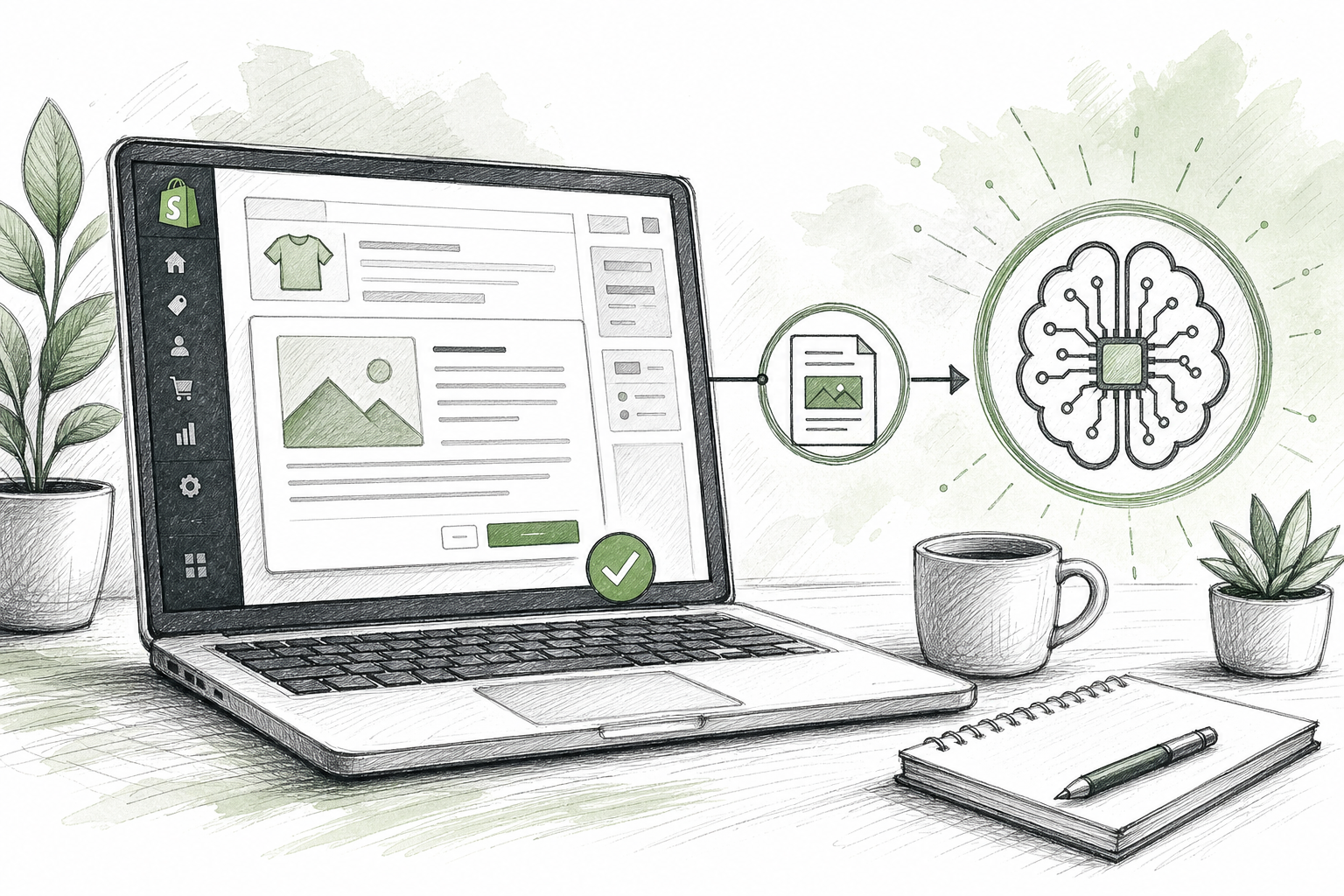
Shopify Blog Automation: How to Connect an AI Content Tool to Your Store
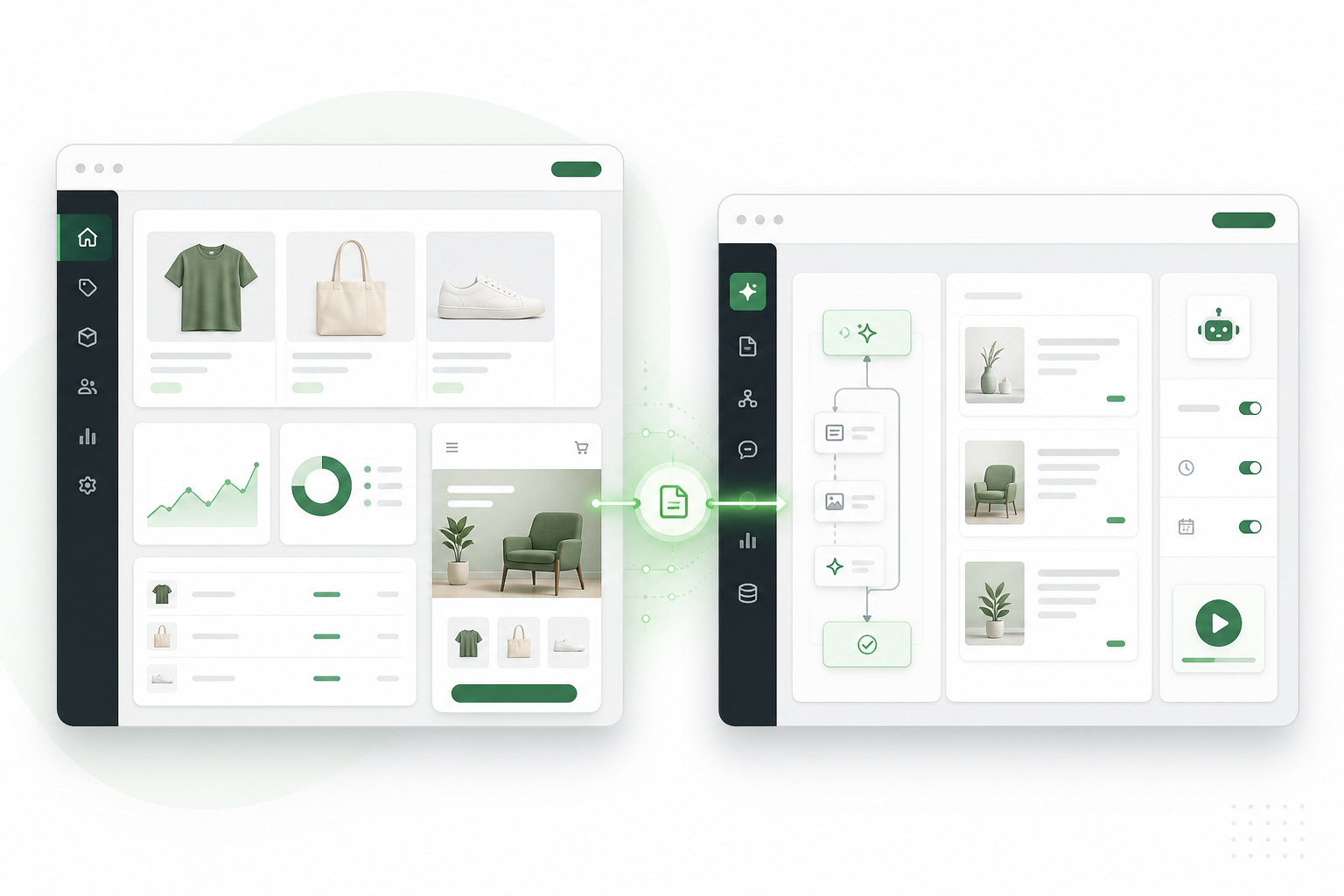
Can you automate blog publishing directly to Shopify? Yes. With a Shopify-specific integration, you connect your store once, generate a post, and push it to your blog as a draft or live article without copying text into the Shopify admin or uploading images by hand. This guide walks through how that actually works, using Scribe as the example since it's built specifically for this.
Worth knowing upfront: automation fixes a production problem, not a strategy problem. It won't guarantee rankings or sales on its own. It removes the friction that stops merchants from blogging at all, which matters, but the topics you choose and the review you give each draft still do most of the work. I'll come back to that, but let's get into the mechanics first since that's what most people actually want to know.
Why Shopify stores neglect blogging, even though it can work
If you run a Shopify store, blogging probably isn't top of your to-do list. That's a reasonable place to be. Most merchants are heads-down on product photography, ad spend, stock, and fulfilment, and those tasks have an obvious line to revenue this week. A blog post doesn't feel urgent when you're trying to get orders out before the courier collection.
The maths doesn't help either. Writing a genuinely useful, well-researched post that runs to 1,500 or 2,000 words takes real hours, hours most store owners don't have spare. So blogging gets filed under "someday," which in practice means it never happens.
Even stores that do get started run into a second problem: the payoff is invisible in the short term. Blog content builds organic visibility slowly, through relevance, originality, and the links and engagement it earns over time. It doesn't spike sales the way a flash sale does, so it loses priority the moment something with faster ROI shows up. This is why so many Shopify blogs follow the same arc: a burst of three or four posts in month one, motivation fades, and the blog quietly turns into a graveyard nobody touches again.
Automation closes that gap well when you already know roughly what your customers search for and just need the production bottleneck removed. It closes it badly if you're hoping AI-generated posts will substitute for genuine product knowledge or editorial judgement. The point of Shopify blog automation is to speed up how a post gets from draft to live, not to replace the human review that catches factual errors before customers see them.
How to set up a Shopify automated publishing integration
Here's the actual mechanics, using Scribe's Shopify integration as the working example. The general shape holds for most tools with a native Shopify connection, but menu labels and available permissions can shift as platforms update, so treat this as a guide to what to expect rather than a pixel-perfect walkthrough. Check current documentation before you connect anything.
What you need before connecting an AI content tool to Shopify
Before you connect, you'll need store owner or staff access with permission to install apps, and you'll need to know which blog you're publishing to if your store runs more than one (Shopify supports multiple blogs under Online Store > Blog posts, each with its own handle). Some integrations connect as a public Shopify app you approve in a few clicks; others use a custom app with an access token you generate yourself in your Shopify admin. Scribe uses the standard app-install flow, so most merchants won't need to touch custom app credentials at all.
Step-by-step Shopify blog publishing setup
- Connect your Shopify store. In Scribe's settings, choose the Shopify integration and click connect. This redirects you to Shopify's own authorisation screen, not a third-party login, so you're approving access inside your own admin.
- Review the permissions carefully. Shopify will show you exactly what's being requested, typically read and write access to blog posts and articles, plus read access to your store's basic details so the tool can identify the right shop. It should not need access to customer data, orders, or payment information. If a tool asks for more than that to publish a blog post, question it before approving.
- Choose your destination blog and set defaults. If you have more than one blog, pick the one you want posts to land in. Set your author name (this feeds Shopify's byline field), decide on a default tag structure, and choose how images are handled, either AI-generated images created with the post or your own uploaded product photography set as the featured image.
- Generate a draft and review it before anything goes live. Scribe scores each draft on structure, keyword coverage, and readability. Treat that score as a starting signal, not a substitute for your own read-through. Check facts, product claims, sizing or care details, and tone against your brand voice.
- Check the technical basics. Confirm the URL slug (called the "handle" in Shopify) makes sense, the meta title and description are filled in, images have descriptive alt text, and internal links point to the right collection or product pages. If you're publishing in rich text rather than raw HTML, glance at how headers and lists render, since formatting doesn't always carry over cleanly.
- Publish, ideally to draft first. Scribe lets you push to Shopify with the article status set to draft rather than published, so it sits in your admin unseen by shoppers until you give it a final look on an actual Shopify page. This is where formatting quirks show up that you won't catch in the editor.
- Turn on scheduled or auto-pilot publishing only once you trust the workflow. Scribe can publish new posts automatically on a recurring cadence once connected. That's genuinely useful for keeping a blog growing during busy weeks, but I'd only switch it on after reviewing several drafts manually and confirming the output is reliably on-brand and factually solid.
If something goes wrong, the most common issue is authorisation failing silently, usually because the account approving the connection doesn't have sufficient store permissions. The second most common issue is posts landing in the wrong blog when a store has more than one. Check both first if a connection seems to "work" but nothing shows up where you expect.
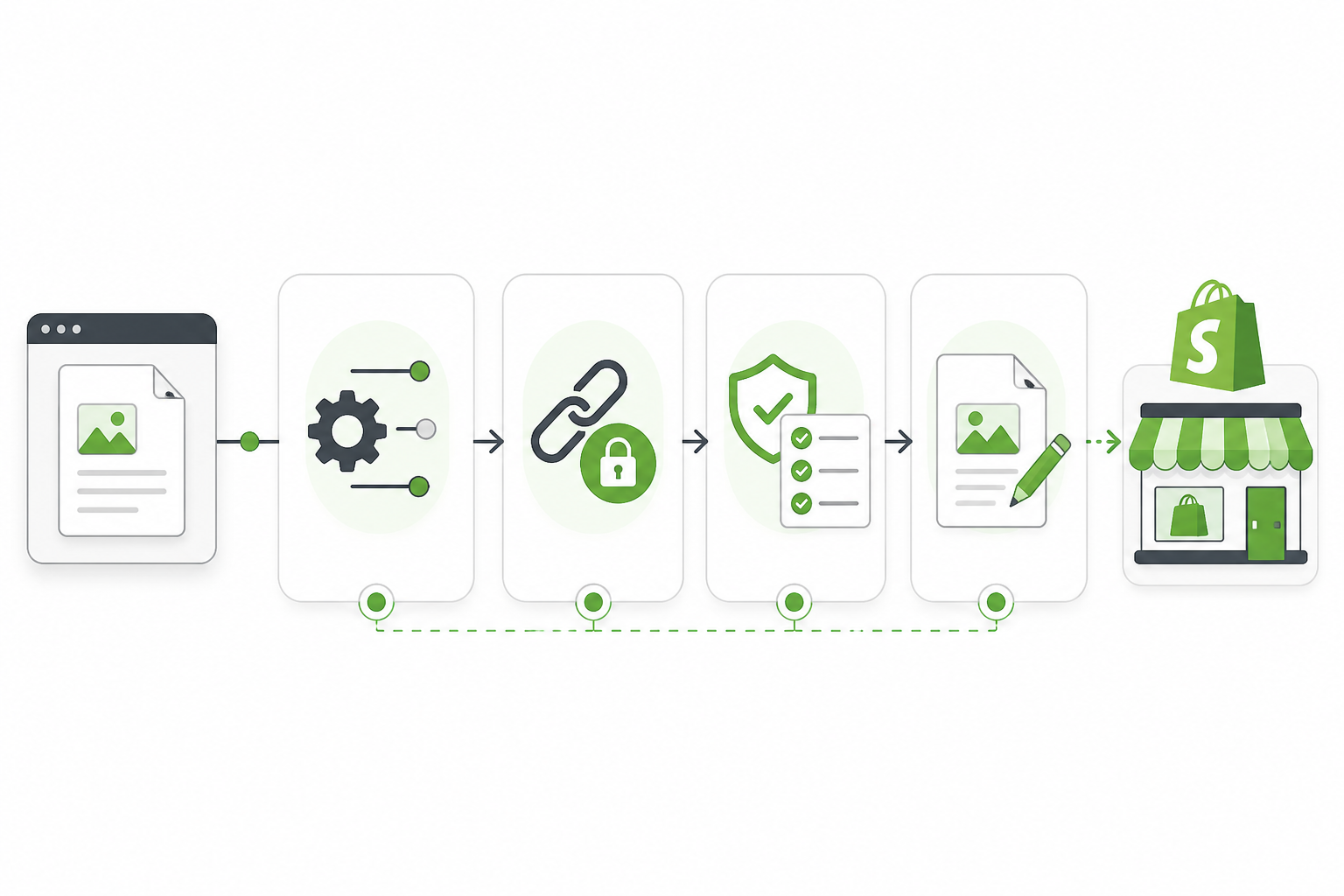
A quick pre-publish checklist is worth keeping somewhere visible: metadata filled in, slug readable, images with alt text, internal links to at least one relevant product or collection page, claims fact-checked, and mobile layout glanced at before it goes live. It takes two minutes and catches most of the embarrassing mistakes.
One thing worth stressing: the quality score most platforms show you is one input, not a verdict. It typically checks structure, keyword coverage, and readability. It can't tell you whether a product claim is accurate, whether the tone matches your brand, or whether the topic is what your customers are actually searching for. That part is still on you.
Choosing Shopify blog topics that support product pages
Here's where a lot of Shopify blogs go wrong, even the ones that manage to stay consistent. They write about general industry topics that never funnel a reader toward anything the store actually sells. Automation solves the production problem, but it can't fix a weak topic strategy on its own.
Tools like Scribe include keyword data that helps here, and it's worth using it as a filter rather than a target. Say you sell walking boots and you're deciding between "best hiking boots" and "best waterproof walking boots for Scottish hills." The broad term will show a much bigger search volume, but it's also dominated by big outdoor retailers with years of domain authority behind them. The narrower term shows far less volume, but it matches almost exactly what a specific slice of your customers are typing, and you're realistically competing for it. The tool's score can flag the difficulty gap, but the decision to prioritise the second term over the first is still a judgement call about what you can actually win and what will actually convert.
A few more principles for keeping topics tied to revenue:
- Start with questions your product pages can't fully answer. Sizing guides, care instructions, and comparison posts ("wool jumper vs fleece for UK winters") give you room to go deeper than a product description ever could, while still pointing readers back to specific SKUs.
- Separate informational intent from commercial intent, and write for both. A search like "how to layer for a British winter" is informational; the reader isn't ready to buy yet, but you can educate them and link naturally to relevant collections. A search like "best waterproof walking boots UK" is closer to commercial intent, and that post should link directly to the product pages that answer it.
- Build topic clusters, not one-off posts. Say you run a UK skincare shop. A cluster on "sensitive skin routines" might include a pillar post on building a routine, supporting posts on ingredients to avoid, patch-testing, and seasonal changes to skin, each one linking back to your sensitive-skin range and to each other. That internal linking is what turns a handful of posts into a network Google can actually navigate.
- Mine your own customer service questions. Whatever your team gets asked repeatedly by email or in reviews is a topic your competitors have probably left uncovered too.
- Check search volume before committing, but don't chase volume alone. A low-volume, highly specific query that matches exactly what you sell often converts better than a broad term with more searches and far more competition.
How often should a Shopify store publish blog posts?
Consistency helps for practical reasons, not because search engines hand out points for showing up on schedule. It is not, by itself, a ranking factor. Ten strong, well-targeted posts published in one month can outperform two mediocre posts a week for months if the strong posts are more relevant, original, and useful. What consistency does give you is a steady stream of pages to learn from and a habit that's easier to maintain than sporadic bursts.
For most small Shopify stores, two to four reviewed posts a month is a realistic, sustainable baseline, especially if a human is checking each draft for accuracy and tone before it goes live, which I'd recommend without exception. That's roughly one post a week or less, which leaves enough time to actually read what you're publishing rather than rubber-stamping it. If you have a dedicated content person or a team splitting the review load, scaling up to two or three posts a week is reasonable, but only once you've confirmed the workflow produces consistently on-brand drafts with minimal correction needed. Picking a bigger number because it sounds ambitious, without the review capacity to back it up, is how blogs end up publishing things nobody checked.
A sample monthly calendar for a small UK store at the four-post baseline might look like this: one product-adjacent guide, one comparison or buying-guide post tied to a current collection, one seasonal piece (Black Friday, January sales, summer stock), and one post answering a genuine customer question from support tickets. Each post has a clear job, rather than a dozen posts with no plan behind them.
Build in slack for seasonal campaigns too. If you're launching a Christmas range or a January sale, shift your editorial calendar to support that push rather than sticking rigidly to a generic schedule.
How to measure Shopify blog traffic and sales impact
This is the section most guides skip, and it's the one that actually tells you whether any of this is working. You'll want at least three sources: Google Search Console for how you're appearing in search, GA4 for what visitors do once they land, and Shopify's own analytics for what happens after that.
One correction to common advice: don't add UTM parameters to your own internal links between blog posts and product pages. UTMs are designed for tracking traffic arriving from outside your site, and using them internally can overwrite the original source of a session in GA4, which muddies the exact attribution you're trying to get right. Instead, use GA4's content grouping or a simple click event on your internal links, so you can see blog-to-product movement without corrupting session data.
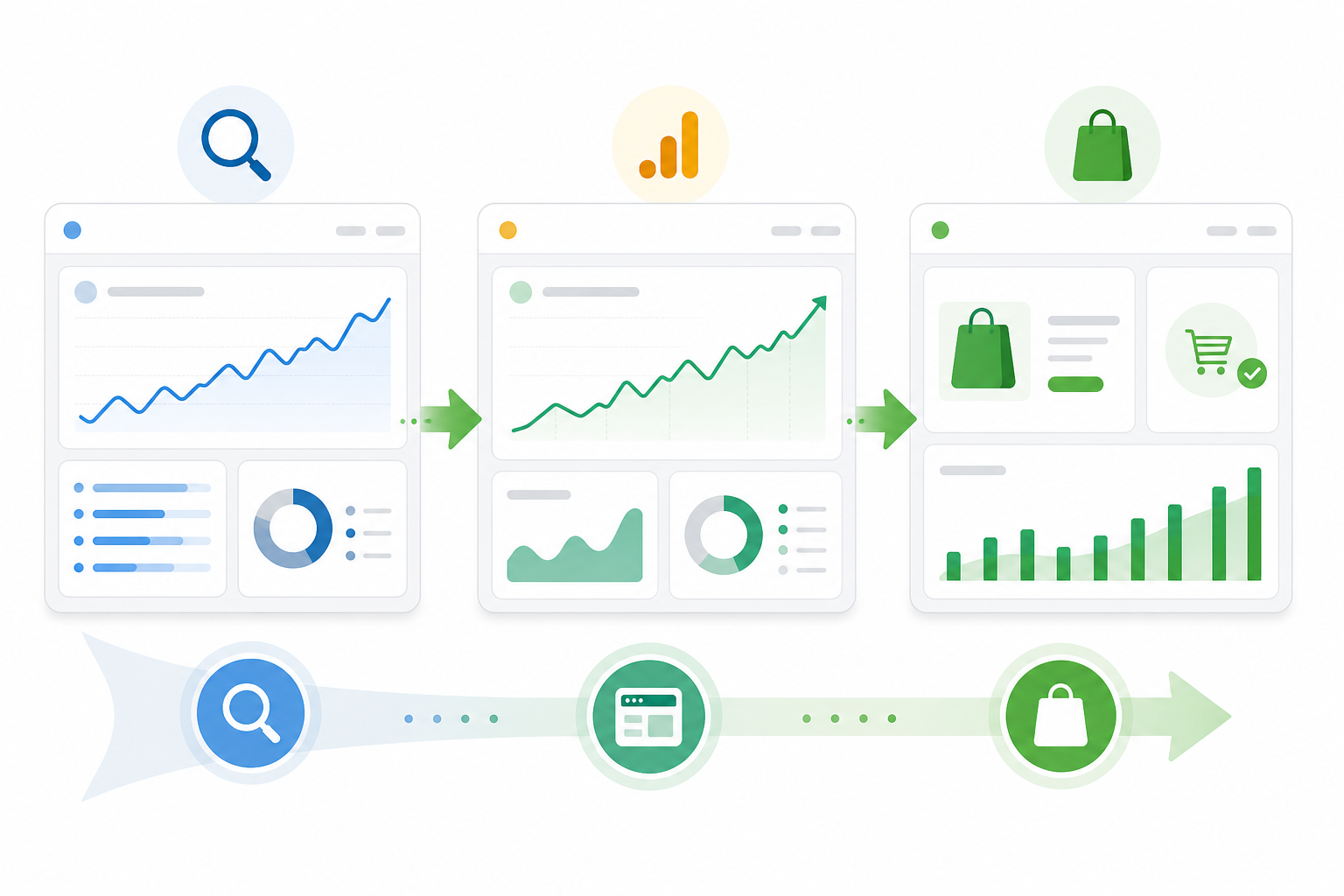
| Metric | Where to find it | What it tells you |
|---|---|---|
| Impressions and average position | Google Search Console | Whether your posts are being shown for relevant queries, even before anyone clicks |
| Organic sessions to blog | GA4 | Whether people are actually arriving from search |
| Blog-to-product-page clicks | GA4, via a dedicated click event or content grouping on blog pages | Whether readers move from the post toward something you sell |
| Assisted conversions from blog sessions | GA4 with e-commerce tracking enabled, using conversion paths | Whether blog visits play a role in eventual purchases, even if they're not the last touch |
| Landing-page sales and sessions | Shopify Analytics, filtered by landing page path | An approximation of blog-driven sales, though Shopify doesn't natively separate "blog referral" as its own attribution category, so this needs cross-checking against GA4 |
A few honest caveats. Most shoppers don't buy on their first visit from a blog post, so last-click reporting will understate the blog's real contribution. Search Console data takes a few weeks to stabilise for new content, so don't judge a post in its first fortnight. And impressions rising before clicks rise is normal; it usually means Google is still working out where your new content fits.
Treat impressions and average position as leading indicators, and treat sales and assisted conversions as the outcome you're actually trying to influence. If impressions are climbing but sales aren't, the likely issue is weak internal linking or a mismatch between topic and product, not the automation itself.
What results can Shopify blog automation deliver?
I won't give you a headline percentage increase here, because any specific figure without a named source, a defined baseline, and a clear methodology isn't something you should trust from any blog, including this one. What I can say, as an illustration rather than a promise, is how the pieces typically move at different speeds.
Here's a hypothetical but realistic scenario for a low-authority UK store publishing two reviewed posts a month with proper internal linking: Search Console might start showing impressions for new long-tail queries within four to eight weeks, since indexing and initial ranking tend to move faster than traffic. Meaningful organic sessions and any measurable sales contribution typically lag behind that, often not becoming clear until month three to six, because rankings need to climb and readers need repeat exposure before they convert. A store in a highly competitive niche, general fashion or generic homeware, should expect a longer runway on both fronts, since it's competing against sites with years of accumulated authority.
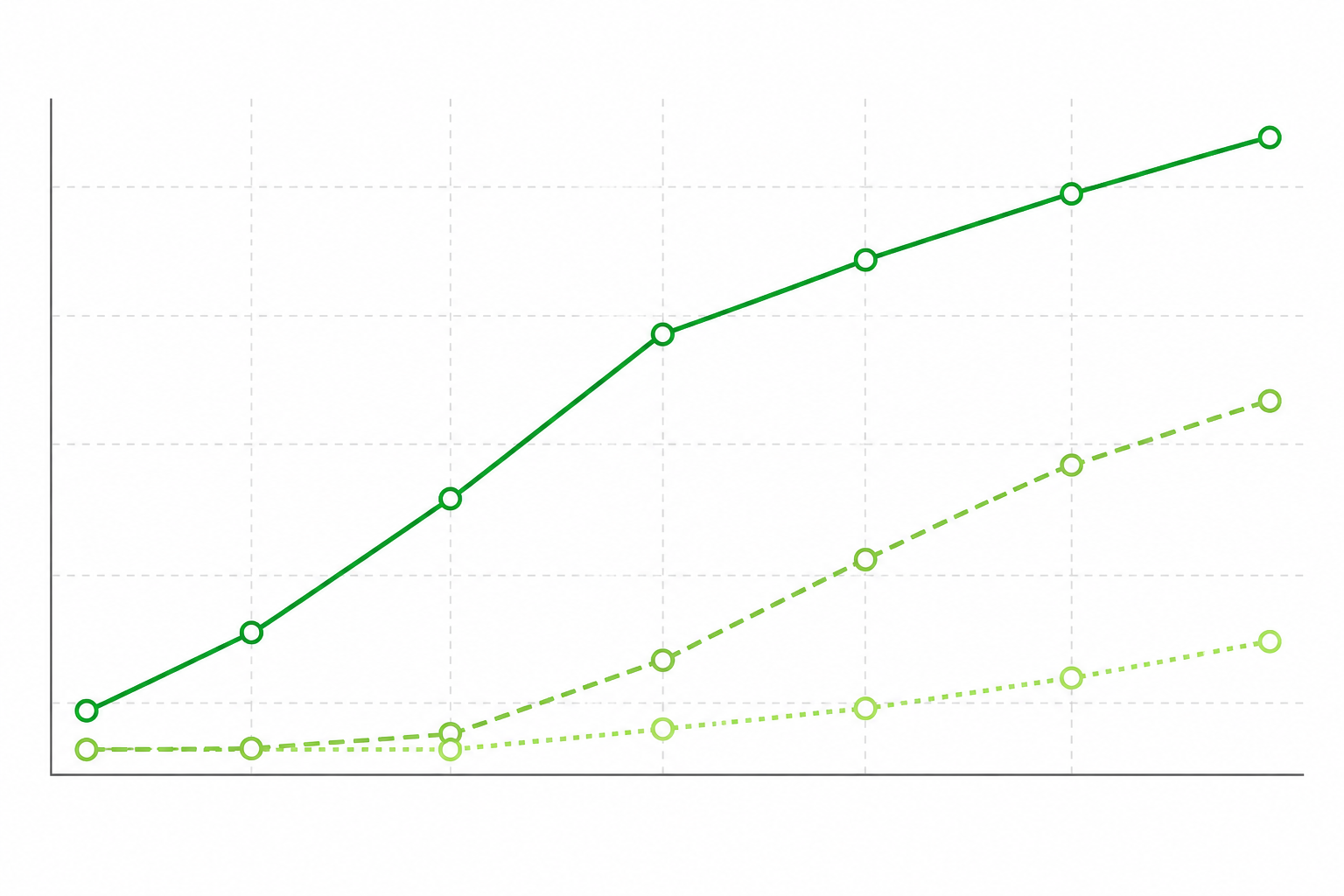
The variables that move that timeline most are topic relevance to actual search intent, internal linking quality, whether the content is genuinely useful rather than generic, and how consistently you publish without letting quality slip. Automation affects only one of those directly: it removes the production bottleneck. The rest is still strategy and editorial judgement.
Frequently asked questions about Shopify blog automation
Can I automate blog publishing directly to Shopify?
Yes. Platforms with a native Shopify integration, like Scribe, can generate a post and push it to your store as a draft or a live article without you manually copying text or images into the Shopify admin. You approve specific permissions during setup, and it's worth checking exactly what access you're granting since this varies by platform.
Will a post publish live automatically, or can I review it first?
With Scribe, you choose. You can push a draft to Shopify with its article status set to unpublished, review it on an actual Shopify page, and publish it manually when you're happy. Auto-publish on a schedule is available too, but I'd only turn that on once you trust the output.
What should an e-commerce blog even write about?
Start with what your product pages can't fully cover: sizing, care, comparisons, and use cases. Layer in genuine customer questions from support and reviews, and organise related posts into clusters that link back to specific collections rather than publishing standalone pieces with nowhere for the reader to go next.
Does blogging actually help Shopify store sales?
It can, but rarely as a direct, immediate line. Blog traffic tends to assist conversions rather than close them on the first visit, so measure assisted conversions in GA4 alongside landing-page sales in Shopify Analytics to get a fuller picture, rather than relying on either alone.
How often should I actually publish?
Two to four well-reviewed posts a month is a sustainable baseline for most small stores, and it's the volume you can realistically fact-check and edit properly. Scale up only once your review workflow is solid and you have the time or team to keep pace without cutting corners on quality.
Is AI-generated content safe to publish without editing?
No. AI content performs best, and avoids embarrassing mistakes, when a human reviews it for factual accuracy, originality, and alignment with what the searcher actually wants to know. A platform's quality score is a useful signal, not a substitute for that review.
Bringing Shopify blog automation together
Shopify blog automation removes a real barrier for busy merchants: the time it takes to move a post from idea to a properly formatted, live page. That's genuinely useful, especially for stores that have wanted to blog for months but never found the hours. It isn't a shortcut past strategy, though. The stores that see real traffic and sales benefit are the ones that combine the integration with topics that map to what they sell, a cadence they can sustain alongside proper editorial review, and honest measurement of what's actually moving the needle.
If you're starting from zero, here's a concrete next step rather than a vague one: connect your store, generate and manually publish three posts over the next month using the topic principles above, then measure impressions, sessions, and assisted conversions for 90 days before deciding whether auto-publish is worth switching on. Get the mechanics out of the way, then spend your saved time on the parts that still need a person: knowing your customers, checking your facts, and deciding what's worth writing about next.
Related Articles

Create content like this automatically
Scribe uses AI to generate high-quality blog posts that engage your audience and drive traffic.