Support Automation Ideas Every E-commerce Team Should Try
18 min read
Loading...

The easiest e-commerce support tasks to automate are the repetitive ones: where's my order, shipping times, returns and exchanges. Start by tagging and sorting those questions automatically. Then add saved replies and AI-drafted responses that a human reviews, and move your most valuable customers to the front of the queue without leaving everyone else waiting. Done well, automation makes replies faster without making them colder, and a handful of simple metrics will tell you whether it's working.
That's the short version. Let's walk through how to actually do it, one idea at a time. 🙂
Picture the Monday morning after a weekend sale. You open the inbox with your coffee and there are 80 new emails. Roughly 60 of them say some version of 'Where is my parcel?' You know the answer to nearly all of them. You just have to type it, or paste it, 60 times.
That's the thing about e-commerce support. A big share of tickets are repetitive and predictable: order status, delivery windows, returns, sizing, discount codes. The answers live in your policies and your order system, not in anyone's head. So this work suits automation well, as long as the underlying information is current and accurate.
Here's the ground rule I'd pin above every support desk: automate the repetitive, and keep humans on the emotional and the complicated. A customer asking for a tracking link wants speed. A customer whose wedding gift arrived smashed wants a person. Automation should buy you time for that second kind of conversation.
Two UK-specific points are worth flagging:
Cost matters too. Many help desk tools charge per seat, so the moment you need extra hands for Black Friday or the January sales, your bill climbs. When you compare tools, ask whether pricing scales with agents or conversations, and what a temporary team member would actually cost you.
Not everything deserves automation. The best candidates are high-volume, predictable and low on emotional stakes. Here's where I'd look first:
A simple way to rank your own tickets is to multiply three things together: volume × predictability × low emotional stakes. A ticket type that scores high on all three is your first target. Anything involving an upset customer or a money dispute scores low and stays human.
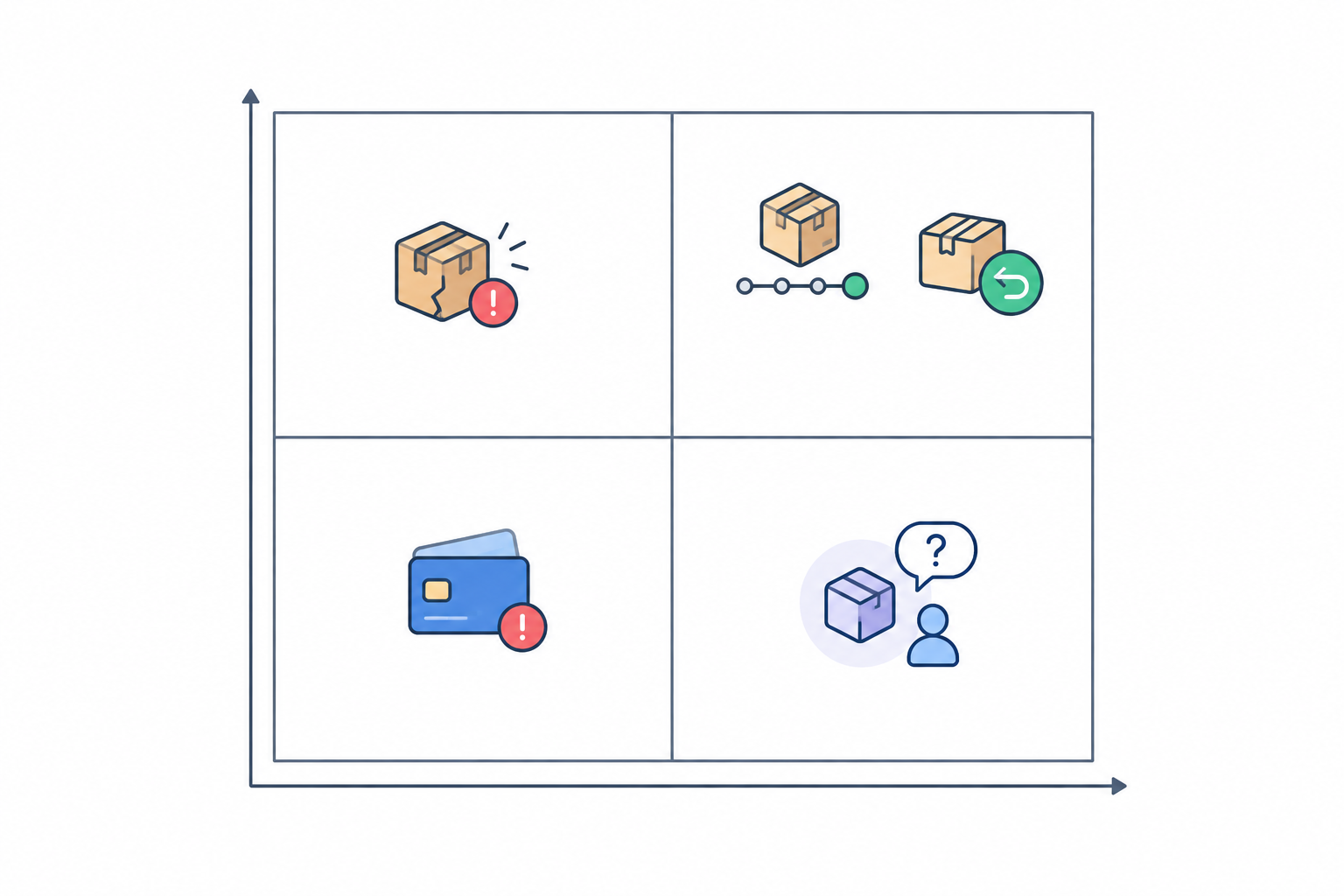
Pull your last 100 tickets and sort them into two piles: 'repeatable' and 'needs a human'. Don't overthink it. Within the repeatable pile, count how many are order status, returns, shipping and so on. Many teams are surprised by how lopsided the result is. That tally becomes your automation roadmap, and it's also the start of your baseline.
Tagging is dull work, but everything else rests on it. You can't automate or measure what you can't categorise. Once your tickets carry consistent labels, you can build views, spot patterns and decide what to automate next.
Here's a pattern that's common when a shop first tags a month of tickets. Imagine you find that around 40% are the same question: where's my order? Nothing is wrong with your service. You simply hadn't realised how much of your day that one question was eating. That discovery then shapes every automation you build.
Here's how to set it up in your shared inbox:
order-status, returns, shipping, product-question and complaint. Resist the urge to make 30.complaint should jump out of the batch and go to a person.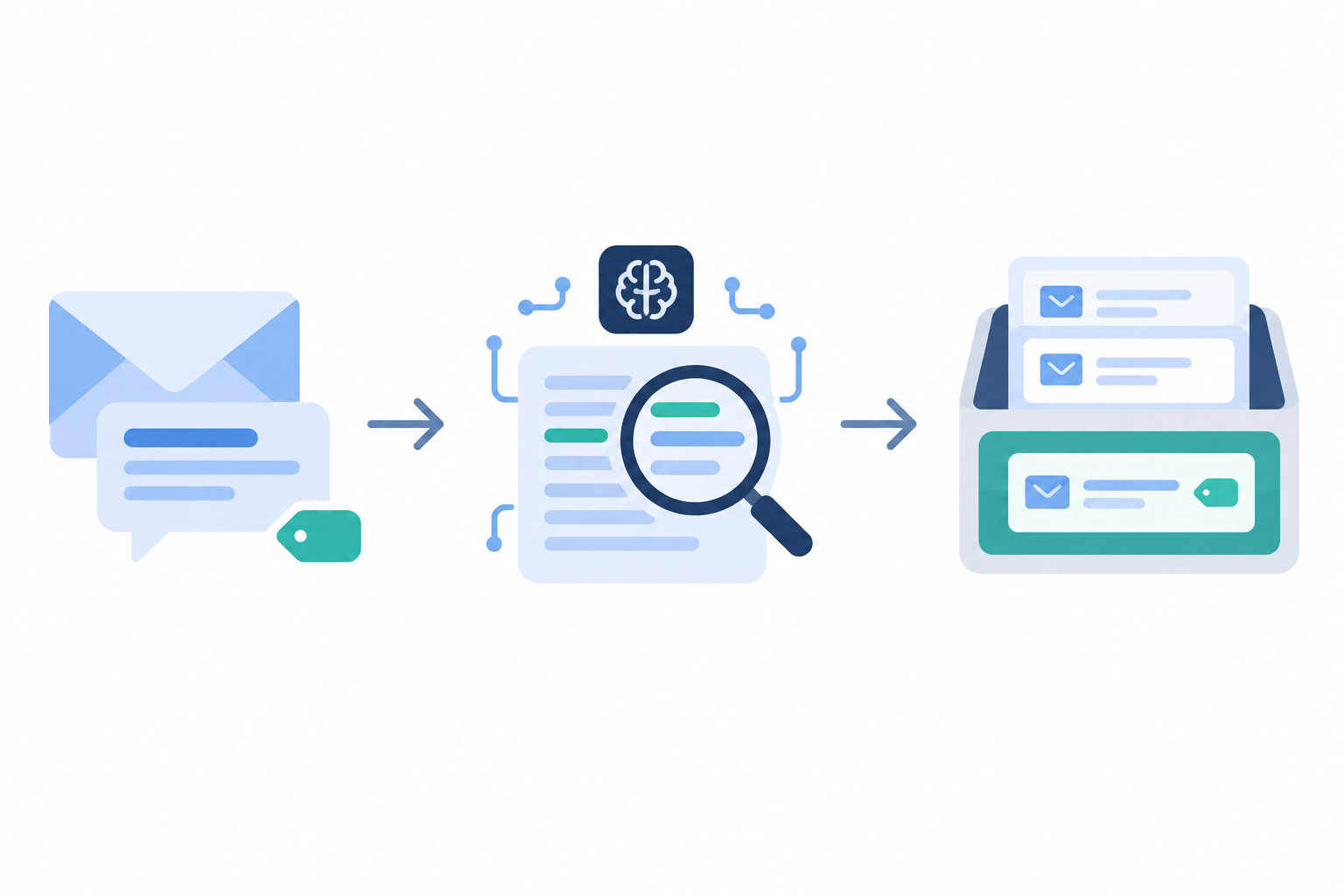
Keyword rules will occasionally tag the wrong thing, so make it easy for anyone on the team to correct a tag in a click.
Saved replies are the humble workhorse of support automation. They aren't clever, but they save hours, and they keep your answers consistent no matter who's on shift.
The trick is writing them like a person. A good saved reply has three parts: a personalised greeting, the actual answer, and the next step. Compare these two.
Stiff: 'Your order is in transit. Please allow 3-5 working days for delivery. Regards, Customer Services.'
Warm: 'Hi Priya, thanks for getting in touch! Your order left us on Tuesday and is with Royal Mail now. Here's your tracking link: [link]. Most parcels arrive within 3-5 working days, so you should see it by Friday. If it hasn't turned up by Monday, just reply here and I'll chase it for you.'
Same information, completely different feeling. The second one answers the question, gives the customer a date and offers a safety net.
Add the UK-specific details your customers care about: Royal Mail and courier delivery windows, whether you provide a prepaid return label, and how many working days a refund takes once the parcel is back with you. Keep every template in one shared place so the whole team, including part-timers and seasonal staff, uses identical wording.
Finally, put a quarterly reminder in the diary to review them. Nothing damages trust like a template that quotes last year's returns window.
Let's talk about AI, because it's the idea people are most excited and most nervous about. My view is that it works best as a first-draft assistant, never as a replacement for your team.
The workflow that works is simple. The copilot drafts a reply from your approved content, such as your shipping policy, returns policy and product guides. A human reads it, tweaks it and sends it. Look for a tool that grounds drafts in your own documents rather than generic internet knowledge, so answers reflect your actual rules.
Where it shines is the long tail. Saved replies cover your top ten questions, but what about 'Does this jumper come in a petite fit?' or 'Can I change my delivery address after ordering?' Those come up often enough to be irritating and rarely enough that nobody wrote a template. A copilot can draft a tone-matched reply in seconds.
A few rules I'd put in place from day one:
Let's be honest about the risks too. AI goes wrong when your documents are out of date or vague, and it can sound confident while being completely mistaken. That's why the human check matters. For a sense of where things are heading, Klarna reported in early 2024 that its AI assistant handled two-thirds of its customer service chats in its first month, with resolution times falling from 11 minutes to under 2. That's a company-reported result for a large fintech running a customer-facing assistant, not a drafting copilot for a small shop, so please don't treat it as a benchmark.
Not every ticket is equal in business terms, and pretending otherwise can cost you loyal customers. A repeat buyer with a delayed gift order deserves a fast, personal response. But priority routing has a catch: if it's careless, everyone else waits longer, and someone with a genuinely urgent problem gets lost. So build in guardrails.
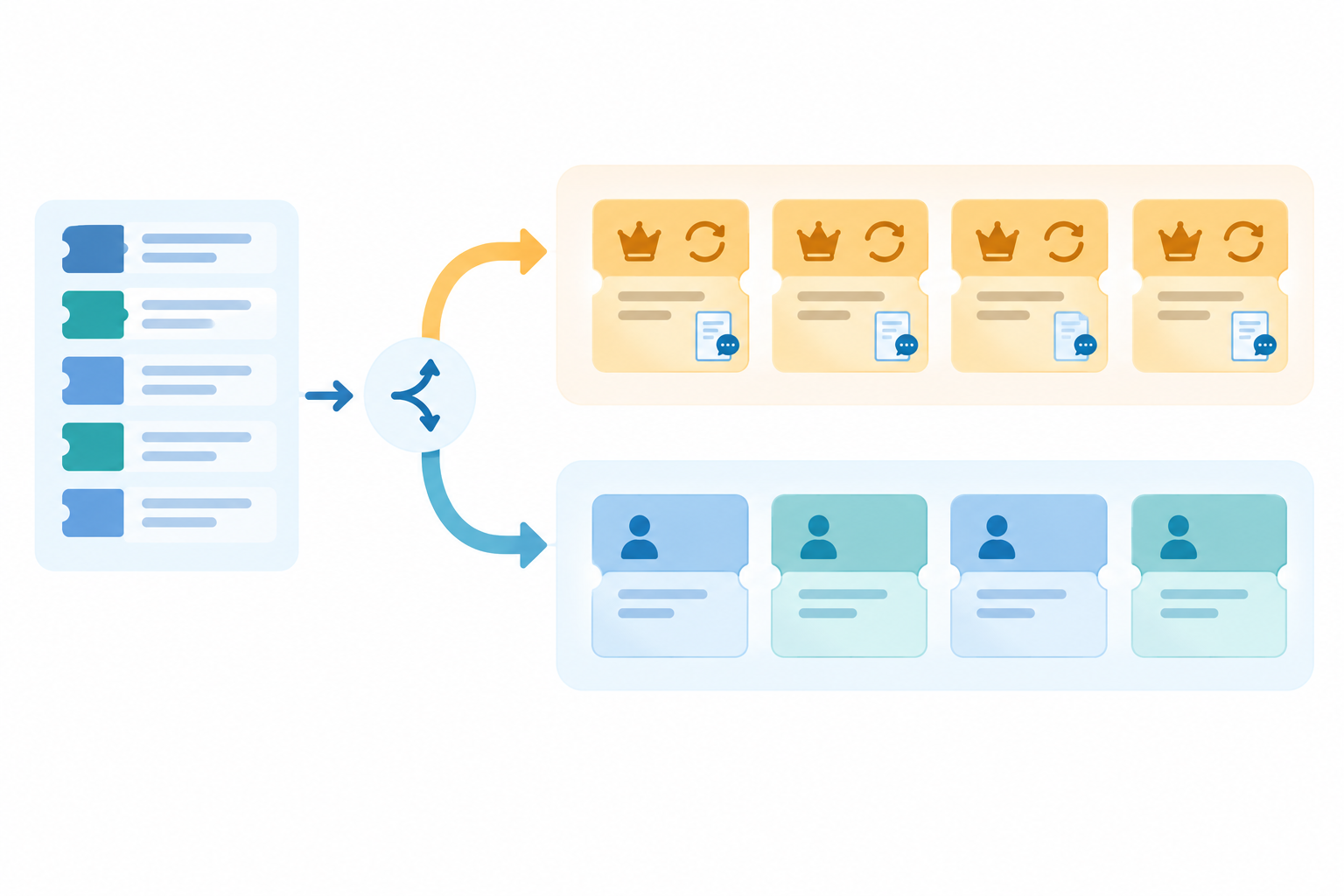
Here's a quick scenario. Sam has ordered from your shop four times and has a birthday gift arriving late. He emails on Thursday. Because his ticket carries a vip tag and an internal note about his history, it lands near the top of the queue. A senior team member replies within the hour, apologises, offers to upgrade the shipping on his next order and checks whether the gift can still arrive by the weekend. Meanwhile, a first-time customer's ticket about a late hospital-supplies order trips the urgent rule and gets the same speedy attention. Sam doesn't remember the delay. He remembers that you cared.
Automation can also help before a ticket exists, by being there when the question appears. A few ways to do that:
Honest answer: it can, if it's done carelessly. It doesn't have to.
Quality tends to slip in three places. Robotic templates make customers feel like a ticket number. Wrong answers, often from out-of-date policies, create more work than they save. And a missing escape route traps people in a loop with no way to reach a human, which is the fastest way to turn a minor query into a one-star review.
The safeguards are straightforward:
And here's the reframe I like best. Good automation frees your team to give complicated issues the attention they deserve, which means more time for the customers who need it, not less.
If you can't tick all five, hold it back for another day.
You don't need a fancy analytics stack. You need a baseline and a bit of discipline.
Capture two to four weeks of baseline data before you change anything. Then add one automation at a time and compare, so you know what actually made the difference. If you switch on tagging, templates and AI drafts in the same week, you'll never know which one helped.
Here are the numbers I'd track:
| Metric | What it tells you | What good movement looks like |
|---|---|---|
| First response time | How long customers wait for a first meaningful reply | Falls, particularly for order-status and returns tags |
| Resolution time by ticket type | How long it takes to fully solve each kind of issue | Falls without a rise in reopened tickets |
| Handling time per ticket | How much agent effort each ticket takes | Falls for templated and AI-assisted tickets |
| Reopened tickets | Whether answers actually solved the problem | Stays flat or drops |
| CSAT (customer satisfaction score) | How customers rate the support they received, via a one-question survey after resolution | Holds steady or improves as speed improves |
| Escalations and complaints | Quality problems that speed alone can hide | Don't climb |
| Tickets per agent | Workload and capacity | Rises only alongside stable CSAT and a manageable workload |
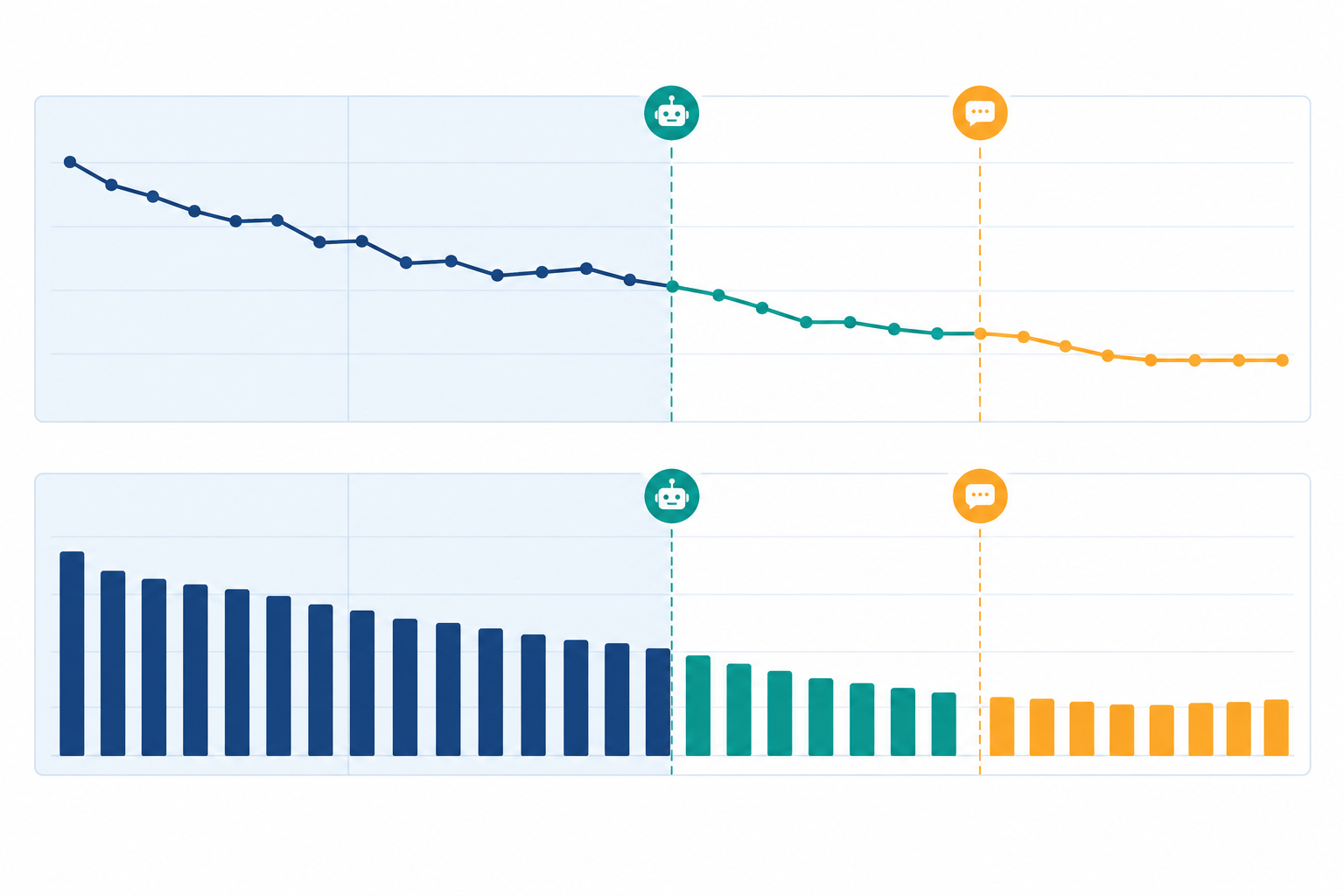
A few cautions worth keeping in mind:
The reporting in your help desk software is where you'll spot slow periods and busy tags. Check it weekly and keep notes on what you changed and when.
If all of this feels like a lot, here's a gentle schedule. One automation at a time. No heroics.
Full disclosure: I'm part of the team behind Sonny, a shared inbox for small support teams. Everything above works with most help desks, but here's how it maps to ours.
Whichever tool you choose, ask these questions: Does pricing scale per seat? Can drafts be grounded in your own policies? Can you report on response times by tag? Can staff reply on mobile? And can you test it with real tickets before committing?
My parting advice: start small. Pick the one question that clogs your inbox, automate that, measure it, and move on.
Order status questions, shipping and delivery information, and returns instructions are the easiest wins. They come up constantly, have clear answers, and rarely need much emotional nuance. Start there before moving on to product questions.
Not if you use it to support your team rather than replace them. Personalise the opening line, keep templates conversational, review AI drafts before sending, and always give customers an easy route to a real person.
Record a baseline for first response time, resolution time, reopened tickets and CSAT before you begin, then compare after each change. Faster replies only count as a win if satisfaction holds steady and customers aren't writing back a second time.
No. Small teams often see the biggest relief because a few repetitive questions can swallow most of the day. Tools with flat-rate pricing and unlimited agents also mean you can bring in colleagues or seasonal help without the cost climbing per seat.
It's best to keep a human in the loop. Saved replies and AI drafts can speed up the writing, but decisions involving money or upset customers deserve a personal check.
Prepare for Black Friday with a practical e-commerce support checklist covering demand forecasts, saved replies, temporary cover, live chat and post-r

Prepare for Black Friday and holiday support surges with flat-rate pricing, unlimited agents, and practical e-commerce support tips that protect your