
Loading...
I spent six months writing fresh social media content every single day. By month three, I was burned out. By month six, I discovered content repurposing and everything changed.
Most solopreneurs think they need to create new content constantly. That's exhausting and unnecessary. One solid blog post can fuel your social media for an entire week if you know how to slice and dice it properly.
Here's what surprised me: 65% of marketing professionals reuse content 2-5 times across different channels, according to a 2023 Content Marketing Institute study. The smart ones see their content reach increase by up to 300%.
I used to think repurposing was lazy. Now I realize it's strategic. Your best insights deserve more than one shot at finding their audience.
Social media algorithms show your posts to roughly 5-10% of your followers on any given day. That brilliant insight you shared on Tuesday? 90% of your audience never saw it.
This isn't a bug in the system. It's the system. Which means that thing you're worried about—posting similar content too often—isn't actually a problem for most of your followers.
Not every blog post is worth repurposing. I look for posts that have:
Your best repurposing candidates are usually your pillar content pieces—the posts that capture your main expertise in one place.

Here's the system I use to turn one blog post into seven different social posts:
Day 1: Lead with the hook
Take your blog post's opening lines—the part that made people want to keep reading. Turn that into a standalone post that teases the full content.
Day 2: Break it into bite-sized pieces
Pull out 3-5 key tips and format them as a carousel for Instagram or a thread for X. Each tip gets its own slide or tweet.
Day 3: Find the contrarian angle
Every good blog post challenges something. Find that myth-busting moment and turn it into a post that makes people stop and think "Wait, really?"
Day 4: Share the quick win
What's the one thing someone could do today based on your post? Make that its own post. People love actionable advice they can implement immediately.
Day 5: Tell the story behind it
Most blog posts have a story buried in them—why you learned this lesson, what happened when you tried this approach. Pull out that human element.
Day 6: Lead with the data
If your post includes statistics or research, those numbers can anchor their own post. Add your take on what the data means.
Day 7: Ask the question
Turn your conclusion into a conversation starter. Ask your audience what they think or how they've handled similar situations.
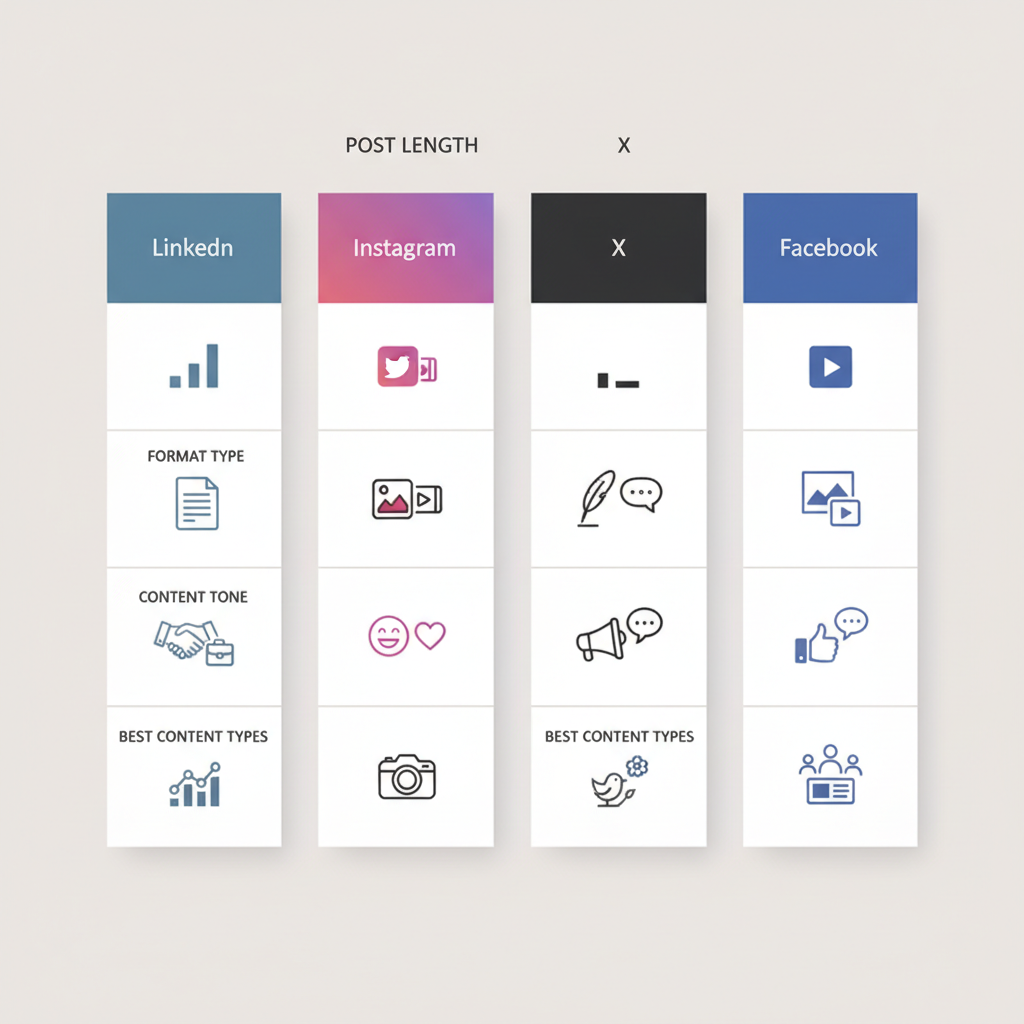
Each platform has its own rhythm:
LinkedIn rewards longer, more professional posts. You can use up to 3,000 characters, so don't feel pressured to keep everything short.
Instagram is visual-first. Carousels perform well, and people expect a more casual tone even in business content.
X loves threads and punchy one-liners. Break complex ideas into tweet-sized chunks.
Facebook still works best for community-style posts that invite conversation.
The same core idea can work on all four platforms—you just need to adjust the packaging.
I batch all my repurposing in one sitting, usually Sunday mornings. Here's my process:
The whole process takes about 90 minutes for a week's worth of content. That's way less time than I used to spend creating seven unique posts.
Don't just copy and paste. Each platform needs content that feels native to that space.
Give yourself some breathing room. I wait at least 3-5 days after publishing the original blog post before I start sharing repurposed content.
Keep some personality in your posts, even when you're working from templates. The goal is efficiency, not robot content.
Watch your analytics. If a particular angle or format consistently flops, adjust your approach.
Q: Won't my audience get bored of repeated content?
With algorithm reach so low, most of your followers are seeing this content for the first time. The few who see it twice usually appreciate the reminder.
Q: How often should I repurpose content?
Focus on your best, most evergreen content. I repurpose about 30% of my blog posts—the ones that capture core concepts or got strong engagement.
Content repurposing solved my biggest social media challenge: how to stay consistent without burning out. It takes the pressure off always coming up with something new.
Start with your best-performing blog post from the last three months. Follow this seven-day framework and see how it feels. You might find, like I did, that your audience actually engages more when you give good ideas multiple chances to find them.
The goal isn't to post less. It's to make every post count more.