Unlimited Agents, One Price: How Flat-Rate Pricing Actually Scales
Unlimited Agents, One Price: How Flat-Rate Pricing Scales for Help Desk Software
Here's the question I get asked most when people find Sonny: "Okay, but how is this actually sustainable? What's the catch?"
I get it. If you've spent any time shopping for help desk software, you've been trained to expect the bill to climb every time you add a teammate. So when you see flat-rate pricing with unlimited agents, your scepticism radar goes off. That's healthy. You should ask questions before trusting a pricing model that sounds too good to be true, and you should always check the vendor's current terms yourself, because pricing pages change.
So here's the honest, slightly less tidy answer: unlimited-agent pricing can work because a vendor's real costs aren't purely tied to how many people log into the tool. A lot of the cost comes from conversation volume, storage, and how long customers stick around, but agent count still matters at the margins. More logins mean more permissions to manage, more notifications flying around, more audit logs, and more support questions from your own team. A sustainable flat-rate model has simply decided that trade-off is worth it, usually backed by a fair-use policy that protects the vendor if usage goes far beyond what a typical customer needs. That's not a loophole. It's a genuinely different bet about where value comes from, as long as the vendor is upfront about what "unlimited" actually covers and what it doesn't.
Let's break down how unlimited agents actually work, why so many competitors still charge per seat, what a realistic help desk software cost comparison looks like, and what questions you should ask (including a few that matter specifically if you're buying from the UK) before you trust any flat-rate claim.
What does "unlimited agents" mean in a pricing plan?
Let's start with a clear definition, because this phrase gets used loosely in marketing copy and it's worth being precise.
Unlimited agents typically means every teammate you add gets a login to your shared inbox without triggering a new line item on your invoice. That includes your support reps, obviously, but it can also cover sales folks who want visibility into customer conversations, an ops person tracking response times, or a founder who wants to peek in without asking someone to loop them in manually.
Here's where it gets genuinely tricky: "unlimited agents," "unlimited seats," and "unlimited conversations" aren't automatically the same promise, even though vendors often use them interchangeably. In most help desk tools, "agent" and "seat" mean the same thing: a licensed login. But some vendors use "seats" for a broader tier that includes read-only or limited-permission users, while reserving "agent" for someone who can actually respond to customers. It's a subtle distinction, but it can matter if you're planning to give a dozen people view-only access rather than full agent permissions.
| Term | What it usually means | What to double-check |
|---|---|---|
| Unlimited agents | No cap on logins with full response permissions | Does this include admin/ops roles, or just support staff? |
| Unlimited seats | Often identical to agents, sometimes a broader access tier | Ask the vendor to define it in writing |
| Unlimited conversations | No cap on customer messages or tickets handled | Check for channel limits (email vs. chat vs. WhatsApp) or monthly message caps buried in a fair-use policy |
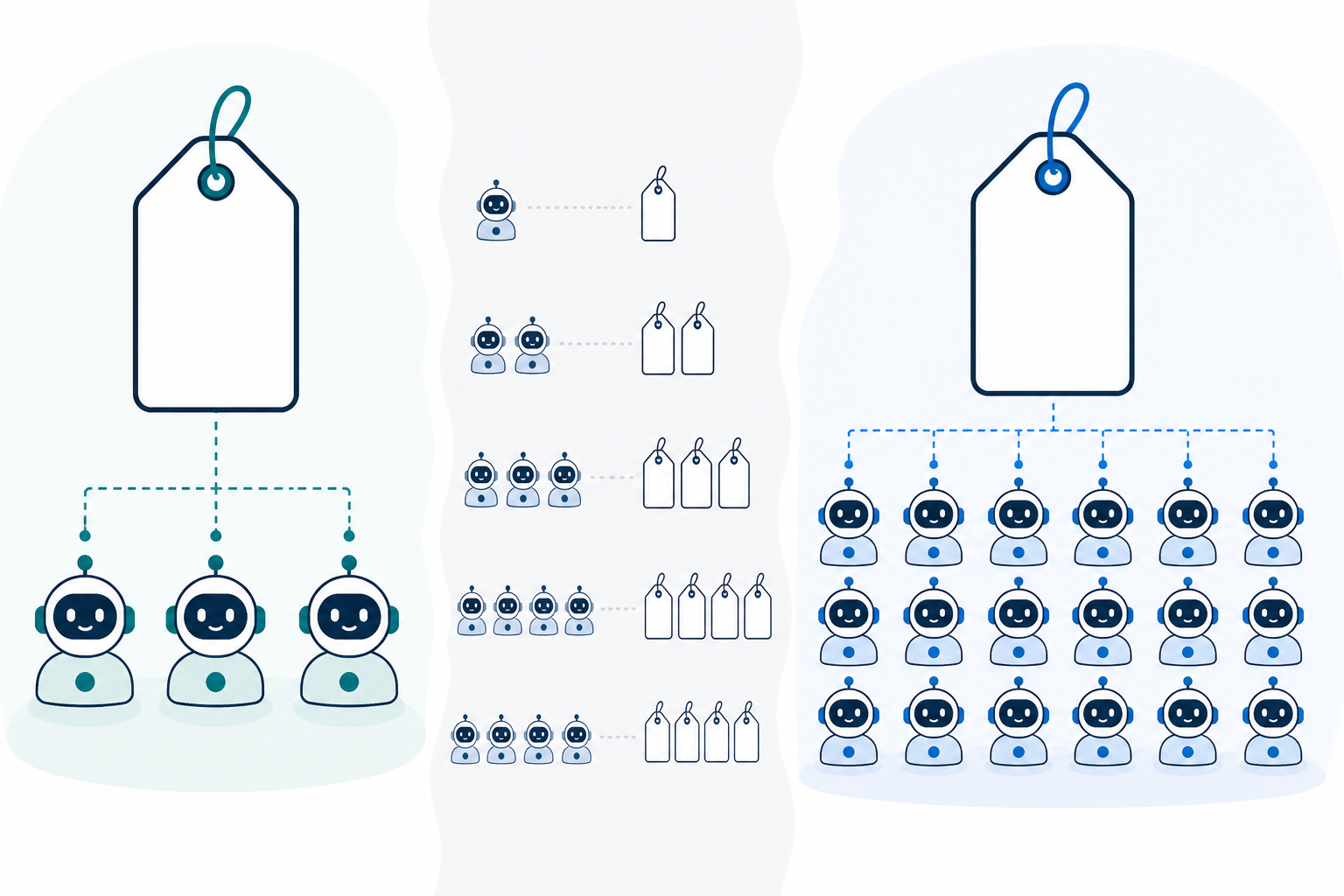
As of writing, Sonny advertises all three as unlimited under its flat plan, priced at $19.99/month (roughly £16, though currency conversion and VAT treatment can shift that figure, so check Sonny's current pricing page for the GBP amount and whether VAT is included before you commit). On paper, a 5-person team growing to 15 pays the same monthly fee. Compare that to per-seat competitors and you start to see why this pricing model appeals to growing teams, though it's worth running the actual numbers rather than taking anyone's word for it. That's exactly what we'll do next.
![Comparison: Simple side-by-side comparison graphic: a small team of 3 icons and a larger team of 15 icons, both under the same price tag, contrasted with a per-seat pricing for Unlimited Agents, One Price: How Flat-Rate Pricing Scales(https://www.usesonny.com/blog/the-true-cost-of-per-seat-pricing-in-help-desk-software) model showing cost climbing as icons increase]
To be clear, "unlimited" in most flat-rate plans doesn't mean everything is limitless. AI copilot credits, attachment storage, API calls, and certain integrations often have their own boundaries even on otherwise flat-rate plans, usually governed by a fair-use policy. That's not deceptive, it's just how infrastructure costs work. The real question is whether a vendor states these limits clearly on their pricing or terms page, rather than leaving you to discover them after you've scaled up.
Why do some help desk software vendors charge per seat?
If flat-rate pricing sounds so appealing, why do so many help desk companies still charge per agent? It's worth understanding the logic, because it isn't only about extracting more revenue. There are legitimate reasons too.
- It's familiar. Per-seat pricing mirrors decades of enterprise software history. Salesforce, Zendesk, and countless others built this expectation, so it's an easy model to sell even when it doesn't fit smaller, faster-moving teams.
- It funds real governance and admin features. Larger organisations often need granular role-based permissions, single sign-on, detailed audit trails, and dedicated account management, and per-seat pricing is one way vendors fund building and maintaining those features for enterprise buyers.
- It creates predictable revenue growth. From a vendor's perspective, per-seat pricing means revenue scales automatically as a customer's team grows, which is easy to forecast and attractive to investors.
- It can quietly cap your usage. Here's the part that stings: per-seat pricing sometimes discourages you from adding more agents, even when your support queue is drowning. Instead of solving the actual bottleneck, not enough people answering customers, you end up rationing logins to protect your budget.
Neither model is inherently right or wrong. Per-seat pricing can make sense if you genuinely need enterprise-grade governance and are willing to pay for it. Flat-rate pricing tends to make more sense if your main cost driver is simply "how many people need access," not advanced administrative controls.
Flat-rate vs. per-agent pricing: an illustrative cost comparison
To make this concrete, here's a simplified, clearly hypothetical comparison. Say a per-seat competitor charges £12 per agent per month, and a flat-rate tool charges a flat £16 per month regardless of team size:
| Team size | Per-seat (£12/agent) | Flat-rate (£16 flat) |
|---|---|---|
| 5 agents | £60/month | £16/month |
| 15 agents | £180/month | £16/month |
| 30 agents | £360/month | £16/month |
These are illustrative numbers, not a live quote from any named competitor. Real per-seat pricing varies widely, often includes tiered discounts at volume, and may bundle in features flat-rate plans charge for separately. Always pull current pricing directly from a vendor's site before making a decision, and check whether quoted prices include VAT if you're a UK buyer.
How does flat-rate pricing with unlimited agents stay sustainable?
This is the part that trips people up the most, so let's dig into it honestly, including the parts that are messier than a simple "it just works."
Infrastructure costs scale more with usage than with headcount, but not perfectly. The server costs behind a shared inbox, storing messages, running live chat, processing email-to-ticket forwarding, scale largely with conversation volume and data storage, not purely with how many humans are logged in. But agent count isn't free either: more logins mean more authentication checks, more concurrent sessions, more notification traffic, and potentially more support tickets from your own team asking how things work. Sustainable flat-rate pricing works when the average customer's agent-related overhead stays modest compared to the value of keeping them long-term, not because seats cost literally nothing to serve.
Vendors bet on retention over squeezing every account. Instead of charging more every time a customer adds someone, flat-rate vendors focus on keeping customers for years rather than maximising revenue per account each month. A customer who stays for three years at a flat rate is often worth more than one who churns after a few months of rising per-seat fees, but this only holds if churn stays low and support costs per customer stay manageable.
Lean products keep overhead lower, too. A shared inbox that does live chat, email ticketing, notes, tagging, and reporting well doesn't need fifteen bloated modules nobody uses. A focused product usually means less code to maintain and fewer confused-user support tickets, though "lean" is a design choice, not a guarantee. It's worth judging by the product itself rather than the marketing description of it.
Automation can reduce support burden, within limits. Tools like AI copilots trained on a company's own documentation can help cut down how often customers need to contact the vendor directly. As of writing, Sonny advertises setup in under five minutes with no onboarding calls required, though that's worth verifying yourself during a trial, since "quick setup" claims vary a lot by use case and integration complexity.
Fair-use policies are what make the maths work. Nearly every sustainable flat-rate plan has some form of fair-use policy: a cap on total conversations, storage, or API calls that kicks in only if usage is far above typical. This protects the vendor from a handful of extreme users being subsidised by everyone else, and it's worth asking to see this policy in writing rather than assuming "unlimited" has no boundary at all.
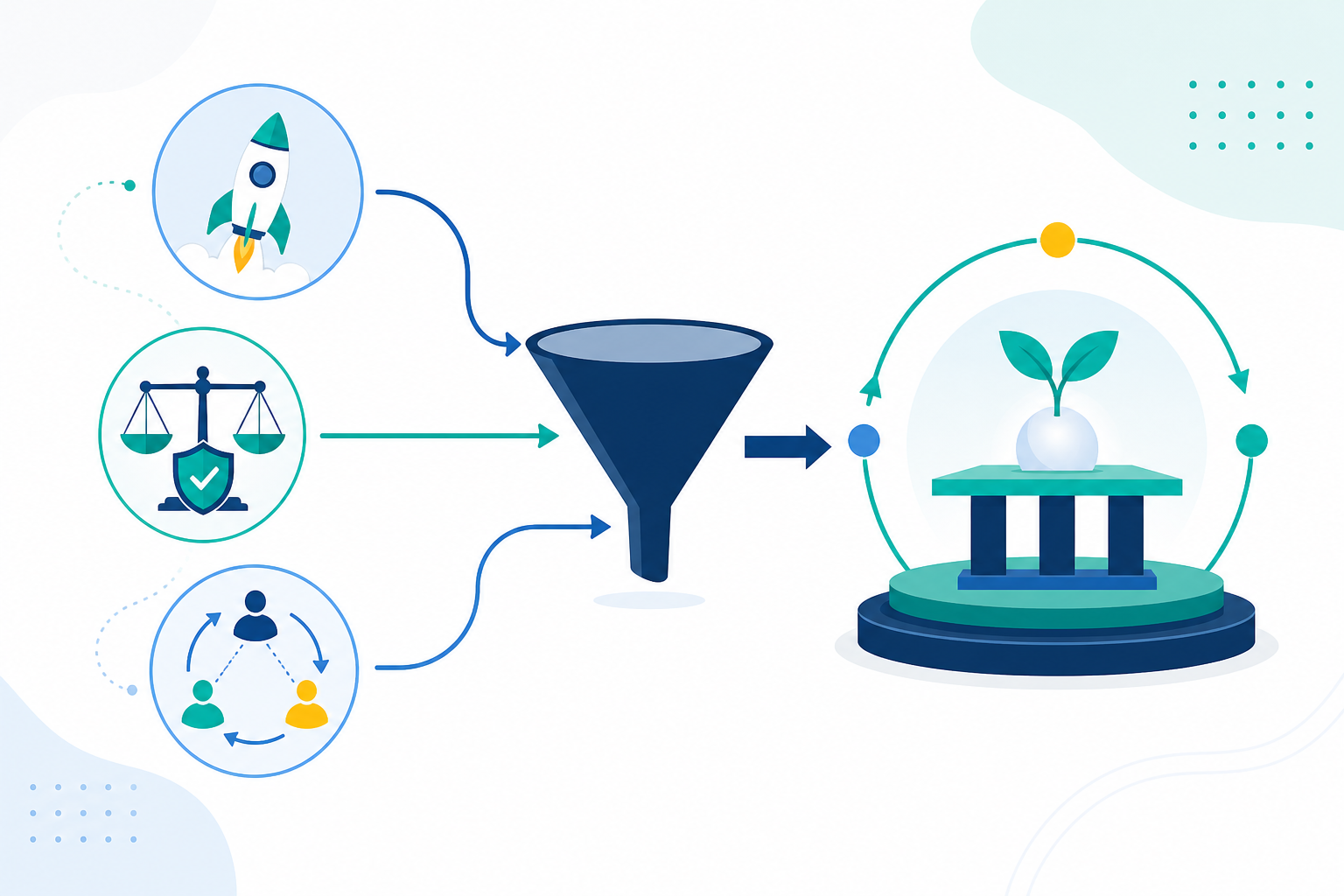
So when you see a company like Sonny offering unlimited agents at a flat rate, what you're really seeing is a bet: that a lean product, sensible fair-use limits, and long-term retention will do more for the business than charging incrementally for every login. It's a different philosophy than per-seat pricing, not a financial trick, but also not a promise that nothing is ever capped.
Who benefits most from unlimited-agent pricing?
Flat-rate, unlimited-agent pricing isn't the right fit for every company, but it genuinely suits a specific set of teams. You might recognise yourself in this list.
- Growing teams that don't want pricing to punish hiring. If you're scaling from 5 to 10 to 20 support agents, you shouldn't have to budget for software costs climbing in lockstep. Adding your 6th, 10th, or 20th agent should cost nothing extra.
- Seasonal or e-commerce businesses. Picture a small UK Shopify retailer bringing on three temporary agents for the Christmas rush and scaling back down in January. Flat-rate pricing means you can flex your team size without renegotiating a contract every quarter.
- Teams giving broader access on purpose. Sometimes you want sales, product, or ops folks to see customer conversations without paying for a separate licence for occasional access. Unlimited agents makes that kind of cross-team visibility cheap and easy.
- Small teams that value full-team access over enterprise tiers. Many small businesses care more about everyone having access to the shared inbox than about niche advanced features buried in a tier built for large enterprises.
- Budget-conscious founders juggling unpredictable growth. When revenue, headcount, and customer volume are all moving targets, one predictable software line item is genuinely reassuring, as long as it stays predictable, which is exactly what the questions below are designed to test.
Questions to ask before choosing an unlimited-agent help desk
Scepticism is healthy here, so let's turn it into a practical checklist. Before you commit to any flat-rate, unlimited-agent tool, especially if you're buying from the UK, run through these questions:
- What's actually capped? Ask directly: is it conversations, storage, integrations, channels, or AI usage that has a limit? A trustworthy vendor states this plainly, ideally in a published fair-use policy, rather than dodging the question.
- How long has this pricing model been around, and has it changed for existing customers? A pricing model that's held steady for years, with existing customers grandfathered in through changes, is a much stronger signal than one that's brand new and untested.
- Is there a free trial with no card required? A vendor confident in their product usually doesn't need to lock you in before you've tried it. As of writing, Sonny offers a 7-day free trial with no card required, worth confirming on their current site since trial terms do change over time.
- What's the uptime commitment, and where is customer data hosted? Look for a concrete SLA figure and clarity on data location, which matters for UK and EU customers under GDPR. If a vendor processes UK customer data, ask whether they offer a Data Processing Agreement (DPA) and where servers are based.
- Is VAT included in the advertised price, and is billing monthly or annual? Many SaaS tools quote prices excluding VAT, and some flat-rate deals only apply on annual billing. Get the actual monthly-equivalent cost, VAT-inclusive, before comparing it to anything else.
- What happens if you cancel, and can you export your data? Check notice periods, minimum contract terms, and whether you can download your conversation history if you leave.
- What do real customer testimonials say about scale? Don't just read entry-level praise. Look for mentions of teams actually using the tool with more agents and higher conversation volume, still finding it affordable and reliable.
If a vendor can answer all of this clearly, confidently, and in writing, that's a strong sign you're looking at a genuinely sustainable model rather than a promotional headline that gets renegotiated later.
The bottom line: is unlimited-agent pricing right for you?
Unlimited-agent pricing isn't magic, and it isn't a trick either. It's a different bet about where value comes from, backed, when it's done well, by fair-use limits and a genuinely lean product rather than an unlimited promise with no boundaries at all.
Here's a simple decision rule: if your main cost driver is really just "how many people need access to the inbox," and your usage is likely to stay within normal ranges, flat-rate pricing is usually worth serious consideration. If you need granular enterprise governance, dedicated account management, or expect usage far outside typical patterns, a per-seat or tiered model might genuinely serve you better. That's a legitimate choice, not a failure to find the "right" answer.
That's roughly the philosophy behind Sonny's flat monthly rate: unlimited agents and conversations within a stated fair-use policy, so adding people to help your customers doesn't automatically increase your bill. As always, check Sonny's current pricing, currency, and terms directly before deciding. Pricing pages change, and you deserve the most current numbers, not a snapshot from whenever this was written.
FAQ about unlimited agents and flat-rate pricing
What does unlimited agents mean in a pricing plan?
It means you can add teammates, support reps, sales staff, ops folks, without the bill increasing for each new login, up to the boundaries set by the vendor's fair-use policy. It's worth asking whether "agent" includes full response permissions or just view access, since vendors define this differently.
Is unlimited-agent pricing too good to be true?
Not inherently, but it's fair to be sceptical. Per-seat pricing has trained buyers to expect costs that climb with headcount, so flat pricing feels unusual. It tends to be legitimate when a vendor publishes clear fair-use terms and doesn't hide caps on conversations, storage, or integrations in fine print. The red flag isn't unlimited pricing itself, it's vagueness about what "unlimited" excludes.
How do flat-rate support tools make money with unlimited seats?
Mostly through retention, volume, and keeping the product lean rather than charging more per agent. Fair-use policies protect the vendor from extreme outliers, and automation can reduce the vendor's own support costs per customer. It's a bet that long-term loyalty outweighs squeezing extra revenue from every account, not a claim that seats cost nothing to serve.
Who benefits most from unlimited-agent pricing?
Growing teams, seasonal businesses staffing up for peaks like Christmas trading, and companies that want broad cross-team access to a shared inbox without licensing headaches. If your team size is likely to stay within normal usage patterns, flat-rate pricing keeps your software costs predictable even as your headcount changes.
Related Articles

Flat-Rate vs. Usage-Based Billing for SaaS Tools: A Practical Guide for Support Teams
Compare flat-rate pricing and usage-based billing for support software. Learn how growth, seasonal demand and ticket spikes shape your budget and costs.

How to Consolidate Support Tools After a Merger or Acquisition: A Guide to One Shared Inbox
Learn how consolidating support tools after a merger can preserve conversation history, align teams and keep customer support running smoothly.
Create content like this automatically
Scribe uses AI to generate high-quality blog posts that engage your audience and drive traffic.