How to Set Up WordPress Content Automation: A Complete Guide for Creators
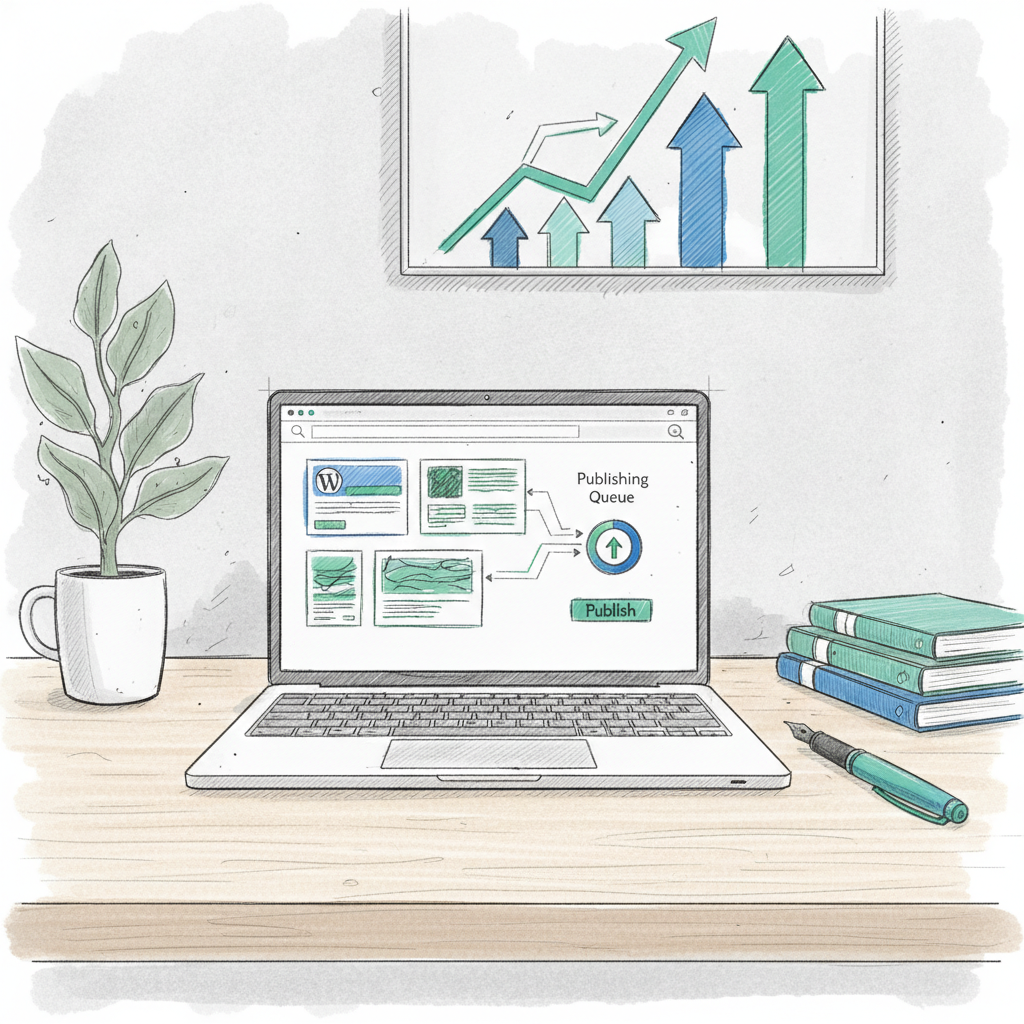
How to Set Up WordPress Content Automation: A Complete Guide for Creators
WordPress content automation uses AI writing tools and publishing workflows to help you stick to a regular posting schedule without burning out. I've been experimenting with these systems for the past year, and while they're not magic, they can genuinely save time when set up correctly.
Why WordPress content automation matters in 2026
Here's the reality: publishing consistently is hard. I know creators who started strong with daily posts, then weekly, then... nothing. Meanwhile, their competitors who figured out sustainable systems are still showing up.
AI writing tools have gotten legitimately useful. They're not going to write your next viral post, but they can handle routine content, research summaries, and first drafts while you focus on strategy and editing.
What you actually get from automation
- Regular publishing without the Sunday night panic
- More time for high-value content and audience engagement
- Better SEO from consistent fresh content
- Room to scale without hiring a full writing team
Prerequisites before you automate anything
Don't jump straight into automation. I've seen too many people set up elaborate workflows that produce generic fluff because they skipped the foundation work.
You need:
- WordPress hosting that can handle increased publishing (shared hosting often struggles)
- A content strategy document - what topics, what voice, what goals
- An AI writing tool with WordPress integration (I'll cover options below)
- Google Analytics and Search Console set up
- Clear target keywords and audience research
Step-by-step setup process
1. Choose and connect your AI writing tool
The big players here are Jasper, Copy.ai, and OpenAI's API. Jasper has the smoothest WordPress plugin. Copy.ai is cheaper but requires more manual work. Direct API integration gives you more control but needs technical setup.
Whatever you choose, spend time training it on your brand voice. Feed it your best existing content and be specific about tone, style, and topics.
2. Organize your content strategy
Create topic clusters around your main keywords. Instead of random blog posts, you want groups of related content that build topical authority. For example, if you're in fitness, you might have clusters around "home workouts," "nutrition basics," and "workout recovery."
Set up a content calendar with realistic publishing frequency. I recommend starting with 2 posts per week maximum.
3. Build your publishing workflow
This is where most people mess up. You have several options:
Manual review (recommended for beginners): AI generates drafts, you edit and approve everything before publishing.
Semi-automated: Set quality thresholds. Content above a certain score publishes automatically, everything else goes to your review queue.
Full automation: Everything publishes on schedule with minimal human input. Only do this after months of testing and refinement.
Publishing approaches compared
| Method | Control Level | Time Investment | Best For |
|---|---|---|---|
| Manual review | High | 2-3 hours/week | Getting started |
| Semi-automated | Medium | 1 hour/week | Established systems |
| Full automation | Low | 30 minutes/week | Experienced users only |
| Hybrid | Variable | 1-2 hours/week | Most creators |
SEO optimization for automated content
Generic AI content ranks poorly. You need systems to make it search-friendly:
Internal linking: Set up automatic linking between related posts in your topic clusters. Most automation tools can do this with some configuration.
Performance monitoring: Watch your Search Console data religiously. If automated content isn't getting impressions or clicks, adjust your prompts.
Content refreshing: Old automated content often needs updates. Schedule quarterly reviews to refresh statistics, add new information, and improve underperforming posts.
Quality control: Set up random sampling to manually check automated posts. Aim to review at least 20% of automated content.
Common mistakes to avoid
Publishing too much too fast. Google can flag rapid content increases as spam. Ramp up gradually.
Ignoring your actual audience. Automation works best when you know exactly who you're writing for and what they need.
Set-and-forget mentality. These systems need constant tweaking. What works in month one might not work in month six.
Sacrificing quality for quantity. Better to publish one great automated post per week than five mediocre ones.
What's actually realistic to expect
I'll be honest: automation isn't going to solve all your content problems. It's a productivity tool, not a magic content machine.
What it does well: Research summaries, FAQ posts, "how-to" content, product comparisons, news roundups.
What it struggles with: Opinion pieces, personal stories, cutting-edge analysis, anything requiring real expertise or experience.
The sweet spot is using automation for your foundational content while you focus on the high-impact stuff only you can create.
Starting your automation journey
Begin with manual review of everything. Set up one topic cluster with 5-10 pieces of content. Monitor the performance for at least a month before scaling up.
Test different content types and see what works for your audience. Some niches respond better to automated content than others.
Most importantly: automation should enhance your expertise, not replace it. The creators winning with these tools are using them to amplify their knowledge, not substitute for it.
The goal isn't to eliminate human creativity from content creation. It's to eliminate the tedious parts so you can focus on what actually matters: connecting with your audience and sharing valuable insights.
Related Articles

Create content like this automatically
Scribe uses AI to generate high-quality blog posts that engage your audience and drive traffic.