Year-End Support Review: The Metrics to Track Before Planning Your 2026 Budget

Flat-Rate Pricing vs Per-Seat Costs: The Help Desk Software Budget Review to Do Before 2026
Before you set next year's support budget, pull three things: your team's response time trends, your actual annual spend on help desk software (including every seat you added mid-year and any VAT), and a list of goals for the coming year. Compare that spend against what a flat-rate pricing model would have cost for the same team, and you'll likely find you've been paying for growth you should have been rewarded for, not penalised for.
Quick definition, since it matters for everything below: flat-rate pricing means you pay one fixed monthly or annual fee regardless of how many agents you add or how many conversations your team handles. Per-seat pricing (sometimes called per-agent billing) charges you for each individual login, often with extra fees layered on for add-ons, integrations, or higher conversation volumes. Neither is automatically better. It depends on how stable your team size is and how many extras you actually use. More on that in a moment.
I know, I know, budget planning isn't exactly the most exciting way to spend an afternoon. But grab a coffee, because this is one review that tends to pay for itself. Every year I talk to support teams who renew their help desk software on autopilot, without ever really looking at what they got for their money. Then January rolls around, someone finally opens the invoice history, and there's a very audible groan in the Slack channel.
So before you sign anything for 2026, let's walk through exactly what to look at, including the maths, VAT, and the scenarios where sticking with per-seat pricing might genuinely be the right call.
Reviewing this year's help desk response time trends
Start with performance, not price. It sounds backwards, but you need to know whether your current help desk software actually helped your team before you decide whether it's worth paying for again.
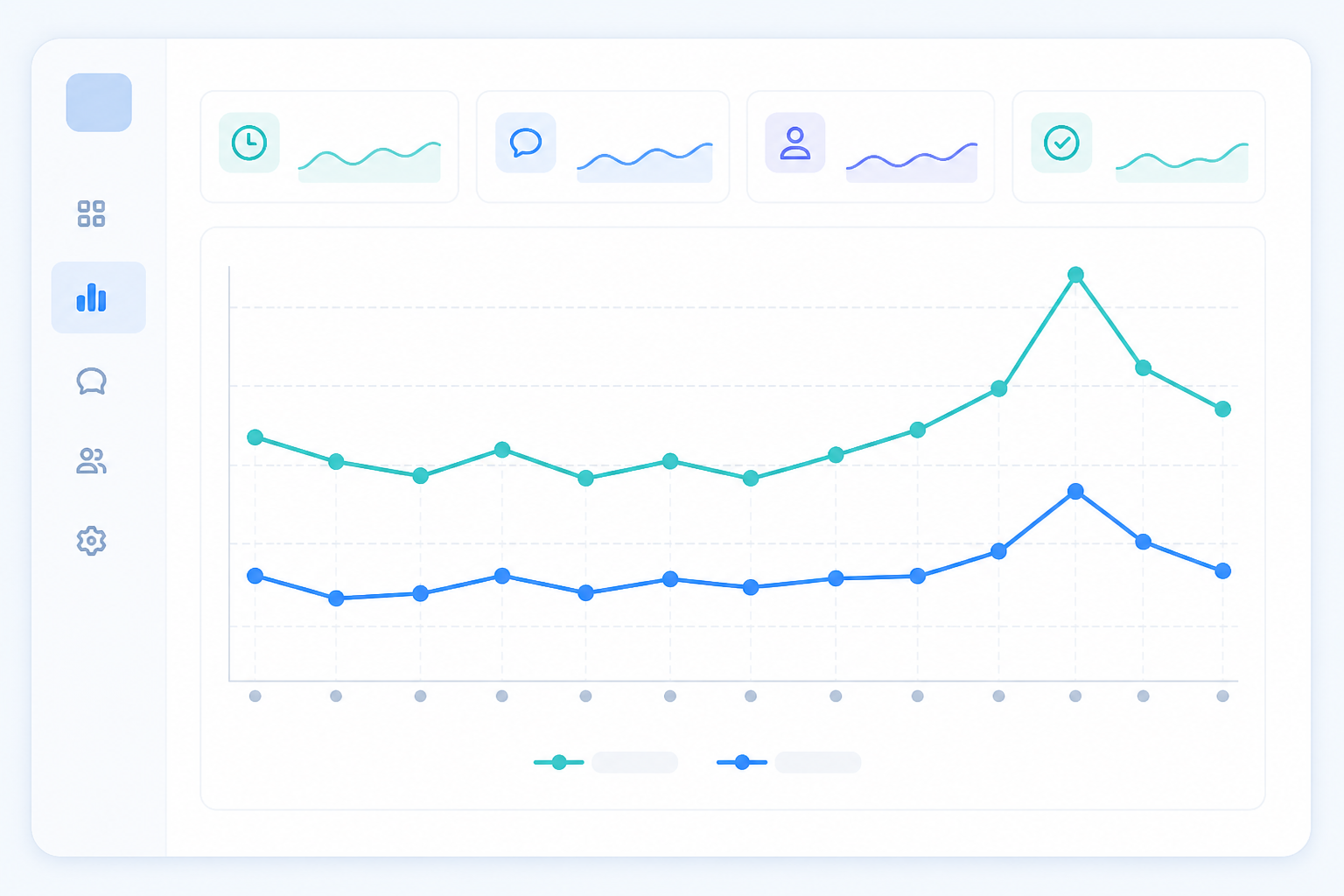
Pull your first response time and resolution time reports from the last 12 months. Most help desk software will let you export this in a few clicks. If it doesn't, that's worth noting too, since reporting shouldn't be a fight. Don't just look at averages, though. A single very fast or very slow week can skew an average and hide what's really going on.
Here's a fuller picture worth building:
- Median and 90th percentile response times: the average tells you the typical experience, but the 90th percentile shows how bad your worst cases got. If your average is two hours but your 90th percentile is fourteen, a chunk of your customers are having a much rougher time than the headline number suggests.
- Seasonal spikes: did response times slip during your busiest periods, like Black Friday, Boxing Day returns, or a big product launch? Almost every UK team sees some dip here, but the size of the dip tells you a lot about whether your tools and staffing scaled with demand.
- Channel differences: compare how quickly your team responded via email versus live chat. Chat typically moves faster, but if your email queue was consistently lagging by days, that's a resourcing or workflow problem worth fixing in 2026.
- Backlog ageing: how many tickets sat untouched for more than 24 or 48 hours? This catches problems that response-time averages can miss entirely.
- CSAT alongside speed: fast responses that leave customers unhappy aren't a win. Pull your satisfaction scores next to your speed metrics so you're not optimising for one at the expense of the other.
- The agent-to-speed relationship: this is the big one. Did adding agents during the year actually bring response times down, or did the bill go up while the metrics stayed flat?
That last point is where a lot of teams have an uncomfortable realisation. You added three seasonal hires in November, response times barely moved, and you're still paying for two of those seats in February because nobody circled back to remove them.
Think of this less as beating yourself up over last year's decisions, and more as sorting the changes that genuinely improved your customer experience from the ones that just increased your monthly invoice.
Auditing your actual help desk software costs
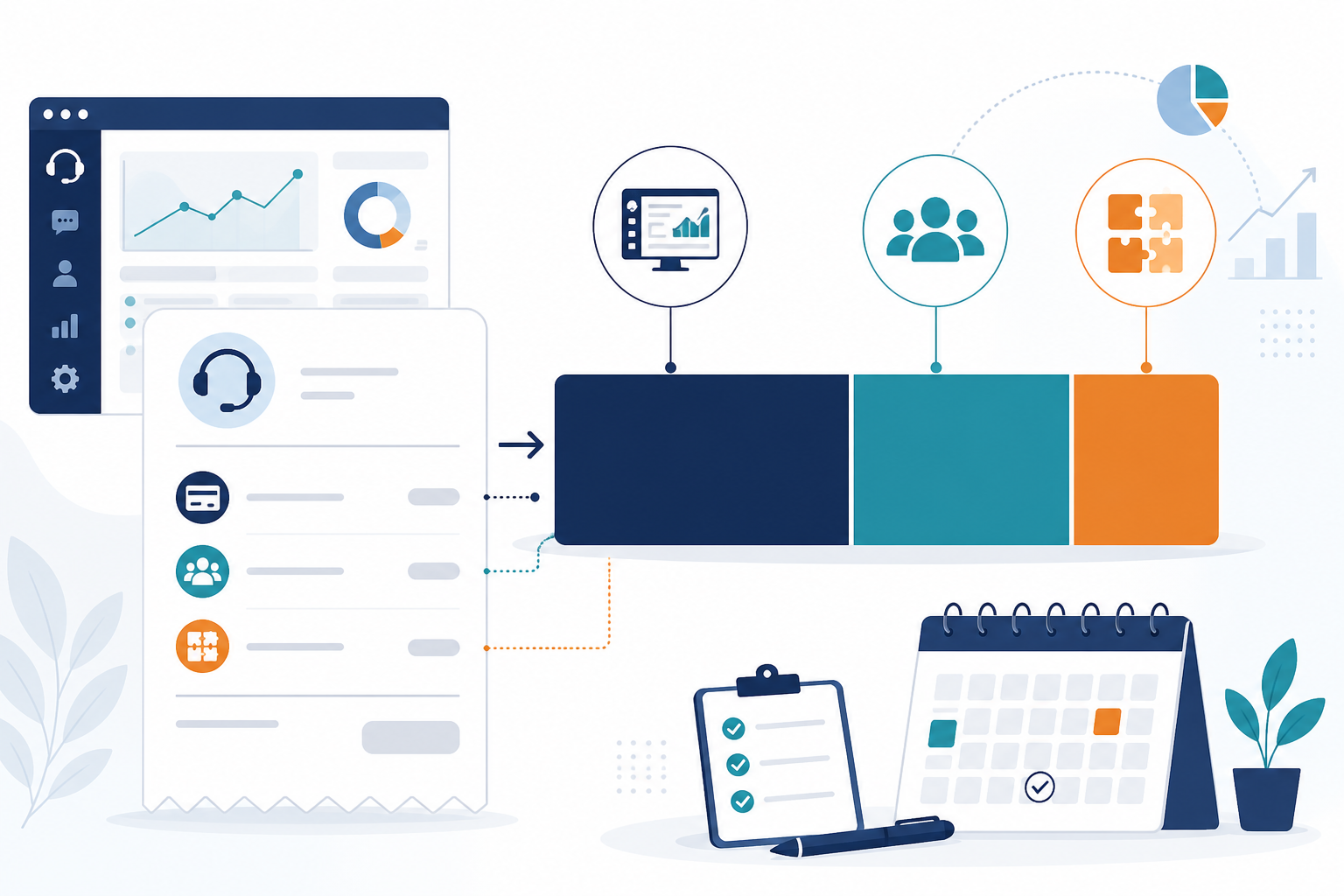
This is the part everyone dreads and everyone needs. Most teams know their "starting price", the number on the pricing page they signed up for eighteen months ago. Very few teams know what they're actually paying today, VAT included. Those two numbers are almost never the same.
Here's a process that gives you a true, total-cost-of-ownership picture rather than a rough guess:
- Gather every invoice from your help desk software provider for the past 12 months, including any one-off implementation or training fees. Your billing portal or finance team should have these on file.
- Add up base subscription costs plus any per-agent or per-seat charges billed on top. Note whether prices shown are ex-VAT: most UK B2B software pricing is quoted before the 20% VAT is added, which catches people out at renewal time.
- Include every add-on fee: extra reporting dashboards, integrations, premium support tiers, or anything labelled "advanced" that costs more than the base plan.
- Check your contract terms. Did you commit to a minimum number of seats regardless of usage? Did an annual prepayment get you a discount that a monthly comparison would miss? Are there different seat types, full agent versus "light" or viewer access, billed at different rates?
- Calculate cost per agent two ways. First, using your average active agents across the year. Second, using your peak billed seats during your busiest month. Providers who bill on peak seats or enforce minimum commitments will look very different depending on which number you use, and both matter for a fair comparison.
- Compare that total to what a flat-rate plan would cost for the same team size, over the same 12 months, with VAT included on both sides.
Example: comparing per-seat and flat-rate pricing
Here's what that maths actually looks like, since vague examples are easy to wave away. Say a provider advertises £15 per agent, per month, excluding VAT:
| Cost component | Amount |
|---|---|
| Base seats (5 agents × £15) | £75/month |
| Peak-season seats (3 extra agents × £15, active 3 months) | £45/month average across the year |
| Premium reporting add-on | £25/month |
| Integration fee (e.g. connecting your e-commerce platform) | £15/month |
| Subtotal (ex-VAT) | £160/month |
| VAT (20%) | £32/month |
| True total | £192/month |
Compare that to a flat-rate plan advertised at £19.99 a month for unlimited agents, plus VAT (£23.99 total). That's the gap worth putting in front of whoever signs off your budget, not the £15 versus £19.99 headline numbers, which tell you almost nothing on their own.
One caveat worth being upfront about: if your team is small and stable (say, three agents, no seasonal swings, and no add-ons), a per-seat plan at £15 per agent could easily land cheaper than a flat-rate plan at £19.99, even with VAT added. Flat-rate pricing tends to win as your team grows, fluctuates seasonally, or needs multiple people collaborating on tickets. Flat-rate isn't automatically the winner here. It's simply a better fit for a specific, and common, kind of support team.
Identifying where per-seat help desk costs crept up
Once you've done the audit above, it's worth digging into why the number crept up. In my experience, it's rarely one big decision. It's a handful of small ones that quietly compound over the year.
Before you start cutting seats, though, classify them first. Not every unused-looking seat is genuinely wasteful. Some are contractually locked in for the rest of your annual term, and some "quiet" seats belong to people who need occasional access for compliance or audit reasons. Sort your seats by role, activity level, permission level, and billing status before you touch anything.
With that sorted, here are the usual suspects for genuine waste:
- Seasonal hires who never got removed: you bring on extra help for the holiday rush, and by the time things calm down, updating the billing dashboard is nobody's priority. Three months later, you're still paying for access nobody's using.
- Project-based team members left in the system: a colleague from marketing needed access for a two-week campaign push. It's now month seven and they're still on the seat count.
- People added just to see what's happening, not to actually work tickets: someone in leadership wants visibility into internal notes or tags, so they get a full seat even though they never touch a live conversation.
- Costs that scale with headcount, not with workload: your ticket volume per agent has stayed roughly the same all year, but your bill has gone up every time the team grew. That's a sign your pricing model is tracking the wrong thing.
- The quiet tax on collaboration: this one's easy to miss. When every new teammate means another line item, teams start hesitating to loop people in. Support ends up more siloed, not less, because collaboration has a price tag attached to it.
That last point matters more than it might seem. Good customer support software should make it easier to pull in the right person, whether that's a developer to answer a technical question or a manager to handle an escalation. If your pricing model discourages that, it's working against the exact collaboration it's supposed to enable.
Setting help desk and support goals for 2026
Now for the more energising part: deciding what you actually want 2026 to look like. This should flow directly from the data you just pulled, not from a wishlist you wrote in a hurry last January.
A few things worth putting on your list:
- Set a response time target based on real numbers: if your average first response time this year was four hours, aiming for under two isn't unreasonable, but base it on your actual trends and percentiles, not an arbitrary industry benchmark.
- Decide if you want to grow the team freely: if you're planning to hire, would you rather make that decision based on what's best for your customers, or based on what it'll cost you in extra seat fees? This is exactly the kind of decision flat-rate pricing removes from the table, provided your team size and needs make flat-rate the better fit in the first place.
- Explore support automation, with guardrails: an AI-powered copilot trained on your company docs can handle a good chunk of repetitive questions, like password resets, shipping policies, and plan comparisons, freeing your team to focus on conversations that need a human touch. But set goals around this properly: define an acceptable containment rate, a clear escalation path for when the AI isn't confident, a process for reviewing accuracy, and a check on how customer data is stored and used. Automation goals without those guardrails tend to create new problems instead of solving old ones.
- Consider consolidating your tools: if your team is currently jumping between a help desk, a separate live chat widget, and a third tool for internal notes, that's a lot of context-switching. A unified shared inbox for live chat, email ticketing, and team collaboration cuts that friction significantly.
- Define what good collaboration actually looks like for your team: is it full visibility into shared inbox conversations? Internal notes that don't get missed? Tagging and filtering that make it easy to route the right ticket to the right person? Write it down; it'll help you evaluate tools more objectively.
Goals like these are much easier to hit when your pricing model isn't quietly working against you. It's hard to commit to "grow the team when needed" if growing the team always means a bigger invoice.
Choosing help desk software for a predictable budget
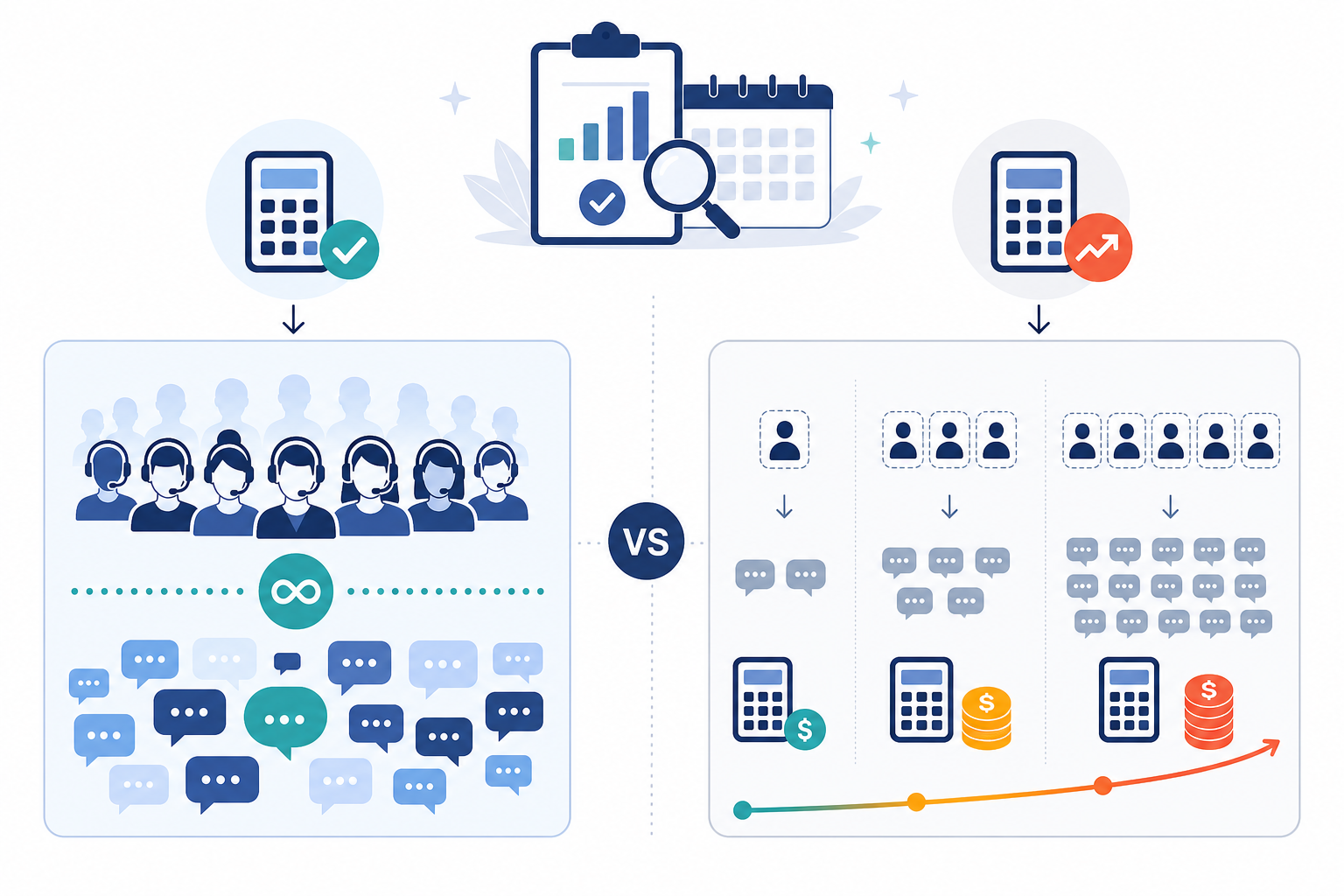
Once you know your numbers and your goals, the last step is matching them to the right kind of help desk software, and being honest about which model actually fits your situation. As a general rule, flat-rate pricing tends to suit teams with fluctuating headcount, seasonal hiring, or a strong need for cross-team collaboration. Per-seat pricing can still be the cheaper option for a small, stable team that rarely adds extras. Here's how the two models typically compare on the things teams tell us they care about most. Treat this as a framework for your own comparison, and verify specific numbers against each provider's current pricing page before you decide.
| What to compare | Flat-rate pricing (general pattern) | Per-seat pricing (general pattern) |
|---|---|---|
| Cost as team grows | Typically stays fixed regardless of agent count | Increases with every new hire or seasonal addition |
| Conversation limits | Often unlimited, but check the specific plan | Frequently tiered, with possible overage charges |
| Contract terms | Often monthly, cancel-anytime | May require annual commitment or minimum seats |
| Free trial | Varies by provider, check credit card requirements | Varies by provider, check credit card requirements |
| Uptime and reliability | Should be backed by a published SLA, ask for the exact figure | Should be backed by a published SLA, ask for the exact figure |
| Access across devices | Check native app availability for your platforms | Check native app availability for your platforms |
A quick disclosure, since it's relevant here: I work on the team behind Sonny, a flat-rate help desk tool, so take the specifics below as a vendor example rather than neutral analysis. The framework above is what I'd genuinely recommend using to evaluate any provider, including us. Sonny's current pricing, plan limits, SLA terms, device support, and trial conditions are listed on our pricing page, and I'd encourage you to check the live details there rather than take a blog post's word for it, since terms can change. What I can tell you honestly is why we built it the way we did: teams kept telling us they were tired of recalculating their support budget every time they wanted to add a teammate, so we built around a single predictable line item instead of a per-seat model.
Whatever provider you're evaluating, the questions worth asking are the same: What's the total cost at your current team size, your low season, and your projected peak? Is there a minimum seat commitment? What happens to your price if you go over a conversation limit? Is VAT included in the quoted price? How long is the contract term, and what does migrating away look like if it doesn't work out?
Flat-rate pricing vs per-seat pricing: which should you choose?
Here's the honest truth: a lot of support teams go into the new year assuming they have a performance problem, when what they actually have is a pricing-model mismatch. The model they're on doesn't reflect how their team actually grows and works. That's not true for every team, though, so use your own numbers rather than taking that as a given.
Once you've done the review above, you've got three honest options, not just one:
- Renew if your total cost genuinely lines up with the value delivered, and your team is small and stable enough that per-seat pricing isn't costing you extra.
- Renegotiate if your usage has grown but your contract hasn't adjusted with it. You now have the invoice history and cost-per-agent data to make that case with real numbers.
- Switch if your projected 2026 team size, seasonal hiring pattern, or collaboration needs mean a flat-rate model would clearly cost less or remove friction that's currently holding your team back.
Doing this review once, properly, gives you the clarity to make whichever of those three calls actually fits your team, backed by your own numbers, not a vendor's homepage.
FAQ: help desk software pricing and budget reviews
What should I review in my support software before the new year?
Start with three things: your response time and resolution time trends over the past 12 months (including medians and percentiles, not just averages), your total actual spend on help desk software including VAT and every add-on or extra seat, and a shortlist of goals for next year. This gives you a clear before-and-after picture when you're deciding whether to renew, switch, or renegotiate.
How do I audit hidden costs in my current help desk plan?
Pull every invoice from the past year and separate the base subscription fee from per-agent charges, add-on fees, VAT, and any premium reporting or integration costs. Calculate your cost per agent using both your average active agents and your peak billed seats during your busiest month, since providers with minimum commitments or peak-based billing will look different depending on which number you use. Many teams are surprised to find they're paying two or three times their advertised starting price once seasonal hires, add-ons, and VAT are factored in.
Is flat-rate pricing always cheaper than per-seat pricing?
No, and it's worth checking rather than assuming. Flat-rate pricing tends to be cheaper once your team grows past a certain size, fluctuates seasonally, or needs several people collaborating on tickets with add-ons layered in. A small, stable team with few extras can sometimes pay less on a per-seat plan. A simple break-even check: take the flat-rate monthly price, divide it by the per-seat price, and that tells you roughly how many seats you'd need before flat-rate becomes the cheaper option. Then compare that to your actual and projected team size.
What support goals should I set for next year?
Base your goals on this year's actual data rather than assumptions. Common goals include hitting a specific first response time target (grounded in your own percentiles), adding support automation with clear escalation and accuracy guardrails, consolidating tools into a single shared inbox, and removing cost barriers that discourage adding teammates when you need them.
Related Articles

Unlimited Agents, One Flat Price: What It Really Means for Your Team
See how unlimited agents pricing removes per-seat barriers, lowers help desk software cost, and gives your whole team access to customer conversations

How Shopstar Streamlined Support Without Adding Agents
Discover how UK e-commerce brand Shopstar used customer support software, a shared inbox and flat-rate pricing to scale support without hiring.

Create content like this automatically
Scribe uses AI to generate high-quality blog posts that engage your audience and drive traffic.