Automating Customer Support Without Losing the Personal Touch
14 min read
Loading...

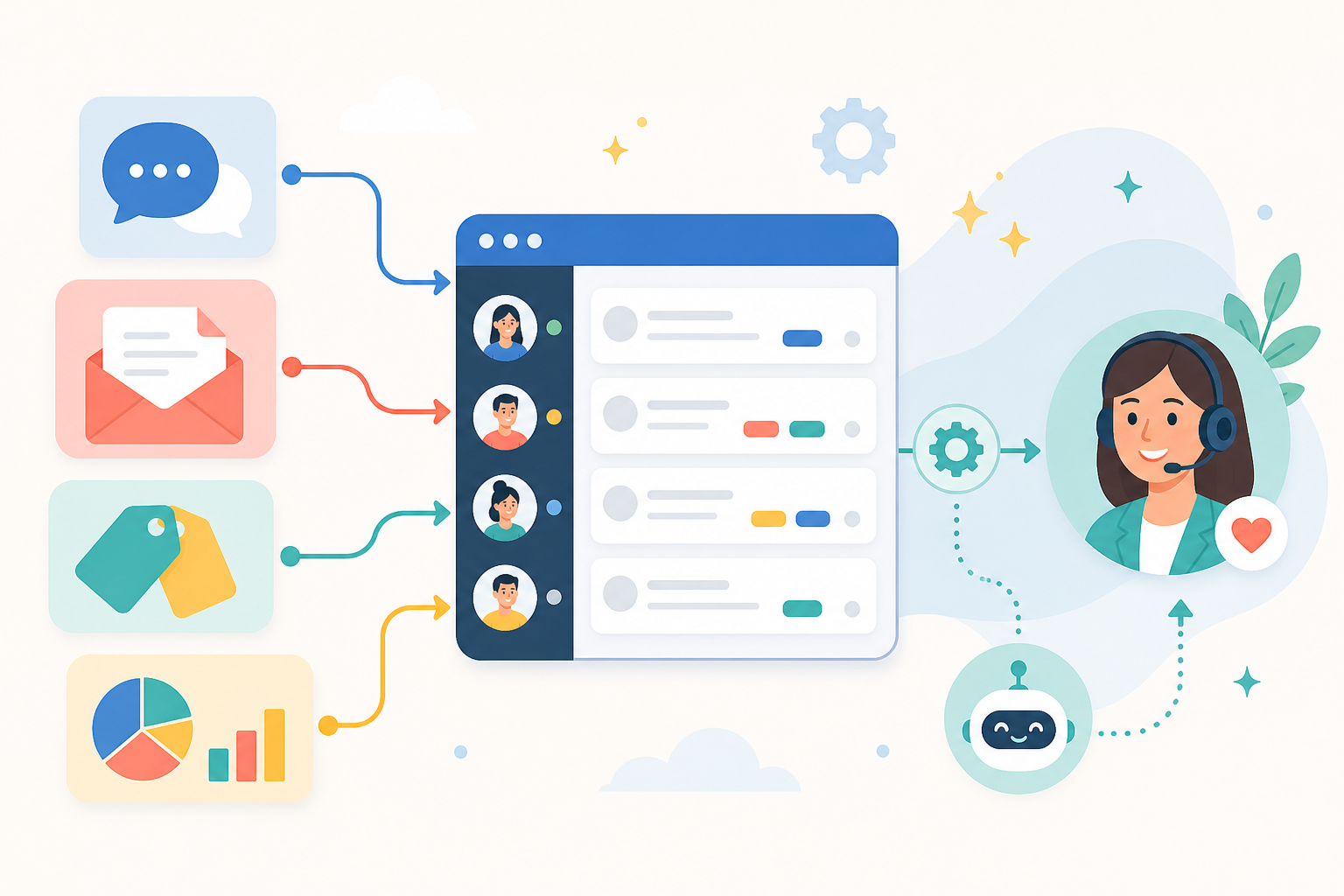
Automation doesn't have to mean robotic replies. Really, it just means taking the repetitive, low-judgment work off your team's plate so people have more time for the conversations that actually need a human touch — and so everyone on the team can see who owns what, without duplicating effort or losing context. The trick is knowing which parts of support to hand off to software — routing, tagging, first drafts — and which parts should always stay with your team, like empathy, judgement calls, and relationship-building. Get that balance right, and automation doesn't just speed things up. It improves team collaboration, because everyone can see the full picture of a conversation instead of guessing what a teammate already said.
Let's dig into how that actually works in practice, because the word "automation" can make small support teams a little nervous. 😅
We've all been there. You email a company with a genuine problem, and you get back a reply that clearly skimmed your message, if it read it at all. "Thanks for reaching out! Here's our help article on resetting your password" — except you never mentioned your password. You mentioned a billing error that's cost you £40. That moment is when trust evaporates. It doesn't matter how fast the reply came. It felt like nobody was actually listening.
That fear is valid. Plenty of support automation has been done badly, and customers can spot a canned response from a mile away. If you've hesitated to add automation to your workflow because you didn't want to become "that company," that instinct makes sense.
The useful reframe is this: it's not automation itself that feels robotic. It's automation applied without judgement, context, or team visibility. A templated first line isn't the problem. Sending that template as the entire reply, without anyone reading what the customer said or checking whether a teammate already replied, is the problem. The tool isn't the villain — carelessness and poor coordination are.
This fear tends to hit small teams especially hard, and for good reason. If you're a small SaaS company or an e-commerce brand competing against much bigger players, being responsive and human is often your whole competitive edge. Nobody expects a five-person team to feel like a call centre, and you don't want to accidentally build one. So the instinct to protect that personal feel is smart. It just doesn't mean automation is off the table — it means you need to be intentional about where it lives, and make sure your whole team is working from the same shared context rather than five different inboxes.
Here's what often gets missed: most of what makes support feel slow or chaotic has nothing to do with empathy. It's logistics. It's messages getting lost, tickets sitting unassigned, and teammates duplicating work because nobody can see what anyone else is doing. That's exactly the layer automation should handle — and handling it well is really a team collaboration problem in disguise.
Say a customer emails about a duplicate charge. Without shared visibility, that email might land in a personal inbox, sit for two days, and then get answered twice by two different teammates who both apologise for the delay without realising the other one already replied. With a shared inbox and a simple routing rule — anything containing "charged twice," "refund," or "invoice" gets tagged billing and assigned to whoever's on billing rotation — that same message gets seen once, owned by one person, and resolved without anyone stepping on anyone else's reply.
A few places where this genuinely improves both the customer experience and how your team works together:
This is, honestly, the whole idea behind building a proper shared inbox rather than juggling five separate tools. When live chat, email ticketing, and internal notes all live in one place, your team spends less time hunting for context and more time actually helping people — and less time asking each other "did you see this one?" in a separate Slack channel. That's the quiet, unglamorous kind of automation, and it's the kind that makes support feel more human, because your team isn't drained from admin and cross-checking by 11am.
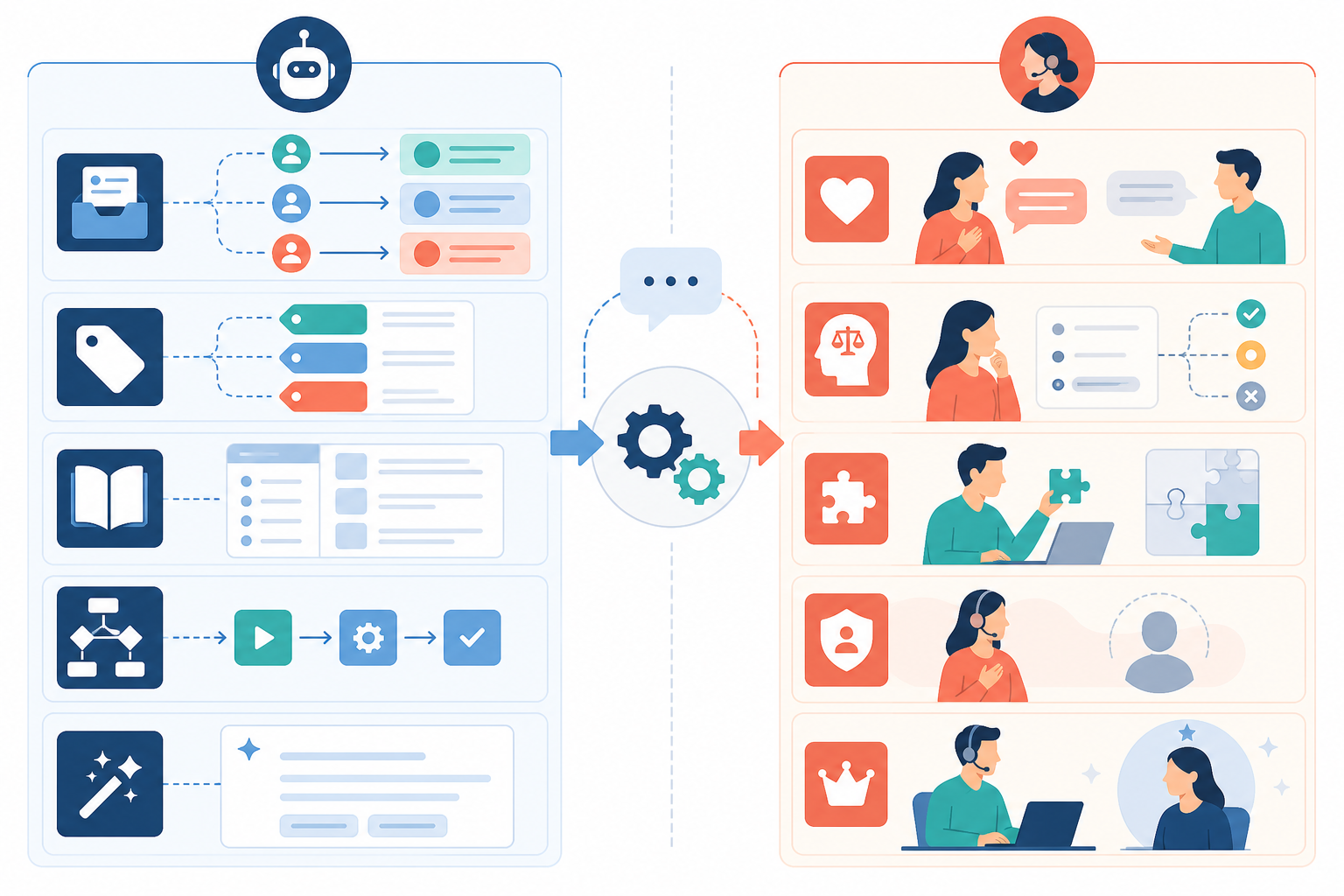
Now for the other half of the equation, because this is where teams get into trouble. Automation is brilliant at handling volume and structure. It's terrible at handling feelings, nuance, and history. Here's where a person needs to stay firmly in the driver's seat:
Think of it this way: automation should clear the path so your team has the energy and time to show up fully for these moments. If your team is buried in manually sorting emails and copy-pasting replies all day, they've got nothing left for the customer who actually needs a thoughtful, careful response. That's the real cost of under-automating — not that things feel too cold, but that your best people are too exhausted to be warm, and too scattered across separate tools to collaborate on the conversations that need more than one set of eyes.
This is where a lot of the anxiety about AI in support comes from, and it's fair. AI-generated replies can sound polished and confident while being completely wrong or weirdly generic. The fix isn't avoiding AI altogether — it's treating it as a first draft, reviewed by a person, every time.
Here's a workflow that keeps things sounding like your team wrote them, because they did, with a head start:
Before any of that, though, it's worth being honest about what an AI drafting tool can and can't see. If it's trained on your help docs and past conversations, check what customer data it has access to, whether that data is used to train models beyond your own account, and who on your team can view or export it. A short internal checklist helps: only approved knowledge sources feed the AI, no draft goes out unreviewed, sensitive details like payment information or health-related requests get extra scrutiny, and there's a record of who approved what. None of this needs to be complicated, but it does need to be deliberate — especially if you're handling any personal or financial information, which most support teams are.
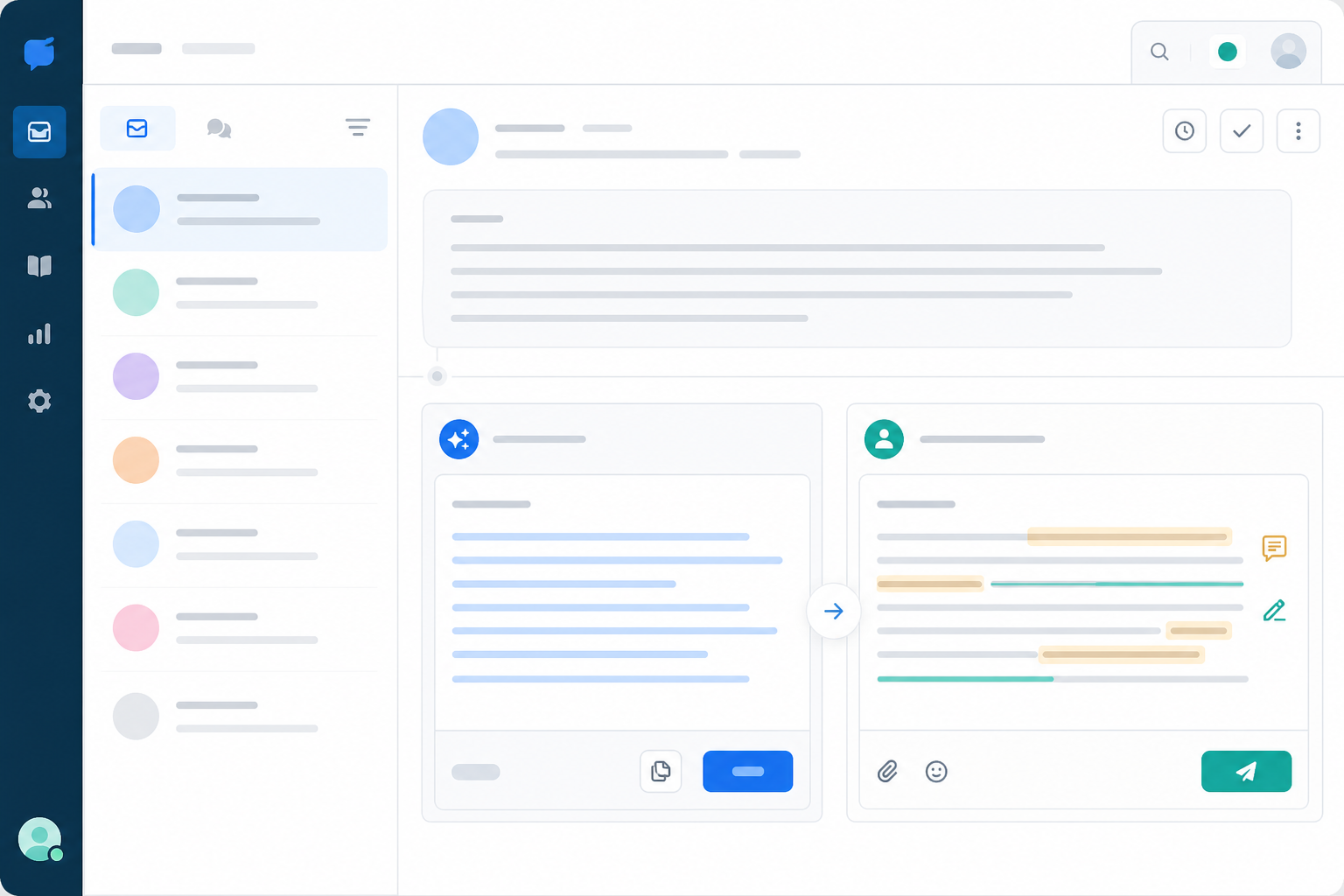
Done this way, AI becomes a quiet assistant sitting just behind your team, not a stand-in for them. Customers get faster replies, and your team still gets to be the one who actually answers.
There's no universal formula here, because every team's mix of customers, product complexity, and tone is different. But there is a solid process for figuring out your own balance.
Start by auditing a week of real conversations. Sort them using a simple set of criteria: How emotionally charged is it? How much history or context does it require? How often does this exact question come up? Conversations that are low-emotion, low-context, and high-repetition — password resets, order status, shipping timelines — are your automation candidates. Anything involving distress, financial loss, or a long relationship history belongs with a person. Everything else sits in a middle bucket worth reviewing as a team.
| Automate | Keep human |
|---|---|
| Ticket routing and tagging | Upset or distressed customers |
| Instant chat acknowledgements | Cancellation and retention conversations |
| First-draft replies (reviewed before sending) | Policy exceptions and goodwill gestures |
| Saved replies for repetitive questions | VIP and long-term relationship conversations |
| Response-time and workload reporting | Complex, multi-thread troubleshooting |
From there, set a few simple team rules. AI drafts are always reviewed before sending. Tickets from accounts above a certain value route to a senior teammate. Anything unresolved after four hours escalates automatically. Rules like this keep automation contained to where it's useful, instead of creeping into places it shouldn't be — and they give the whole team a shared, predictable system instead of everyone making individual judgement calls about what to automate.
Get your whole team involved in defining what "sounds like us" actually means. Consistency matters more than any single perfectly-worded template — if three different teammates would phrase something three different ways, that's worth talking through together, because it's really a collaboration exercise as much as a tone exercise.
Test changes gradually. Small teams have a real advantage here: you can experiment without the risk of a massive, clunky rollout. Try automating one thing, watch how it lands for a couple of weeks, then adjust.
And keep an eye on both customer satisfaction scores and response times, together, not separately. The goal isn't just faster support. It's faster and warmer support, delivered by a team that can see what everyone else is doing.
One more thing worth naming: pricing models quietly shape these decisions more than people realise. When support software charges per seat, there's a built-in incentive to automate aggressively and keep headcount low, because every extra teammate costs more. Tools like Sonny use flat-rate pricing instead — one monthly fee regardless of team size, at the time of writing, so it's worth checking current terms on their pricing page before deciding. The point isn't the specific numbers; it's that a pricing model without per-seat penalties removes the pressure to automate purely to save money. You get to automate because it genuinely improves collaboration and the customer experience, not because it's the only way to keep the software bill under control.
It can, but only when automation replaces thinking rather than giving your team a head start. Automating repetitive tasks like ticket routing, tagging, or first-draft replies usually improves experience because customers get faster responses and your team has clearer visibility into who's handling what. The damage happens when automation handles parts that need genuine judgement — for example, sending a fully automated response to someone who's clearly upset, or letting a chatbot attempt a refund decision that should involve a person.
Anything involving empathy, judgement, or relationship history should stay with a person. That includes upset customers, cancellation conversations, unusual edge cases, and any moment where a customer needs to feel heard rather than processed. A good rule of thumb: automated acknowledgements are fine, but the actual substantive reply to anything emotionally charged should come from a teammate who's read the full thread.
Treat AI-generated drafts as a rough first pass, not a finished reply. Read the customer's actual message, adjust the tone to match your team's voice, add a specific detail that shows you paid attention — their order number, the exact issue they described — and double-check any facts about pricing or policy before sending. Leaving an internal note for teammates about anything unusual keeps the whole team working from the same context, which is where a lot of the "robotic" feeling actually comes from: not the AI itself, but a handoff where nobody had the full picture.
At the end of the day, the goal of any support tool — a shared inbox, saved replies, AI drafts, whatever it is — should be giving your team back the time, headspace, and shared visibility to be genuinely present for customers. Automate the administration. Keep the judgement calls human. And make sure the context is visible to the whole team, not just the person who happened to answer first. That's what automation done well actually looks like. Not colder support. Support with more room to be human where it counts. 💛

Onboard support agents in days, not weeks with team collaboration, shared inboxes and help desk software—an advantage for fast-growing startup teams.
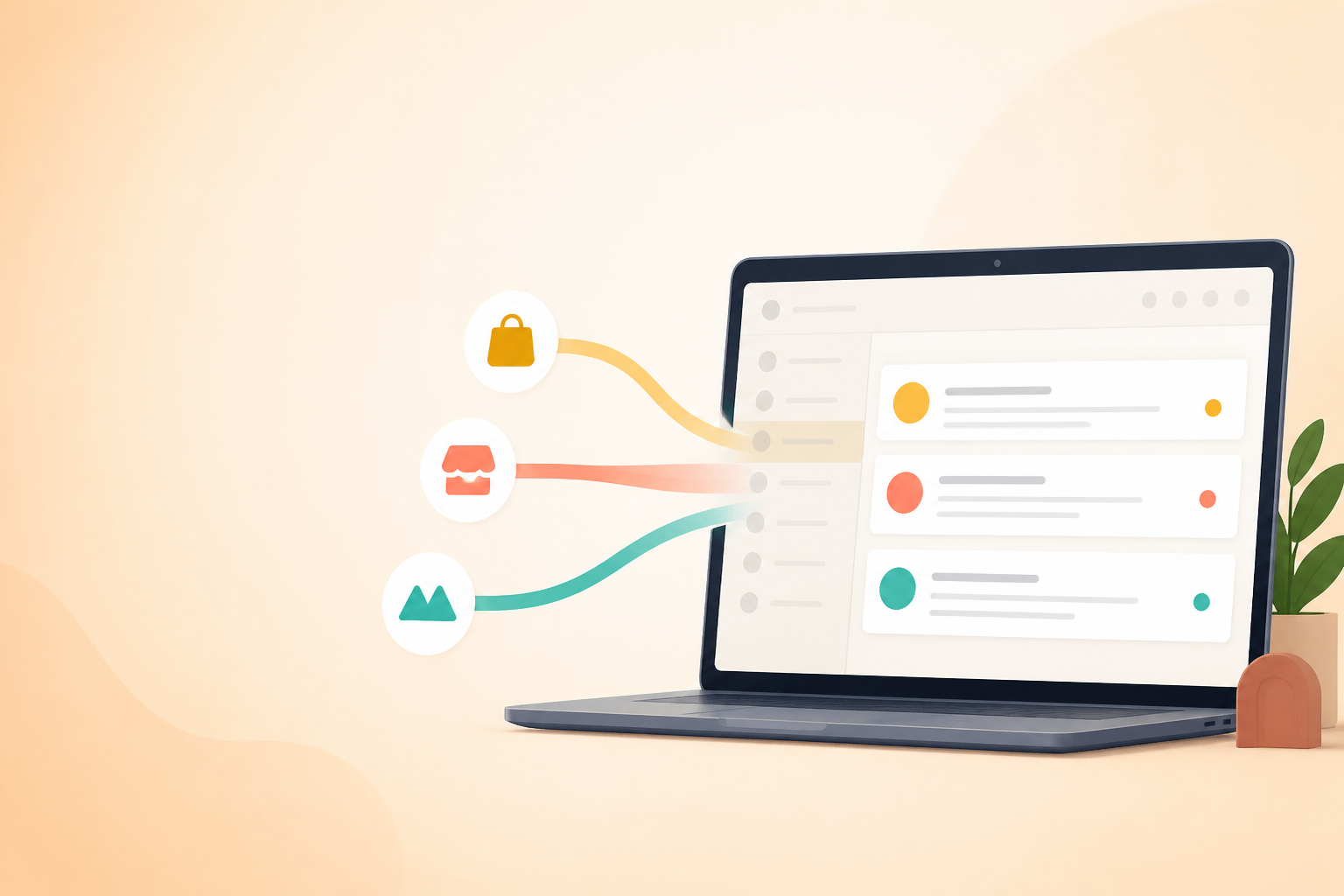
Learn how help desk software can route, tag, and report on support for multiple brands in one shared inbox while reducing mix-ups and admin.
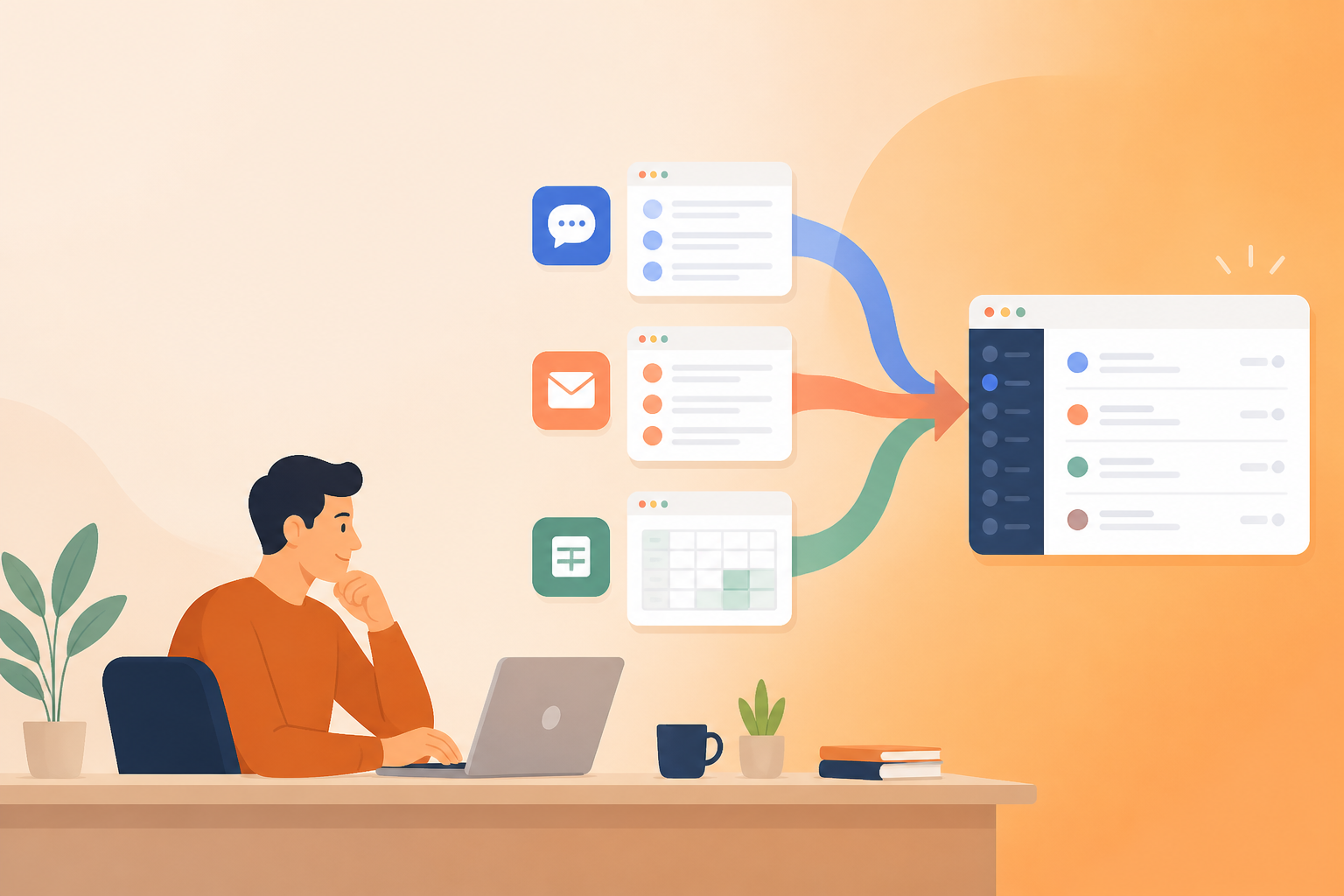
Tired of switching between five apps to answer one customer? Here's why early-stage SaaS founders are ditching tool sprawl for a single shared inbox —