Choosing Help Desk Software for a Multi-Brand Company: The Complete Buying Guide
13 min read
Loading...
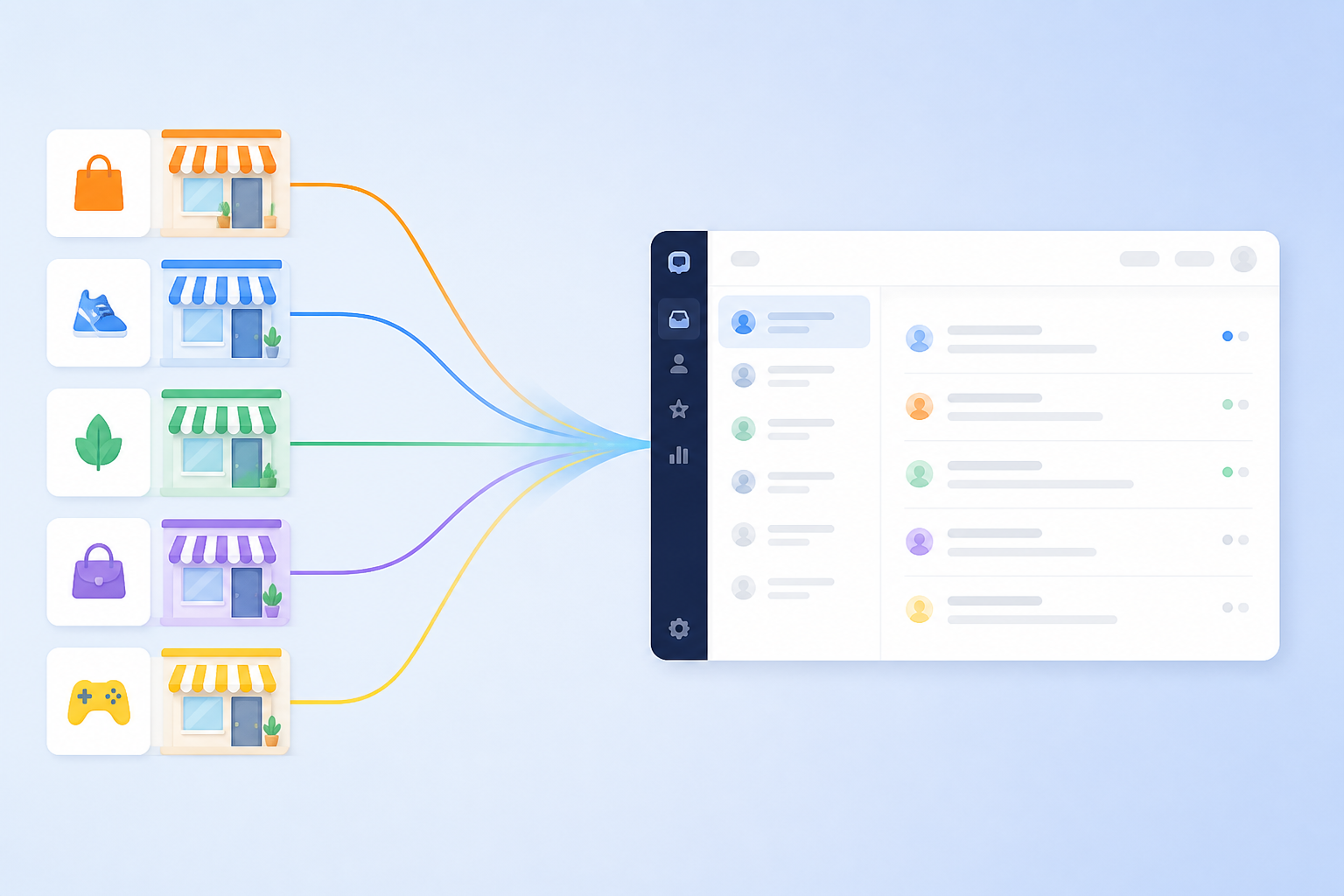
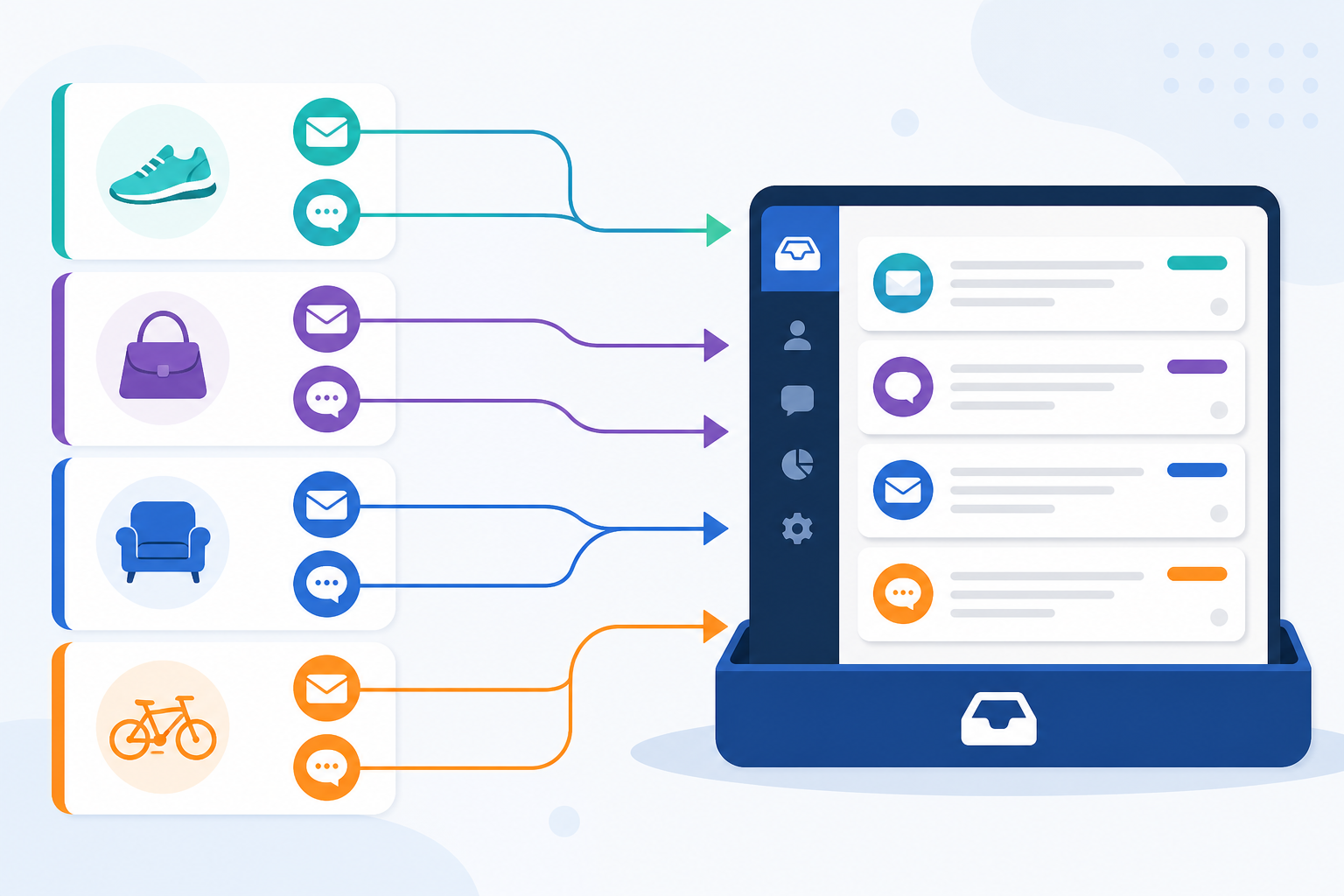
![Diagram: A simple diagram showing several brand icons on the left, each with their own email and chat channel, all funneling into one shared inbox for Choosing Help Desk Software for a Multi-Brand Company(https://www.usesonny.com/blog/managing-multiple-storefronts-in-one-support-inbox) dashboard on the right with tags for each brand visible]
Yes, one piece of help desk software can run customer support for several brands at once. But it needs proper tagging, routing, permissions and separate brand identities built in, and its pricing model shouldn't punish you for adding brands, channels or teammates.
Here's the trap I see multi-brand companies fall into over and over: they end up paying for separate help desk subscriptions, logins and reporting dashboards for each brand. Those costs quietly multiply as the company grows. Three brands with five agents each, all on per-seat pricing, means you're paying for the same features three times over.
Flat-rate customer support software can fix part of this by putting every brand into one workspace. That said, flat pricing has its own trade-offs. You need to understand usage caps, channel fees and brand limits before you commit to anything.
If you're juggling separate logins, subscriptions and support dashboards for each brand, this guide will walk you through your options. By the end, you'll have a practical checklist to bring to vendor calls and product trials.
Running support for one brand is hard enough. Running it for three, five or ten brands under one roof is a completely different operational problem, and honestly, most help desk software just isn't built for that.
Here's a worked example. Say a company runs three brands, with five agents supporting each, using three separate help desk tools at roughly £15 per agent per month. That's £225 a month before VAT, just for the software. And that doesn't count the time lost switching between systems all day.
Now compare that with one multi-brand workspace where the same 15 agents work from a single, properly tagged shared inbox. Software costs may drop, sure, but the bigger win is less friction day to day. That's really the point: a support team that moves across brands without constantly switching tools.
When each brand has its own help desk subscription, you're often paying for the same features three or four times over. Email ticketing, live chat, reporting, team collaboration - all duplicated, even though your team is doing basically the same work across each brand.
Support leads managing multiple brands can end up with three or four browser tabs open, each logged into a different platform. Every switch creates a small moment of friction: which brand am I in right now? What tone should I use here? Did I already reply to this customer under another brand's ticket?
Those seconds add up. Across a shift, a week, a year, it's a lot of time spent just figuring out where you are.
When support for Brand A lives in one tool and Brand B lives in another, keeping a consistent voice gets harder. Templates drift, tone shifts, and agents sometimes grab the wrong response for whichever brand they're actually supporting.
A shared help desk with brand-specific templates and queues makes it much easier to keep things consistent across email, chat and whatever other channels you use.
Separate systems make it genuinely hard to get a reliable view of how things are going across all your brands. You might need to stitch together spreadsheets from three or four dashboards just to answer something as simple as: which brand has the slowest response time this month?
A good multi-brand help desk lets you see combined performance and filter by brand, channel, team or issue type without the spreadsheet gymnastics.
None of this is inevitable, by the way. It happens when support tools get added brand by brand, reactively, instead of being chosen deliberately for a multi-brand operation from the start.
When you're evaluating help desk software for a multi-brand company, focus on what actually affects daily workflows, reporting and total cost. If a platform can't meet these requirements, you'll probably be rebuilding your support stack again in a year - and nobody wants to do that twice.
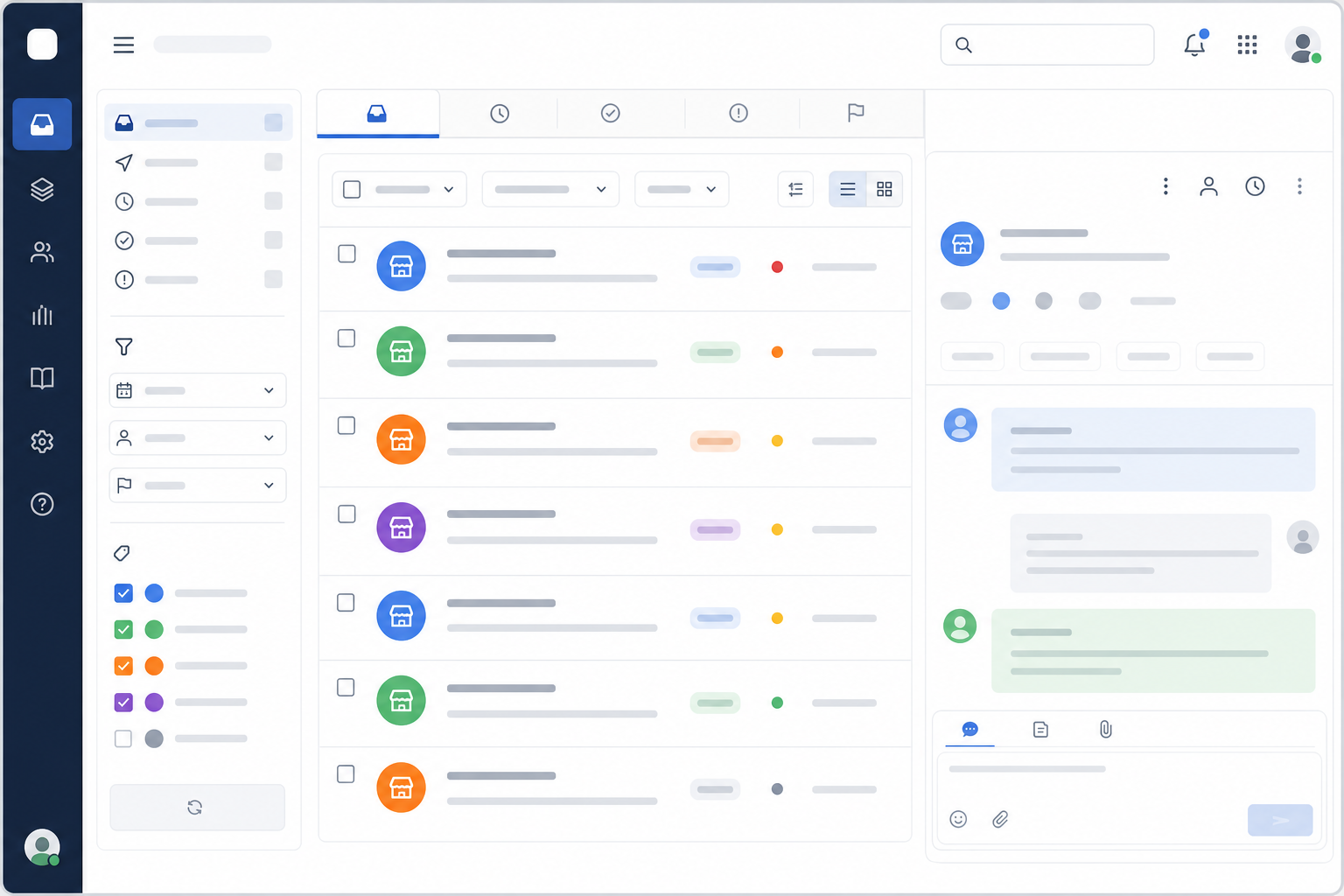
Once a platform has these features, it stops being "the tool for Brand A" or "the tool for Brand B." It becomes the support system for your whole organisation, no matter how many brands sit underneath it.
This is where multi-brand companies lose the most money without realising it. Flat-rate pricing can be a great fit for growing teams, but it's not automatically the right call. Check the limits and exclusions before you sign anything.
Per-seat pricing charges you for each agent, usually monthly. Fine for a single-brand support team. But if three brands need separate subscriptions because the platform doesn't support multi-brand queues, you're paying that per-agent fee three times over.
Adding one teammate can bump up the bill across every subscription you're running, rather than just once in a central workspace.
Some providers let you add brands or inboxes but charge a monthly fee for each one. Looks affordable at first. Gets expensive fast once you add storefronts, support addresses or channels.
Ask directly: does the plan include unlimited brands, shared inboxes and email addresses, or is each one billed separately?
Flat-rate pricing means one monthly price no matter how many agents you have - which can be genuinely valuable for multi-brand teams. It makes budgeting predictable, and you're not penalised every time you add a teammate.
But read the fine print. Some flat-rate plans cap conversation volume, limit automation rules, restrict reporting to a set number of brands, or charge separately for SMS, WhatsApp and other channels. "Flat rate" doesn't always mean unlimited. Read the actual terms, not just the headline number on the pricing page.
The figures below use a hypothetical per-seat rate of £15 per agent per month, before VAT. These are illustrative numbers, not quotes from any specific vendor.
| Setup | Per-seat pricing (approx. £15/agent/month) | Flat-rate pricing (example) |
|---|---|---|
| 1 brand, 5 agents | £75/month | £19.99/month |
| 3 brands, 5 agents each (separate subscriptions) | £225/month | £19.99/month |
| Same 3 brands, one brand adds a 6th agent (16 agents total) | £240/month | £19.99/month |
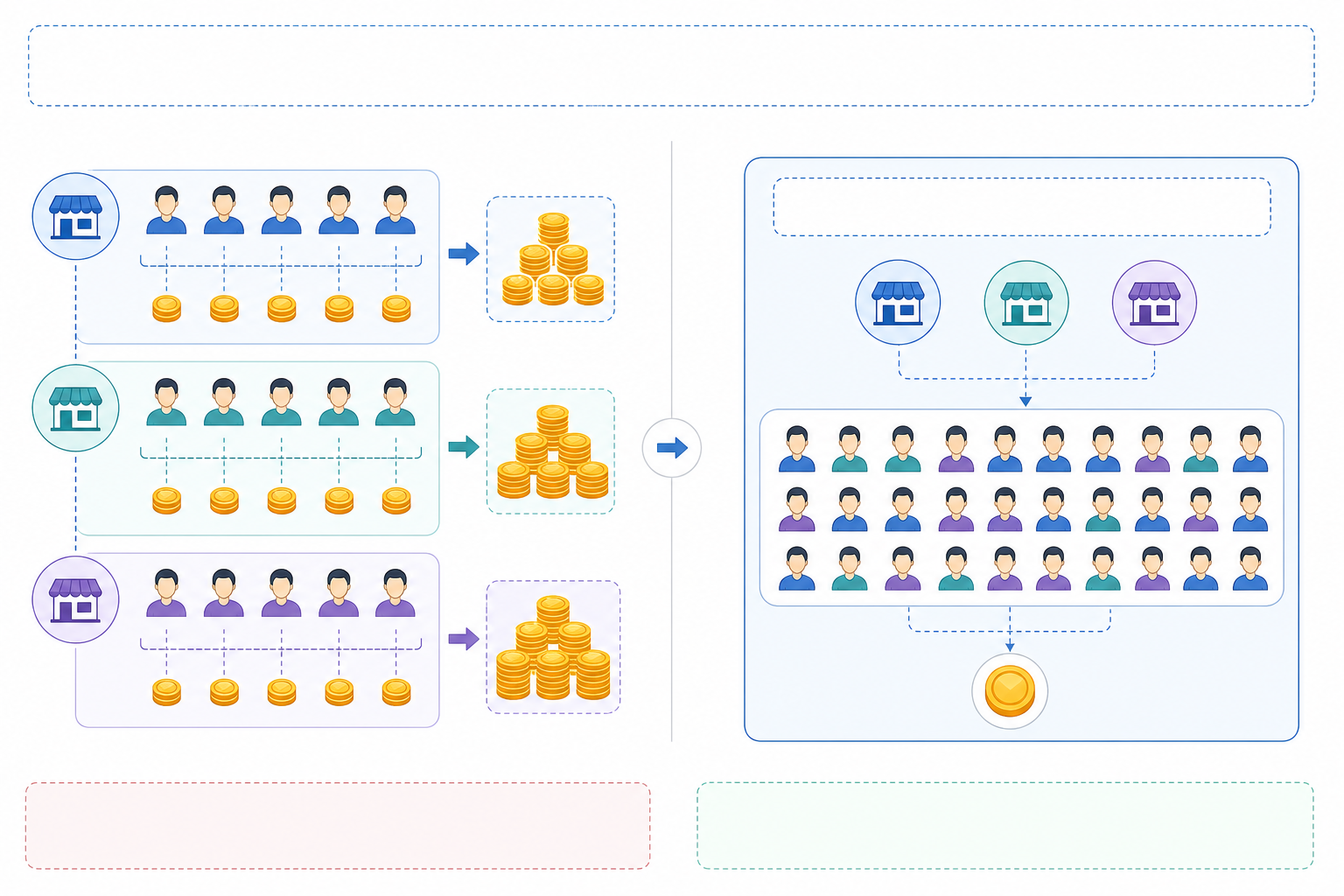
All figures exclude VAT, and the flat-rate example assumes a plan without hidden per-brand add-ons. Always confirm current pricing directly with the vendor, since plan inclusions change.
When you're comparing help desk software, work out the total cost of ownership: monthly subscription, per-brand fees, per-channel charges, VAT where it applies. Then project that over the next 12 months based on how many agents and brands you'll actually have.
The question worth asking every vendor is simple: does adding a brand or teammate change my bill, and are there any usage caps I should know about?
Once you've picked software with the right features and pricing, you still need to configure it so multi-brand support actually runs smoothly day to day.
Create brand-specific tags first. Set up a tag for every brand you support. Each conversation gets tagged automatically or manually the moment it comes in, so agents know immediately which brand they're dealing with.
Build routing rules based on brand, product or language. If certain agents specialise in particular brands, route tickets straight to them. A structure like "Brand A + Billing + English" works well. Also set up a fallback queue for anything that doesn't match a rule, and make sure someone's actually watching it.
Build brand-specific views in the shared inbox. Agents should be able to pull up just Brand A's open tickets, for example, without opening a separate tool. These views should be quick to create and easy to find from the main dashboard.
Use brand-specific canned responses. Templates protect each brand's tone and voice. Write responses for common questions, but let agents personalise where it makes sense.
Segment response-time and volume reports by brand. This lets managers spot when one brand's response times are slipping while another is doing fine, and reallocate agents based on where the actual demand is.
Most teams get comfortable with this setup within a week, though it depends on how many brands, channels and agents you're consolidating at once.
Before you commit to anything, run vendors through this checklist. Separate the true dealbreakers from the nice-to-haves so you know what actually matters.
As one example, a tool like Sonny runs on a flat monthly fee rather than per-seat charges. Setup is designed to take minutes rather than a scheduled onboarding call, and there's a free trial without needing a card upfront. Still, check current pricing, trial terms and SLA details directly with the vendor before deciding - details like this can change.
Yes. One help desk tool can support multiple brands or product lines as long as it offers brand-specific email forwarding, live chat widgets, queues, tagging, permissions and reporting.
Look for a shared inbox where agents can work across brands while every conversation stays tied to the right brand identity. You should also be able to filter reports by brand without relying on manual spreadsheets.
Use brand-specific canned responses, tags and internal notes. Templates should reflect each brand's tone, terminology and policies, and tags help agents double-check which brand they're supporting before they hit reply.
Worth reviewing your templates every few months too. Brand voice can drift over time even when everything's running through the same system.
Often, yes - especially with flat-rate pricing instead of per-seat or per-brand charges. But compare the total cost of ownership, not just the headline price.
Add up your current subscription costs, agent fees, brand or inbox add-ons, channel charges and VAT. Then compare that to a consolidated plan over 12 months. For a lot of multi-brand teams the savings are real, but it depends entirely on your own agent and brand numbers.
Brand tagging and filtering, separate queues, permissions, internal notes, and reporting segmented by brand. Brand-specific email addresses and live chat widgets matter too, for keeping each customer experience distinct within one shared inbox.
Fast setup and mobile access make a real difference as well, especially when agents move between brands throughout the day. During a trial, actually test sender address configuration, routing rules and fallback behaviour - these details affect daily operations but rarely get explained clearly on feature pages.
If you're running separate help desk tools for each brand right now, that setup probably grew organically: one brand launched, a tool got picked, and each new brand just added more seats or another subscription on top.
A good next step is to list every brand and channel you currently support, then add up your actual monthly cost across all subscriptions, VAT and add-ons included. From there, trial a consolidated platform using real tickets, real brand-specific workflows and your actual reporting needs.
That comparison will tell you whether a shared inbox and flat-rate help desk software can actually cut costs and simplify things for your multi-brand support team.

Not every response time number tells you something useful. Learn which metrics actually predict customer satisfaction, which are vanity numbers, and h

Get new support agents ready to help in an hour with simple roles, saved replies, shadowing and team collaboration habits that keep startup customers

Thinking about handing over customer support? Learn when to make your first support hire, what to look for, and how the right help desk software lets