Email-to-Ticket Forwarding: A Beginner's Setup Guide (No Tech Skills Required)
14 min read
Loading...
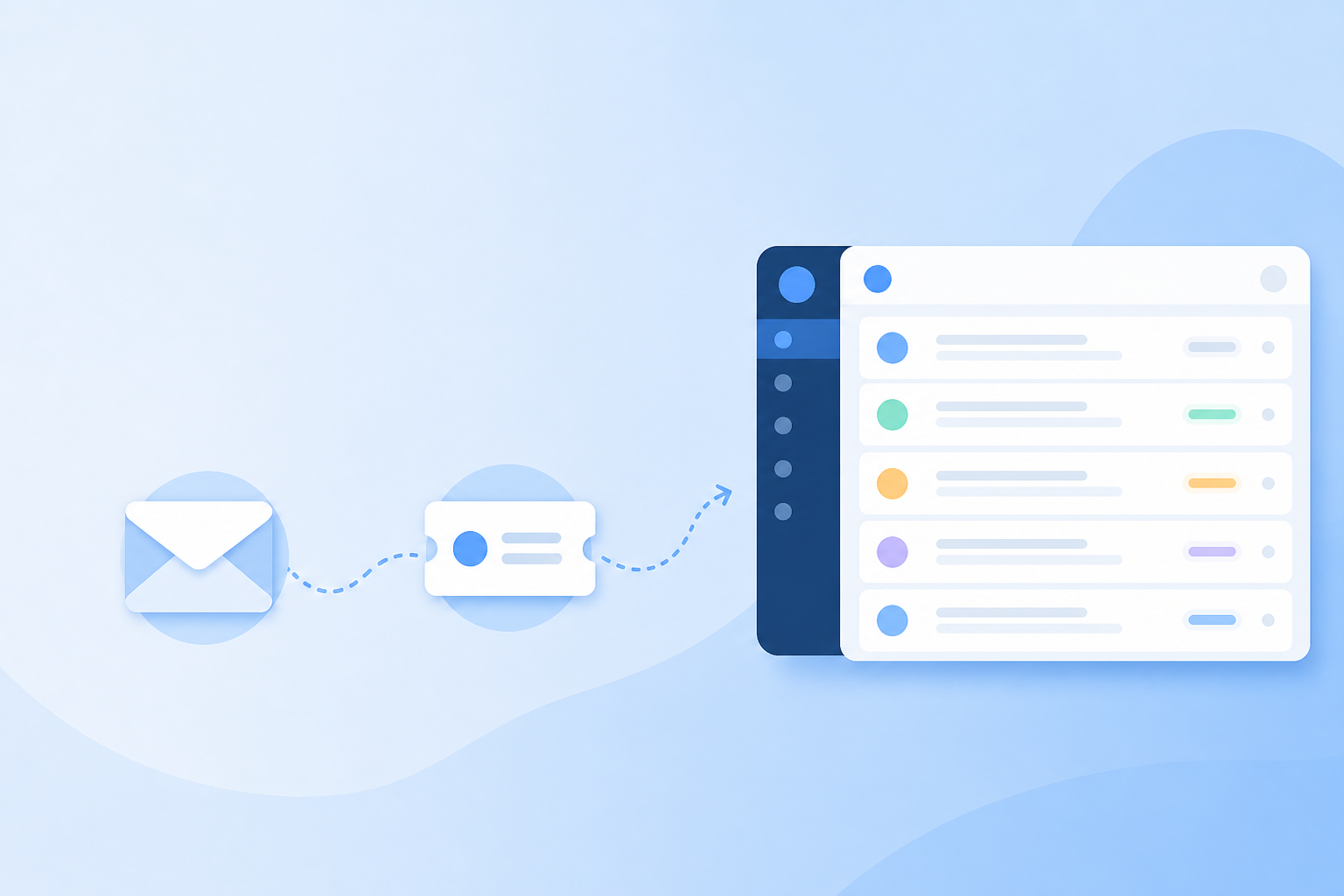
A straightforward walkthrough for UK teams moving from a shared Gmail or Outlook inbox to help desk software, usually done in well under an hour, even if your setup isn't entirely standard.
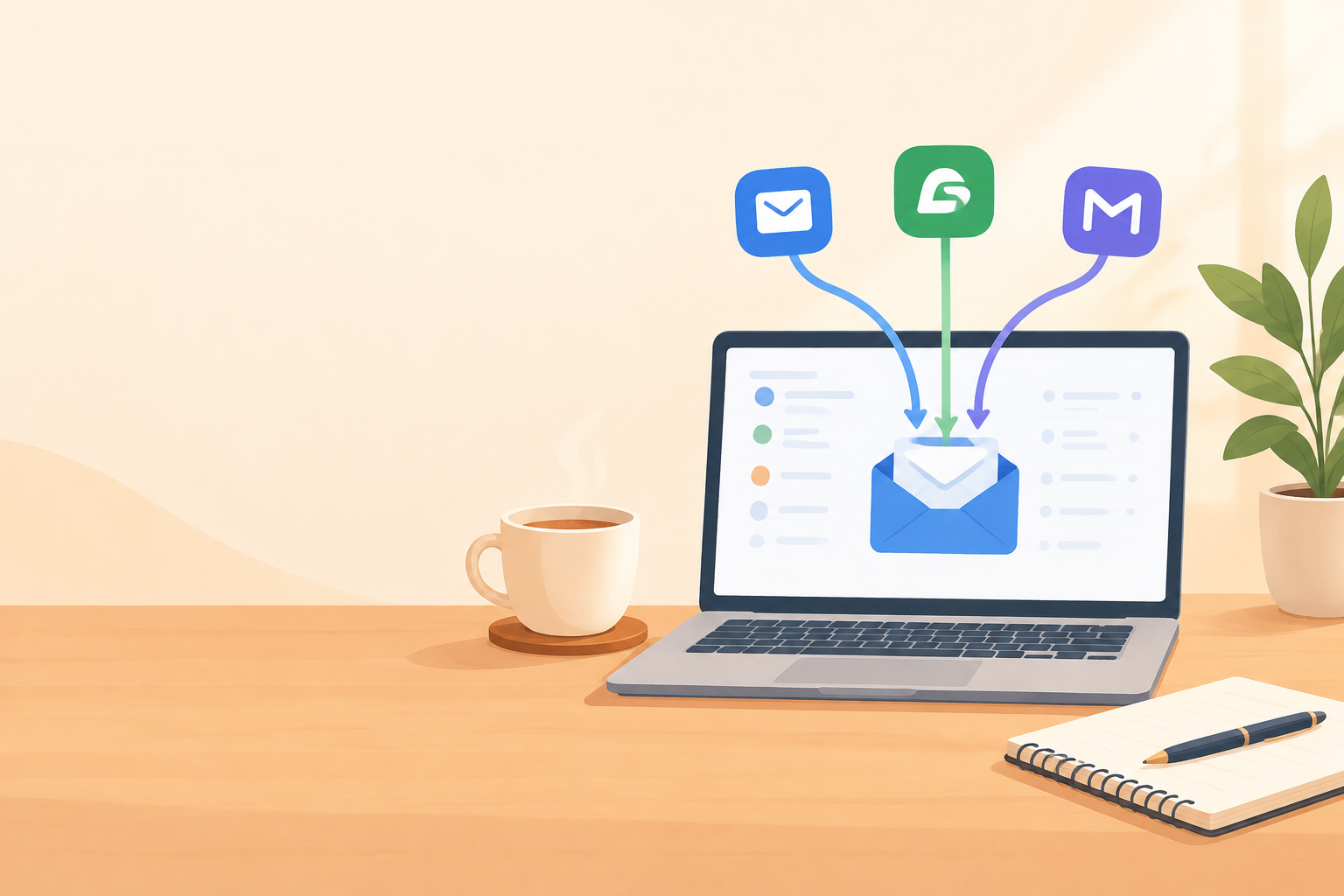
If you're still running customer support out of a shared Gmail or Outlook inbox, good news: you don't need to rip out your whole workflow to fix it. Email-to-ticket forwarding lets you keep your existing support@ address while automatically turning incoming messages into trackable tickets inside your help desk software.
The basic version is almost embarrassingly simple: copy a unique forwarding address from your ticketing tool, set up a forwarding rule in Gmail or Microsoft 365, then send yourself a test email to check it worked. That's genuinely most of it for a standard setup. Where it gets a bit more involved is with Microsoft 365 admin restrictions, a custom domain, or stricter data-handling rules, which are common for UK businesses managing customer data under UK GDPR. Those situations can add a few extra steps.
If this is your first time moving off a shared inbox, take a breath: it doesn't have to turn into a full IT migration project. For most small teams, this is a configuration task you can knock out in an afternoon. This guide walks through setting up email-to-ticket forwarding, testing it properly, and troubleshooting the issues that tend to come up.
Let's start with why you'd want to do this at all, because the setup makes a lot more sense once you see the problem it's solving.
A shared Gmail or Outlook inbox works fine when it's just one or two people answering emails. Add a third or fourth person, though, and things start to slip. Nobody clearly owns a conversation. Two people reply to the same customer with different answers. Someone marks a message as read just to skim it, then forgets about it entirely.
You've probably lived through some version of this: that sinking feeling when a customer replies "still waiting on this?" to a message from four days ago that everyone assumed someone else was handling.
Here's what that same situation looks like with proper email ticketing instead. A customer emails support@ about a delayed order. That message becomes a new ticket, automatically tagged "Orders" and assigned to whoever's on shift. Sarah picks it up, sets the ticket to "pending" while she checks with the warehouse, and leaves an internal note so the rest of the team can see she's on it, without anyone needing to ask in Slack.
If the customer follows up two days later, that reply lands on the same ticket. No confusion, no duplicate response, no dropped request. That's really the whole point of ticket assignment and status: they replace tribal knowledge with something everyone can actually see.
There's also a bigger win here for small teams: bringing email and live chat into one place. If you run a chat widget on your site but manage email in a separate shared inbox, your team ends up checking multiple tools, and customers can get a different experience depending on which channel they pick.
With a tool like Sonny, email tickets and chat conversations sit side by side in one shared inbox, so nobody has to remember which tab to check. Most modern help desk software takes a similar approach these days. The underlying idea is the same: one inbox for every way customers reach you.
Customers, for their part, barely notice the change. They still email support@yourcompany.com exactly like they always have. The forwarding happens quietly in the background; you're just putting a more organised system behind the same familiar address.
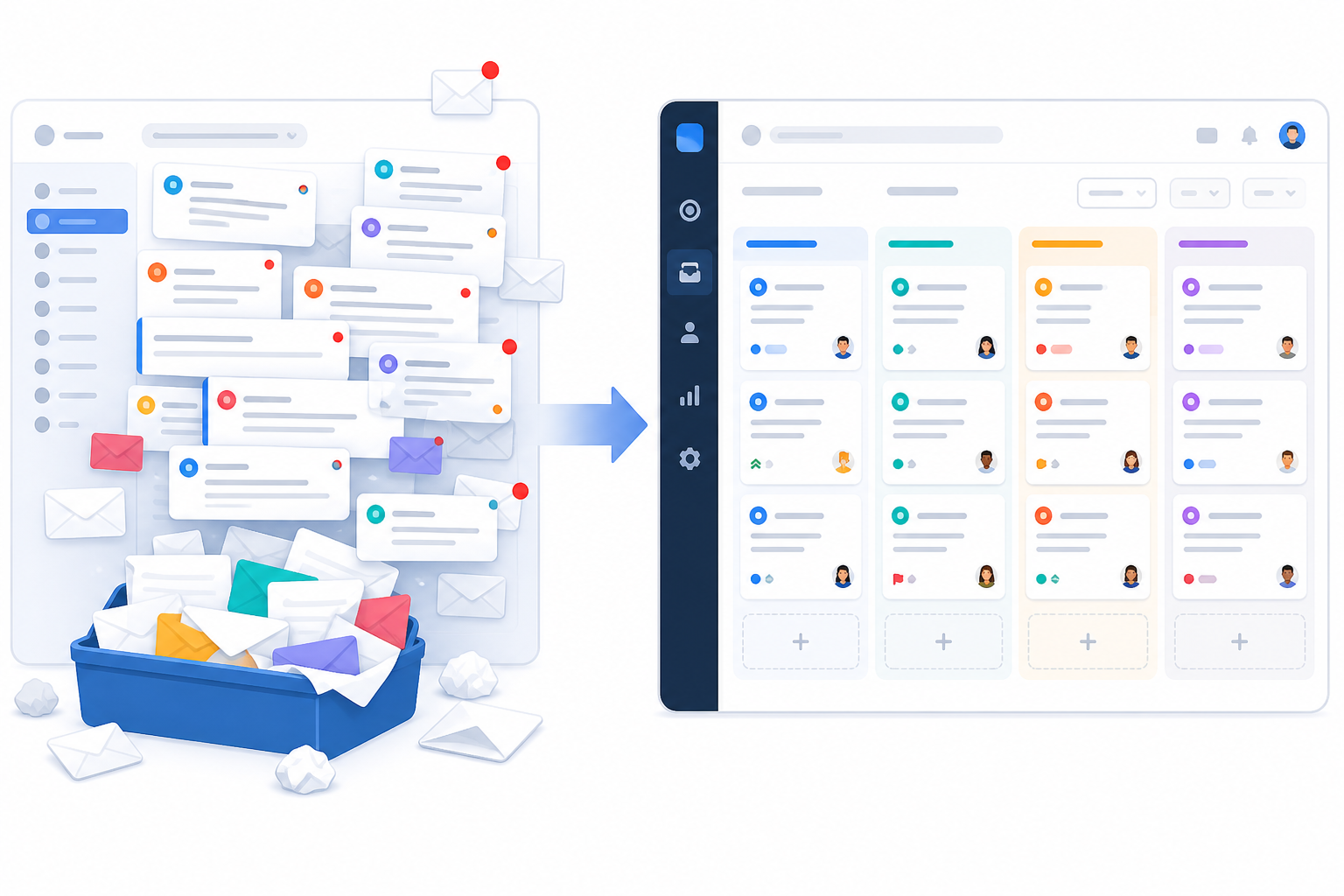
A few quick checks now can save you a stalled setup later, especially if you're on Microsoft 365 or running a custom domain.
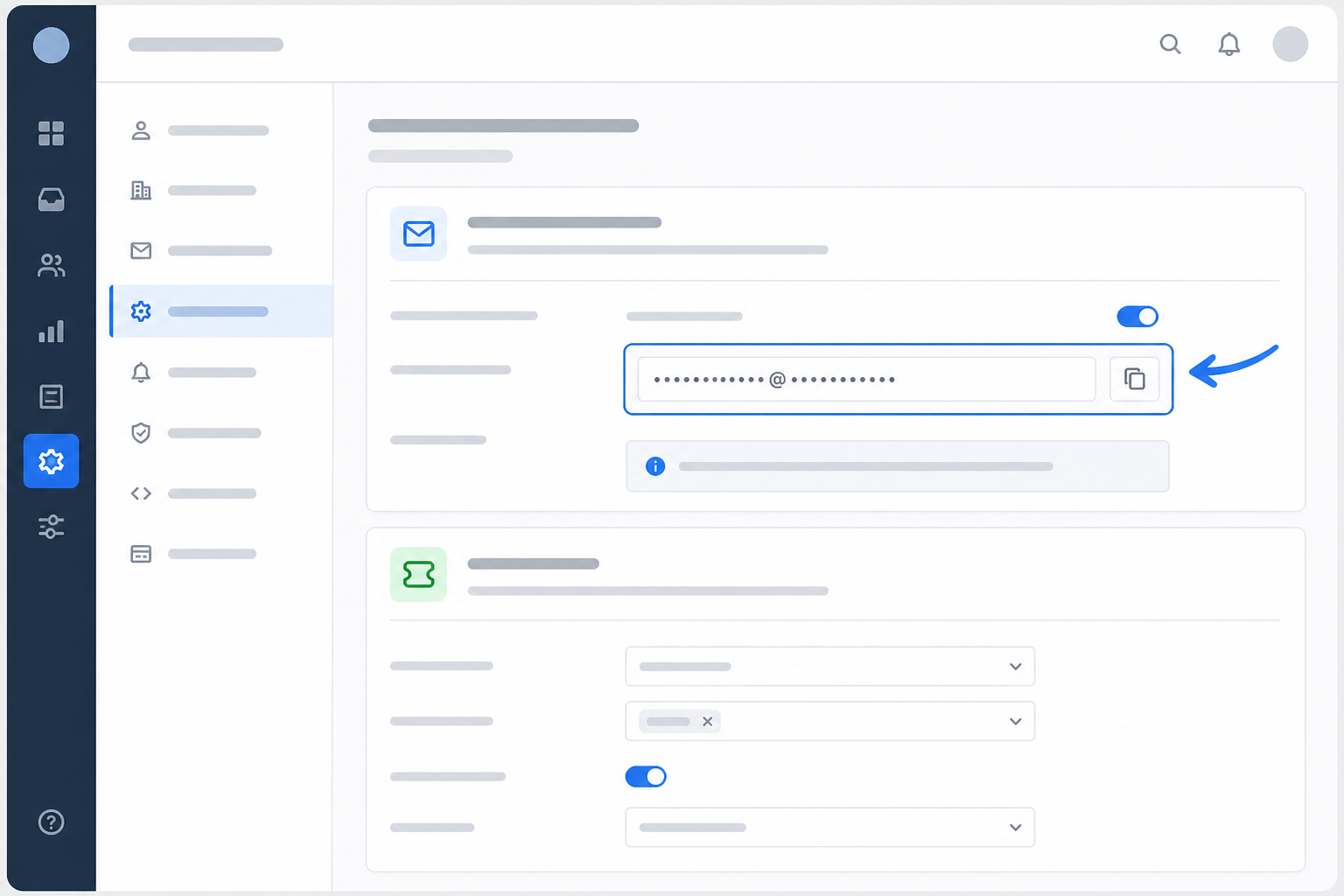
Every help desk platform gives you a unique email address for forwarding messages into its ticketing system. This is the address your support@ emails need to reach before they get converted into tickets.
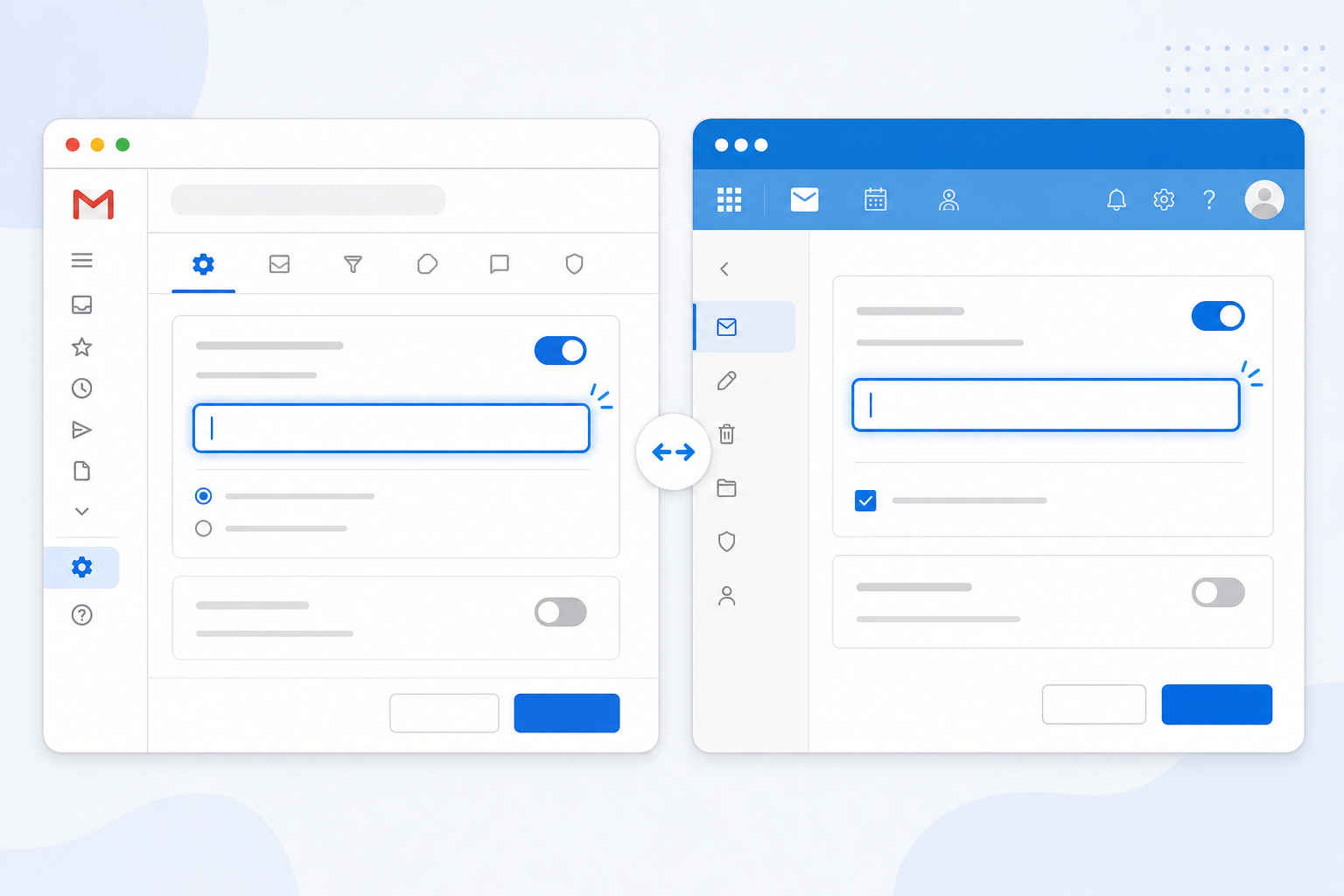
This is the step that actually connects your shared inbox to your help desk. The idea is the same everywhere: tell your email service to send a copy of incoming messages to the unique address you just copied. The exact clicks and quirks vary by provider, so here's how it breaks down.
Microsoft 365 setups vary more than Gmail's, especially when a shared mailbox is managed by an administrator rather than an individual.
If your email runs through cPanel or another hosting provider instead of Gmail or Microsoft 365, forwarding may need to happen at the domain or DNS level rather than inside a webmail interface. Bring in whoever manages your domain here, since these settings live outside the usual email client.
For most small teams, forwarding everything that arrives at support@ is the simplest option and the one least likely to go wrong. If that address also gets internal emails or newsletter replies, set up a filter to exclude those. Just don't get too narrow with the rules, or you risk blocking genuine customer emails from reaching your ticketing system.
Where your provider allows it, exclude your help desk's own automated notifications from the forwarding rule too. Otherwise you can end up with a forwarding loop, where a system notification gets sent right back into the help desk.
Before you test anything, it helps to understand how your help desk decides whether an email is a brand-new ticket or a reply to an existing conversation.
Most platforms rely on email headers, including Message-ID and References, rather than just the subject line. These headers are what tell the ticketing system a reply belongs to a conversation that's already underway.
Forwarding through multiple systems, or using a provider that rewrites subject lines, can sometimes strip or change these headers, and that's a common cause of duplicate tickets. So if replies start creating new tickets instead of threading properly, it doesn't necessarily mean your setup is broken. It might just mean a header got altered somewhere along the way.
Don't skip this, even if everything looks right on paper. A short test now can save you a much more confusing troubleshooting session later.
That last check is the one that trips people up, because inbound forwarding and outbound sending are two separate things. Getting emails into your help desk doesn't automatically mean replies will look like they're coming from support@yourcompany.com.
Many platforms need you to verify a "send as" address or a custom sending domain, which usually means adding SPF and DKIM records through your domain's DNS settings. Sort this out during testing with whoever manages your domain. You really don't want to discover an unfamiliar reply address while a real customer is sitting there waiting for an answer.
Most email-to-ticket issues fall into a handful of predictable buckets. Here's what to check, and who usually needs to fix it:
Once testing's done, resist the urge to flip everything over in one dramatic switch. Keep the old shared inbox alive for a week or two as a safety net while forwarding runs in parallel.
During that overlap, agree on one rule as a team: replies only go out through the new ticketing system, never the old inbox, even though the old inbox is still sitting there visible. That's what actually prevents the double-reply problem you're trying to fix in the first place.
Check both inboxes daily while you're overlapping. A few days without anything new landing in the old inbox is a pretty good sign it's safe to retire. Once you're confident, clean up: remove duplicate auto-responders, revoke old delegate access, and archive whatever manual processes you no longer need.
This is also a good moment to fold live chat into the same shared inbox as your email tickets. With Sonny, email and chat already sit together by default, so you're not adding another tool to manage. If you're using different help desk software, it's worth checking whether it offers a unified inbox before you bolt on a separate chat platform.
Copy the unique forwarding address from your help desk's inbox or email settings, then add it as a forwarding or redirect rule inside Gmail or Microsoft 365. Once the address is confirmed, emails sent to your support address should start appearing as tickets, usually within a minute or two.
Yes, and that's really the whole point of email-to-ticket forwarding. Customers keep emailing the same support@ address, and the forwarding rule quietly routes those messages into your help desk. Nothing changes on their end.
Usually it's one of a few things: a mistyped forwarding address, a verification email nobody confirmed, a competing filter grabbing the message first, or, in Microsoft 365, a tenant security policy quietly disabling external forwarding. Check these before assuming your help desk software is at fault.
For a standard Gmail or personal Microsoft 365 mailbox, not really. It's usually a five-minute job involving one forwarding address and one rule. A Microsoft 365 shared mailbox with admin restrictions, a custom domain, or extra sender authentication can take longer, but it's still a configuration task, not a full migration project.
Usually, yes, as long as the original message headers survive the forwarding process. If a customer replies to an old email after you've switched over, that reply should thread into the matching ticket. If it creates a new ticket instead, the forwarding path may have altered or dropped the original headers somewhere along the way. Worth flagging to your help desk provider if it keeps happening.
Compare multi-brand help desks with a practical scorecard for brand separation, shared inbox visibility, fair pricing and fast setup—then choose the right fit.

Discover how customer support metrics reveal bottlenecks, so a shared inbox, clear ownership and better reporting can cut response times without hiring.

Learn how consolidating support tools after a merger can preserve conversation history, align teams and keep customer support running smoothly.