Running Support for Multiple Brands From One Shared Inbox: A Practical Guide
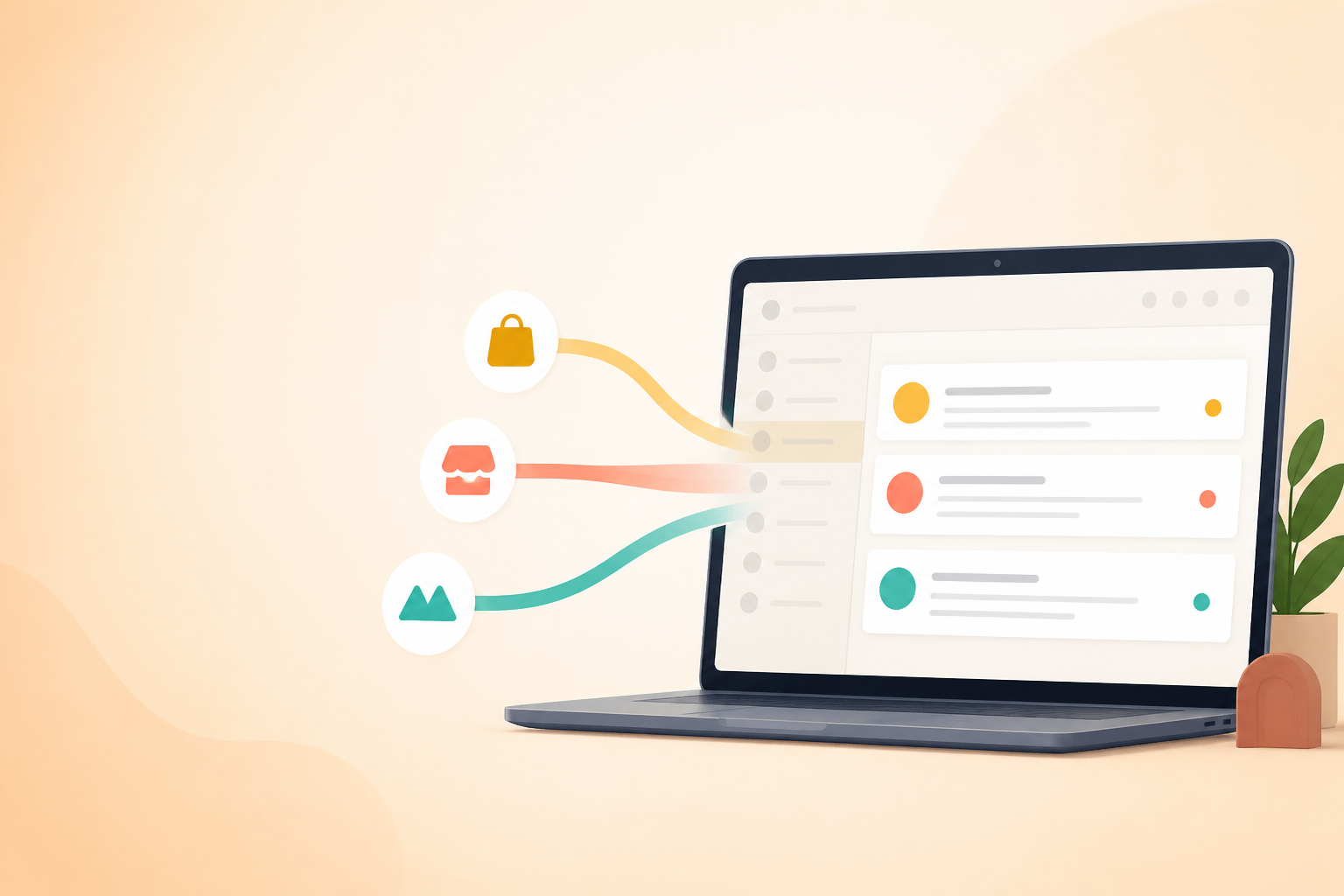
Multi-brand help desk software: how to manage several brands from one shared inbox
Can one shared inbox actually handle support for multiple brands? Usually, yes. But only if your help desk software covers four things: multiple inbound addresses routed into one tool, brand-specific outbound sender identities, permission controls that keep agents in their own queues, and reporting you can filter by brand. Miss any of those, and consolidating support turns into a fight with the software instead of a win.
That's the quick test, honestly. If you're evaluating a platform right now, check those four capabilities before anything else. Everything in this guide assumes you've already got them, or you're about to confirm you do.
I've watched teams running multiple storefronts, product lines, or acquired brands talk themselves into needing a separate tool for each one. Different brand, different tool, it feels logical on paper. But that instinct usually creates more admin than it solves, especially once you're paying for several seats across several platforms just to keep brands apart. This guide walks through how to set up one shared inbox properly across brands, including the technical bits most guides skip over: email authentication, tag limitations, sender enforcement, and team collaboration.
Shared inbox or separate workspaces? A quick decision check
Before you commit to consolidating, it's worth checking whether your situation actually calls for separation. A shared inbox with good tagging works for most operational setups, but it's the wrong call in a few specific cases.
| If this is true for your brands... | Then you probably need... |
|---|---|
| They're legally distinct entities with different data-processing or retention requirements | Separate workspaces, or strict permission tiers within one platform |
| Agents must never see another brand's queue, by policy or contract | Separate workspaces or hard-enforced permission tiers |
| You need genuinely native brand objects (not tags) for compliance reporting | A platform with built-in multi-brand functionality, not a tagging workaround |
| Brands share agents, product knowledge overlaps, and separation is just about staying organised | A single shared inbox with tagging and routing rules |
If none of the top three rows apply to you, keep reading, this guide is for you. If one does, treat tagging as an operational convenience, not a compliance control. Tags can be edited, removed, or misapplied, and they shouldn't be the only thing standing between you and a data-protection problem.
Why multi-brand teams default to separate help desk tools, and when that's a mistake
The first instinct with a new brand is usually to spin up a fresh help desk account for it. It feels like you're protecting the brand's identity. In practice, though, agents end up switching between logins trying to remember which tab has which brand's tickets. You're paying for multiple seats across multiple platforms. And nobody has a clear view of what's happening across the business, just fragmented pockets of information that never talk to each other.
Pricing structure plays a role too. Per-seat pricing punishes you for adding agents as your brand portfolio grows; flat-rate or unlimited-agent pricing removes that penalty. If you're comparing help desk software, check how each provider prices seats against unlimited conversations. And if you're buying in the UK, confirm pricing is shown inclusive of VAT. Many providers default to US dollar pricing, which isn't directly comparable once you factor in exchange rates and VAT at checkout.
What multi-brand help desk software must support
This is the checklist to run against any platform before you build anything on top of it. I've split it into what should be native functionality and what you can reasonably work around with configuration.
Native functionality, don't compromise on these:
- Multiple inbound addresses or channels, each tagged automatically by source
- Brand-specific outbound sender identities that can be enforced, not just selected manually
- Permission controls that can restrict an agent to specific queues or brands
- Reporting fields that support filtering or segmentation by brand, not just blended totals
Reasonable workarounds, fine to build yourself:
- A tagging taxonomy for channel, product line, and priority
- Canned responses organised by brand
- Saved views and filters for day-to-day agent use
- An onboarding checklist for new agents
If a platform can't do the native list, no amount of clever tagging will fully fix the problem. You'll just be managing the same mix-up risk manually, by hand, forever.
How to set up brand-specific email addresses in one shared inbox
Here's how to make one shared inbox work without brands bleeding into each other.
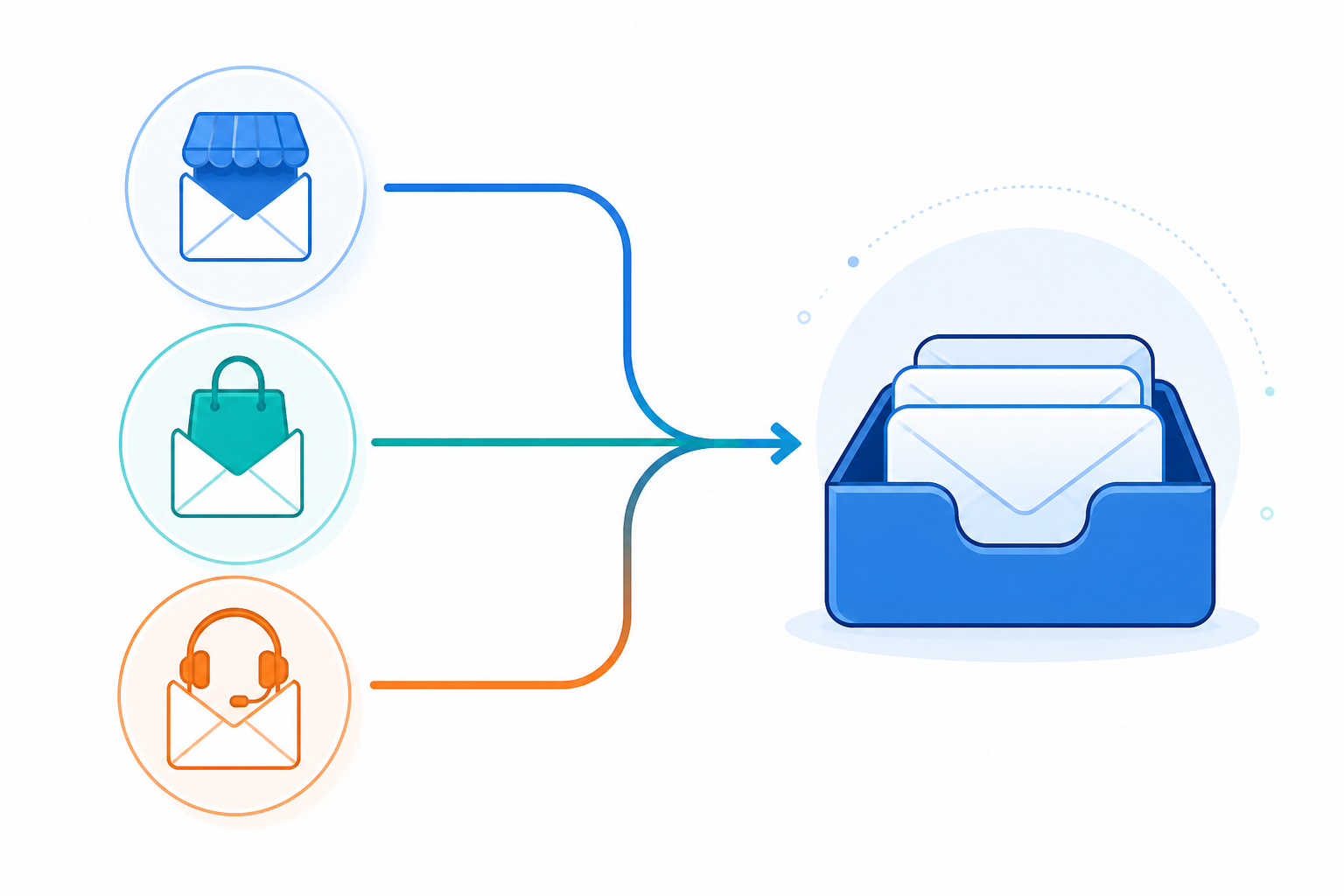
Decide between forwarding and direct connection. Forward each brand's mailbox (support@brandA.co.uk) to a central address, or connect each brand's mailbox directly to your help desk software as a separate channel. Direct connection is generally more reliable. It preserves sender information more cleanly and avoids some forwarding pitfalls. Forwarding is quicker to set up but more prone to header issues that affect reply threading.
Check email authentication before you forward anything. This is the step most guides skip. Forwarding can affect SPF evaluation directly, since the forwarding server isn't the original sender. DKIM often survives forwarding if the message body isn't altered, but not always. DMARC outcomes depend on alignment between these two and how strictly the receiving mail provider enforces its policy. Don't assume forwarding is safe by default. Send a real test message through your intended path, check the authentication results the receiving server reports, and use your help desk platform's documented sending method rather than a generic "reply-from" address. Talk to whoever manages your DNS records before go-live if you're not sure what your current DMARC policy allows.
Use email-to-ticket conversion, and treat the source field as data, not decoration. Good help desk software converts each incoming email into a ticket and records which address it arrived through, ideally as a system-controlled field rather than an editable tag, since editable tags can be removed or misapplied later. Confirm your platform does this automatically; some require you to build the rule manually the first time.
Enforce outbound sender identity at the system level, don't just template it. Set up brand-specific reply templates, but more importantly, confirm the platform can restrict which address a reply to a given ticket is sent from, rather than leaving it to an agent to pick the right signature. This is the single most common point of failure in shared multi-brand inboxes, and it's worth testing specifically before launch.
Configure live chat per brand website. Each widget needs its own setup even though conversations land in the same shared inbox, so chat sessions get tagged by source the same way email does.
Run a five-message test before going live. Send: a new ticket to each brand address, a customer reply to that ticket, an agent reply back, a message forwarded through a chain, and a reopened ticket weeks later. For each, check the tag or source field, the outbound sender address, and reply threading. Budget closer to thirty minutes than five, this is where the edge cases show up: attachments, after-hours auto-responders, and reply-to-a-reply threading.
How to tag and route support tickets by brand and product line
Email routing gets conversations into the right place. Tagging keeps them organised once they're there, but it's worth being honest about what tags can and can't do. A tag is editable. It can be removed, misapplied by a rushed agent, or fail to carry over correctly when a ticket is reopened or merged. Wherever your platform allows it, use system-controlled fields, such as the originating address, for anything that reporting or permissions depend on. Save manually applied tags for flexible categorisation that doesn't need to be airtight.
A workable taxonomy:
- Brand (ideally a system field, not a tag): Brand A / Brand B / Brand C
- Channel: Email / Live Chat / Social
- Product Line: Skincare / Home Goods / Pet Accessories
- Priority: Urgent / Standard / Low
A ticket might carry Brand: A, Channel: Email, Priority: Urgent, letting you build filtered views like "urgent Brand A tickets" or "everything open across all brands".
- Automate tagging through routing rules, "if received via support@brandA.co.uk, apply Brand: A and assign to the Brand A queue", rather than tagging manually.
- Decide whether the brand tag locks on escalation. For reporting accuracy, it generally should stay fixed even if a ticket gets transferred; let agents flag a misroute separately rather than editing the source of truth.
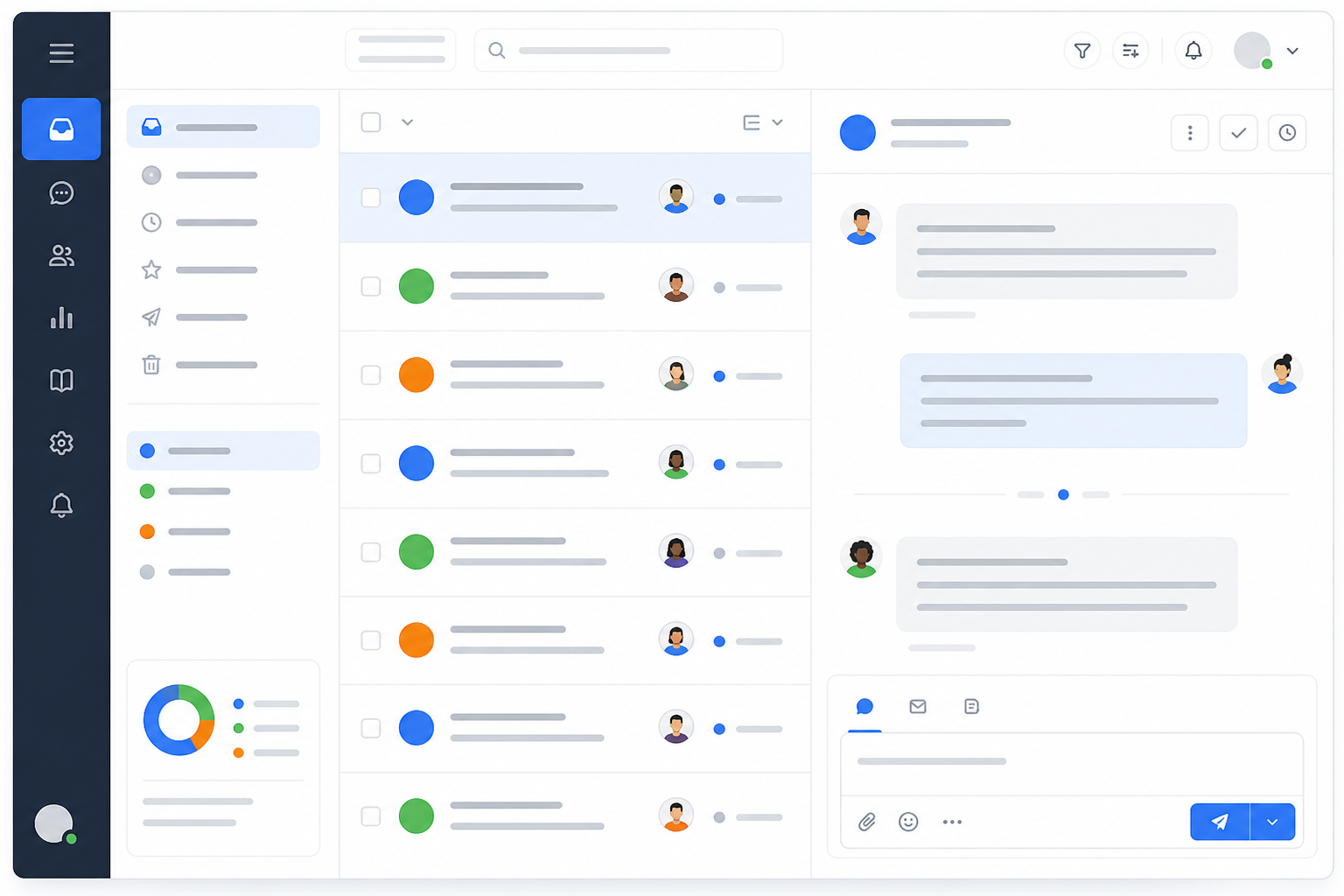
- Build filtered views per brand so agents can see just their queue or the full picture with one click.
- Assign agents to specific brands where product knowledge doesn't overlap, and lean on team collaboration features, internal notes, shared views, clean handoffs, so a transferred ticket keeps its context instead of starting from scratch.
How to keep customer support reporting separate by brand
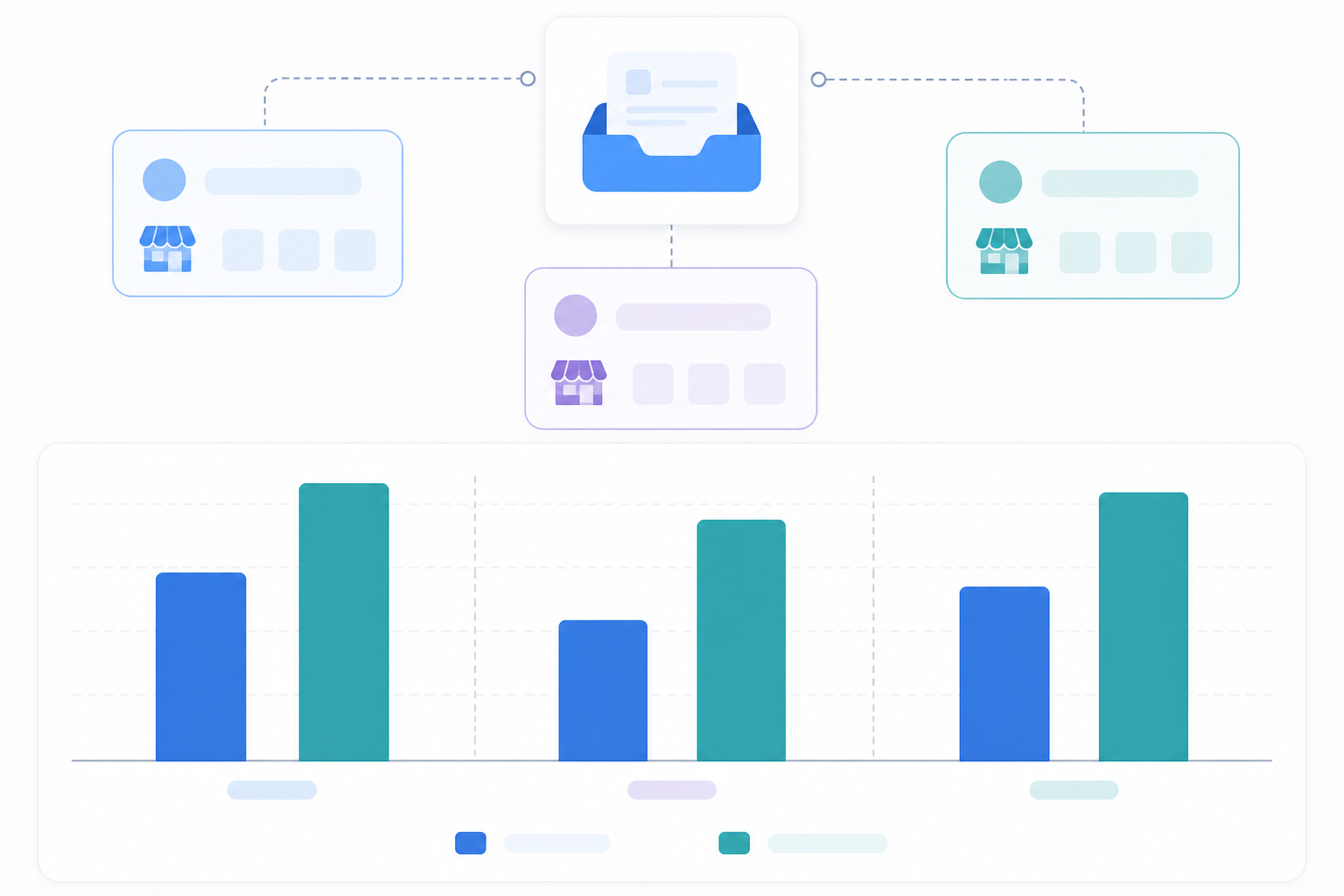
Blended response-time and resolution data can hide a real problem. If Brand A is strong and Brand C is struggling, averaged together everything looks "fine". Once tagging is in place, filter reports by brand to see response time, resolution rate, and workload per brand rather than one combined number.
A few definitions are worth confirming before you rely on these numbers:
- First response time, check whether your platform counts business hours only or calendar time.
- Resolution rate, check whether a reopened ticket counts as new or reopens the original; this changes the number materially.
- Tag inheritance on follow-ups, if a customer replies weeks later, confirm the brand field carries over rather than defaulting to "untagged".
Build a quick monthly check into your process: pull a report of untagged tickets, merged conversations, and tickets that moved between queues, and spot-check that the brand field is still accurate. It's less exciting than the dashboards, but it's what keeps the dashboards trustworthy.
Blended reporting isn't useless, to be clear. For overall headcount planning it's often exactly what you want. Segmented reporting matters most for brand-specific decisions: whether Brand B needs a dedicated agent at peak times, or whether Brand C needs a better FAQ page to cut repetitive tickets. Teams running separate tools per brand often struggle to get combined insights at all, since unifying reporting across different platforms is its own project. A shared inbox with disciplined tagging can genuinely beat that fragmented alternative.
How to avoid cross-brand support mix-ups
Here's the risk everyone worries about: an agent replying to a Brand A customer with Brand B's tone, signature, or policy. It happens, and no configuration removes human error entirely. Treat this as a residual risk to monitor, not a problem you solve once and forget. Strong system controls reduce it far more reliably than good intentions do, so I'd prioritise them in this order:
- Enforce the outbound sender address at the system level. If a reply to a Brand A ticket can only be sent from the Brand A address, you've removed the most common failure point before an agent ever gets a chance to make it.
- Use role-based permissions to restrict agents to certain brand queues where it makes sense, rather than trusting memory.
- Build canned responses per brand, tied to the brand field, so correct wording for refunds or shipping is one click away.
- Add an approval step for sensitive replies, refunds above a threshold or complaints likely to escalate, particularly while newer agents are still learning brand-specific policy.
- Use internal notes for brand-specific quirks, a live promotion or a unique return policy, so context survives a handoff.
- Give new agents a one-page onboarding reference covering tags, canned responses, and what to check before sending a reply.
When a mis-send does happen, log it rather than treating it as a one-off. A quick note on what went wrong, wrong sender, missing tag, skipped approval, tells you which of the six controls above actually needs tightening.
Multi-brand help desk software: a practical example
I want to be upfront: this is a hypothetical composite, not a documented case study, but it's a realistic setup I've seen play out in different forms. A small e-commerce group runs three storefronts, skincare, home goods, and pet accessories, generating roughly 40 to 60 tickets a day between four agents. Each brand has its own support email and chat widget, routed into one shared inbox with the tagging structure above.
| Before | After | |
|---|---|---|
| Tools/logins | 3 separate platforms | 1 shared inbox |
| Cross-brand visibility | Manual spreadsheet exports | Filtered reporting by brand |
| Pet brand's first response time | Untracked separately | Visible, nearly double the other brands |
Once reporting was segmented, the team could see the pet accessories brand's first response time running well behind the others, not from poor performance, but because it had no canned responses set up yet. Building four canned responses closed most of that gap within a couple of weeks. Your own numbers will depend on ticket volume, team size, and how quickly tagging and canned responses actually get built. Think of this as an illustration of what segmented visibility can surface, not a guaranteed outcome.
Frequently asked questions about multi-brand help desk software
Can one shared inbox really handle support for multiple brands?
Yes, provided your help desk software supports multiple inbound addresses, enforced brand-specific outbound identities, and brand-filterable reporting. Check these against your actual plan, not just the platform's marketing page, some capabilities are gated behind higher tiers.
How do I separate support metrics by product line?
Tag or field each ticket by brand, then filter reporting by that value. Confirm how your platform defines first response time and resolution rate, and check that the brand field carries over on reopened tickets. Inconsistent tagging is the most common cause of misleading reports.
How do I route emails from different brand addresses into one tool?
Set up forwarding or a direct mailbox connection from each brand's address into your shared inbox, and use email-to-ticket conversion so tickets record their source automatically. Direct connection tends to be more reliable than forwarding for preserving sender data. Either way, check SPF, DKIM, and DMARC before going live, strict authentication policies can cause forwarded mail to be flagged or rejected.
Will agents get confused managing multiple brands in one inbox?
It's possible without safeguards. Enforced sender identities, restricted queues, canned responses, and clear tagging reduce this significantly, though not to zero. Plan to monitor for mis-sends rather than assuming the setup prevents them entirely. If your brands require strict separation for compliance reasons, worth considering under UK GDPR if customer data must stay segregated by legal entity, separate workspaces are the safer choice.
When should I use separate workspaces instead of one shared inbox?
When brands are legally distinct entities with different data-processing or retention rules, when agents must never see another brand's queue by policy, or when you need native brand objects for compliance reporting rather than an editable tag. Outside those cases, a well-configured shared inbox is usually the more efficient option.
Multi-brand help desk implementation checklist
- Confirm your help desk software's native brand-routing, sender-enforcement, permission, and reporting capabilities against your actual plan.
- Set up forwarding or direct mailbox connections; check SPF, DKIM, and DMARC before go-live.
- Run the five-message test, including a reopened ticket and a forwarded chain.
- Build your tag and field taxonomy and automate it via routing rules.
- Enforce outbound sender identity at the system level wherever possible.
- Set up canned responses per brand and an approval step for sensitive replies.
- Confirm reporting filters correctly by brand and audit untagged or reopened tickets monthly.
- Review after two weeks live: check for mis-sends, untagged tickets, and agent feedback, and adjust.
Get through this list and one shared inbox can genuinely cut the logins, invoices, and administration overhead of running separate tools per brand. Just go in expecting real setup work and ongoing monitoring, not a one-time switch you flip and forget about.
Related Articles

How to Consolidate Support Tools After a Merger or Acquisition: A Guide to One Shared Inbox
Learn how consolidating support tools after a merger can preserve conversation history, align teams and keep customer support running smoothly.

Mobile Support Apps: How to Manage Customer Conversations On the Go
See how small teams can use customer support software on the go, handle live chat, choose a mobile app, and keep notifications manageable.
Create content like this automatically
Scribe uses AI to generate high-quality blog posts that engage your audience and drive traffic.