How to streamline your content workflow in 7 steps for solopreneurs

How to streamline your content workflow in 7 steps for solopreneurs
Introduction: Why your content feels chaotic (and how to fix it)
Here's the thing: most solopreneurs treat content like a last-minute scramble. You know the drill—10 PM rolls around, you realize you need to post something tomorrow, and suddenly you're staring at a blank Google Doc wondering where all your good ideas went.
I've been there. We've all been there.
But here's what I learned after talking to dozens of successful solo creators: the ones who seem to effortlessly pump out consistent, quality content aren't more creative or faster writers. They just have better systems.
When I finally implemented a proper workflow, my content production time dropped by about 70%. More importantly, the quality got better because I wasn't always writing under pressure.
Understanding why content creation feels impossible
The real problem isn't what you think
Most advice tells you to "just be consistent" or "batch your content." But that misses the deeper issue. The problem isn't motivation—it's that you're fighting your brain's natural patterns.
Every time you switch from writing to researching to editing to posting, your brain needs time to refocus. Psychologists call this "task switching cost," and for creative work, it's brutal.
Add in the fact that most of us are trying to:
- Come up with ideas on the fly
- Write, edit, and publish all in one sitting
- Keep track of what we've posted where
- Maintain some kind of posting schedule
No wonder it feels overwhelming.
7 steps to fix your content workflow
Step 1: Figure out where your time actually goes
Before you can fix anything, you need to know what's broken. For one week, track every minute you spend on content. I mean everything—the time spent staring at your phone looking for inspiration, the 20 minutes you spent trying to think of a headline, the rabbit hole you went down researching a single statistic.
Use your phone's timer or a simple spreadsheet. Most people are shocked to discover they're spending 3-4 hours creating a single piece of content that could be done in 45 minutes with a better process.
Step 2: Build your idea vault
Writer's block happens because you're trying to be creative and productive at the same time. Split these up.
Once a month, I sit down with a coffee and spend 90 minutes just dumping ideas. I pull from:
- Questions people ask me on calls
- Comments on my posts
- Whatever I'm currently learning or struggling with
- Tools or strategies I'm testing
I keep these in a simple note-taking app with basic tags like "beginner," "advanced," or "case study." When it's time to write, I'm not starting from zero—I'm picking from a menu.
Step 3: Create your content templates
This was a game-changer for me. Instead of figuring out structure every time I write, I have 4 basic templates:
How-to post: Problem → Solution steps → Common mistakes → Next steps
Case study: Context → What I tried → Results → Lessons learned
Opinion piece: Popular belief → Why I disagree → My alternative → Evidence
Resource roundup: Problem → Tool 1-5 with brief descriptions → My recommendation
That's it. Having these frameworks removes about 80% of the "What should I write about?" paralysis.
Step 4: Use AI as your research assistant
I'm not talking about having ChatGPT write your posts. I'm talking about using it to speed up the boring stuff.
I use AI to:
- Generate 10 different headlines for me to choose from
- Pull together research and statistics on a topic
- Create first drafts that I then completely rewrite in my own voice
- Help me think through different angles on a topic
The key is treating it like a very fast intern. It can gather raw material, but the thinking and voice are still yours.
Step 5: Batch everything
This is where the magic happens. Instead of doing a little bit of everything every day, you dedicate blocks of time to single activities.
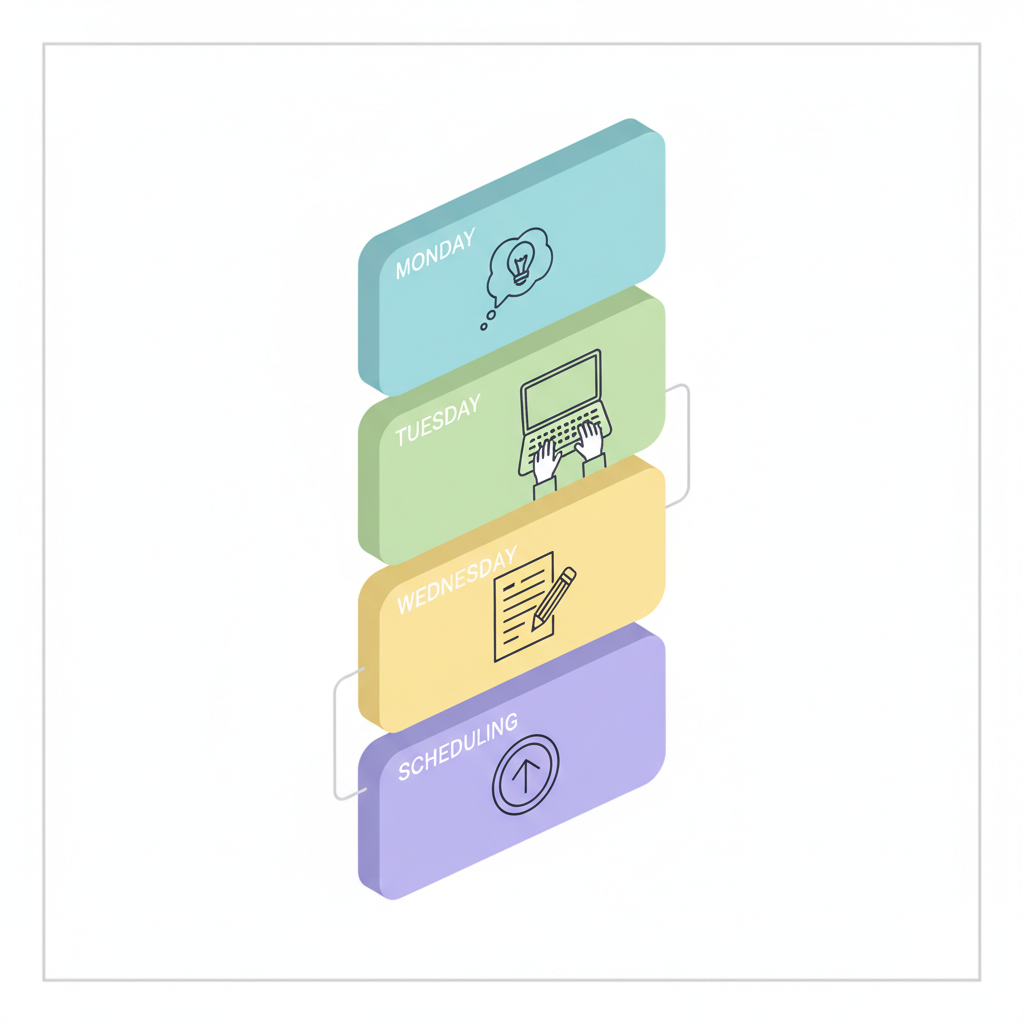
My weekly schedule:
- Monday morning: Planning (30 minutes) - pick topics and rough outlines
- Tuesday morning: Writing (2 hours) - first drafts only, no editing
- Wednesday morning: Editing (1 hour) - polish and finalize
- Thursday morning: Scheduling (20 minutes) - upload and schedule everything
Total time: about 4 hours to create a week's worth of content.
The first time I tried this, it felt weird. You'll want to edit as you write or start planning new topics when you should be editing. Resist the urge. Your brain needs time to fully engage with each type of task.
Step 6: Automate the busywork
Publishing shouldn't take more than 5 minutes per piece of content. If it's taking longer, you need better tools.
I use Buffer to schedule posts across platforms, Canva templates for consistent visuals, and Zapier to automatically add new content to my email newsletter. The goal is to remove every possible friction point between "content is ready" and "content is published."
Step 7: Track what works (and ditch what doesn't)
Every month, I look at which pieces performed best and try to figure out why. Was it the topic? The format? The day I posted it?
I keep this simple—just a spreadsheet with the post title, platform, engagement numbers, and a few notes. After a few months, patterns emerge. Maybe how-to posts consistently outperform opinion pieces, or Tuesday posts get more engagement than Friday posts.
The goal isn't to chase metrics obsessively, but to gradually shift your effort toward what's actually working.
Common questions about streamlining content
How long does it take to set up this system?
About 2-3 weeks to get the basics in place. The first week feels clunky because you're learning new habits, but most people see dramatic improvements by week three.
Do I need AI tools to make this work?
No, but they help. The biggest improvements come from batching and templates. AI just speeds things up.
Won't my content sound robotic if I use templates?
Templates are frameworks, not scripts. Think of them like the structure of a house—they give you a foundation, but you still choose all the details that make it yours.
Making it stick
The hardest part isn't setting up the system—it's sticking with it long enough for it to become automatic.
Start small. Pick one element (maybe just the idea vault or basic batching) and get comfortable with it before adding more. Most people try to overhaul everything at once and burn out after two weeks.
But if you can stick with it, the compound effect is remarkable. What used to take 4 hours now takes 45 minutes. What used to feel chaotic now feels manageable. And what used to stress you out becomes the most productive part of your week.
Related Articles
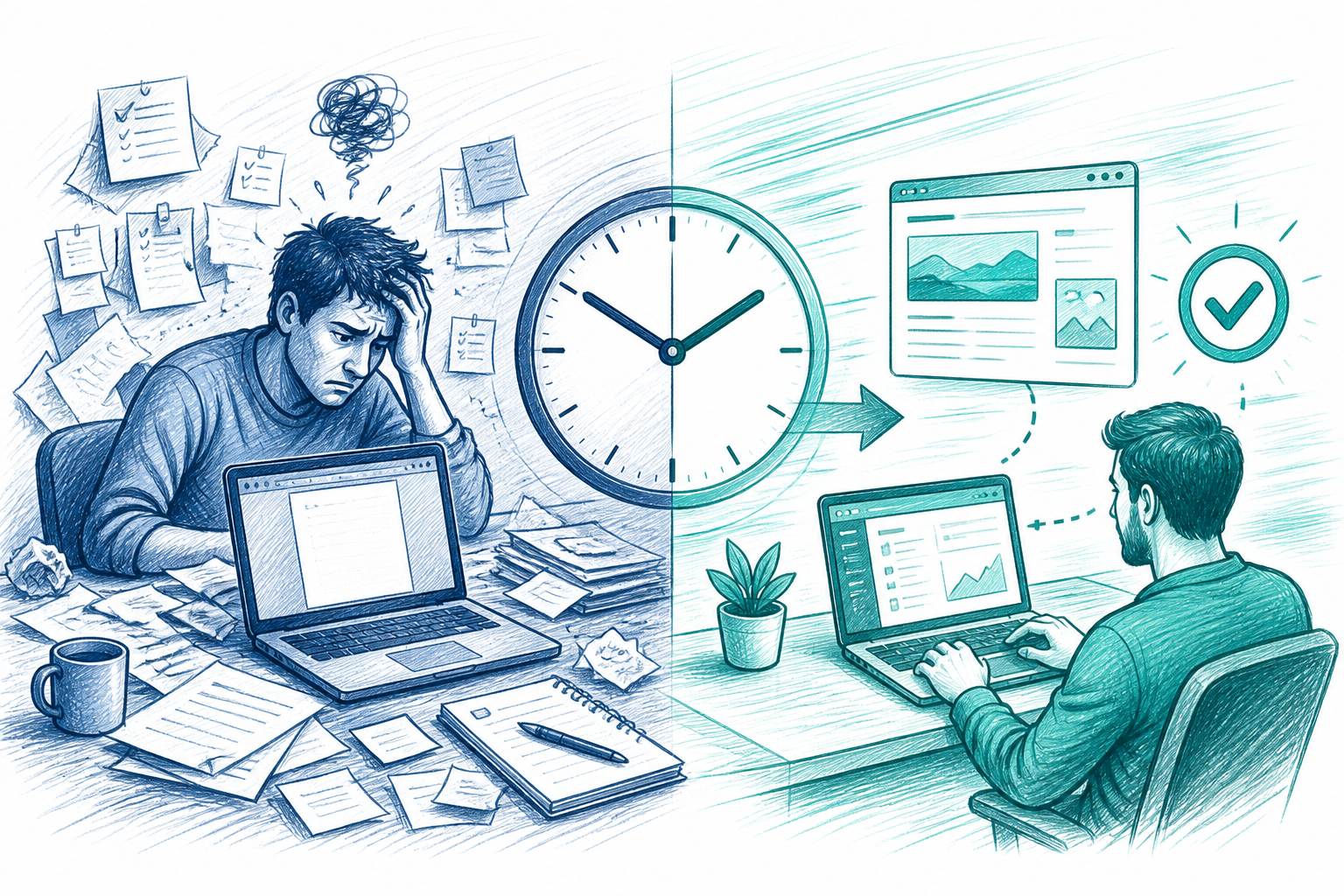
From Idea to Published: A Faster Content Workflow for Busy Solopreneurs
See a real minute-by-minute comparison of a traditional content workflow versus an automated one, and learn how solopreneurs can go from idea to publi
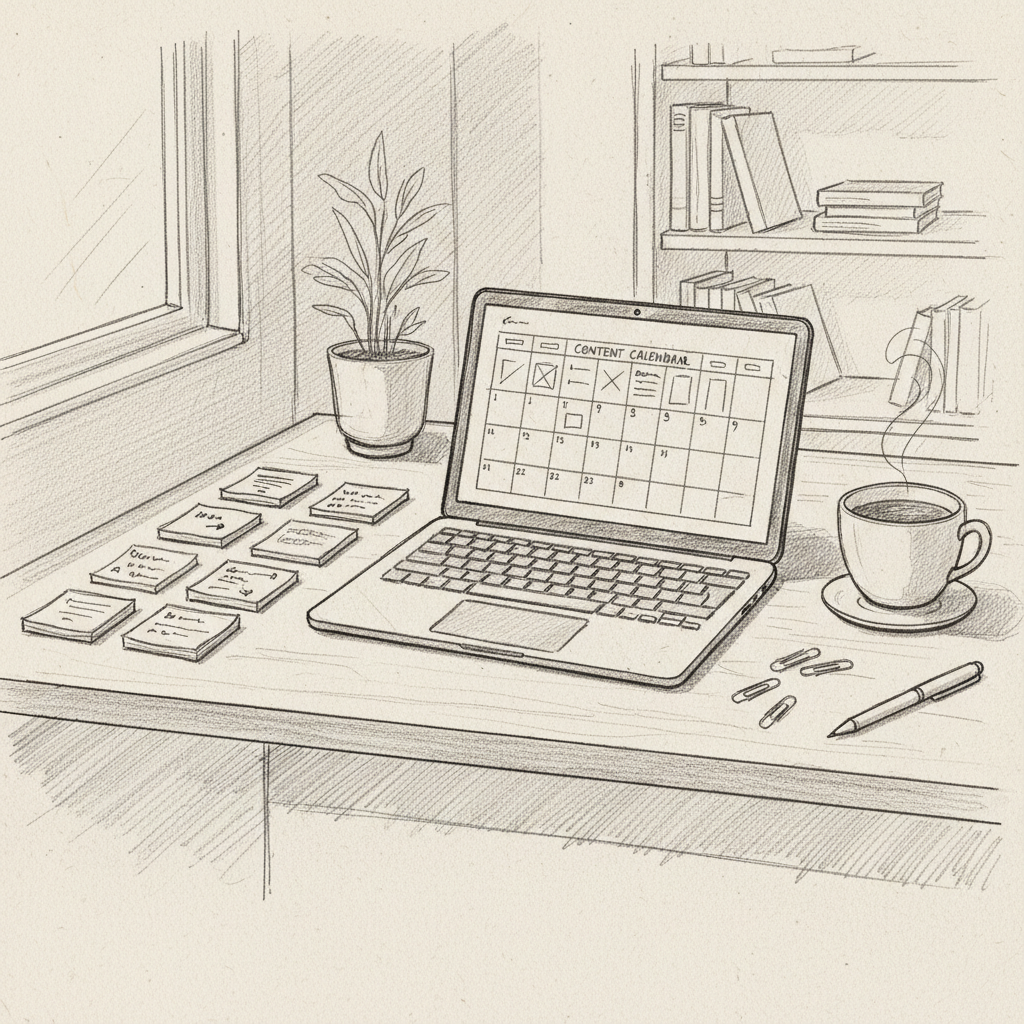
Streamline Your Content Workflow: 7 Proven Steps for Solopreneurs to Boost Productivity and SEO
Unlock efficient content creation for solopreneurs: 7 expert strategies to supercharge your workflow, save time, and dominate SEO rankings
Create content like this automatically
Scribe uses AI to generate high-quality blog posts that engage your audience and drive traffic.