Streamline Your Content Workflow: 7 Proven Steps for Solopreneurs to Boost Productivity and SEO

Streamline Your Content Workflow: 7 Proven Steps for Solopreneurs to Boost Productivity and SEO
Creating content shouldn't feel like wrestling with a hydra. Every time you finish one piece, three more urgent tasks pop up. I get it—you're running a business, not a content factory.
This guide shows you how to build a content system that actually works. No more staring at blank screens on Sunday night, scrambling to publish something before Monday morning.
Why Your Current Content Process Is Costing You Valuable Time
Most solopreneurs I talk to don't have a content problem—they have a workflow problem. You know what you want to say. You just can't seem to say it efficiently.
The hidden costs add up:
- Context switching drain: Research from UC Irvine shows it takes 23 minutes to regain focus after an interruption
- Inconsistent publishing: Your audience notices when you disappear for weeks, and so does Google
- Starting from scratch: Each post becomes a mini-crisis because you're reinventing the wheel
Step 1: Conduct a Comprehensive Content Workflow Audit
Before you fix anything, you need to know what's broken. Spend one week tracking your content process:
- Time tracking: Use a simple timer. How long does research actually take? What about writing? Editing? Publishing?
- Bottleneck identification: Where do you consistently get stuck? Is it the blank page? The editing phase? Finding images?
- Workflow mapping: Write down every single step, from "have idea in shower" to "hit publish"
- Energy assessment: Which tasks make you feel productive? Which ones drain your soul?
I did this exercise last year and discovered I was spending 90 minutes formatting each post. Ninety minutes! No wonder I dreaded publishing.

Step 2: Develop a Strategic Content Idea Bank
Stop treating idea generation like lightning strikes. Make it systematic:
- Keep a running list in whatever app you actually use (not the one you think you should use)
- Group ideas by topics your audience cares about
- Save interesting questions from social media, customer emails, or conversations
- When you read something that makes you think "but actually...", write it down
I use a simple Google Doc with three columns: Topic, Angle, and Keywords. Takes 30 seconds to add an idea, saves hours later.
Step 3: Implement Content Production Batching
This one change cut my content time in half. Instead of doing a little bit of everything each day, I group similar tasks:
- Research days: Dive deep into 3-4 topics at once while you're in research mode
- Writing sessions: Draft multiple posts when your creative brain is firing
- Editing blocks: Polish everything when you're in nitpicky editor mode
Start small. Try batching just two similar tasks in one session. You'll be amazed how much faster you move when you're not constantly switching gears.
Step 4: Create Reusable Content Templates
Templates aren't about being lazy—they're about removing decisions that don't matter so you can focus on the ones that do.
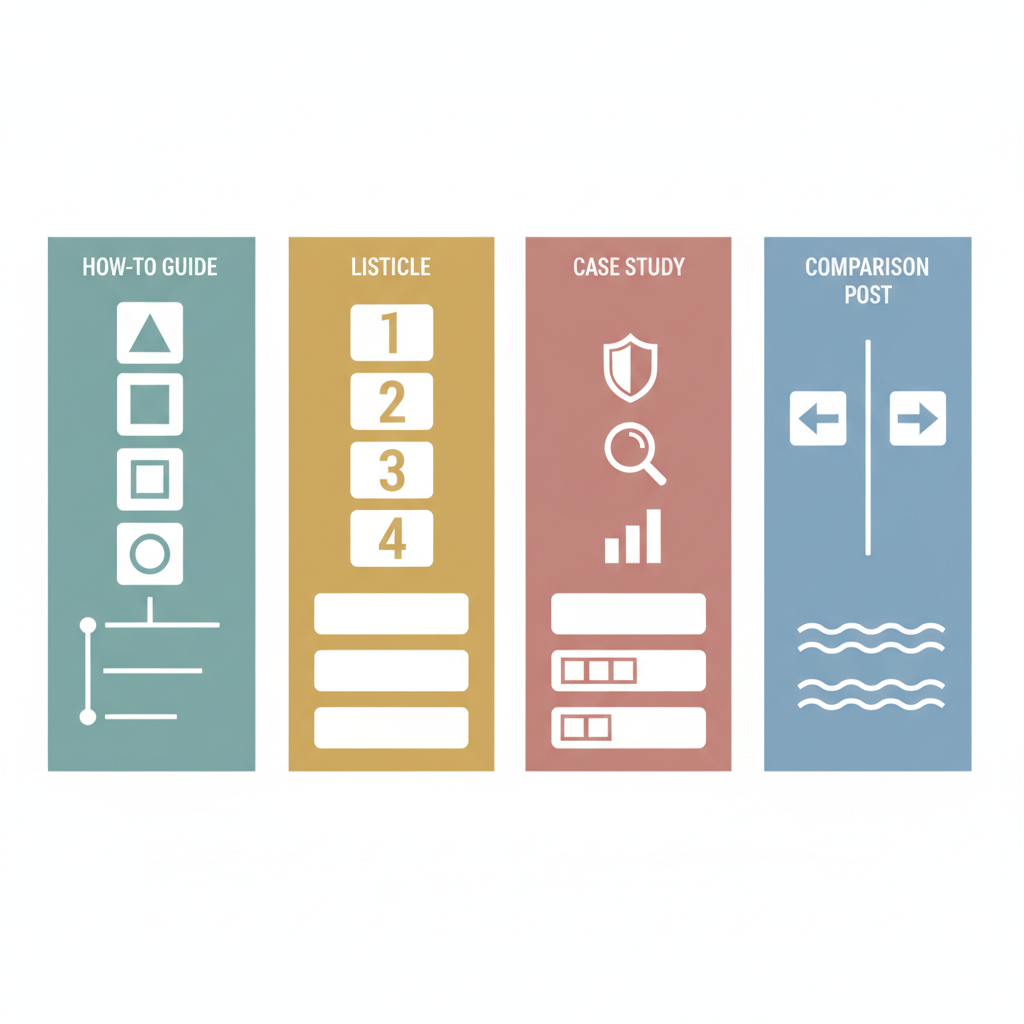
Build basic outlines for your most common content types:
- How-to guides: Problem statement, materials needed, step-by-step process, troubleshooting tips
- Listicles: Hook, brief intro, numbered points with explanations, summary
- Case studies: Background, challenge, approach, results, lessons learned
- Comparison posts: Introduction, comparison criteria, side-by-side analysis, recommendation
I have a template document with 12 different post structures. When I sit down to write, I copy the relevant template and start filling in the blanks.
Step 5: Leverage AI for Efficient Content Generation
AI tools can handle the heavy lifting, but you still need to drive the car:
- Use AI to create detailed outlines from your basic ideas
- Generate first drafts, then add your voice and expertise
- Ask AI to help with transitions between sections or punchy introductions
- Always fact-check and add personal examples
I typically spend 20 minutes with AI getting a solid first draft, then 40 minutes making it sound like me. Much better than 2 hours staring at a blank page.
Step 6: Automate Publishing and Distribution
Publishing doesn't have to be a manual marathon:
- Use scheduling tools like Buffer or Hootsuite for social media
- Set up automated email notifications for new posts
- Create template social media captions you can quickly customize
- Use plugins that automatically generate meta descriptions and social share images
The goal is to write once and distribute everywhere with minimal extra work.
Step 7: Continuously Review and Optimize Your Workflow
Every month, spend 30 minutes reviewing what's working:
- Which posts took the longest? Why?
- What content performed best with your audience?
- Where are you still getting stuck?
- What tools or processes could you eliminate or improve?
I keep a simple spreadsheet: Post title, time spent, traffic generated, engagement. Patterns emerge quickly.
Real-World Content Workflow Example
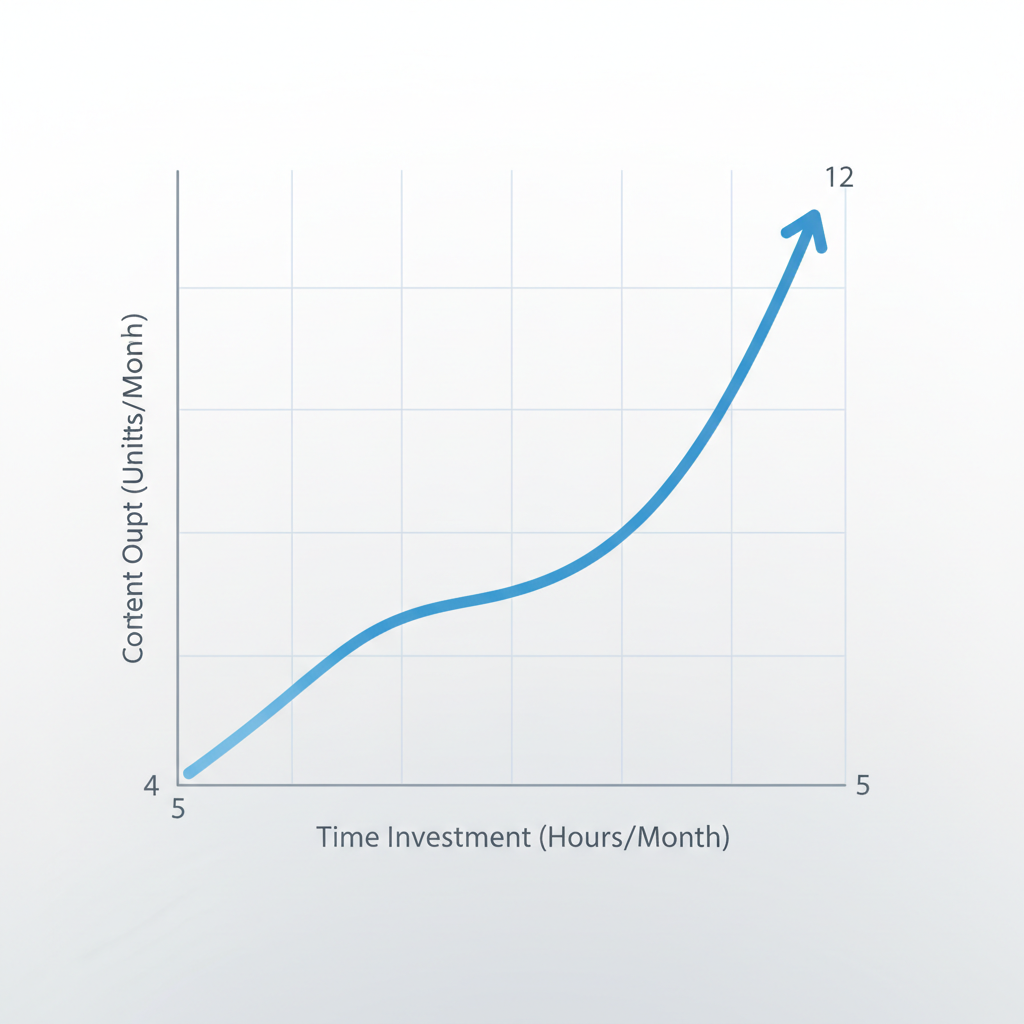
Here's what my typical week looks like now:
- Monday: Pick topics from my idea bank, create outlines (45 minutes)
- Tuesday: Draft 2-3 posts using AI assistance (90 minutes)
- Wednesday: Edit, add personal touches, schedule everything (30 minutes)
Total time: Under 3 hours
Output: 2-3 solid blog posts that actually serve my audience
Frequently Asked Questions
Q: How much time should a streamlined workflow take?
A: I aim for 3-5 hours per week for 2-4 quality posts. Some weeks I do more, some less. Consistency matters more than volume.
Q: Can I maintain my authentic voice with AI tools?
A: Absolutely. AI handles structure and first drafts. You add the stories, opinions, and personality that make it yours.
Q: How do I know if my workflow is working?
A: Track these three things:
- Time per published post (should decrease over time)
- Publishing consistency (aim for your chosen frequency 80% of the time)
- Reader engagement (comments, shares, email replies)
Conclusion
Building an effective content workflow isn't about cramming more work into less time. It's about eliminating the friction that makes content creation feel impossible.
Start with one step. Maybe it's batching your research, or creating your first template, or just timing how long things actually take. Small improvements compound quickly.
The goal isn't perfection—it's progress. And progress is what turns content creation from a source of stress into a reliable business asset.
Remember: The most successful solopreneurs aren't those with unlimited time. They're the ones who've figured out how to work with their constraints, not against them.
Related Articles

From Idea to Published: A Faster Content Workflow for Busy Solopreneurs
See a real minute-by-minute comparison of a traditional content workflow versus an automated one, and learn how solopreneurs can go from idea to publi

How to streamline your content workflow in 7 steps for solopreneurs
Master your content strategy: 7 game-changing workflow tips for solopreneurs to transform chaotic content creation into a seamless, productive process.
Create content like this automatically
Scribe uses AI to generate high-quality blog posts that engage your audience and drive traffic.