A Pre-Switch Checklist Before Choosing New Support Software: How to Turn Your Free Trial Into a Real Evaluation

Switching Support Software? How to Turn a 7-Day Free Trial into a Proper Evaluation
The best way to choose new customer support software is to treat the free trial like a short, structured experiment rather than a casual look around. Decide what "better" means before you sign up. Test realistic conversations across live chat and email with your whole team, and check pricing at the size you expect to grow into. Do that in seven days and you'll know whether to switch or walk away.
That's the whole idea. The rest of this post is the checklist I'd hand you if we were sitting down with a coffee and a notepad. ☕
Why most customer support software free trials teach you nothing
You know how it goes. You sign up on a Tuesday morning, click around the dashboard for ten minutes and think, "Nice, that looks clean." Then a customer emails about a billing problem, a developer pings you about a bug, and the trial tab gets buried under forty others. Seven days later an email arrives saying your trial has expired, and you realise you never actually tried to do any support.
This is the trouble with passive test drives. They favour whichever tool has the shiniest dashboard, not the one that fits how your team really works. A pretty chart can't tell you whether a teammate can pick up a conversation at 6pm without asking you where to click.
The fix is to change what a trial is. A 7-day free trial is a small experiment with a clear hypothesis ("this tool will let our whole team answer customers faster for less money"), a scorecard and a deadline. You're not browsing. You're gathering evidence.
The checklist below works for any help desk you're considering, including Sonny, the product I work on. I'll use Sonny as an example in places, but the same standards should apply to every tool on your shortlist.
Define what "better" customer support software looks like before you start
Before you create a single account, spend twenty minutes with a blank document. Most people skip this step, and it's the one that makes everything else easier.
- Write down the three to five things that are broken today. Slow replies? Conversations scattered across three inboxes? Per-seat costs creeping up every time you hire? No visibility into response times?
- Turn each pain point into a pass/fail test. "Conversations are scattered" becomes "a customer who chats and then emails shows up as one thread." "Onboarding is slow" becomes "a new teammate can answer a ticket within 10 minutes of joining."
- Separate must-haves from nice-to-haves. For most small teams the must-haves are a live chat widget, email ticketing, internal notes, tagging, filtering and basic reporting. Everything else is a bonus.
- Set a budget ceiling in pounds. Then work out the bill at 3, 10 and 25 teammates, not just today's headcount.
- Capture a baseline. Note your average first response time, the tools you use now and what they cost per month. Without a baseline, "faster" is just a feeling.
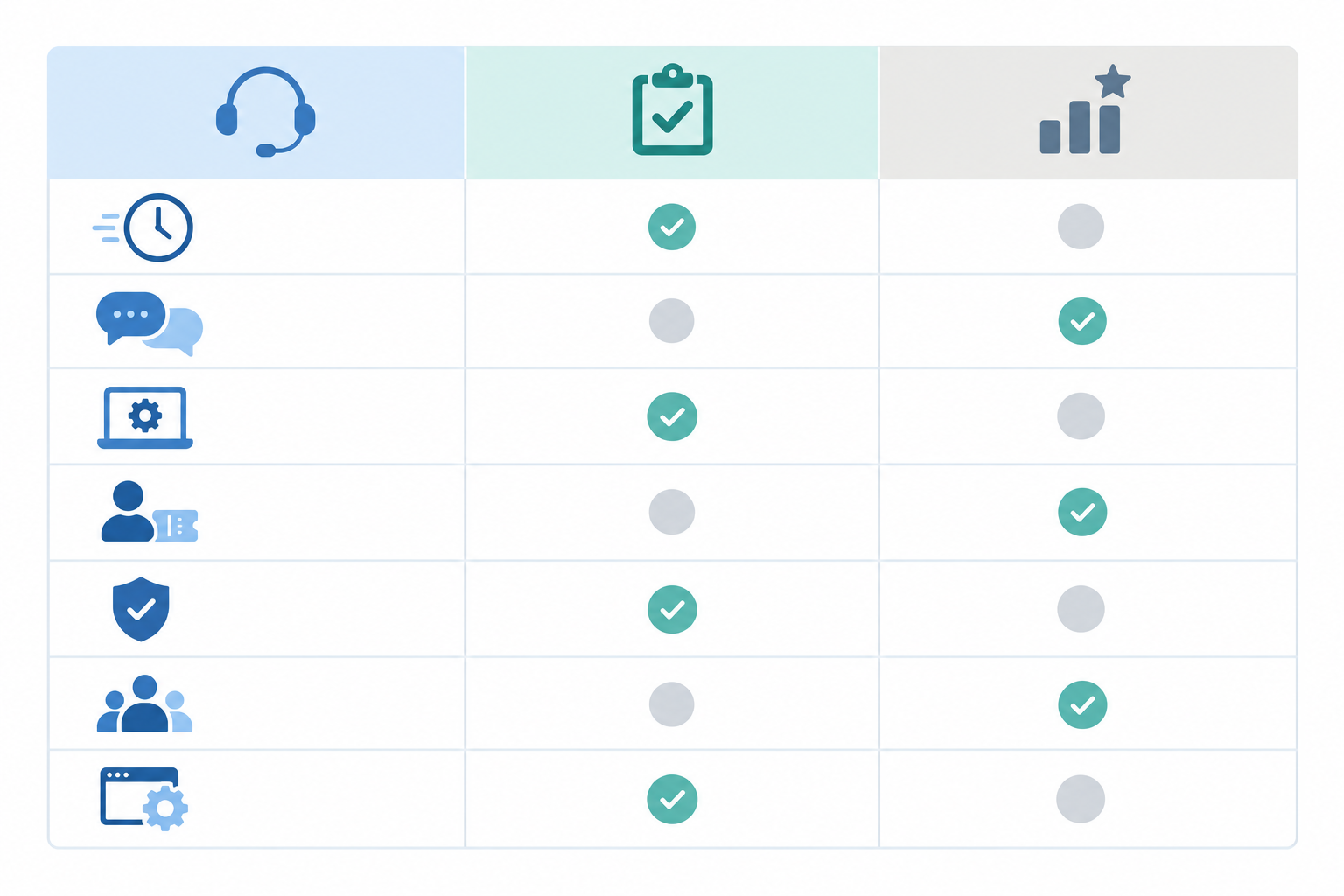
Keep this document open all week. It's your one scorecard, and it stops a slick sales demo from rewriting your priorities halfway through. Everything below feeds back into it, so you only ever have one place to look.
Compare the true cost of support software: per-seat vs flat-rate pricing
Here's something early-stage founders often discover too late. Per-seat pricing quietly punishes exactly the behaviour you want. In a small SaaS team, support isn't one person's job. The founder jumps in, a developer answers the technical questions, someone part-time covers evenings. When every one of those people costs a monthly licence, you start rationing access to the shared inbox, and that's when customers wait longer.
Flat-rate pricing flips that. At the time of writing, Sonny's plan is listed at $19.99/month with unlimited agents and conversations, so adding a teammate doesn't change the bill. Plans change, so check Sonny's pricing page for current details, and do the same for any other tool. The per-seat figure below is a hypothetical $50 per agent per month. I chose it to show the method, not to quote any vendor's real price.
| Team size | Hypothetical per-seat model ($50/agent) | Flat rate ($19.99) |
|---|---|---|
| 3 agents | $150/month (about £118) | $19.99/month (about £16) |
| 10 agents | $500/month (about £395) | $19.99/month (about £16) |
| 25 agents | $1,250/month (about £988) | $19.99/month (about £16) |
Illustrative only. Pound figures use an example rate of £0.79 per $1 and exclude VAT and card fees.

How to calculate your real UK support software cost
Most support platforms price in US dollars, so the number on the pricing page isn't what leaves your account. Here's a quick way to get to the real figure:
- Take the dollar price for the plan you actually tested.
- Convert it at today's rate. At an example rate of £0.79, $19.99 is roughly £15.79.
- Check whether VAT is added at checkout. Some vendors show prices including tax and others add it on top. If 20% VAT applies, that example becomes roughly £18.95.
- Allow for any card or foreign-transaction fees your bank charges.
Tax treatment and how prices are displayed vary by vendor and by whether you're buying as a VAT-registered business, so confirm at the checkout screen or ask the vendor directly.
To be fair, flat-rate isn't automatically better in every case. If you're a solo founder with a single seat, a per-seat plan might cost about the same. Some "flat" or workspace-style plans also cap seats, contacts or tickets, so "flat" doesn't always mean "unlimited". Read the small print.
Hidden support software costs to check
The monthly headline is rarely the full story. During your trial, look for separate charges for:
- Live chat (sometimes sold as an add-on)
- Automation or workflows
- Reporting and analytics
- Extra inboxes or email addresses
- AI features, which are sometimes priced per resolution. At a hypothetical $0.99 per resolution, 1,000 resolutions would add $990 to a month's bill.
- What counts as a billable seat, and whether occasional users or supervisors need a paid licence
The question to ask isn't "what does the entry plan cost?" It's "what will this cost when the whole team uses it?" Ask the vendor to price the exact setup you tested, and get it in writing.
How to test support software setup speed on day one
Day one is about friction. If getting started is painful while the vendor is trying to impress you, I'd wonder how it will feel in month six. Here's how I'd run it:
- Start a timer when you sign up. My suggested bar is a working inbox in under five minutes, with no sales call and no onboarding session. That's my own benchmark rather than an industry standard, so adjust it to your team, but hold every tool to the same one.
- Check the trial terms. Is a credit card required to start? What happens when the trial ends: does it quietly convert to a paid plan, or just stop? (Sonny's trial currently doesn't ask for a card, but confirm the terms of any trial on the vendor's own page.)
- Connect your support email carefully. Set up email-to-ticket forwarding on a test address first if you can, then send yourself a message and see how quickly it lands and how it looks.
- Install the live chat widget. Put it on a staging page or your real site, then check it on desktop and mobile. Does it match your brand? Is it annoying?
- Note every time you had to read the docs or contact support, then score how helpful the answer was. It's a useful early signal of the vendor's support style, though trial-time support isn't always the same as what paying customers get.
- Try the native apps. If you'll answer customers from your phone or laptop away from your desk, test the iPhone, Mac or Android apps, not just the browser. Not every vendor offers all of them, so check which ones exist and how well they work.
Write the time and the score straight into your scorecard. If you finish by lunchtime, you've already learned more than most trials ever teach.
How to test live chat and email together
Many founders test chat on Monday and email on Wednesday, tick both boxes, and then get a nasty surprise when real customers use both at once. A customer asks a quick question in chat, leaves, then follows up by email an hour later. If your tool treats those as two strangers, your team ends up asking customers to repeat themselves. Not great.
So run that exact scenario. Start a conversation through the live chat widget, then email from the same address. Does the history sit in one place, in a single shared inbox thread? Or are you flipping between two views?

Protect customer data while testing support software
Testing with realistic conversations is the point, but a trial account is still a third party holding data. A few sensible safeguards:
- Start with anonymised or made-up conversations. Use old tickets with names, emails, order numbers and attachments stripped out, or write realistic ones with your team.
- Only use live customers if it's appropriate. If you do connect a real inbox, make sure that's consistent with your privacy notice and with what customers would reasonably expect.
- Don't import more than you need. A small sample proves the point. Your whole customer list doesn't belong in a trial.
- Read the data terms first. Look at the vendor's data processing terms, who can access your data, how long it's retained and how it's deleted when the trial ends or you cancel.
- Delete your test data afterwards, and ask for confirmation if the vendor offers it.
While you're in there, test the features you'll use every single day:
- Assigning conversations to a specific teammate
- Internal notes that customers never see
- Tagging and filtering, so you can find "billing" or "bug report" threads later
- Saved replies for the questions you answer twenty times a week
- Collision avoidance: can you easily see that a colleague is already replying, so two people don't answer the same customer?
If the tool offers an AI copilot or other support automation, treat it as a bonus, not a deciding factor. Feed it a handful of anonymised questions using your own docs, and judge the accuracy honestly. A confident wrong answer is worse than no answer.
Invite your whole team to evaluate customer support software
This is the part that most separates a real evaluation from a casual look. You can't judge team collaboration on your own, so get everyone involved:
- Add everyone who might touch a customer conversation: the founder, the support lead, developers, customer success, even a part-time contractor.
- Watch for upgrade prompts. Does inviting more people trigger a paywall or a price change? That's a strong clue about your future bills.
- Set each person a minimum. Ask them to handle at least five simulated conversations, then score the experience from 1 to 5 on your scorecard.
- Test handoffs. Can a developer be pulled into a bug report with an internal note, without leaving the tool or copying and pasting into Slack?
- Ask your least technical teammate first. They'll find the friction the rest of you have learned to ignore.
I'd happily bet that the most useful feedback of the week comes from the person who says, "I couldn't work out where to find that." Listen to them.
What red flags should end a support software trial early?
Not every trial deserves seven days. If you spot any of these, it's fine to stop early and give your time to a better candidate:
- You can't get a working inbox without talking to sales or booking an onboarding call
- A feature you need sits behind a higher tier that nobody mentioned until you'd started
- Adding teammates changes the price in ways you didn't expect
- Email and chat conversations live in separate views with no shared history
- Reliability worries: slow loading, missed emails, or no published uptime history or service commitments. Compare what each vendor offers, such as status-page history, how they communicate incidents and what remedies they promise, rather than treating one headline percentage as a pass or fail.
- Migration or data export is vague or difficult, which can signal lock-in
- Vague or unclear answers about data handling, storage or deletion
- The vendor's own support is slow or unhelpful during the trial. It isn't a guaranteed preview of paid support, but it's worth noting.
One warning sign on its own might be a quirk. Three is a pattern.
How to compare customer support software fairly during a trial
It's tempting to sign up for six tools at once. Please don't. You'll spend the week creating accounts and never test anything properly. Here's a fairer approach:
- Run no more than two or three trials at once, so you can actually do the work.
- Use the same test script for every tool: the same sample emails, the same chat scenarios, the same team members.
- Score each tool on the same scorecard, and add a quick gut-feel rating from each teammate. Gut feel matters because you'll use this thing daily.
- Record notes daily, not at the end. Memories blur fast once you've used three dashboards.
- Decide on day six. That leaves a day to cancel or upgrade without pressure.
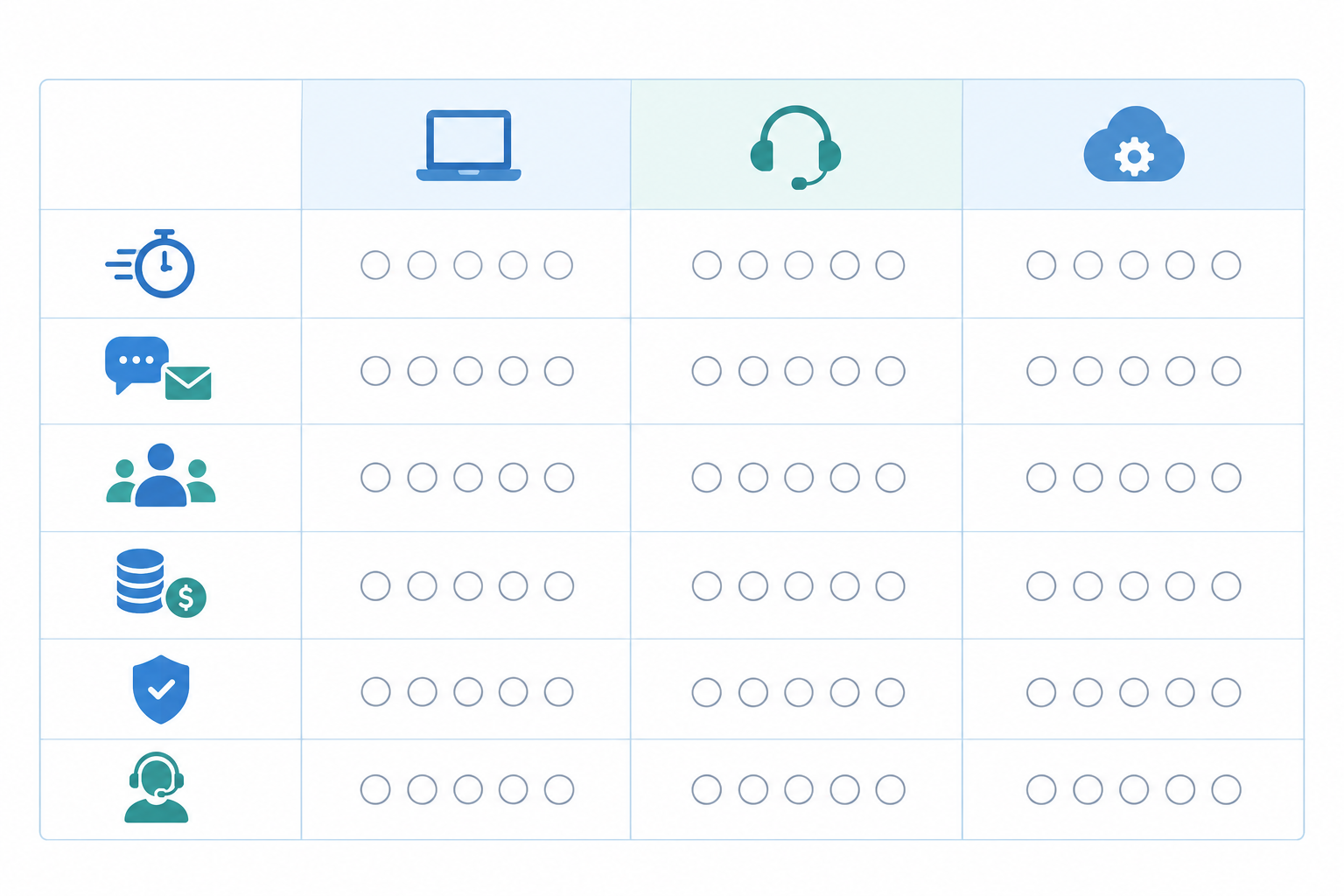
A simple 1-5 table like this takes the emotion out of it. When the numbers and your gut disagree, that's worth a conversation, not a coin toss.
Questions to ask before your support software trial ends
Before the clock runs out, put these to the vendor. Clear, specific answers are a good sign. Vague ones don't prove the product is bad, but they're a cue to ask a follow-up or get the answer in writing.
- Can I import existing conversations and contacts, and how do I export them if I leave? Try it with a small, anonymised sample of old tickets. Check that history, tags and attachments survive, then export the same sample to confirm you can get it back out in a usable format.
- What does the price look like if we double our team or conversation volume? Ask for it in writing, in the currency you'll be charged, and ask whether VAT is included.
- Is there a contract or minimum term, and how do I cancel?
- Where is data stored, who can access it, and how is it handled under UK GDPR? Ask about retention and deletion too. One caution: the ICO's right to data portability only applies to personal data in specific circumstances. It doesn't guarantee a tidy, complete migration of your support history, so check the contractual export terms and the tool's actual export features as well.
- What's the uptime history, and what happens in an outage?
- What's on the roadmap, and how are feature requests handled?
- Are AI features included or an add-on?
Why bother with all this effort? Salesforce's State of the Connected Customer report (6th edition, 2023) found that 80% of customers say the experience a company provides is as important as its products and services. You can read the full report on Salesforce's site. Support is part of what you sell, not just a cost to manage.
Make your final decision with a support software scorecard
By day six you should have one scorecard with the same categories for every tool: setup speed, chat and email experience, team fit, total cost, reliability and vendor trust. Here's how I'd turn it into a decision.
Step 1: Apply your must-haves. If a tool fails any must-have from your day-zero document, it's out, however nice it looks.
Step 2: Score what's left (1-5 per category, maximum 30). Here's a made-up example:
| Category | Tool A | Tool B | Current tool |
|---|---|---|---|
| Setup speed | 4 | 3 | n/a |
| Chat and email | 5 | 4 | 3 |
| Team fit | 4 | 4 | 3 |
| Total cost (at 10 agents, incl. VAT) | 4 | 2 | 3 |
| Reliability | 4 | 4 | 4 |
| Vendor trust | 4 | 3 | 4 |
| Total | 25 | 20 | 17 (5 categories) |
Step 3: Apply the decision rule. Switch only if the winner beats your current tool by a clear margin (I'd say at least three or four points on a like-for-like basis) and passes every must-have. In the example, Tool A clears that bar. If the gap is smaller, or nothing passes your must-haves, staying put is a perfectly good result. Switching costs time and attention, so it should be worth it. A trial that saves you from a bad move has done its job.
Trust the evidence, not the sales pitch.
If you're after a simple, affordable, all-in-one option to add to your shortlist, Sonny is one you can test. Its 7-day free trial currently doesn't require a credit card, and you can put this exact checklist to work on its live chat widget, email ticketing and shared inbox with your whole team. Check Sonny's site for current plan, trial and app details, and judge it on your scorecard exactly as you'd judge any other tool.
The goal is a tool that fades into the background so you can get back to what matters: talking to your customers. 💛
Frequently asked questions about switching support software
What should I test during a support software free trial?
Test the things you'll do every day: connecting your support email, installing the live chat widget, replying to conversations, using internal notes and tags, and checking reports. Use anonymised or consented test conversations where you can, and invite your whole team so you can see how pricing and permissions behave when more than one person is using it.
How do I compare support software tools fairly during a trial?
Use the same test script, sample emails, chat scenarios and team members for every tool. Score each option against the same criteria, record notes daily and limit yourself to two or three trials at once so you can evaluate each one properly.
What red flags should end a support software trial early?
Consider ending a trial early if you can't get a working inbox without a sales call, a must-have feature is locked behind a more expensive plan, adding teammates changes the price unexpectedly, or chat and email lack shared conversation history. Unclear data handling, migration or export terms are also reasons to ask more questions before you commit.
How long does it take to switch customer support software?
It depends on the tool and how much history you need to bring over. Simple platforms can be set up in minutes, while larger help desk systems may take days or weeks of configuration. Ask about imports and exports before you commit, and plan the move for a quieter period.
Is a 7-day free trial long enough to evaluate support software?
Yes, if you plan it. A week is enough to test setup, run realistic conversations across chat and email, involve your team and review early reporting. What matters is deciding what you're testing before day one rather than exploring casually.
Will I lose my old conversations if I switch support software?
Not necessarily, but it varies. Some tools import tickets and contacts, others only let you start fresh. Keep your old system active for a short overlap period and export your data before cancelling.
Is flat-rate pricing really cheaper than per-seat pricing?
For teams with several people involved in support, usually yes, because the cost doesn't climb with every new agent. If you're a solo founder with one seat, a per-seat plan could be comparable, so run the numbers, including exchange rate and VAT, at your current size and at the size you expect to be in a year.
Related Articles

Mobile Support Apps: How to Manage Customer Conversations On the Go
See how small teams can use customer support software on the go, handle live chat, choose a mobile app, and keep notifications manageable.

Response Time Reporting: What to Track and Why It Matters
Not every response time number tells you something useful. Learn which metrics actually predict customer satisfaction, which are vanity numbers, and h

Create content like this automatically
Scribe uses AI to generate high-quality blog posts that engage your audience and drive traffic.